Mobile-Friendly vs. mobile-first is one of those comparisons that sounds subtle on the surface, but makes a massive difference in real life.
Here are two things that can be true at the same time: your clients can register or use your software from their phone, and the mobile experience is still frustrating, slow, and confusing.
As more families, athletes, and participants manage everything on mobile, terms like mobile-friendly and mobile-first have become key considerations when choosing software. But they’re not interchangeable. What do these terms actually mean, and which approach is the better fit for your business?
Author’s note: I’m Olivier, and I share tips and tricks I’ve learned over the past decade as the owner of a small business in Montreal. I personally tried and used the tools shared in this article before switching to Activity Messenger for my organization. Today, as the co-founder of Activity Messenger, I help hundreds of small businesses across North America streamline their operations and increase their revenue.
Mobile-friendly software refers to applications or websites that have been designed for desktops first and then adapted to work on mobile devices. This typically means:
Mobile-friendly software is often a modified version of a desktop application, ensuring that users can still access it on their phones, even if the experience isn’t perfect. Many legacy systems take this approach by adding responsive design elements after the initial desktop version is built.
| Pros | Cons |
|---|---|
| Works on both desktop and mobile | May feel clunky on smaller screens |
| Does work, even if not ideal on mobile | Often lacks intuitive mobile navigation |
| Works well when only a few people use mobile | Performance may be slower on mobile |
Mobile-first software is built for mobile users first. Instead of starting with a desktop experience and adapting it, mobile-first applications are built with small screens, touch navigation, and mobile performance as top priorities. This means:
Instagram is a great example of mobile-first software. The platform was originally designed as a mobile app, with desktop functionality added later.
The best option depends on your audience and your business needs. Ask yourself these questions:
At Activity Messenger, we take a mobile-first approach to ensure that online registrations, newsletters, SMS communications, and forms work seamlessly on all devices.
Whether you’re running a dance studio, swim school, or sports club, a mobile-first experience ensures that parents and customers can easily sign up, pay, and communicate right from their smartphones.
Activity Messenger was built from the ground up with mobile users in mind, not as an afterthought. Rather than adapting a desktop experience to small screens, every part of the platform — from registration to payment to communication — is optimized so participants and staff can complete important tasks quickly, intuitively, and on the go.
Seamless mobile interactions, every step of the way.
Because the entire platform runs in the browser with a responsive, mobile-optimized design, parents and participants can register, respond to surveys, or complete payments in just a few taps without navigating clunky menus or zooming in to fill out forms. That ease of use reduces friction and supports higher conversions on phones and tablets.
Conditional logic tailored for small screens.
Activity Messenger’s form editor uses conditional logic to tailor registration questions based on answers, simplifying the journey for mobile users by only showing what matters. This not only shortens forms visually but also speeds up decision-making during registration, especially on smaller screens.

Payments designed for mobile checkout.
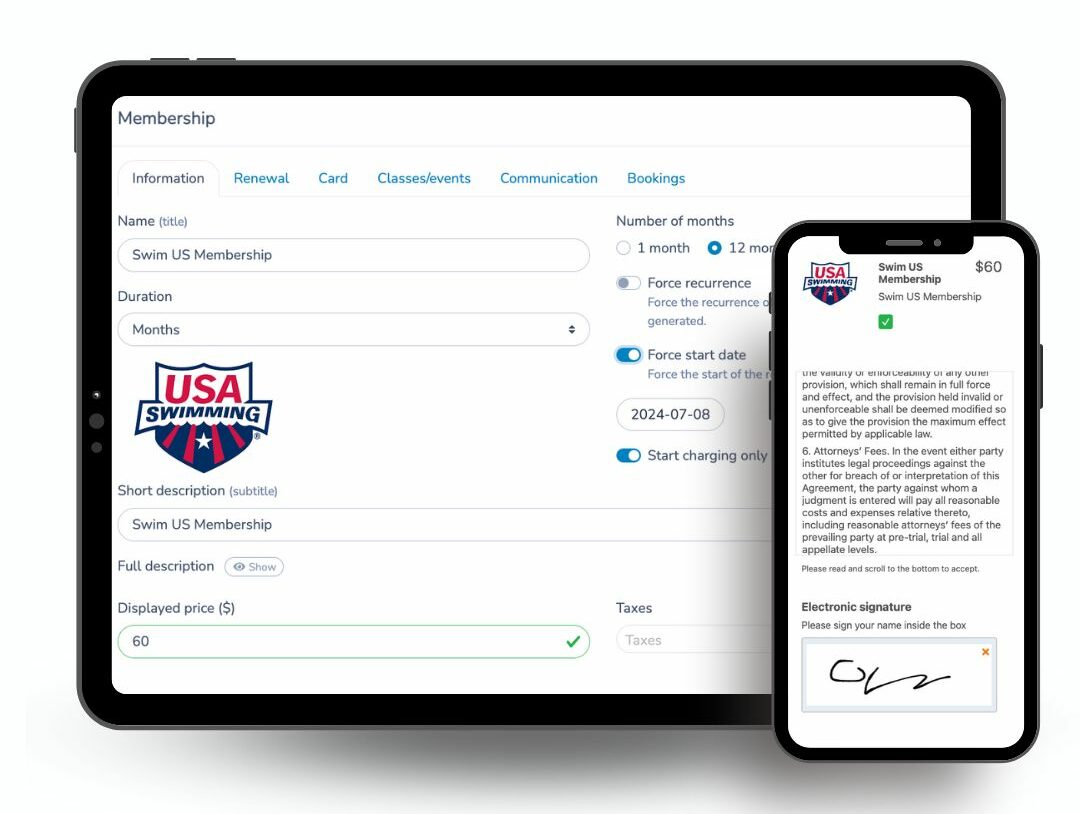
Integrated payment forms work smoothly across devices, letting participants pay instantly during registration without leaving the registration flow or struggling with fields that aren’t touch-friendly. Whether it’s a credit card, Interac e-Transfer, or installment options, the experience stays quick and intuitive on a phone.
Communications that meet users where they are.
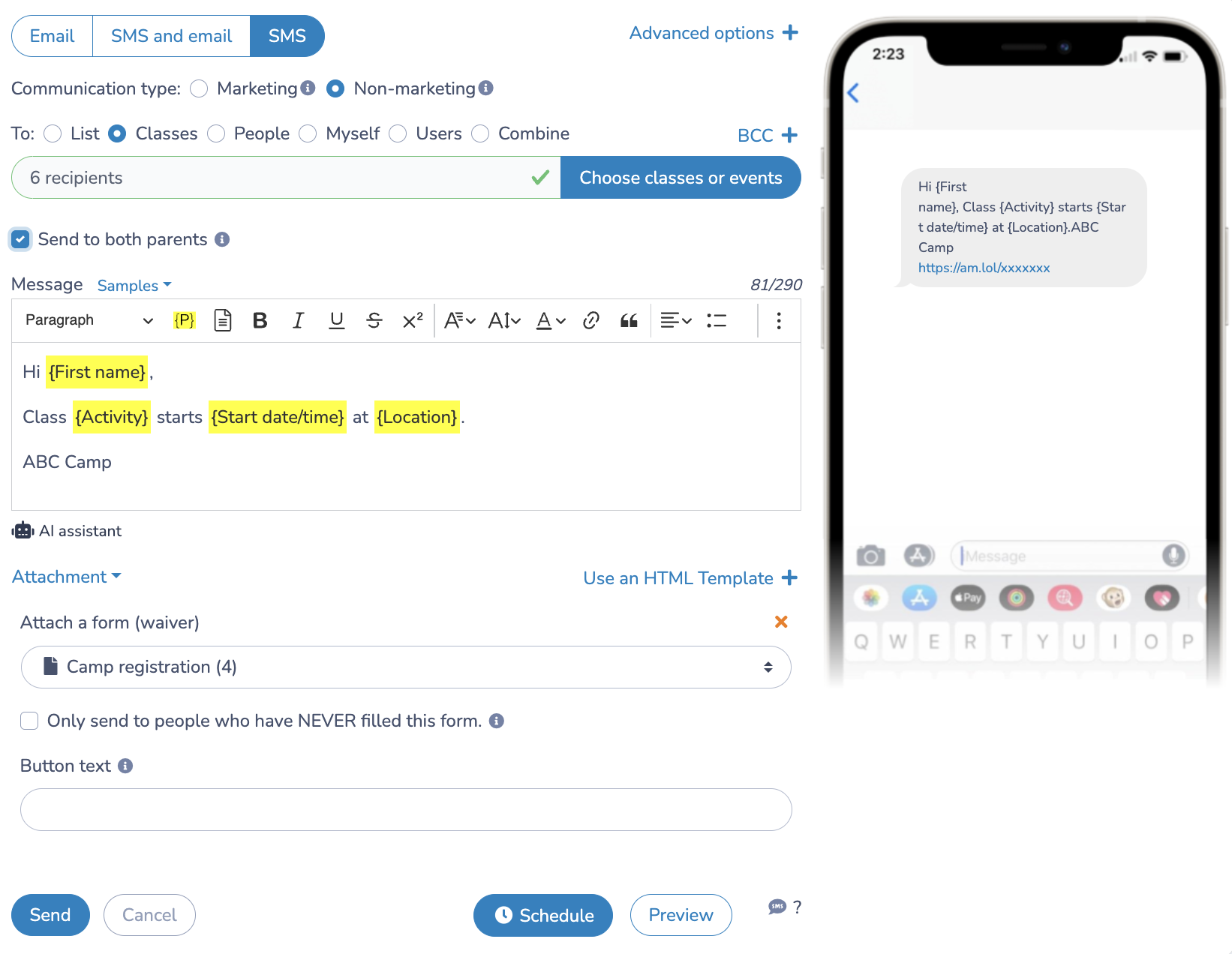
SMS messaging — one of the highest-engagement channels — is built directly into the workflow. Staff can send reminders, updates, and alerts in real time from any device, and parents receive them where they’re most likely to act: on their mobile screens.
Surveys that are easy to complete anywhere.
Whether you’re collecting feedback after a class or checking in on satisfaction, surveys are delivered responsively and accessible across mobile and desktop, so participants can answer with minimal effort, whether they’re waiting in the car line or checking email at home.
By prioritizing mobile-first design across registration, payments, communication, and feedback, Activity Messenger ensures that your audience’s mobile experience is not an afterthought — it’s a competitive advantage.
💡 Want even more tips and tricks? Subscribe to our YouTube channel to catch the latest episodes as they drop, every Wednesday at 10 AM Eastern Time.
Mobile-friendly software works on a phone. Mobile-first software is built for it.
As registrations, payments, and communications increasingly happen on mobile, the difference isn’t cosmetic—it directly impacts completion rates, engagement, and how people experience your brand. Choosing mobile-first online registration software helps remove friction, reduce drop-offs, and meet today’s customers where they already are.
If you’re ready to see what a truly mobile-first experience looks like, book a demo with an Activity Messenger expert.