If you’ve been searching for a The Studio Director alternative, you’re not alone. For years since its founding in 2004, it was the go-to choice for dance, gymnastics, martial arts, and music studios looking to move beyond spreadsheets and paper registers.
In early 2020, The Studio Director was acquired by EverCommerce, a large software roll-up company. For some studio owners, that raised a concern: when a small, specialized product gets absorbed into a large corporate portfolio, does development slow down? Based on feedback shared in public reviews, many users feel it has.
This article gives you a clear-eyed look at both platforms, where each shines, and when Activity Messenger is the more logical fit.
Key Takeaways:
- The Studio Director covers the administrative basics: billing, scheduling, and costume management are included for dance and gymnastics studios.
- Acquired in 2020: The Studio Director was purchased by EverCommerce, a large software roll-up company. Some studio owners have noted that product development has slowed since the acquisition.
- Where it struggles: mobile registration experience, built-in communications, automation, and embedding online class registration directly on your own website.
- Activity Messenger fills those gaps: mobile-first registration, integrated SMS + email, built-in surveys, automations, and digital waivers, all in one studio management platform.
- Flexible approach: Activity Messenger can complement The Studio Director for communications and forms, or serve as a full The Studio Director alternative depending on your situation.
- US vs. Canada: The Studio Director is US-based. Activity Messenger is Canadian-built, with Canadian data hosting and Law 25 compliance, which is an important distinction for Canadian studios.
Table of Contents
The Studio Director vs. Activity Messenger: Comparison Table
| Feature | The Studio Director | Activity Messenger |
|---|---|---|
| Origin | 🇺🇸 US-based (acquired by EverCommerce, 2020) | 🇨🇦 Canadian-built and hosted |
| Registration Model | ⚠️ Parent portal with mandatory account creation | ✅ Form-based — no portal, account created automatically |
| Mobile Experience | ⚠️ Web-based; functional but not optimized for phones | ✅ Designed mobile-first from the ground up |
| Class Scheduling | ✅ Session-based scheduling | ✅ Flexible: sessions, drop-ins, events |
| Billing & Payments | ✅ Recurring billing, auto-prorating, PCI-compliant | ✅ Recurring billing, Stripe, Interac, PAD |
| Costume Management | ✅ Built-in costume sizing and ordering tools | ⚠️ Not a focus, but offers merchandise sale opportunities |
| Recital / Event Management | ✅ Ticket sales, performance scheduling | ✅ Online ticketing with seating plans |
| Email Marketing | ⚠️ Basic email; drip campaigns exist but limited | ✅ Full newsletter system, segmentation, open-rate tracking, merge fields |
| SMS / Texting | ❌ Not included | ✅ Integrated SMS with automations and attendance-based segmenting |
| Automations | ⚠️ Confirmation emails and basic reminders | ✅ Advanced automations: pre-session, post-session, marketing campaigns |
| Surveys | ❌ Not available | ✅ Built-in survey builder + automated delivery |
| Digital Signatures / Waivers | ❌ Limited | ✅ Full digital signature support for waivers, health forms, contracts |
| Attendance (Staff Mobile) | ⚠️ Reported as difficult for teachers on mobile | ✅ Mobile attendance with SMS to absentees |
| Embed Classes on Your Website | ⚠️ Limited — redirects to portal | ✅ Fully embeddable registration forms |
| Canadian Data Hosting / Law 25 | ❌ US-based infrastructure | ✅ Canadian hosting, Law 25 compliant |
| Pricing | $39 to $329/mo (student-based) | $99 to $199/mo (pay monthly, no contracts) |
| Onboarding | Paid training and setup support | Free progressive onboarding |
👉 Want to compare more software? Here’s the list of the 6 Best Online Registration Software Platforms.
What The Studio Director Does Well
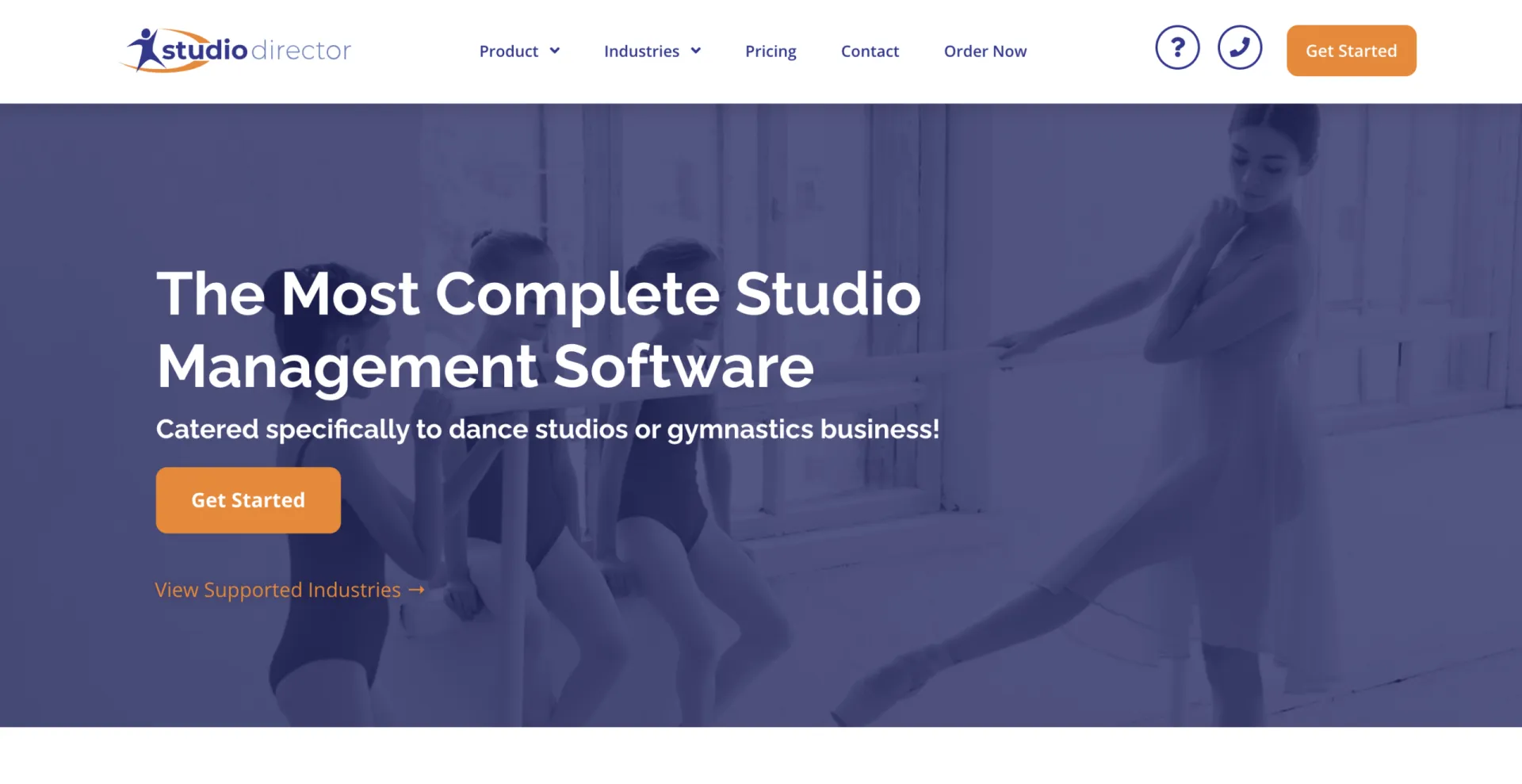 Any fair comparison covers both sides. Here’s where The Studio Director has historically held up for dance and gymnastics studios:
✅ Administrative Features
The Studio Director covers the core administrative bases: class scheduling, family account management, tuition calculation, attendance records, point-of-sale, and recurring billing in one place. Automatic prorating, which adjusts fees when a student joins mid-season, is a feature studio owners frequently mention in reviews.
✅ Costume and Recital Management
The Studio Director includes built-in costume-sizing tools with charts from major vendors, along with event and recital scheduling features. For studios that host annual recitals, this is a notable inclusion that not every platform offers.
✅ Customer Service
Reviews on Capterra and G2 frequently mention the support team. Many users report getting responses within a few hours, which is consistent, particularly among smaller studios where quick troubleshooting matters.
✅ A Well-Recognized Platform
The Studio Director has been on the market since 2004. For studios that have used it for years, staff and families already know how to navigate it. There’s a real switching cost to disrupting that when moving to new dance studio software.
Where The Studio Director Falls Short
For many studio owners, the frustration isn’t that The Studio Director stopped working. It’s that everything around it kept moving forward, and the software didn’t.
1. Registration still requires a parent portal
Parents clicking your class listing are redirected to an external parent portal, where they must create an account or log in to an existing one before completing online class registration. In an era where people expect an Amazon-level checkout experience on their phone, this extra friction has a real cost: abandoned registrations.
Several Capterra reviewers noted they couldn’t successfully embed class listings directly on their own website with a direct registration link, which is now a standard feature in modern gymnastics and dance studio software:
“Could not successfully list classes on our website with links directly to enrolling. No way to track private lessons and studio room usage to have a complete studio availability calendar. Not as user friendly as other studio management products.” — Dawn H., Owner/Business Manager, Performing Arts
2. The mobile experience isn’t built for parents on phones
The platform is web-based and responsive, but the registration and parent portal experience wasn’t designed with mobile in mind. For parents who do everything on their phones, a clunky registration flow leads to lost enrolments. One longtime user described the software as “great for day to day” but noted the registration experience “could be easier, better looking,” and that feedback is from several years ago.
3. Communications require outside tools
Out of the box, The Studio Director sends confirmation emails and has a basic drip campaign builder, but most studio owners find it’s not enough. The typical result: Mailchimp or CyberImpact for newsletters, a separate SMS tool for urgent texts, SurveyMonkey for feedback, and Eventbrite for ticketing.
That’s four additional platforms, four separate databases, four monthly bills, and four places where parent data can fall out of sync. One user noted they wished the email tools worked more like Mailchimp, which they described as “top-notch” by comparison.
There’s no built-in SMS at all. For cancellations, weather closures, or last-minute automated reminders, studios are left using external tools.
4. Automations are minimal
Good studio management software should handle routine follow-ups automatically. Post-session surveys, trial class reminders, re-engagement emails for families who haven’t re-enrolled, and targeted promotions by program. These are things studios need to do repeatedly, and doing them manually takes time.
The Studio Director’s automation capabilities cover basic confirmation emails and manual reminders. Studios that want to run ongoing marketing or communication workflows will quickly run into limitations
5. The 2024 UI update caused real disruption
A recurring theme in recent reviews: a user interface redesign in 2024 moved information that used to live on one page across multiple tabs, and the change landed during peak enrolment season. Multiple reviewers reported that billing and navigation became slower and more error-prone as a result.
Whether this is a widespread experience or not, it comes up repeatedly in recent reviews:
“Major billing issue that lasted 3 weeks. SD was slow in response, had lack of communication, and failed to accept responsibility. No explanation or apology was ever provided. SD is ignoring their clients begging to return to the previous user interface. This is documented in the SD Idea Portal. They are not responding to customer comments.” — Andrea D., Billing, Performing Arts
6. Staff attendance tracking is cumbersome
Teachers taking attendance on their phones, a daily task in most studios, is reported to be slow and unintuitive. The workflow requires switching between multiple windows, and there’s no streamlined mobile view for instructors. For studios with multiple teachers managing their own classes, this adds friction to an otherwise routine task.
Activity Messenger: What Makes It Different
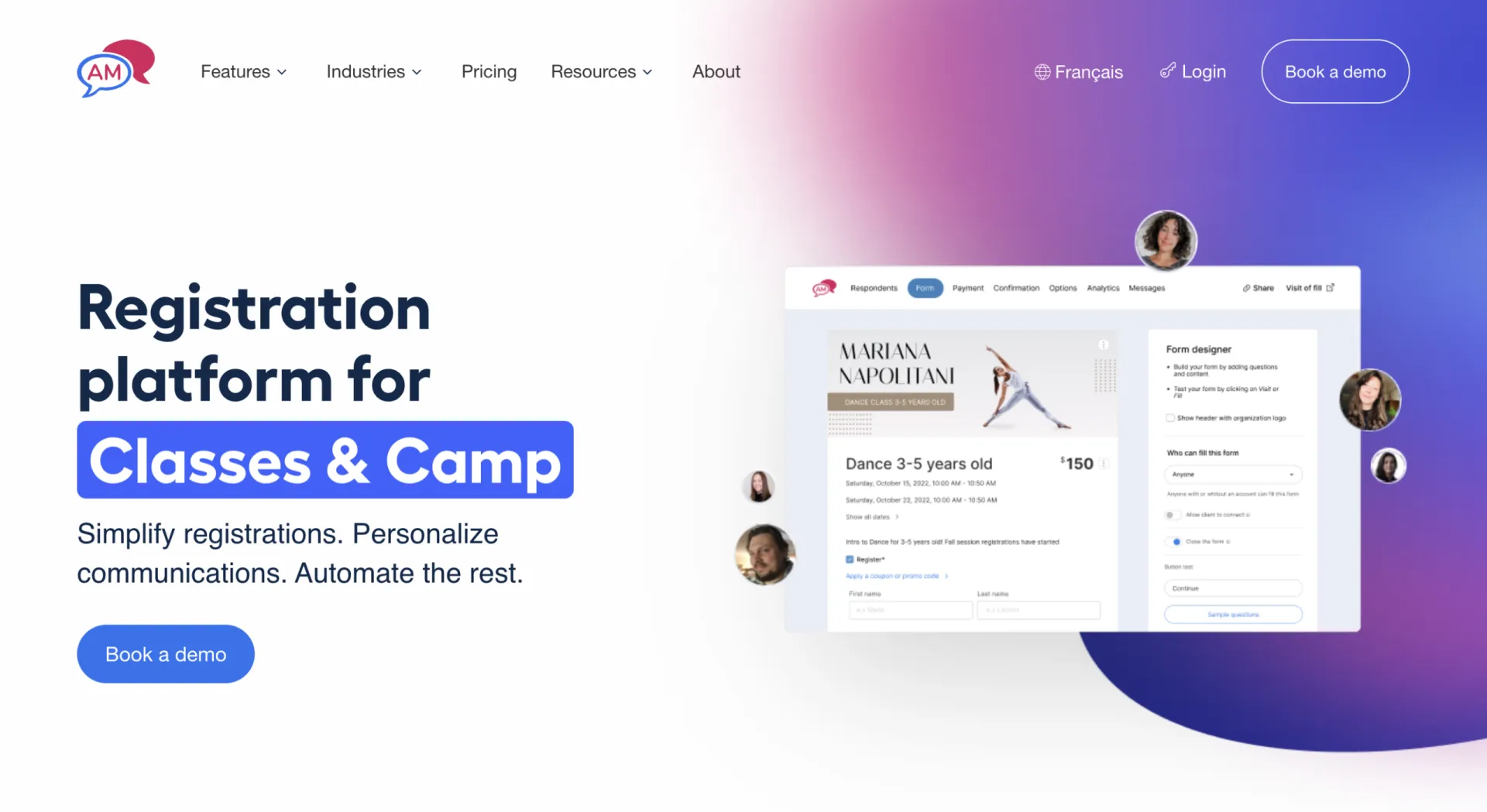
Activity Messenger was built with a different focus. Rather than functioning purely as an administrative system, it covers the full lifecycle of a student’s experience, from the first registration to post-session follow-ups. Here’s what sets it apart as a leading The Studio Director alternative:
🚀 Mobile-First Registration That Converts
When you register through Activity Messenger, there’s no parent portal. No mandatory account creation before completing online class registration.
A parent clicks your registration link, lands on a form embedded on your own website, fills in their child’s information, pays, and they’re done. Their account is created automatically in the background.
Fewer steps mean fewer drop-offs. For clubs and studios where a meaningful percentage of parents register on their phones, this design difference shows up directly in enrolment numbers.
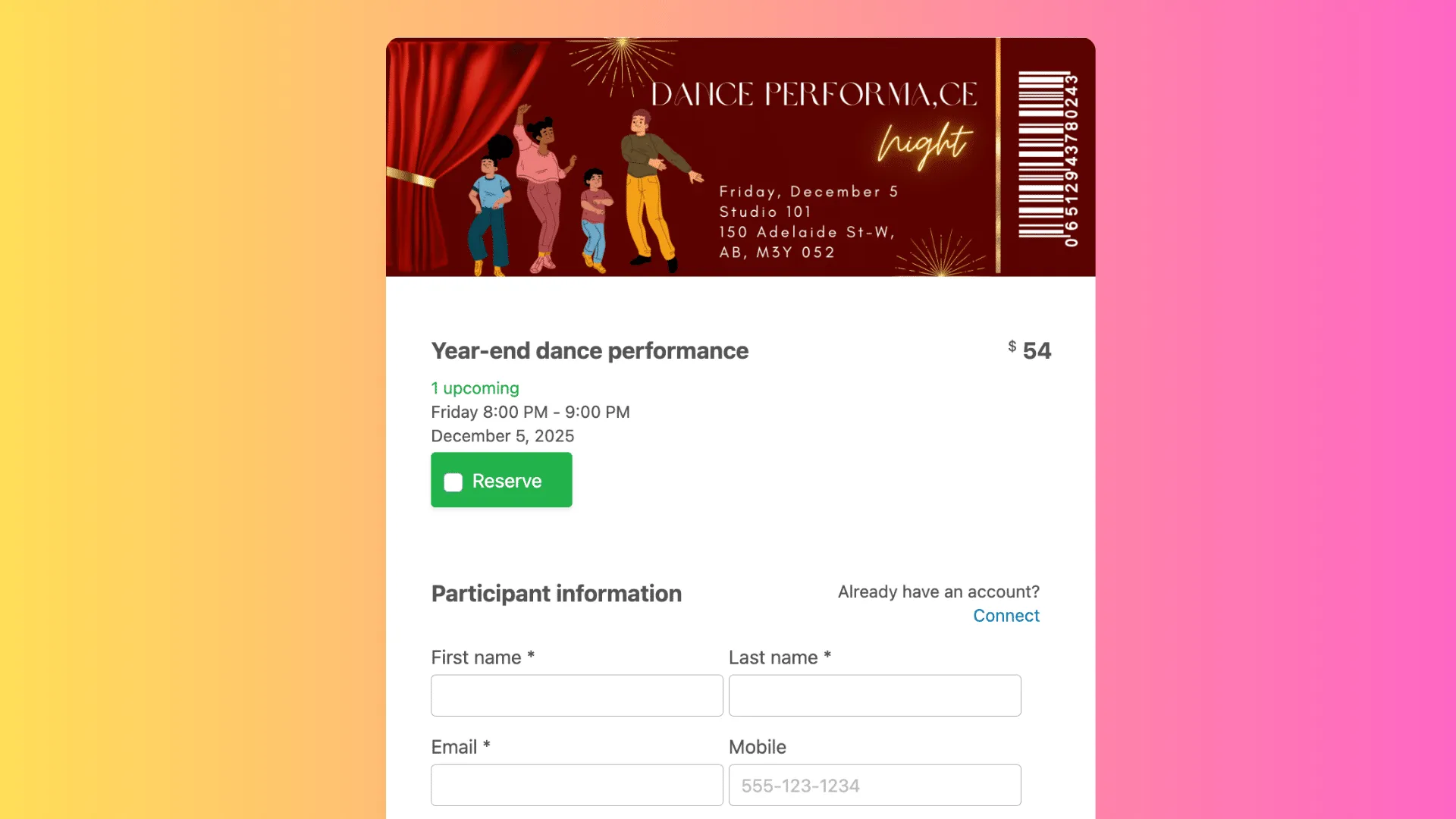
🤖 One Platform for Email, SMS, and Automations
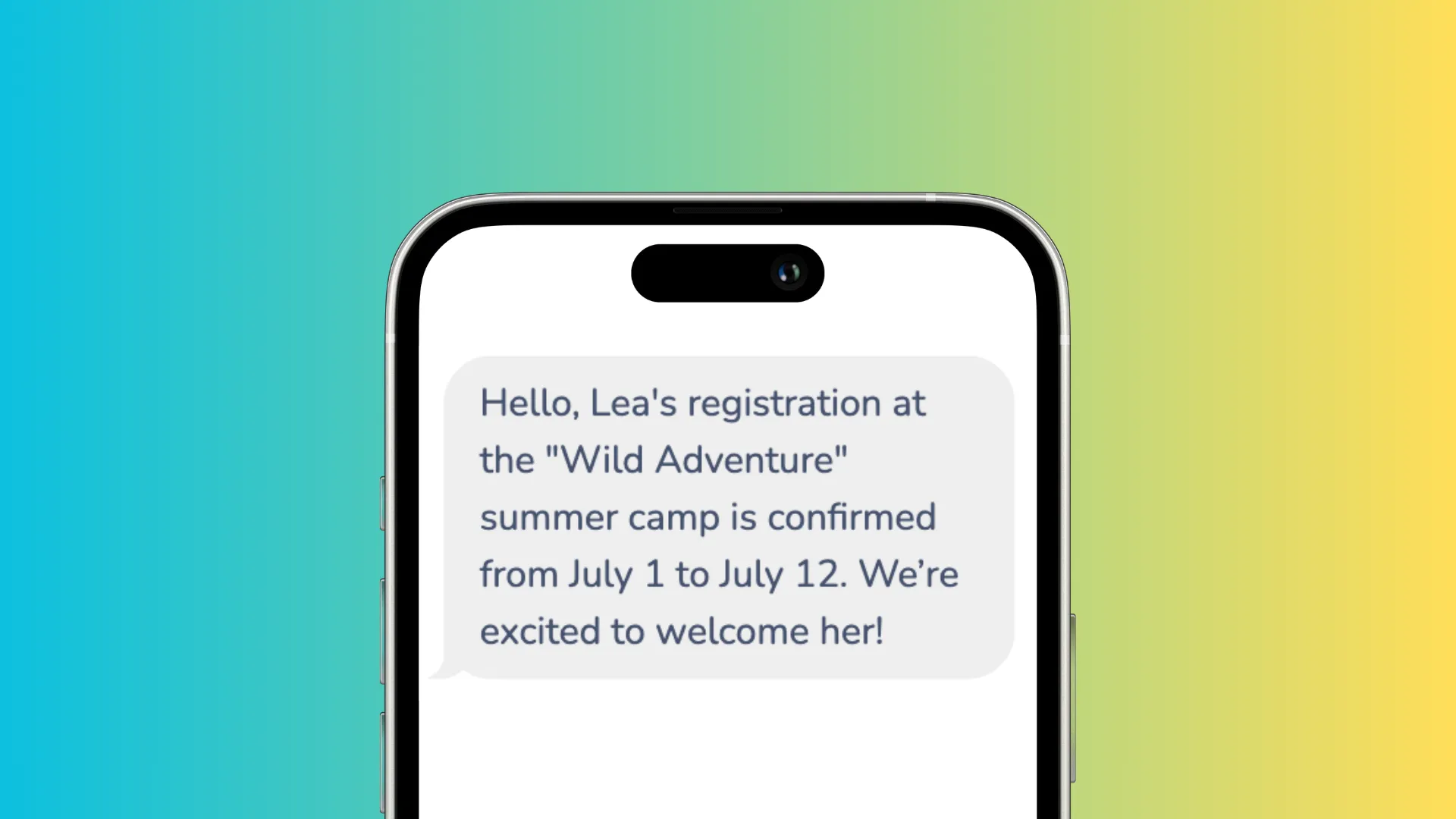
Newsletters with segmentation, open-rate tracking, and personalized merge fields. Built-in SMS that can be triggered by attendance lists, so you can text only the families whose child was absent rather than your entire database. Automated campaigns that run before, during, and after sessions without manual work from your team.
Popular automations studios use:
- SMS sent 24 hours before a trial class
- End-of-session survey deployed automatically when a session closes
- Targeted newsletter sent only to families who haven’t yet re-enrolled for next season
- Instant SMS + email to affected families when a class is cancelled
This covers what Mailchimp, SimpleTexting, and SurveyMonkey each handle separately, from one place, with one database.
📝 Forms, Waivers, and Digital Signatures
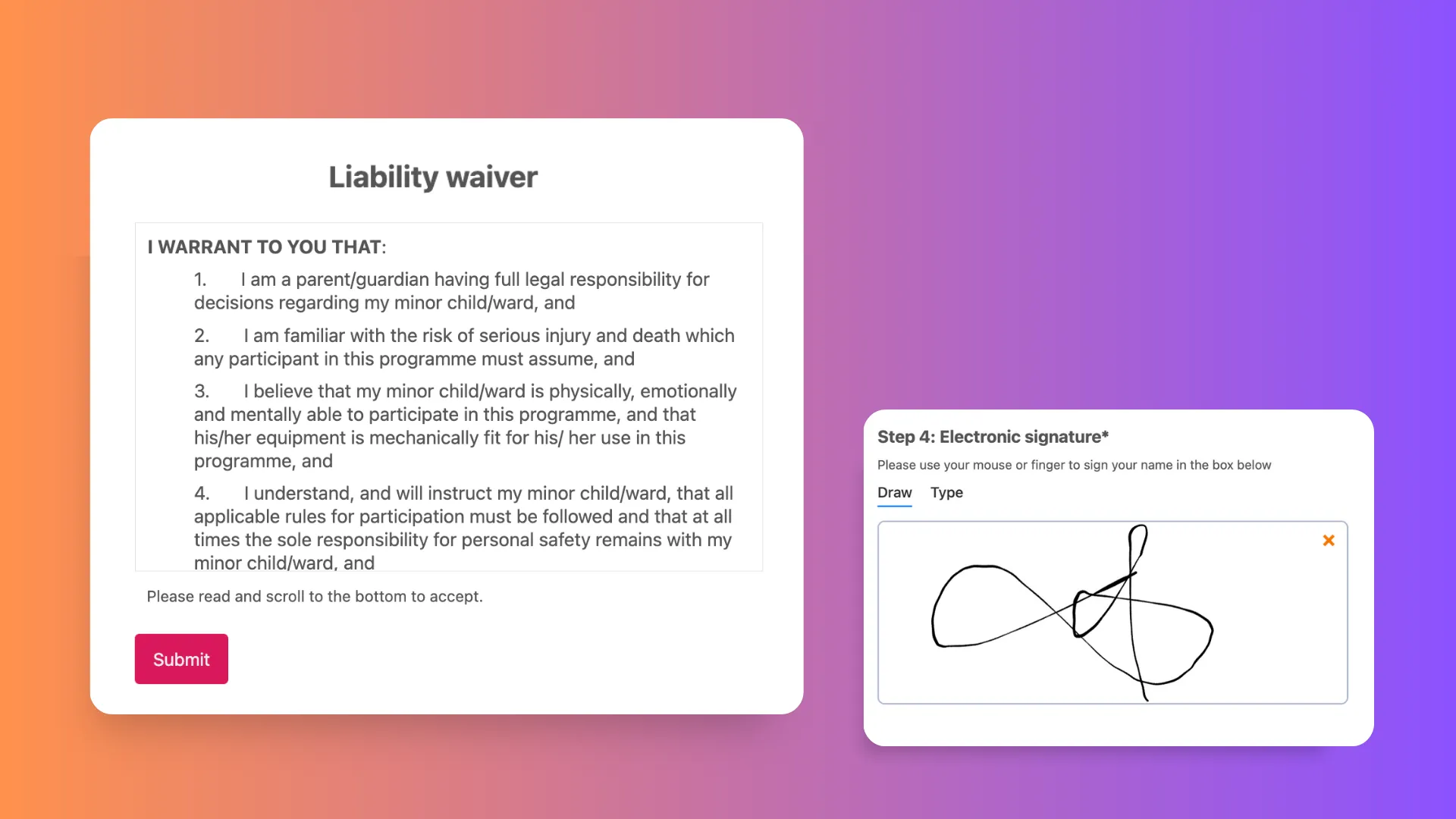
Where The Studio Director’s forms follow a fixed structure, Activity Messenger lets you build forms with exactly what you need: over 80 question types, conditional logic, electronic signatures for waivers and health declarations, file uploads, and integrated payments through Stripe, Interac, or pre-authorized debit. Custom intake forms for new students, injury disclosure forms, and staff contracts are all handled in the same platform.
📱 Mobile Attendance for Teachers
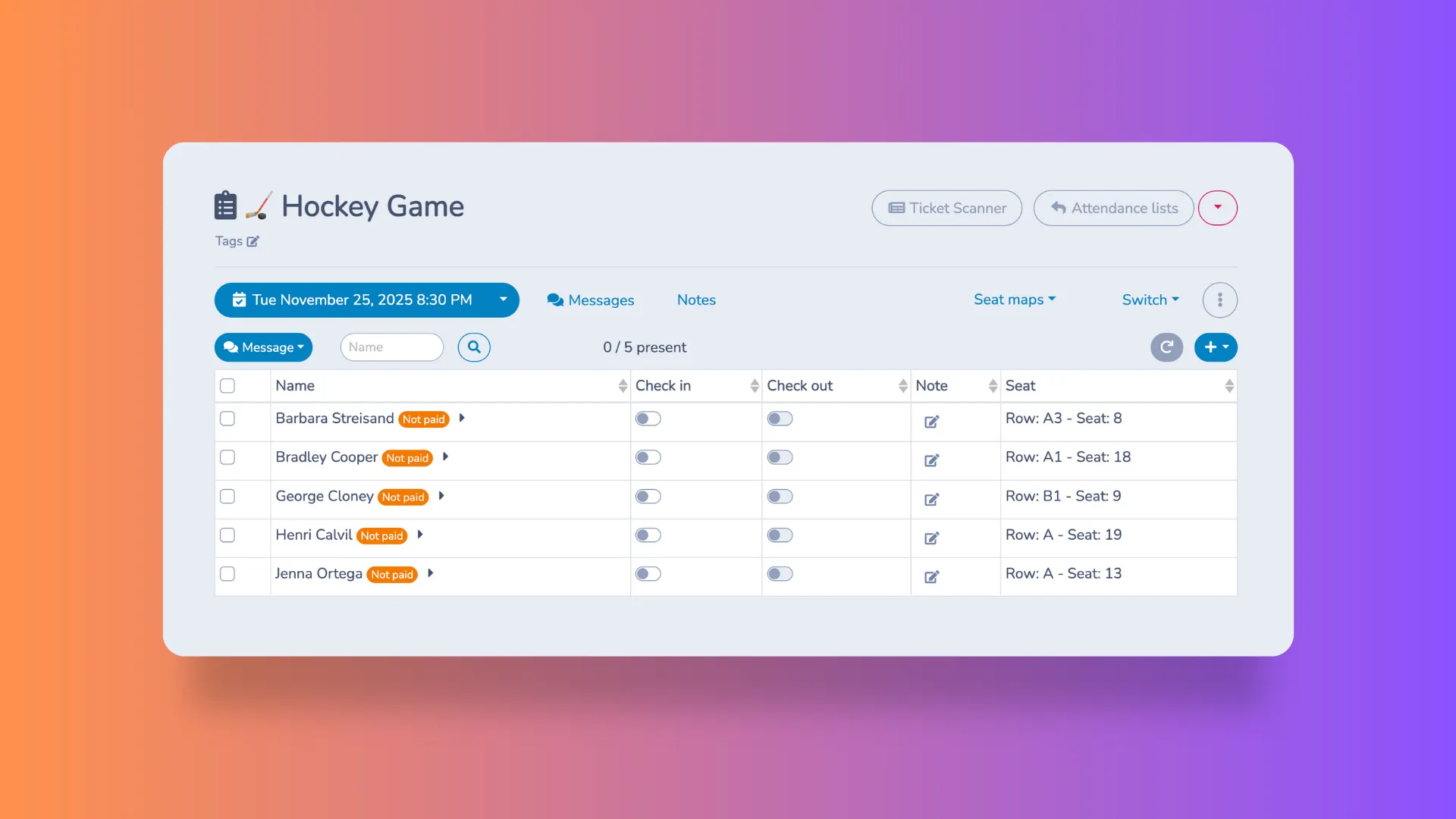
Teachers take attendance directly from their phones. From the same screen, you can send an SMS to absentees or their parents, manage groups by instructor, level, or team, track skill progressions, and send targeted messages to a specific segment. What normally takes several steps gets done in one place.
🇨🇦 Canadian-Built, Canadian-Hosted
For studios operating in Canada, this is worth knowing. Activity Messenger stores data on Canadian servers, supports French-language interfaces, and is built with Law 25 compliance in mind. The Studio Director runs on US-based infrastructure, which is a factor for any Canadian studio thinking about where client and student data is stored.
When to Stay, Complement, or Switch
When The Studio Director may still be the right fit:
The Studio Director may still work for studio owners if:
- Your dance or gymnastics studio runs large annual recitals, and the costume management features are a core part of your workflow
- You’re a US-based operation with existing processes built around the platform
- Your team is already trained on it, and the administrative side is running without major issues
- Communications and marketing automation aren’t a current priority
Activity Messenger as a complement to The Studio Director:
Many clubs and studios don’t need to replace The Studio Director overnight. As a The Studio Director alternative for specific functions, Activity Messenger works well as a layer on top, handling the things The Studio Director doesn’t:
- Newsletters and SMS communications
- Custom forms and digital waivers
- Post-session surveys and automated reminders
- Online ticketing
This lets you modernize the parent experience and consolidate your communication tools without disrupting your registration and recurring billing setup.
Many studios follow a natural path: start with Activity Messenger for communications, discover how it simplifies everything, add forms and waivers, and eventually migrate to online class registration when the timing makes sense.
Activity Messenger as a full The Studio Director alternative:
A full switch makes the most sense when:
- Mobile registration conversion is a priority for your dance or gymnastics studio
- You’re paying for 3–5 separate tools that don’t talk to each other
- Your team is spending hours on manual communications and follow-ups that could be automated
- You want everything (registrations, billing, communications, surveys, waivers) in one studio management system with one database
Frequently Asked Questions
What is the best The Studio Director alternative for dance and gymnastics studios?
If your main challenges are mobile registration, integrated communications, and marketing automation, Activity Messenger is worth a close look. It centralizes online class registration, SMS, newsletters, surveys, waivers, and recurring billing on a single platform with a mobile-first design, making it a strong dance studio software alternative for clubs of all sizes.
Does Activity Messenger have the same features as The Studio Director?
There’s significant overlap: both platforms handle registration, billing, scheduling, and attendance. Activity Messenger goes further on communications, automations, and form flexibility. On the other hand, The Studio Director includes costume- and recital-specific management tools.
Can Activity Messenger work alongside The Studio Director?
Yes. Many studio owners use Activity Messenger for newsletters, SMS, forms, and surveys while keeping The Studio Director for billing and scheduling. It’s a low-disruption way to modernize the parent experience without a full platform switch right away. When you’re ready, you can move all of your operations over to Activity Messenger with the help of one of our customer success specialists.
Is Activity Messenger good for Canadian studios?
Yes, it’s specifically designed for the Canadian market, with Canadian data hosting, French-language support, Law 25 compliance, and support for Canadian payment methods including Interac and pre-authorized debit.
How do I know if it’s time to switch from The Studio Director?
If you’re using multiple disconnected tools for email, SMS, forms, and surveys, or if your team is spending significant time on manual communications and automated reminders that could run on their own, consolidating into an alternative to The Studio Director like Activity Messenger will likely save both time and money.
Conclusion
The Studio Director covers the administrative fundamentals, and for studios where those are the primary needs, it does the job.
But if the recurring challenge is communication, such as getting the right message to the right parent at the right time without logging into four different tools, or if parents are dropping off during online class registration because the process feels too cumbersome on mobile, its core design may no longer be a good fit.
As a The Studio Director alternative, Activity Messenger was built for the way clubs and studios actually need to operate today: enrolment that happens on a phone in 90 seconds, automated reminders and campaigns that run without anyone lifting a finger, and a single database that connects registrations, attendance, messages, and surveys.
Whether you’re ready to make a full switch or just want to modernize one corner of your studio management, it’s worth seeing what that looks like in practice.
💡 Ready to see Activity Messenger in action? Book a free demo, and we’ll walk through exactly how it would work for your studio or club.