Choosing the best sports club website builder comes down to one question most general software never asks: can your website actually talk to your registration system?
A swim school, dance studio, or summer camp needs a site that can show live class schedules, take payments, and get a parent from “interested” to “registered” without a second login or a third-party plugin.
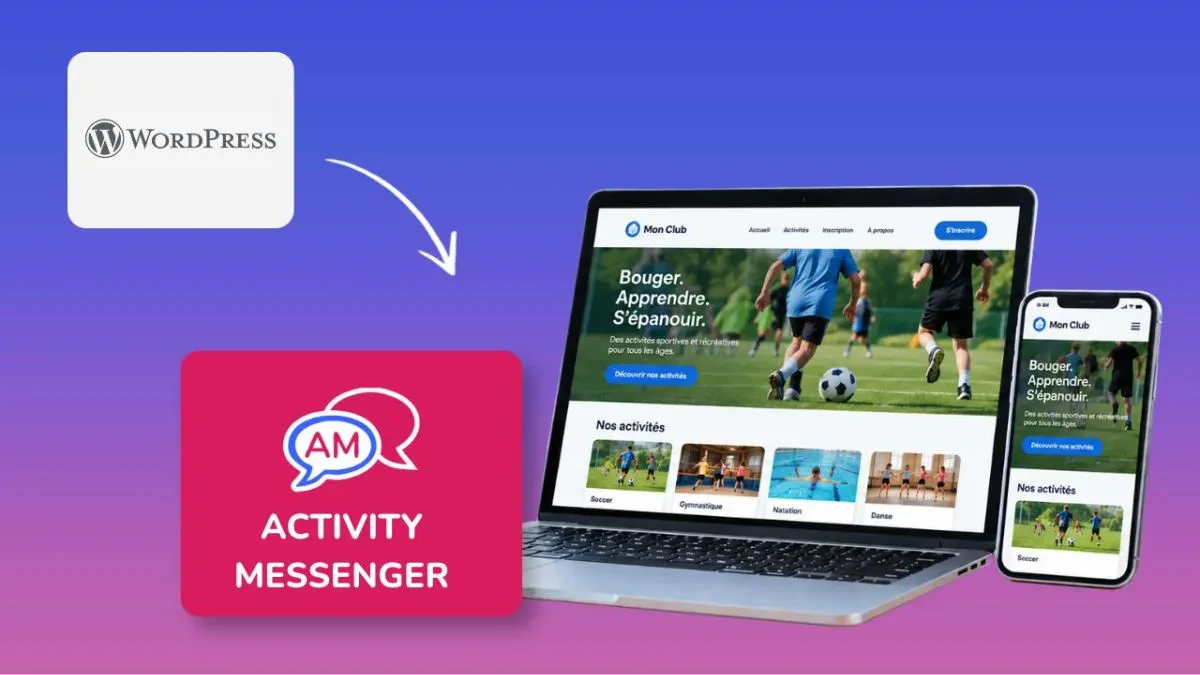
We built our own answer to that problem this year. Activity Messenger’s new website builder lets you design a full site, branded to your organization, with registration, forms, and schedules built directly into the page.
Below, we compare it against the general-purpose and niche builders that sports and recreation businesses most often try first, so you can see where each one actually helps and where it falls short.
Key Takeaways:
- General builders like Wix, Squarespace, and GoDaddy offer a wide range of design flexibility but require separate registration software connected through embed codes or plugins.
- Niche platforms like iClassPro, WellnessLiving, and Uplifter tie the website to your business software, but often as a paid add-on with its own learning curve or setup fee.
- Activity Messenger’s website builder is included with your account, applies your branding automatically across every new section, and reuses the same forms, schedules, and blocks already in your system.
- Multi-location or multi-program orgs can now run separate websites, each with its own custom domain or subdomain, from one Activity Messenger account.
- The right choice depends on how much of your registration flow you want living inside the website itself versus stitched together from outside tools.
Table of Contents
- Why Sports Club Website Builders Matter
- What to Look for in a Sports Club Website Builder
- Sports Club Website Builder Comparison Table
- 1. Activity Messenger
- 2. Wix
- 3. Squarespace
- 4. GoDaddy Website Builder
- 5. iClassPro Integrated Websites
- 6. WellnessLiving Presence
- 7. Uplifter Website Builder
- Frequently Asked Questions
- Final Thoughts: Choosing the Right Sports Club Website Builder
Disclaimer: Activity Messenger is our software. We wrote this guide because we kept hearing from admins who were managing a website, a separate registration form, and a scheduling tool as three disconnected pieces, when one platform could cover all three.
Why Sports Club Website Builders Matter
A parent looking up a gymnastics class or summer camp rarely browses on a desktop. They’re checking a schedule between errands, on a phone, often after seeing a post on social media.
If your site is slow, hard to read on mobile, or sends them to a separate registration portal that looks nothing like your brand, some of them will simply leave.
How We Compared These Builders
We looked at five things that matter most for this industry: how well the builder handles branding and design, whether registration and scheduling can live directly on the page, mobile responsiveness, support for multiple pages or sites, and starting cost. You’ll learn whether a platform includes these capabilities natively or requires plugins, embedded widgets, or paid add-ons.
The website builders below all promise an easier path to a professional site. What separates them is how closely that site connects to the tools you already use to run classes, camps, and programs.
What to Look for in a Sports Club Website Builder
Before comparing platforms, it helps to know which features actually matter for a class-based or program-based business, rather than a generic small business site.
✅ Native registration and scheduling. Can a visitor register for a class directly on the page, or does the button send them to a separate, differently-branded portal?
✅ Mobile and tablet preview. Since most visitors browse on a phone, can you see exactly how a page will look on mobile and tablet before publishing, not just guess from the desktop view?
✅ Multiple sites or custom domains. If you run more than one program, brand, or location, can you build separate sites, each with its own domain or subdomain?
✅ Branding controls. Can you set fonts, colours, and navigation style once and have new sections apply them automatically, rather than restyling every block by hand?
✅ Page and section variety. Does the builder offer enough section types (hero banners, pricing tables, FAQs, team listings) to build a full site, not just a single landing page?
✅ Transparent pricing. Is the website builder included in your plan, or is it a separate paid add-on layered on top of your existing subscription?
Sports Club Website Builder Comparison Table
| Builder | Built-in registration | Mobile/tablet preview | Multiple sites/domains | Custom fonts & colours | Starting cost | Capterra Rating |
|---|---|---|---|---|---|---|
| Activity Messenger | Yes, native forms, schedules, and checkout blocks | Yes | Yes, per-site custom domains | Yes, including uploaded fonts | Included in the Pro plan ($229/mo) or $20/mo add-on to Light or Premium plans | 4.8/5 |
| Wix | No, requires embedded third-party booking widget | Yes | Limited, one site per plan | Yes | Free tier, paid plans from roughly $21/month | 4.4/5 |
| Squarespace | No, requires embedded third-party booking widget | Yes | Limited, one site per plan | Yes | Plans from roughly $21/month | 4.5/5 |
| GoDaddy Website Builder | No, widgets embedded via HTML block | Yes | Limited | Basic template styles | Plans from roughly $13.99/month | 4.2/5 |
| iClassPro Integrated Websites | Yes, tied to iClassPro accounts | Yes | Add-on cost for additional sites | Yes | Included in Premium plan (demo required for pricing) + domain purchase + Professional services at $150/hr | 4.5/5 |
| WellnessLiving Presence | Yes, tied to WellnessLiving accounts | Yes | Add-on cost | Yes | One-time setup fee of $349-$699 + Premium Plan ($199/mo) | 4.4/5 |
| Uplifter Website Builder | Yes, tied to Uplifter accounts | Yes | Yes, custom domain support | Yes | Demo required for pricing | 4.4/5 |
1. Activity Messenger
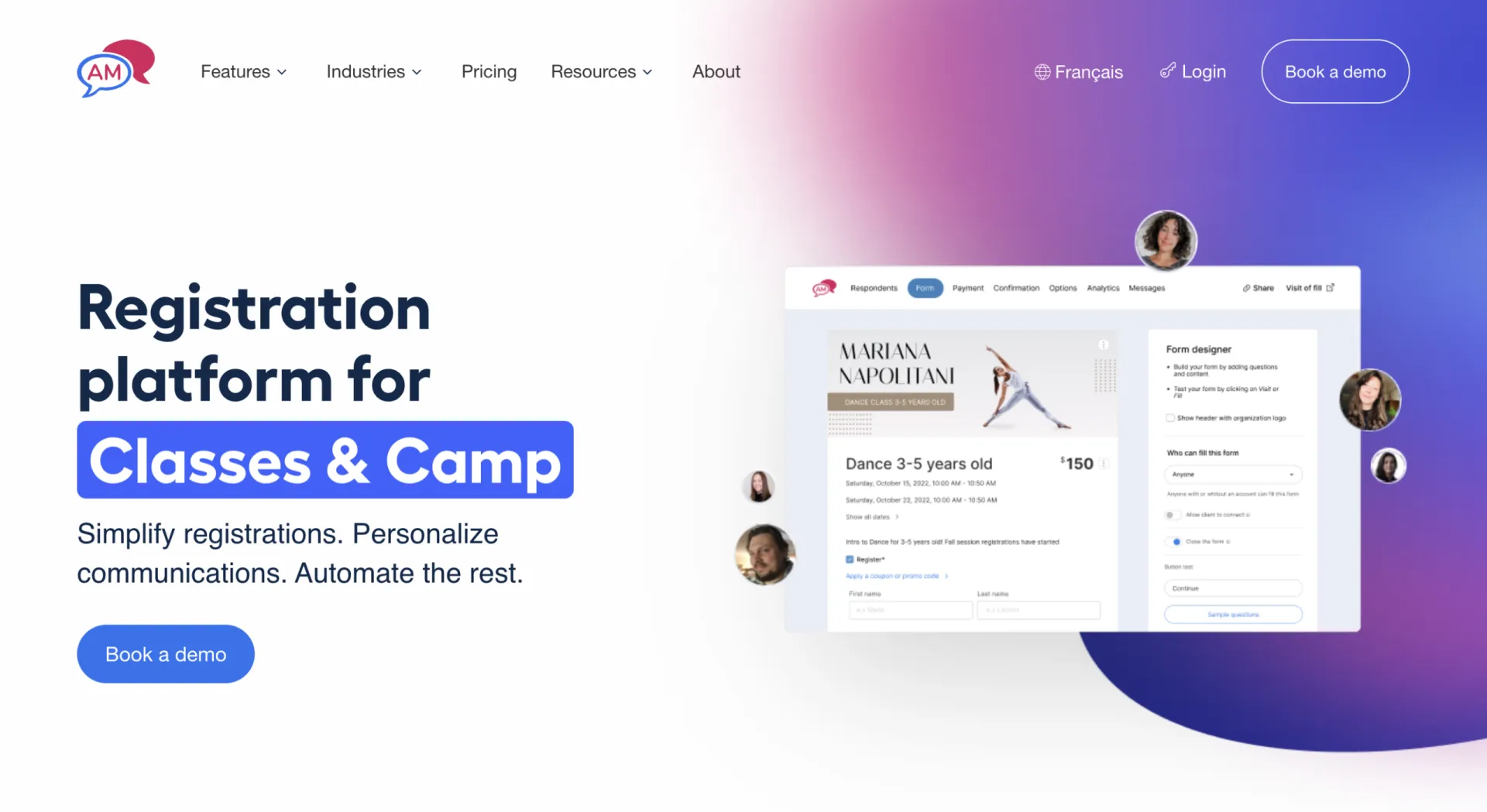
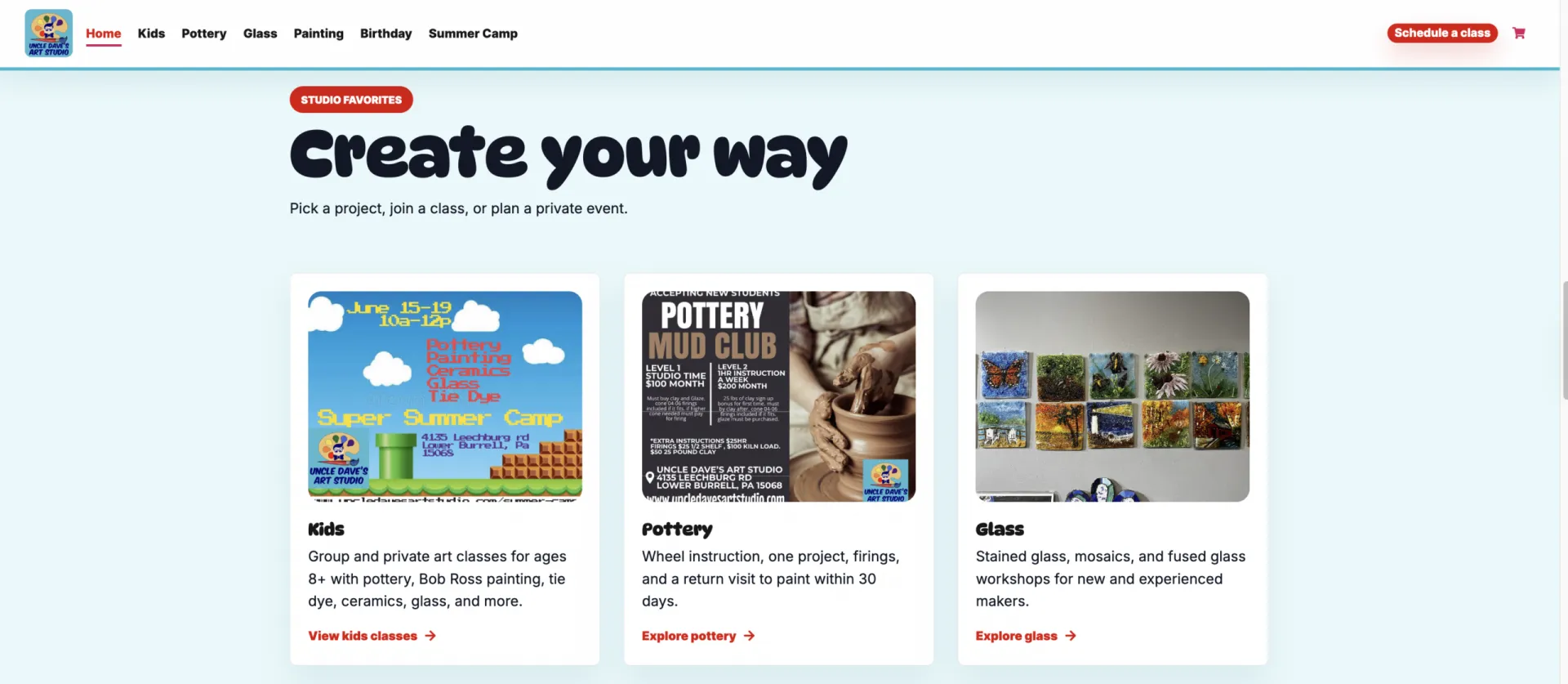
Why it stands out: Art classes, swim lessons, and camps often run into the same underlying problem: a generic page builder was never built to connect a homepage directly to a class calendar and a checkout form. Instead, they typically rely on embedded widgets or external portals. Activity Messenger takes a different approach by building your website and registration tools into the same platform.
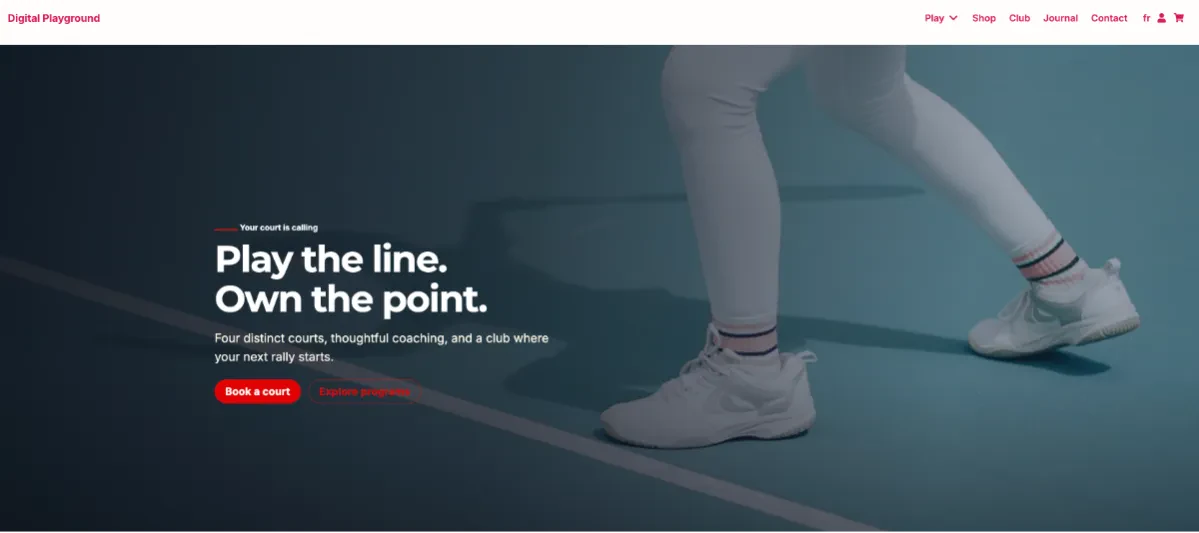

Activity Messenger’s website builder starts with a short branding setup: choose your navigation style, spacing, fonts, and colour swatches, and that branding carries through automatically to every new section you add afterward, whether it’s a hero banner, a pricing table, or an FAQ block. This way, someone with no design background can put together a site that still looks cohesive without restyling each block by hand.
Registration forms, class schedules, and team listings from the rest of your account can be dropped directly into a page, and a registration button can point straight to a specific form rather than a generic contact page. Admins already using Activity Messenger’s microsite tools will recognize the same blocks here, since they’ve all been transferred over.
Key Features:
- Branding setup (fonts, colours, navigation style, spacing) applied automatically across every new section, so non-designers can build a cohesive site without manually restyling each block
- Template sections for hero banners, pricing tables, feature blocks, and FAQs
- Containers that reuse existing account blocks: registration forms, schedules, team listings, all ported from the microsite tools admins already know
- A blog engine with templates and an inline editor for publishing content directly on the site
- Updated product listings with improved visual presentation for organizations selling merchandise or retail items online
- A client login portal, the same one used for microsites, where parents or members can view their classes, memberships, and account details
- Buttons that link directly to a specific registration form, page, email, or phone number
- Multiple websites per account, each with its own custom domain or subdomain
- Custom CSS for advanced users who want deeper control
- AI-assisted translation tools for bilingual (EN/FR) sites
Pros:
- No design experience required to build a cohesive, branded website
- Eliminates the need to manage a separate website builder and registration platform
- Existing Activity Messenger customers can launch a website without rebuilding forms, schedules, or client data
- Supports organizations with multiple brands, programs, or locations from a single account
- Included with your existing subscription instead of requiring a premium website add-on
Cons:
- Fewer pre-built templates than a dedicated design-first builder like Squarespace
- Newer feature, so some advanced design options are still being added
- Best suited to organizations already using (or planning to use) Activity Messenger for registration
Best for: Sports and recreation businesses that want their website and registration system to be one connected platform instead of two separate tools.
2. Wix
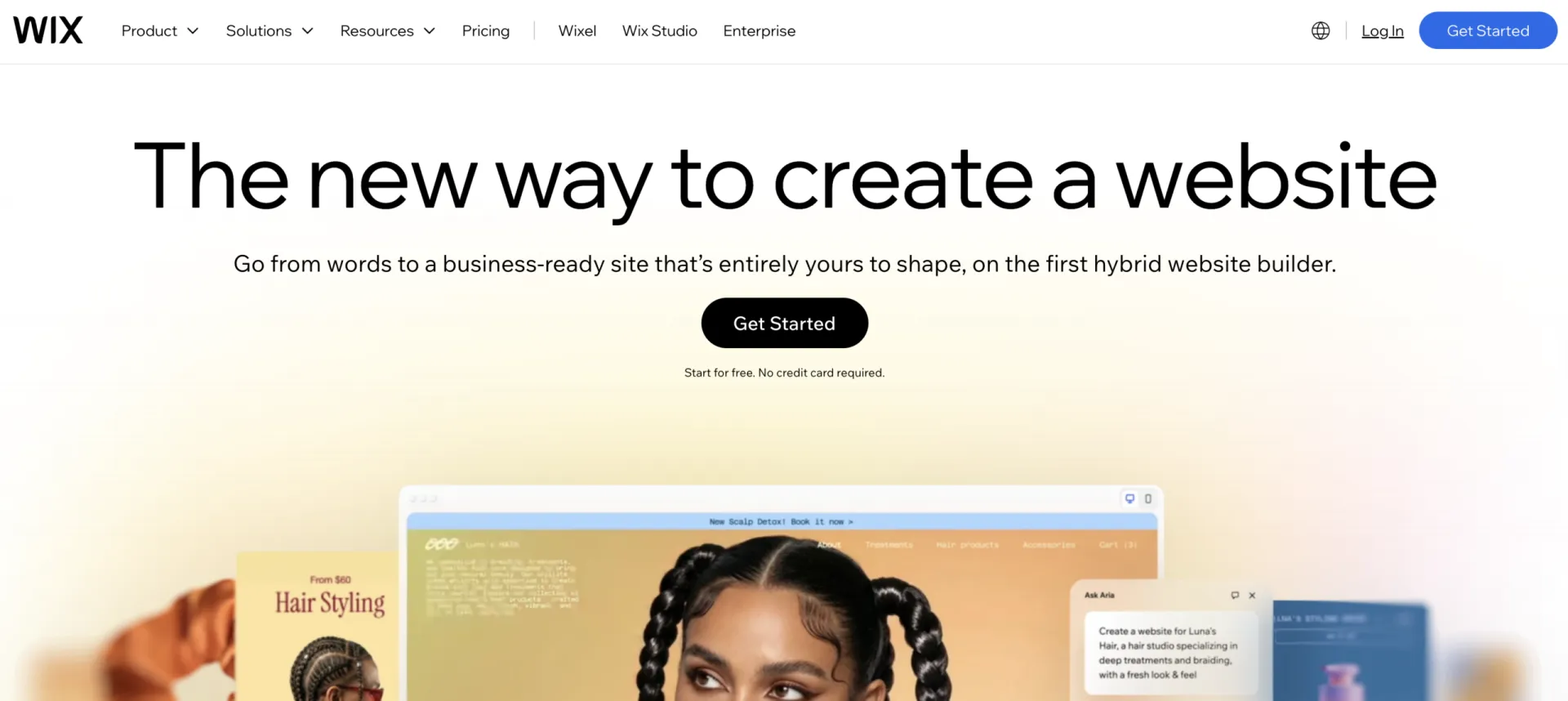
Wix is a general-purpose website builder with a wide range of templates and a flexible drag-and-drop editor. Compared with Squarespace, it offers more flexibility, though achieving a polished design often takes a bit more work. Like most general website builders, Wix relies on embedded widgets for class registration and scheduling rather than offering those tools natively.
Key Features:
- Large library of general-purpose templates
- Drag-and-drop page editor
- App marketplace for adding booking, forms, or e-commerce widgets
- Free tier to start, with paid plans for custom domains and storage
Pros:
- Offers more creative freedom than other general website builders
- Large ecosystem of apps makes it easy to expand your website over time
- Large user community with many tutorials, templates, and support resources
- Lets you choose whichever registration platform best fits your organization
Cons:
- No native registration, scheduling, or class listings
- Requires finding, learning, and embedding a separate booking or class management widget for registration to work
- One website per plan, so multi-site orgs need a higher-tier plan or a separate account
- Capterra reviewers frequently mention that the free Wixsite domain and branding can be hard to fully remove
- Several reviews note site performance can slow down as more apps or heavier content get added
Best for: Organizations that prioritize design flexibility and don’t mind handling registration through a separate embedded tool, possibly with additional fees and/or learning curves.
3. Squarespace

Squarespace puts more emphasis on polished templates than extensive customization. Compared with Wix, there are fewer layout controls, but many organizations find it easier to build a professional-looking website without extensive editing. Like Wix, Squarespace depends on embedded registration tools rather than built-in class management features.
Key Features:
- Professionally designed website templates
- Built-in blogging and basic SEO settings
- Commerce tools for merchandise or digital products
- Third-party extensions for booking and scheduling
Pros:
- Produces modern websites with very little design experience
- Good for organizations that rely on photography and strong visual branding
- Blogging tools make it a good fit for organizations publishing regular updates or news
- Delivers a professional website without requiring extensive customization
Cons:
- No native registration, scheduling, or class listings
- Requires embedding a separate booking tool or class listing code
- One website per plan
- Capterra reviewers commonly point to the price increase after the free trial ends as a pain point
- Mobile app editing is limited mostly to viewing content rather than making changes, according to reviewers
Best for: Organizations that already have a registration system they’re happy with and mainly want a more visual front door.
4. GoDaddy Website Builder
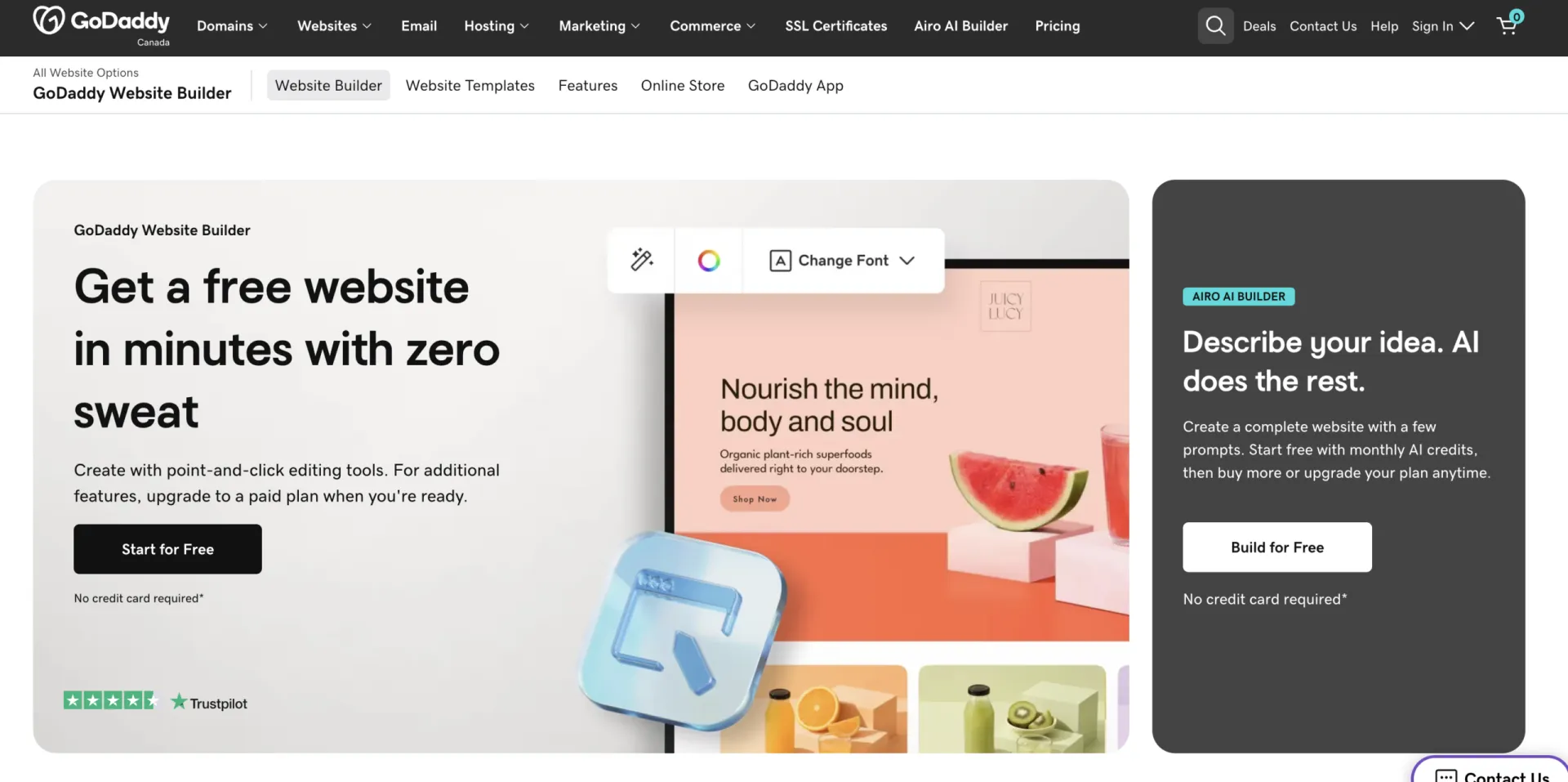
The GoDaddy website builder prioritizes speed and simplicity over customization. Compared with Wix or Squarespace, there are fewer design options, but getting a basic website online typically requires less setup. As with other general website builders, registration and scheduling are added through embedded widgets from your class management platform.
Key Features:
- Guided, template-based setup
- Domain and hosting bundled with the website plan
- Basic e-commerce tools for a small storefront
- HTML embed blocks for adding third-party widgets
Pros:
- One of the fastest builders to get a new website online
- Keeps your domain, hosting, and website under one provider
- Lower entry price than many competing builders
- Easy to learn for organizations with little website experience
Cons:
- No native registration, scheduling, or payments
- Design and template options are more basic than Wix or Squarespace
- Registration still requires an embedded third-party widget
- Reviewers note limited custom coding and CSS control compared to other builders
- Some reviewers describe the designs as simplistic, better suited to smaller, lower-traffic sites
Best for: A small program that needs a simple web presence quickly and isn’t ready to invest in deeper registration integration yet.
5. iClassPro Integrated Websites
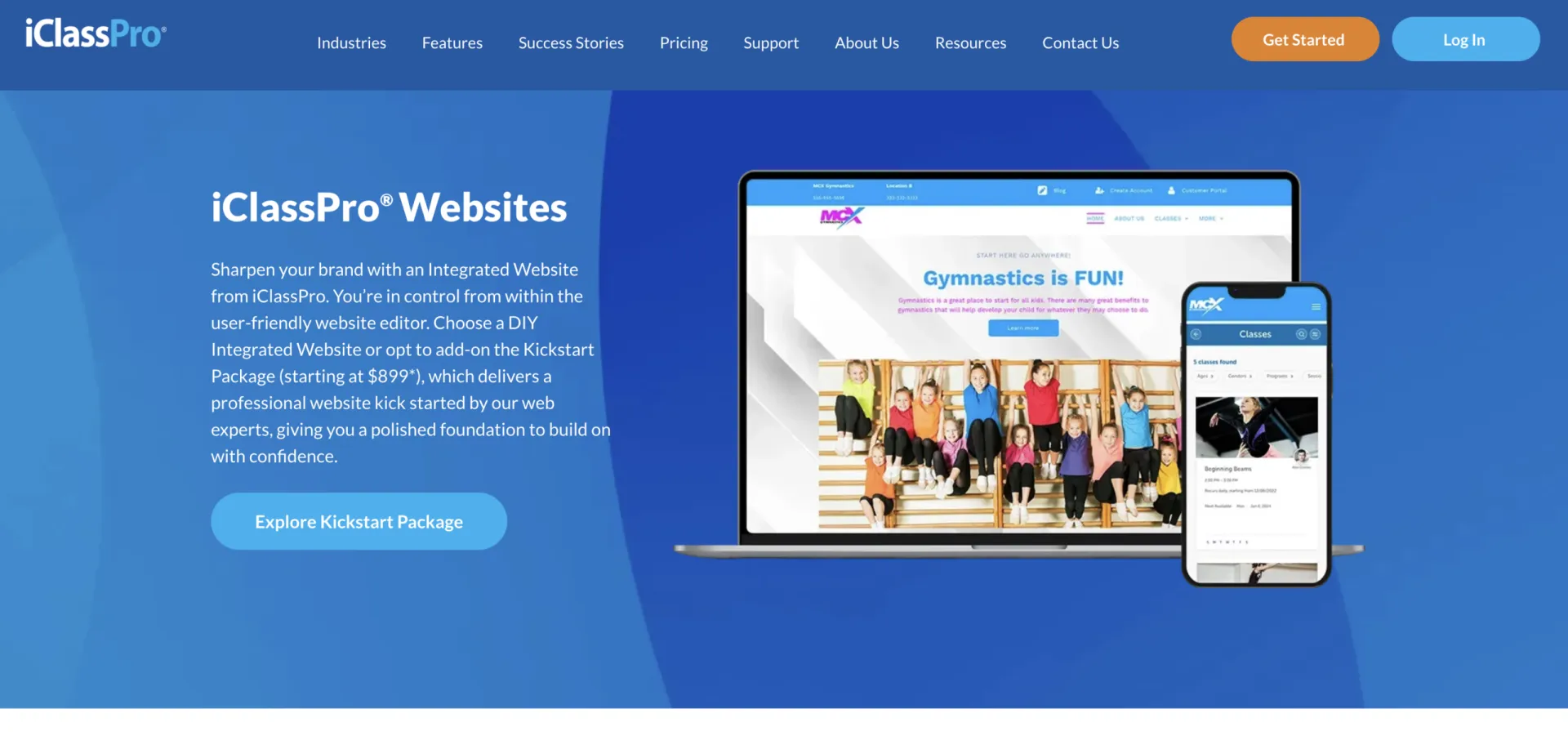
Unlike general website builders, iClassPro’s website tools are designed specifically to complement its class management platform. That makes the experience more integrated, though primarily for organizations already committed to iClassPro.
Key Features:
- Drag-and-drop website builder
- Integrated class registration and payments
- DIY website builder or guided launch service
- Mobile-friendly layouts
- Designed specifically for gymnastics, swim, dance, and cheer businesses
Pros:
- Extends your existing iClassPro account instead of requiring another website platform
- Built around the day-to-day workflows of class-based businesses
- Creates a smoother experience for families moving from browsing classes to registration
- Offers flexibility to either build the site yourself or work with iClassPro’s team
Cons:
- Paid add-on layered on top of your existing iClassPro subscription
- Full DIY build is estimated at fifteen to thirty hours of setup time
- Reviewers cite reporting tools as difficult to use for finding specific account or enrollment details
- A few reviews mention limited accounting integrations, including QuickBooks
Best for: Existing iClassPro customers who want their website tied directly to their class management system and are comfortable with the added cost or setup time.
6. WellnessLiving Presence

WellnessLiving’s Presence takes a similar approach to iClassPro by connecting the website directly to its business management platform, but places a greater emphasis on guided implementation than self-service website building.
Key Features:
- Professionally built or guided website creation
- Integrated booking, scheduling, and client management
- Built-in blog
- SEO tools
- Ongoing website support
Pros:
- A good choice for organizations that prefer a hands-off website experience
- Keeps your website closely connected to the rest of your WellnessLiving platform
- Reduces the amount of website maintenance your staff needs to manage
- Lets you focus on running your business instead of building and maintaining a website
Cons:
- Positioned as a premium, done-for-you service, with cost to match
- Less self-serve than a builder you can tweak quickly on your own
- A recurring theme in reviews involves difficulty cancelling due to auto-renewing contract terms
- Some reviewers report declining reliability or slower app performance over time
Best for: WellnessLiving customers who would rather hand off web design to a team than manage it themselves.
7. Uplifter Website Builder
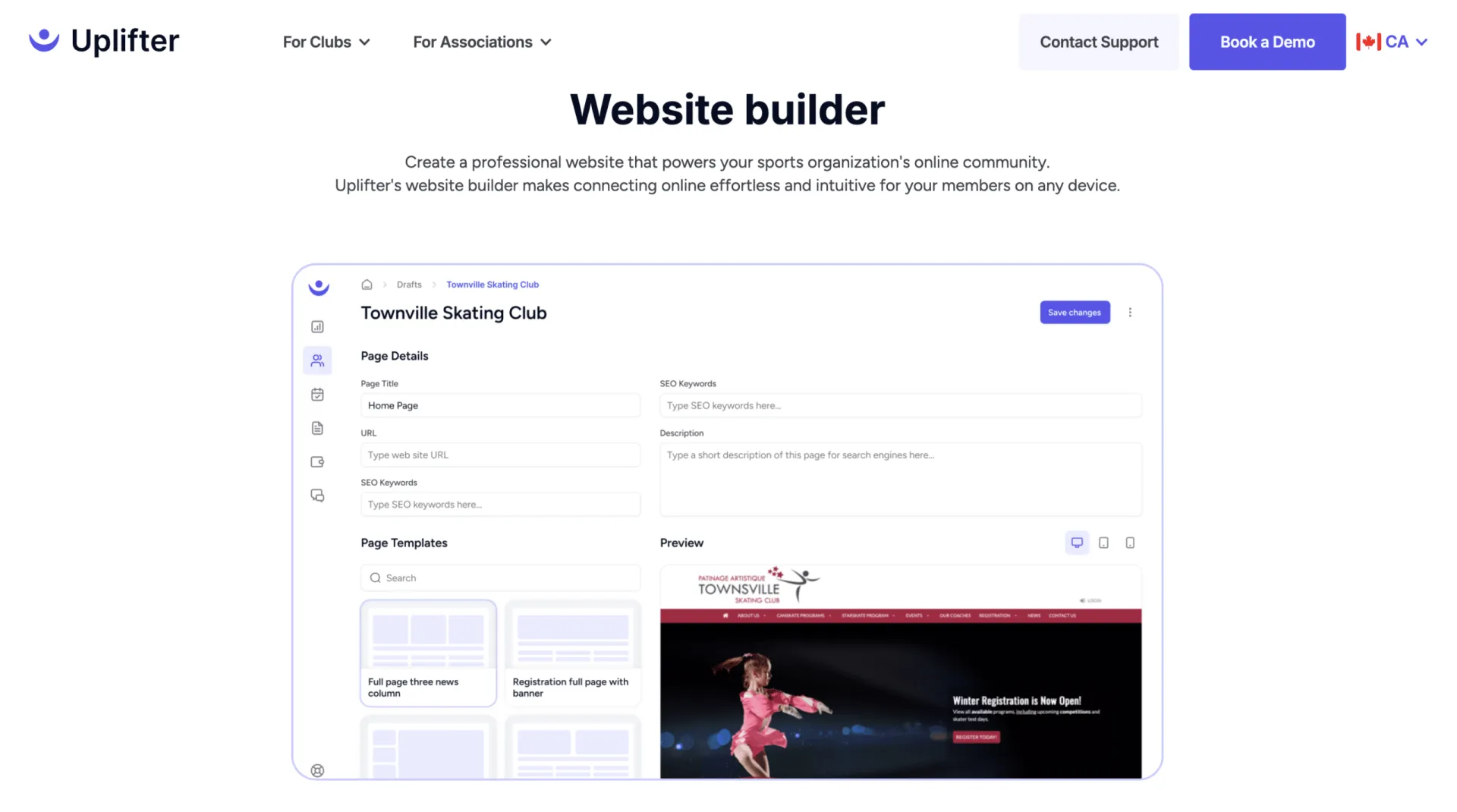
Like Activity Messenger and iClassPro, Uplifter keeps website content connected to registration and membership management. Its focus, however, is on sports clubs and organizations that work with governing bodies.
Key Features:
- Drag-and-drop website builder
- Integrated registration and membership management
- Custom domain support
- Mobile preview mode
- HTML editing
- Revision history
- Sports federation integrations
Pros:
- Built specifically for sports clubs rather than general-purpose businesses
- Good for organizations that work with governing bodies or sports federations
- Gives technically inclined users more control than many niche website builders
- Helps clubs keep website management and member administration in one system
Cons:
- Less of a fit for art studios or general camps outside of the sports and recreation niche
- Capterra reviewers note the platform can feel overwhelming to learn at first
- Some reviewers mention reporting could be improved
- Because the platform is more technical, it can be tough for novice users to create professional-looking websites
Best for: Sports clubs and federations that want registration and website content in the same system.
Frequently Asked Questions
What is the best sports club website builder?
For organizations that want registration, scheduling, and payments built directly into the website rather than added through a separate widget, Activity Messenger’s website builder is built for that combination.
Do I need a website builder with native registration, or is embedding a booking widget good enough?
Embedding a widget works, but it means keeping your website content and your registration flow in two separate systems, styled by two different tools. A native integration keeps the branding consistent from the homepage through checkout.
Can a general builder like Wix or Squarespace work for a sports or recreation business?
Yes, especially if you already have a registration system you’re happy with and mainly need a better-looking website. You’ll still need to embed that registration tool separately, since neither platform includes class scheduling natively.
Do I need separate websites for different programs or locations?
Only if your programs or locations are different enough in branding or audience to warrant it, for example a client-facing site versus a staff-only site, or two differently branded youth programs. Activity Messenger, iClassPro, WellnessLiving, and Uplifter all support multiple sites, typically at an added cost for the add-on platforms.
How important is mobile preview when choosing a builder?
Very. Most visitors to a sports or recreation website are on a phone, often checking a schedule between other tasks. A builder that lets you preview mobile and tablet layouts before publishing helps catch layout issues before a parent sees them.
Final Thoughts: Choosing the Right Sports Club Website Builder
There’s no single best sports club website builder for every organization. It comes down to what you’re already using and how connected you want your site to be:
- 🎨 Want maximum design flexibility and don’t mind managing registration separately? Wix or Squarespace are good options.
- ⚡ Need something fast and low-cost for a small program that doesn’t need online registrations? GoDaddy covers the basics, without registration.
- 🔗 Already on iClassPro or WellnessLiving? Their integrated website add-ons are older, but they close the gap between your site and your software, for an added cost.
- 🧩 Want your website and registration system to be on the same mobile-first platform from day one? That’s the gap Activity Messenger’s website builder was built to close. Give your organization the mobile-first website and registration system that parents and participants need, with no separate plugins or logins necessary.
If you already love your registration software, a general builder like Wix or Squarespace can be a great choice. But if you’re starting fresh, or you’re tired of managing separate tools for your website, registrations, payments, and schedules, an integrated platform will save time long after your website launches.
Curious what an Activity Messenger website looks like with your own branding, classes, and forms already in place?
📅 Book a free demo, and we’ll walk you through our website builder and other features to streamline your everyday operations.