One common challenge program administrators face is allowing participants to make up missed classes without disrupting the flow or overbooking sessions.
Fortunately, you can automate make-up classes to simplify this process for both your clients and your administrative team.
In this article, we’ll explore how Activity Messenger’s platform enables you to effortlessly set up and manage make up classes, ensuring your clients get the most out of their sessions while keeping your scheduling seamless and efficient.
This article is inspired by insights from Olivier Rousseau, co-founder of Activity Messenger, who brings over twelve years of experience in online registration for kids’ sports programs.
When participants sign up for classes on a recurring basis—say, every Tuesday night—they often encounter scheduling conflicts due to vacations, illness, or other commitments.
Without a clear system in place, these missed classes can result in frustration for both clients and administrators. Clients miss out on valuable instruction, and administrators are left managing last-minute cancellations and rescheduling.
By automating make up classes, you create a flexible system that empowers clients to reschedule missed sessions easily while maintaining class capacity and flow. This approach also reduces administrative overhead by enabling the platform to self-regulate availability and bookings.
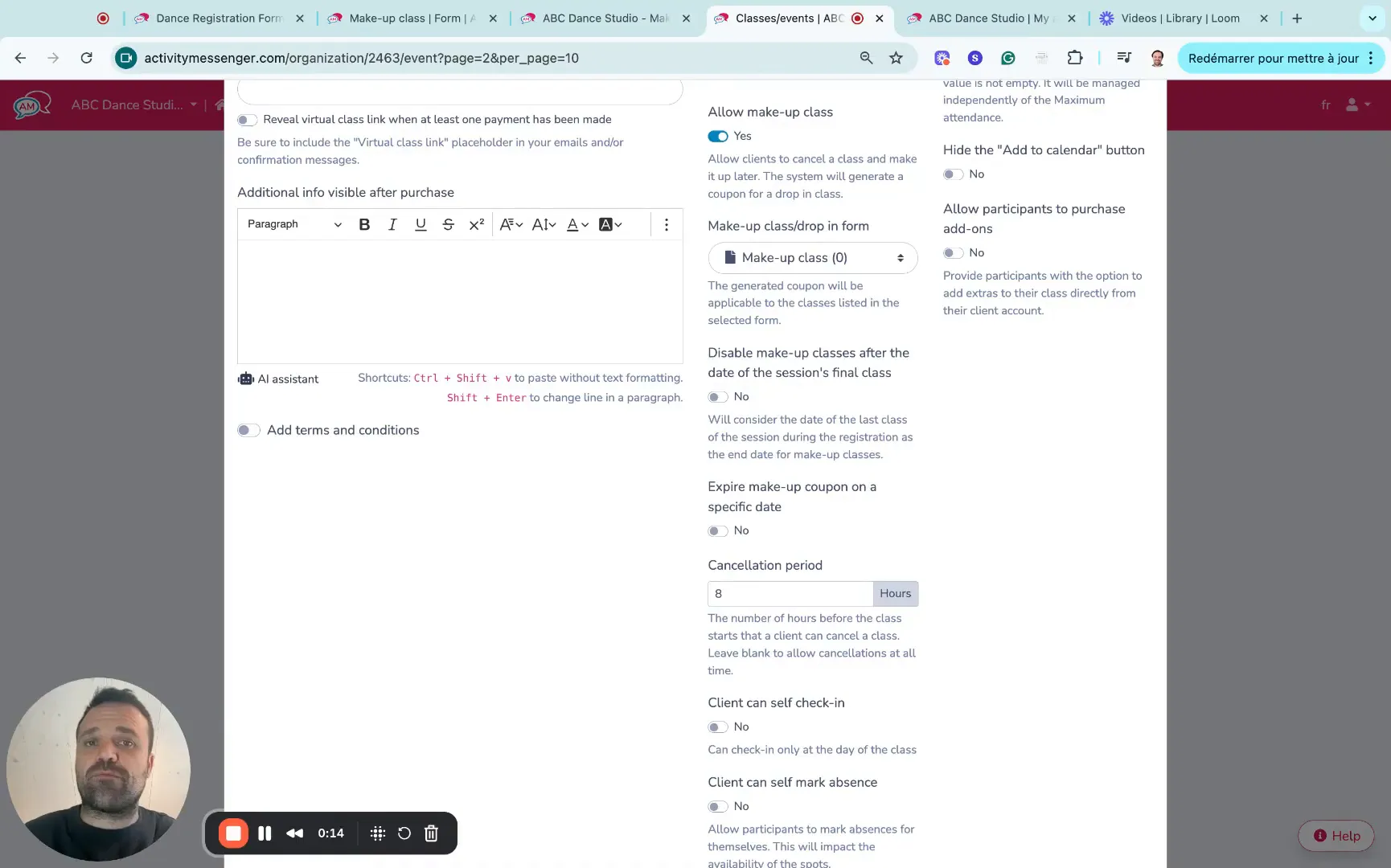
The first step is to activate the make up class feature within your class configuration. This setting allows clients to cancel a scheduled session and receive a make up class coupon automatically, which they can redeem later.
Alongside this, you can set a cancellation period. This is a critical control that prevents last-minute cancellations that don’t give other participants enough time to fill the spot.
For example, setting an eight-hour cancellation window means clients must cancel their session at least eight hours before the class starts to be eligible for a make up class.
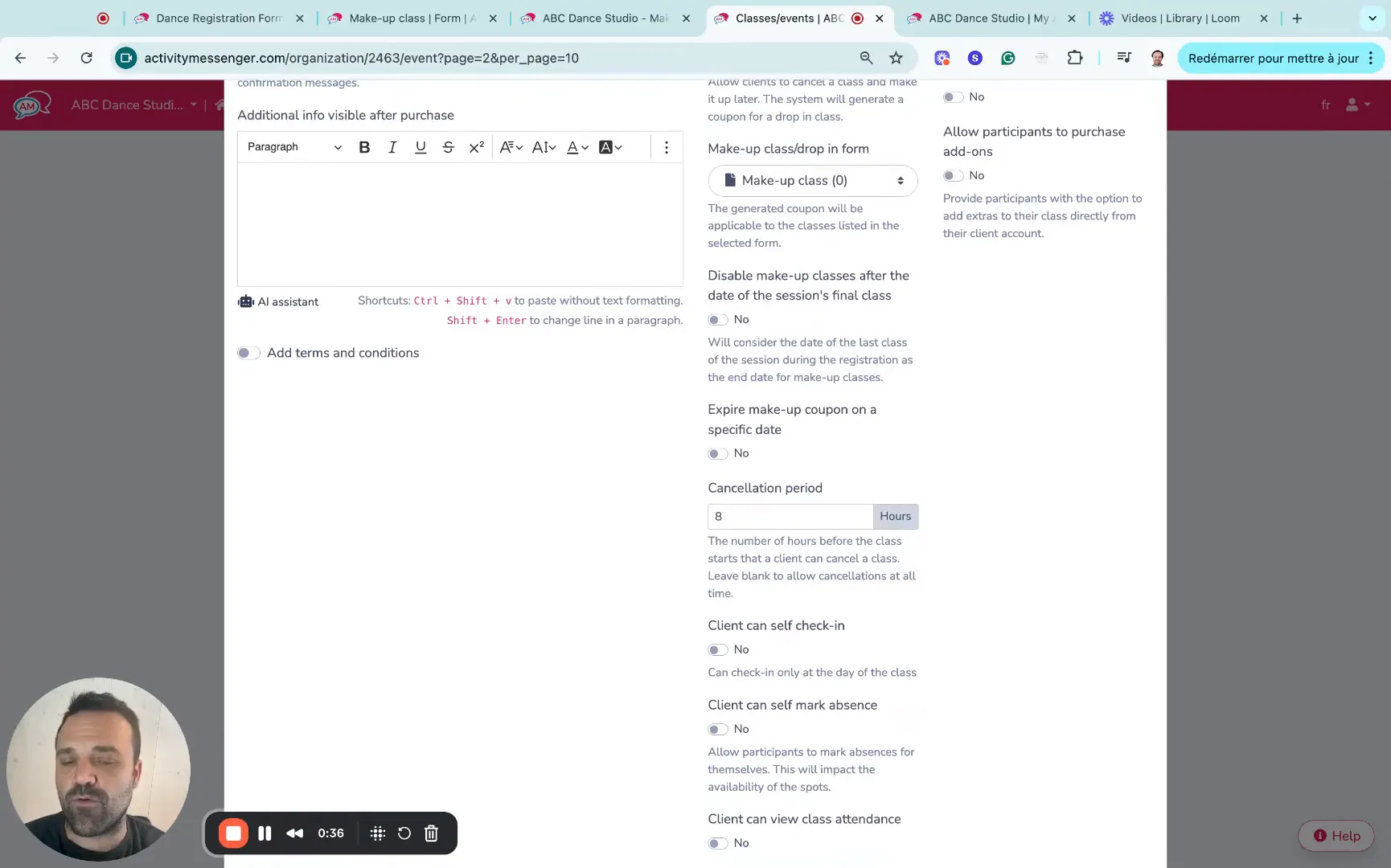
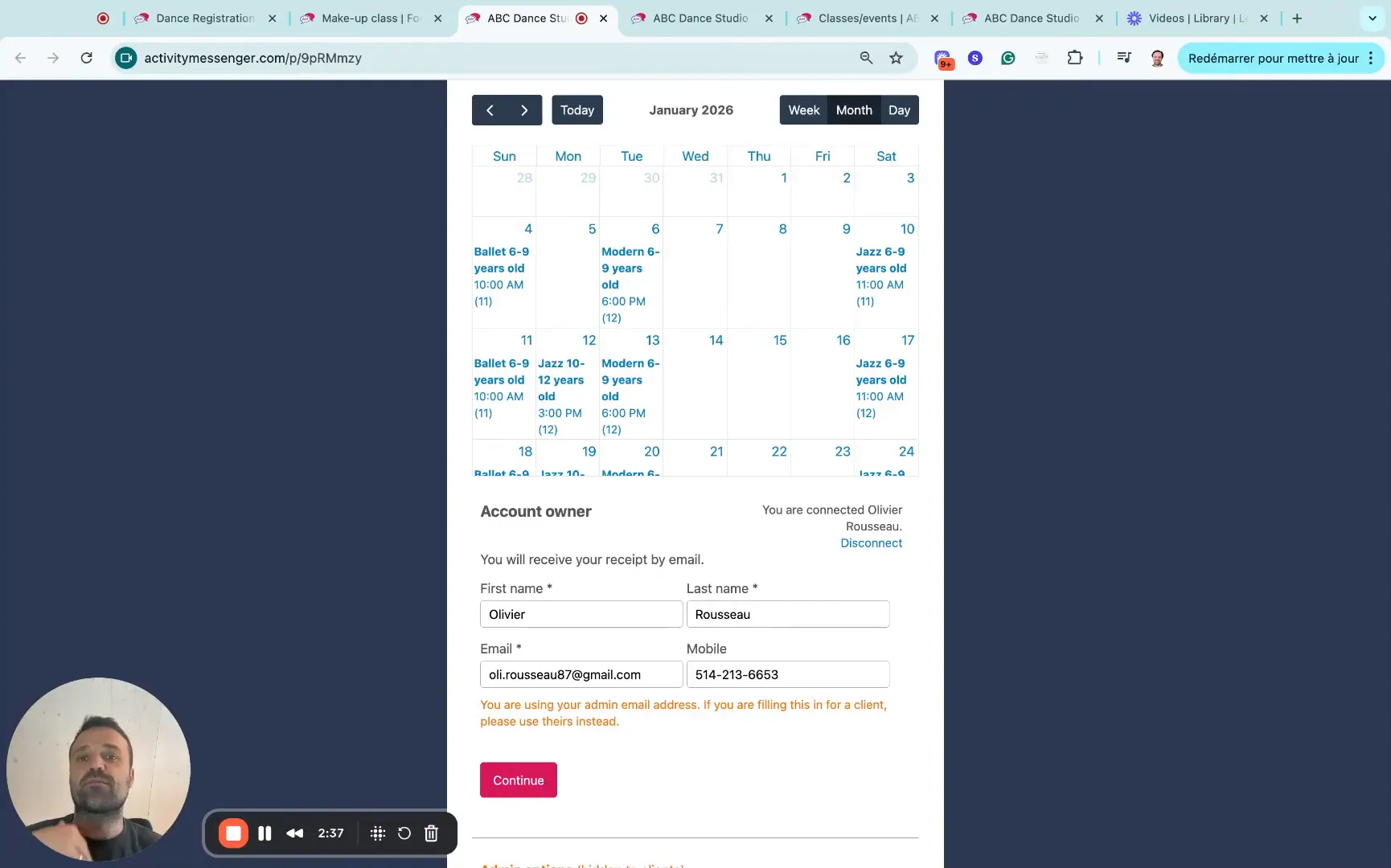
Activity Messenger provides a simple drag-and-drop form builder to create a make up class registration form. This form can be customized with criteria that reflect how your make up classes operate, such as age groups, class types, and available time slots.
The form helps streamline the booking process for clients looking to redeem their make up class coupons. It also ensures that only available classes with open spots are shown as options, preventing overbooking.
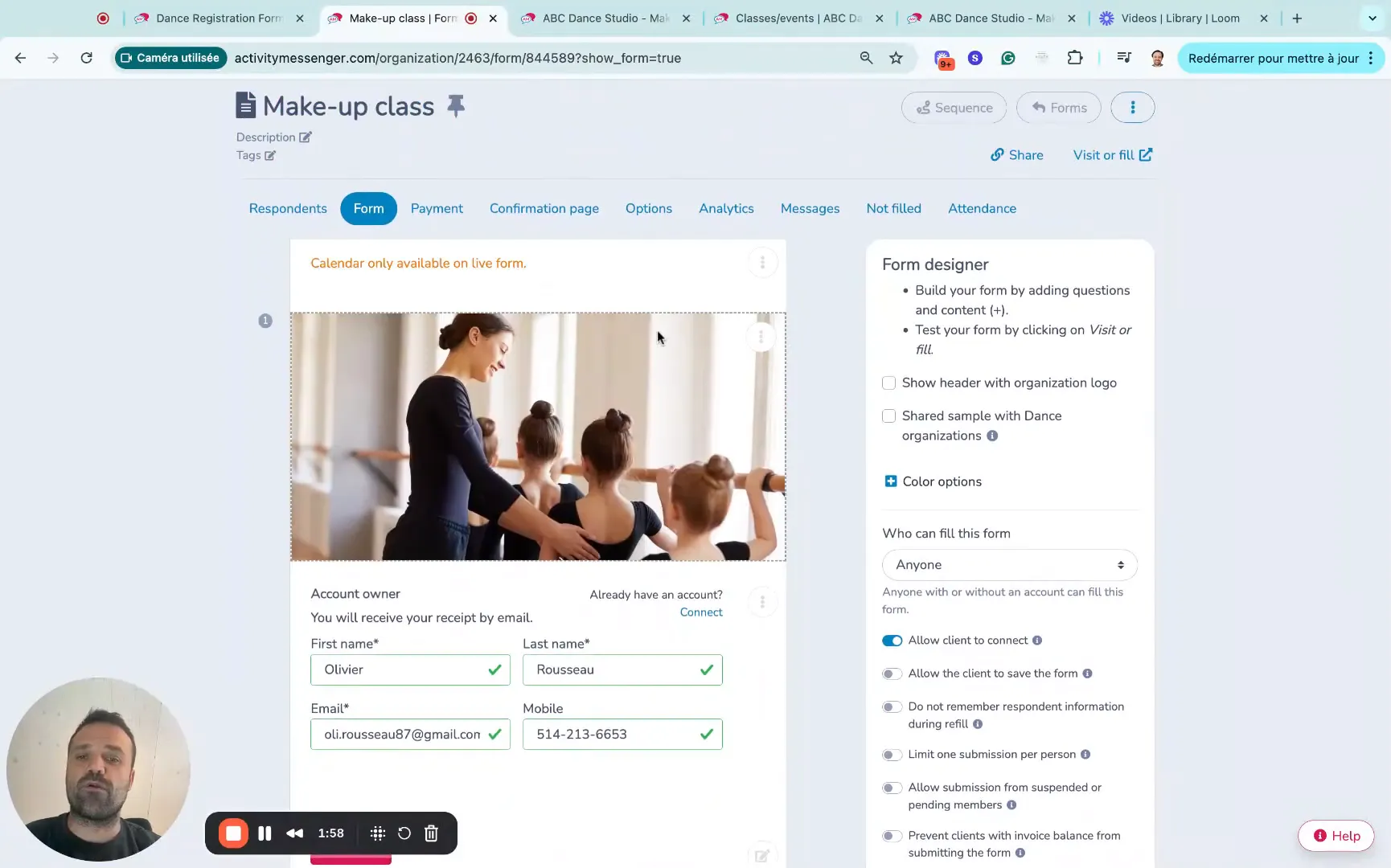
From the client’s perspective, the process is intuitive and self-service:
For example, if a client misses a Saturday morning class, they might choose to attend a Tuesday afternoon session as a make up. The system pre-fills their information to speed up registration, and the make up class is offered at no additional cost (often a drop-in fee is waived).
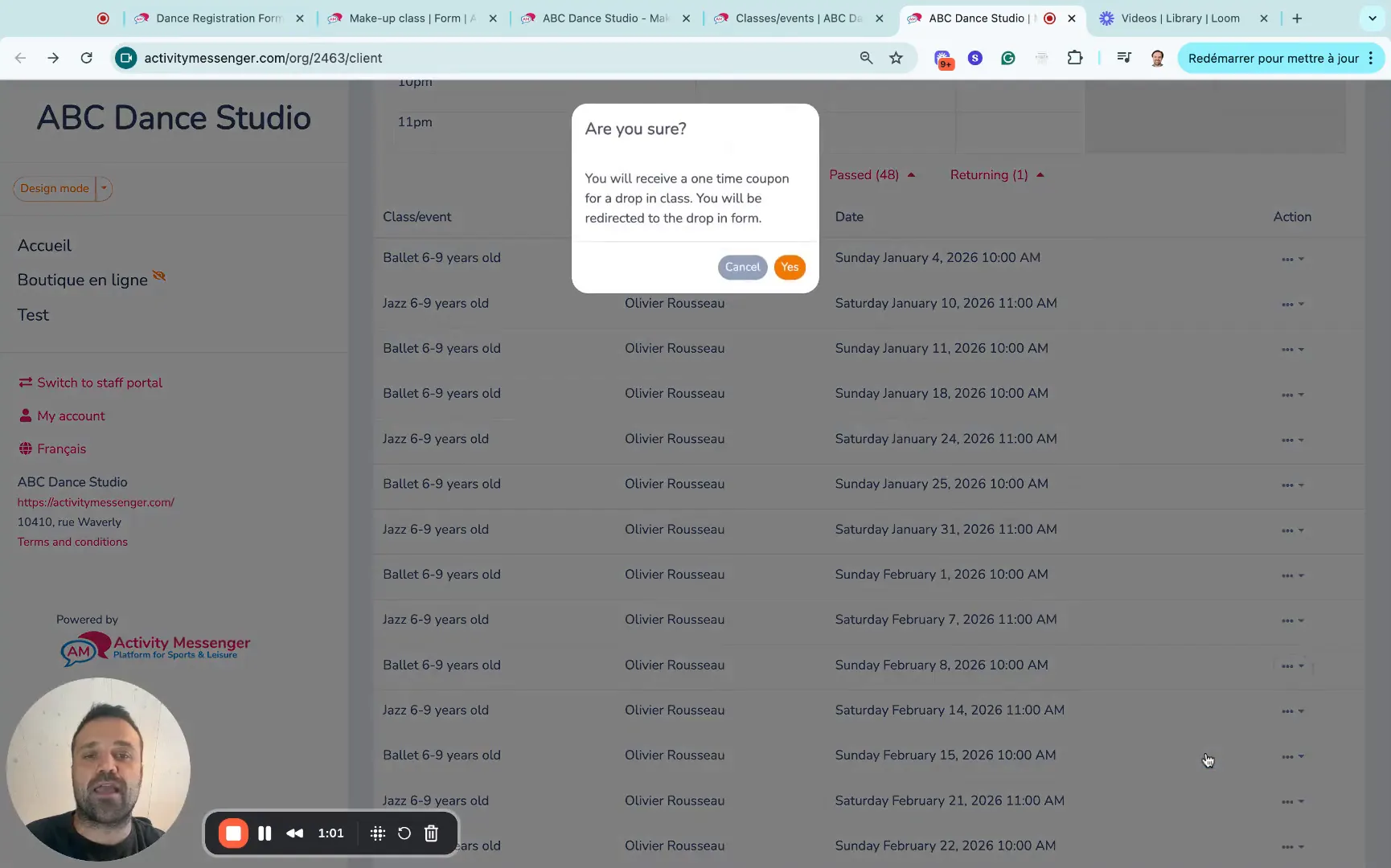
One of the standout features of Activity Messenger’s make up class automation is how it dynamically manages class capacity:
This approach solves a common pain point: administrators don’t need to constantly monitor and adjust class rosters to accommodate make up sessions. The system does it for you, allowing you to focus on other aspects of your program.
Implementing an automated system for make up classes offers several advantages:
Many people hesitate to sign up for a session-based class because they fear missing several classes due to vacations or other reasons. Automating make up classes alleviates this concern, making your offerings more attractive and easier to sell.
💡 Pro Tip: You can automate more than just make up classes! Explore our blog “5 Essential Automated Tasks for Dance Studio, Swim School, Gymnastics Club, or Summer Camp Operations” to simplify daily operations even further.
Activity Messenger is an all-in-one online platform designed to replace traditional registration systems and automate complex administrative tasks like make up classes. With features tailored to sports and leisure programs, it provides a comprehensive solution for class management.
Here are some key points that make Activity Messenger a powerful tool for automating make up classes:
For program administrators looking to simplify operations and enhance customer experience, Activity Messenger offers a reliable and flexible platform to automate make up classes effectively.
In the episode below, Oli and Will discuss 8 powerful automations to save time and grow your activity business, including how to automate make-up classes.
💡 Want even more tips and tricks? Subscribe to our YouTube channel to catch the latest episodes as they drop, every Wednesday at 10 AM Eastern Time.
Let us show you how to automate make up sessions with ease using Activity Messenger.
Book a demoIf you’re ready to implement an automated make up class system, here’s a quick checklist to help you get started:
Automating make up classes is a game-changer for anyone managing session-based programs in dance, gymnastics, swimming, yoga, and beyond. It empowers your clients with flexibility, keeps your classes full, and reduces your administrative burden.
By adopting such a system, you can improve client satisfaction, increase retention, and refine your operations—all while ensuring your program runs smoothly.
💡 Want to simplify how you manage make up classes for missed sessions? Book a demo call today to see how automation can save you time and keep clients happy.