Cancelling an event is never easy. Whether it’s a weather emergency, low registration, or last-minute vendor issues, the decision is stressful for organizers and disappointing for attendees. But while you can’t always avoid cancellations, you can control how you manage them.
Handled poorly, cancellations can damage trust and create long-lasting frustration. Handled well, they can actually strengthen relationships by demonstrating transparency, professionalism, and care for your community.
In this guide, we’ll cover best practices for cancelling events gracefully and show you how Activity Messenger makes the process faster, smoother, and less stressful for everyone involved.
📌 Read More: Did you know that Activity Messenger is a Canadian alternative to Eventbrite? Check out this article discussing the key similarities, differences, and benefits to help organizations manage events, registrations, and communications more efficiently. We’ve also highlighted the 8 Best Ticketing Platforms in Canada for event registration.
Successful cancellations start long before the decision is necessary. Preparation reduces stress, avoids confusion, and keeps attendees confident in your organization.

How Activity Messenger helps:
When unforeseen circumstances arise, it’s essential to consider whether postponing or cancelling outright is the best option. Consider:
Once the decision is made, it’s crucial to prevent new sign-ups to avoid confusion or overbooking.
How Activity Messenger helps:
Clear, timely, and empathetic communication is critical to maintaining trust when cancelling an event.
How Activity Messenger helps:

Example SMS template (Activity Messenger):
“Hi {First name}, we regret to inform you that {Activity} on {Start date} has been cancelled. Refunds will be issued automatically. – {Organization name}”
Ensure smooth cancellations, transparent refunds, and professional communication with Activity Messenger.
Book a demoEfficiently processing refunds or credits protects your reputation and reduces attendee frustration.
How Activity Messenger helps:
Event cancellations impact more than attendees. Staff, vendors, and sponsors must be informed promptly to prevent operational disruptions.
How Activity Messenger helps:
Even when an event is cancelled, maintaining a positive experience for attendees helps preserve trust and loyalty. Consider offering alternatives or added value to show that you care.

How Activity Messenger helps:
💡 Did you know? Activity Messenger integrates with Zoom for all of your virtual events. See all Zoom features here →
✅ Set clear cancellation and refund policies in advance
✅ Stop registrations as soon as you decide
✅ Communicate immediately via multiple channels
✅ Personalize messages with empathy and clarity
✅ Process refunds or credits quickly and consistently
✅ Notify vendors, sponsors, and staff
✅ Offer alternatives or next steps
✅ Collect feedback and analyze the impact
Unlike other platforms that require piecing together emails, payment systems, and spreadsheets, Activity Messenger gives you everything in one place:
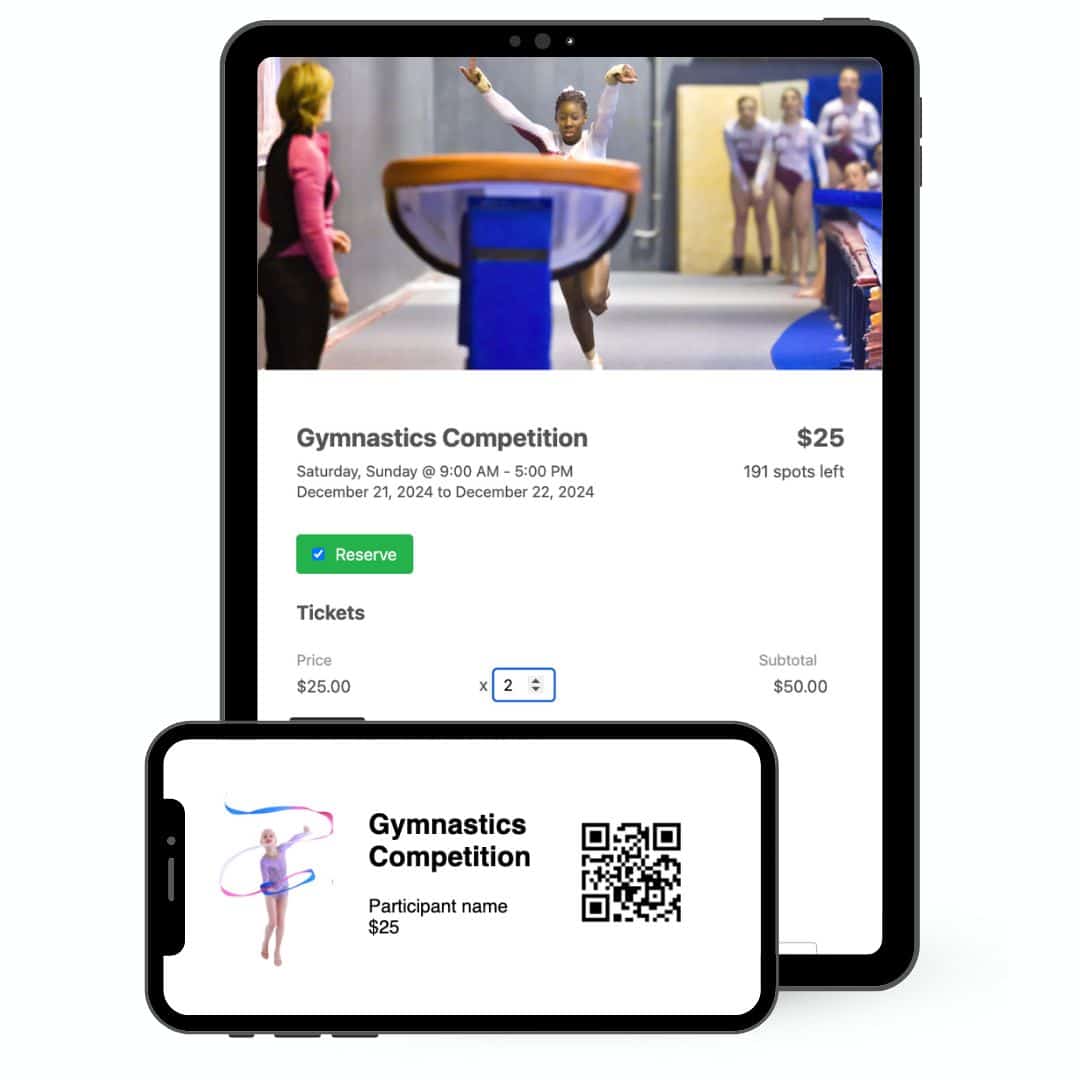
When the unexpected happens, Activity Messenger helps you cancel gracefully, maintain trust, and set the stage for your next successful event.
💡Want to simplify your event operations? Discover how Activity Messenger can automate cancellations, notify attendees instantly, and keep your reputation intact. Book your demo today!