One of the most powerful features you can add to your online forms is the ability for respondents to upload files directly as part of their submission. Whether you need images, documents, videos, or audio files, having a streamlined file upload capability can significantly enhance your data collection process.
In this article, we explore how you can easily create an online form with file upload functionality using Activity Messenger’s intuitive drag-and-drop form builder.
This article is inspired by insights from Olivier Rousseau, co-founder of Activity Messenger, who brings over twelve years of experience in online registration for kids’ sports programs.
File upload options in forms open up a world of possibilities. Instead of just collecting text responses, you can gather:
This feature is particularly useful in contexts like event registrations, membership applications, digital waivers, or any scenario where verifying identity or gathering supporting documentation is necessary. Having this functionality built into your form eliminates the need for back-and-forth emails and manual file transfers, saving time and reducing friction for both you and your respondents.

Start by creating a new form in the Activity Messenger platform. The form can be as simple or as complex as you need, but for this example, the goal is to collect basic information from the respondent.
Common fields might include name, email, contact number, or any other relevant details. The form builder allows you to easily customize the form layout by dragging and dropping different question types.
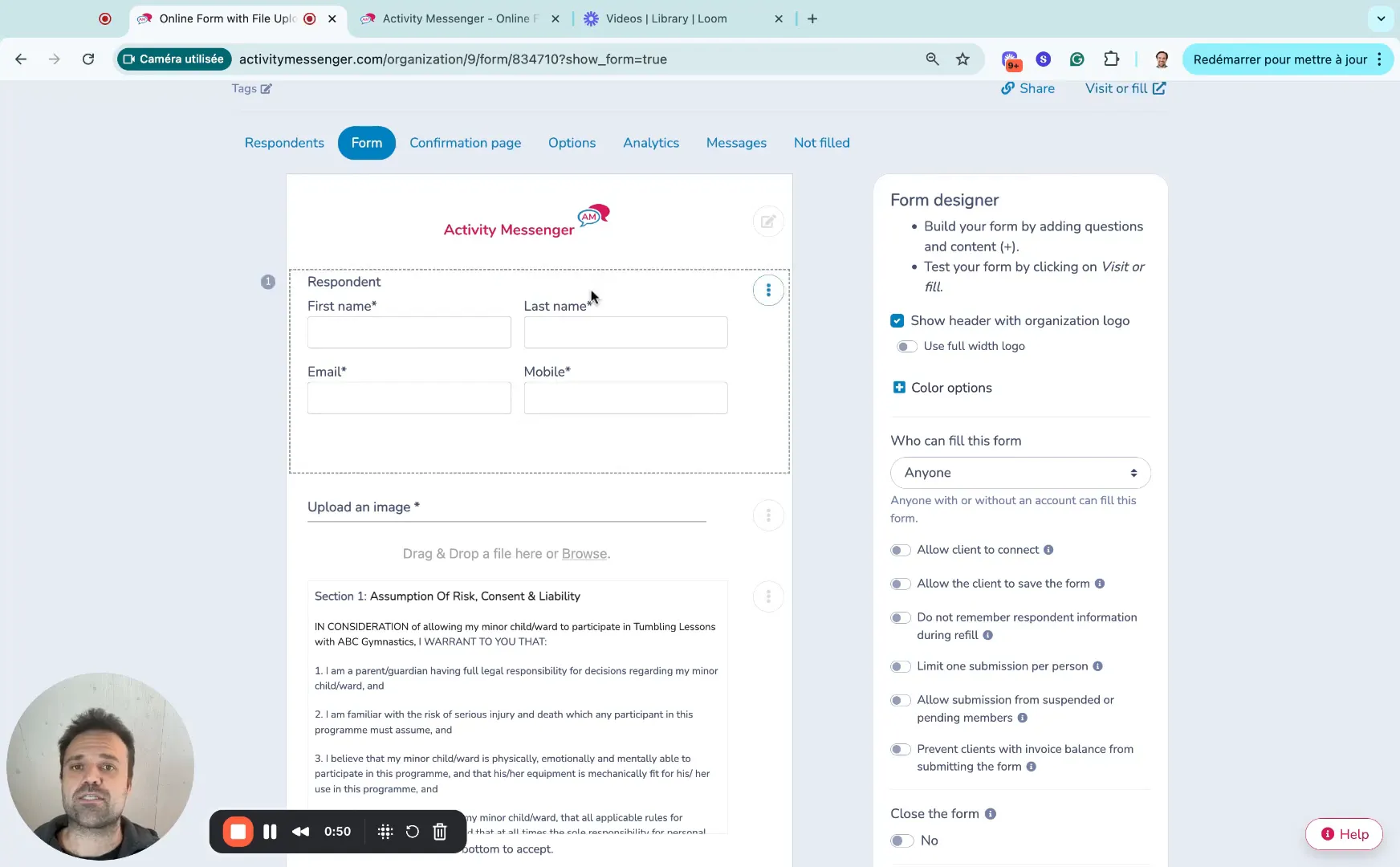
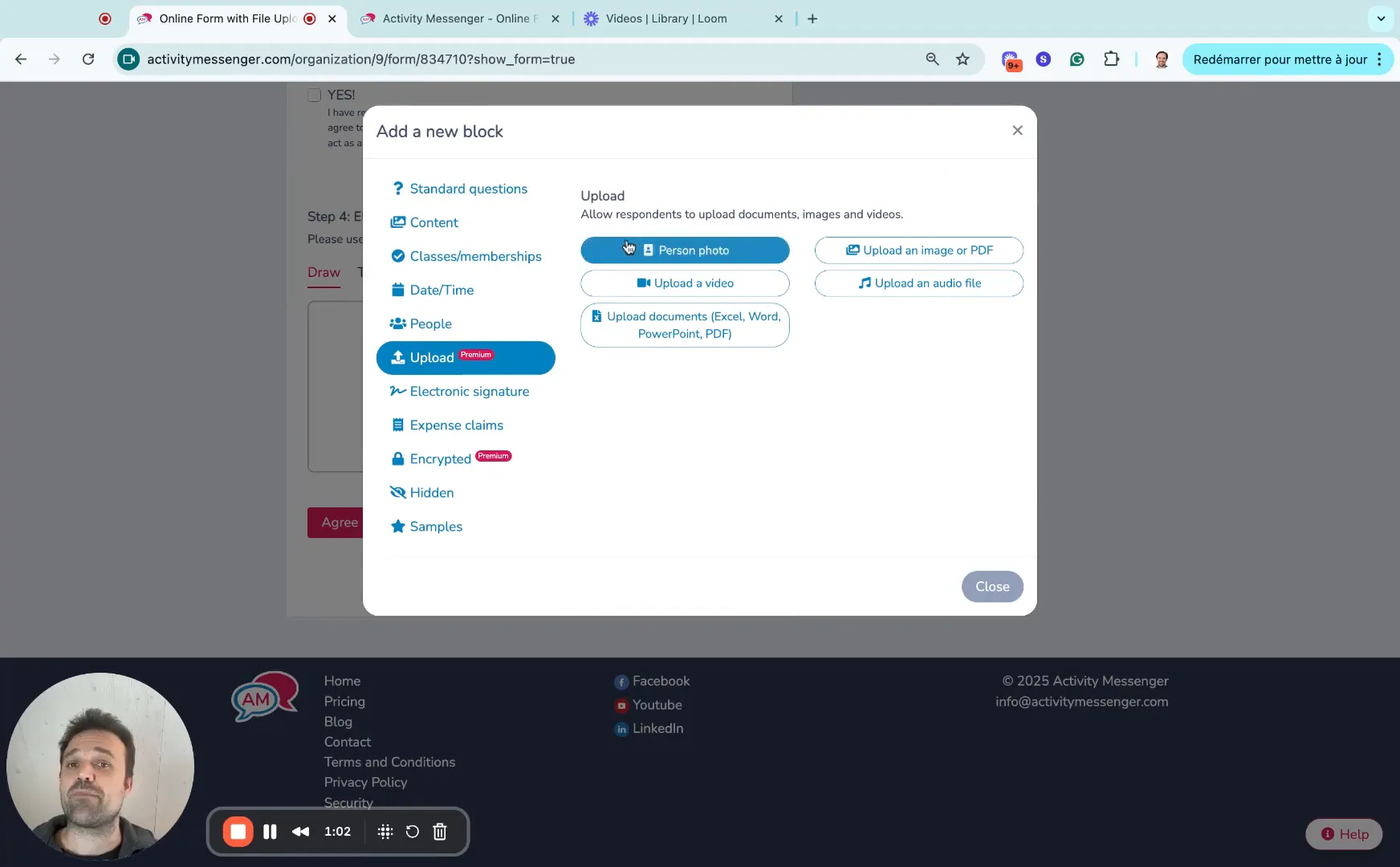
Next, add a question type designed specifically for file uploads. In Activity Messenger’s drag-and-drop builder, this is straightforward:
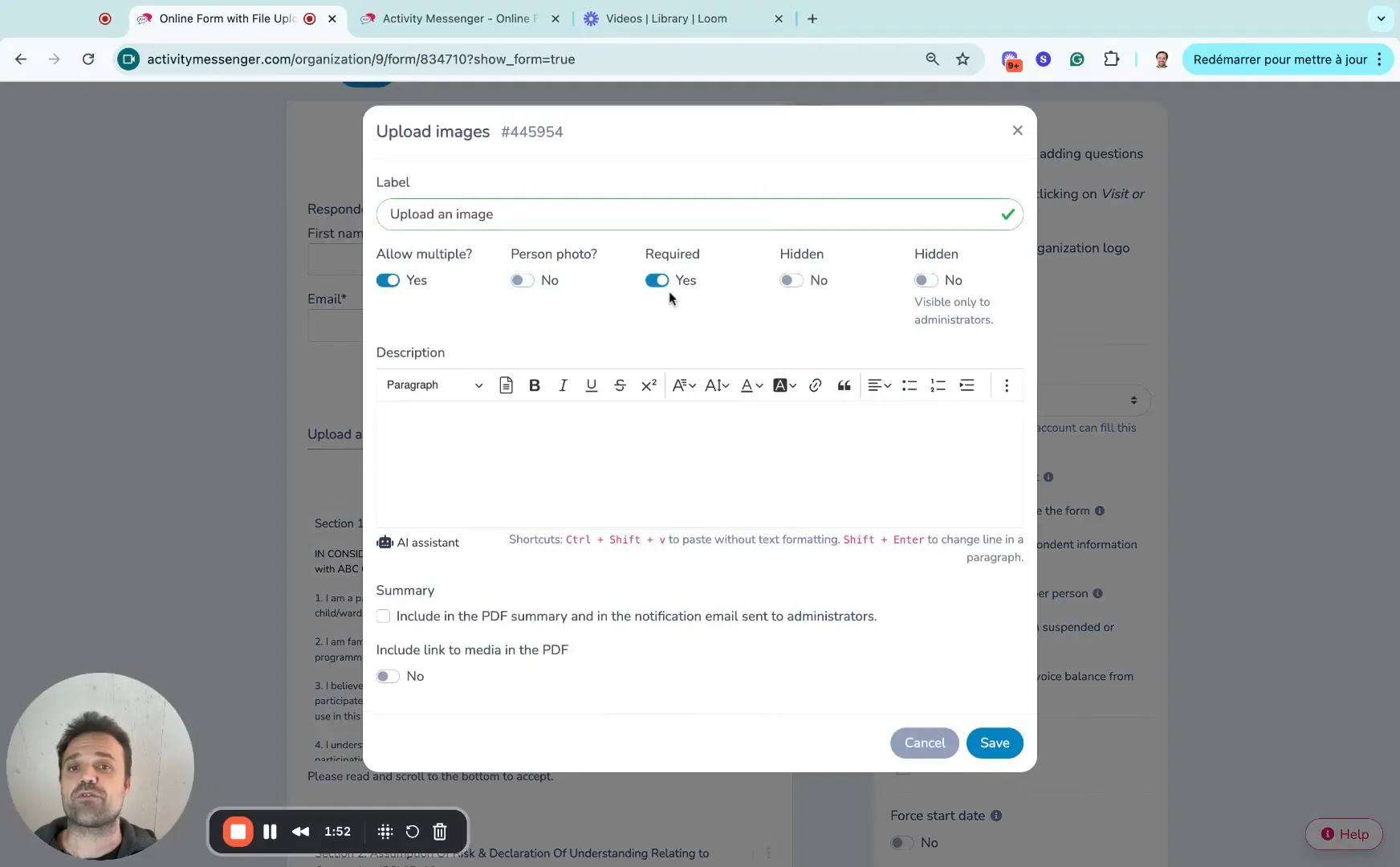
This flexibility means you can tailor the file upload to suit your exact needs, whether you’re collecting a single photo ID or multiple supporting documents.
Besides file uploads, you can continue to build your form with other question types such as:
Moreover, you can set which questions are required, ensuring respondents cannot submit the form without completing key fields like the file upload. This guarantees that you receive all the necessary information and attachments before processing the submission.
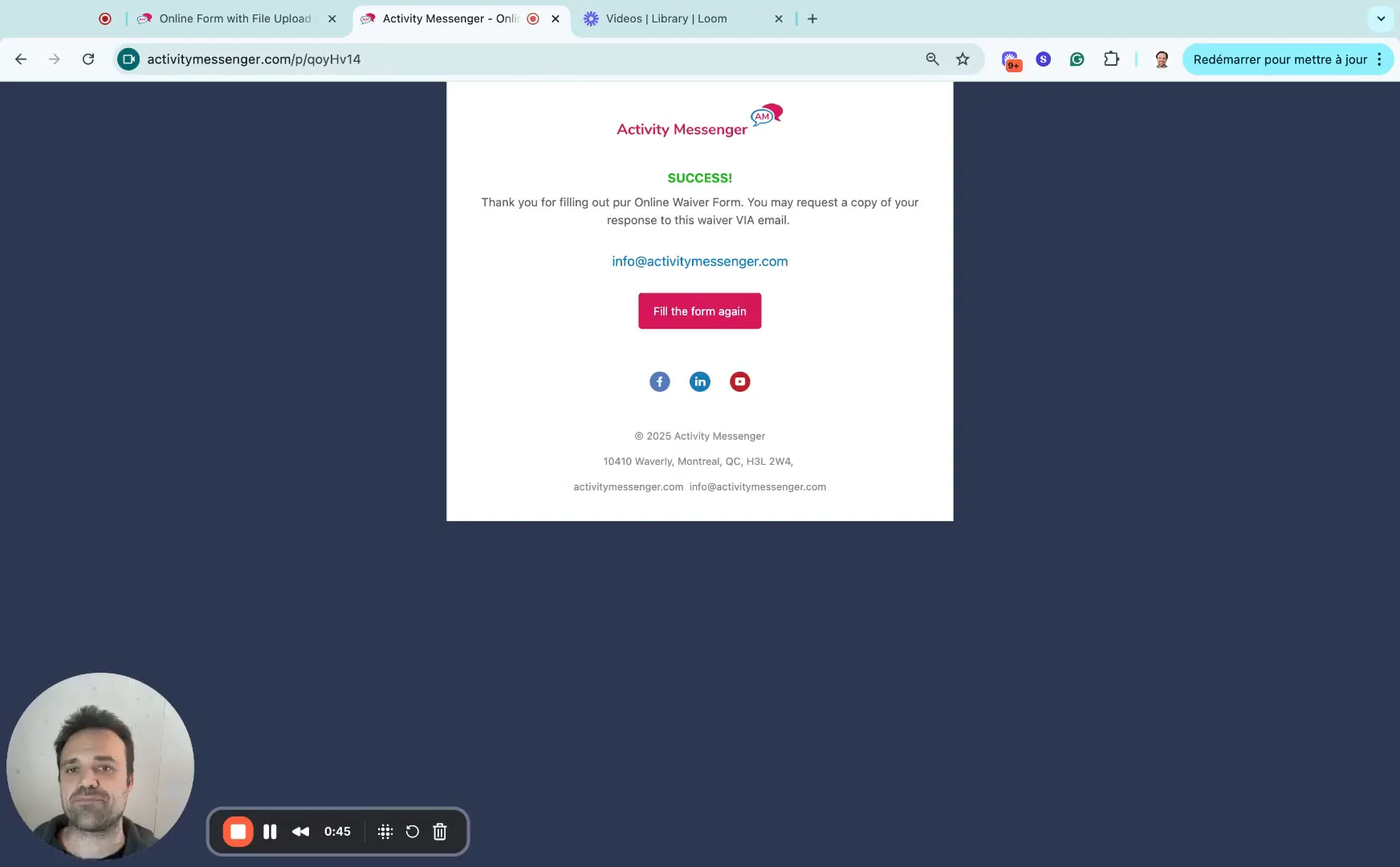
Once a respondent fills out the form and uploads the required file(s), they can click the submit or agree button. If any required fields are missing, the form will prompt the user to complete them before proceeding.
This validation step helps avoid incomplete submissions and ensures your data is consistent and actionable.
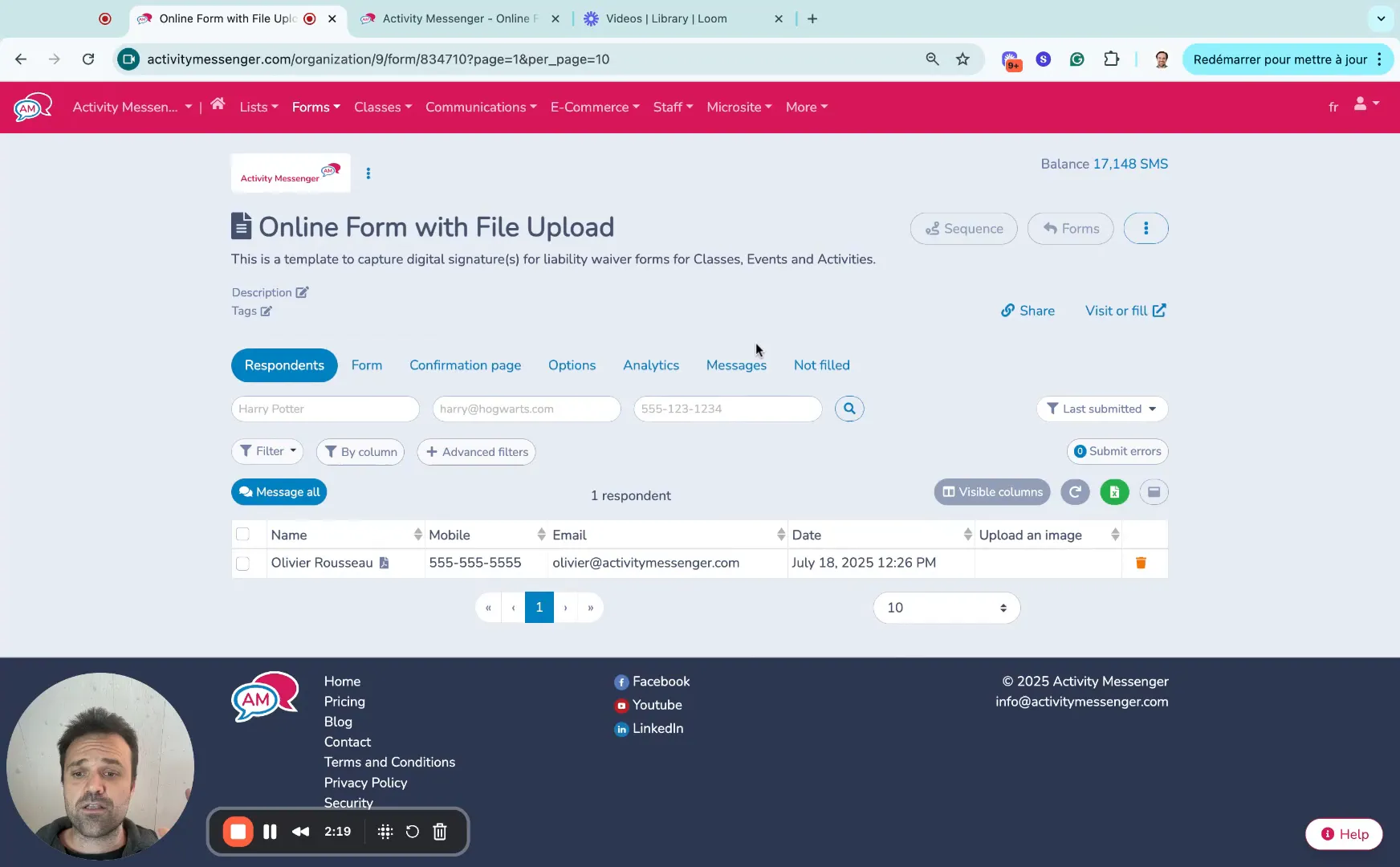
One of the biggest advantages of using Activity Messenger’s form builder is how it handles uploaded files on the backend. Once respondents submit their forms with attachments, you can easily access these files from your dashboard.
This streamlined access to uploaded files means you can quickly review submissions, verify information, and follow up without toggling between multiple platforms or inboxes.
Book a demo with one of our experts and discover how Activity Messenger can help simplify your operations.
Book a demoThe ability to collect files through a form is valuable in many real-world scenarios. Here are a few examples where this feature can be a game-changer:
Why choose Activity Messenger for building your forms with file uploads? Here are some key benefits:
Whether you are collecting images, documents, or multimedia files, Activity Messenger’s drag-and-drop form builder makes it easy to design customized forms tailored to your exact needs.
💡 Ready to build your own online form with file upload capabilities? Book a demo call today to explore your options.