Are you juggling six different US apps just to manage registrations, waivers, emails, ticketing, and surveys? Many Canadian organizations face this exact problem—fragmented data, high costs, and endless manual work.
In this webinar, Olivier (co-founder at Activity Messenger) walks through how one Canadian-hosted platform can replace six common US tools and centralize registrations, communications, and automations, so your team spends less time switching between apps and more time serving your community.
From simplifying forms and ticketing to automating reminders, waivers, and surveys, you’ll learn how consolidating your tech stack reduces costs, boosts efficiency, and protects your data under Canadian privacy laws.
👉 This webinar is inspired by insights from Olivier Rousseau, co-founder of Activity Messenger, who brings over twelve years of experience in online registration for kids’ sports programs.
Most small and mid-sized organizations combine separate products for forms, email marketing, waivers, surveys, ticketing, and SMS. Each tool works well on its own, but none of them talk to each other.
This creates problems:
By switching to a Canadian all-in-one platform, you save time, reduce costs, and deliver a seamless experience for participants.
Great templates, but disconnected from your registrations, payments, and follow-ups.

Strong marketplace, but high fees and attendee data lives outside your other systems.

Powerful templates—but list-based pricing grows quickly, and it doesn’t handle registrations or waivers.

Useful for marketing blasts, though most organizations only need event-driven reminders and confirmations.

Advanced surveys, but not linked to registrations, attendance, or programs.

Produces signed PDFs but operates separately from forms, emails, and ticketing.

Activity Messenger brings all these workflows together into a single, connected Canadian platform. It gives you the core features you actually use without switching between six different apps:
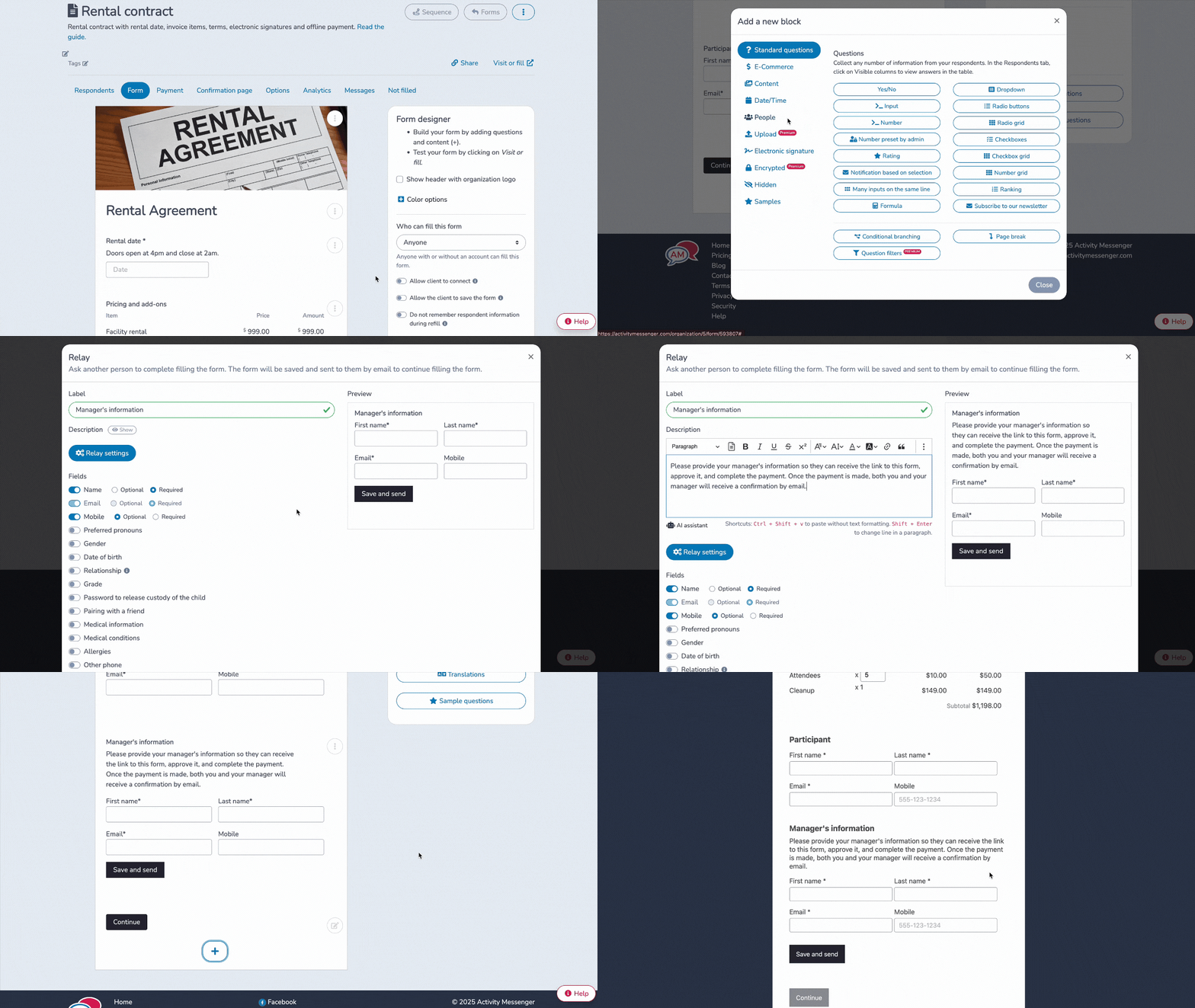
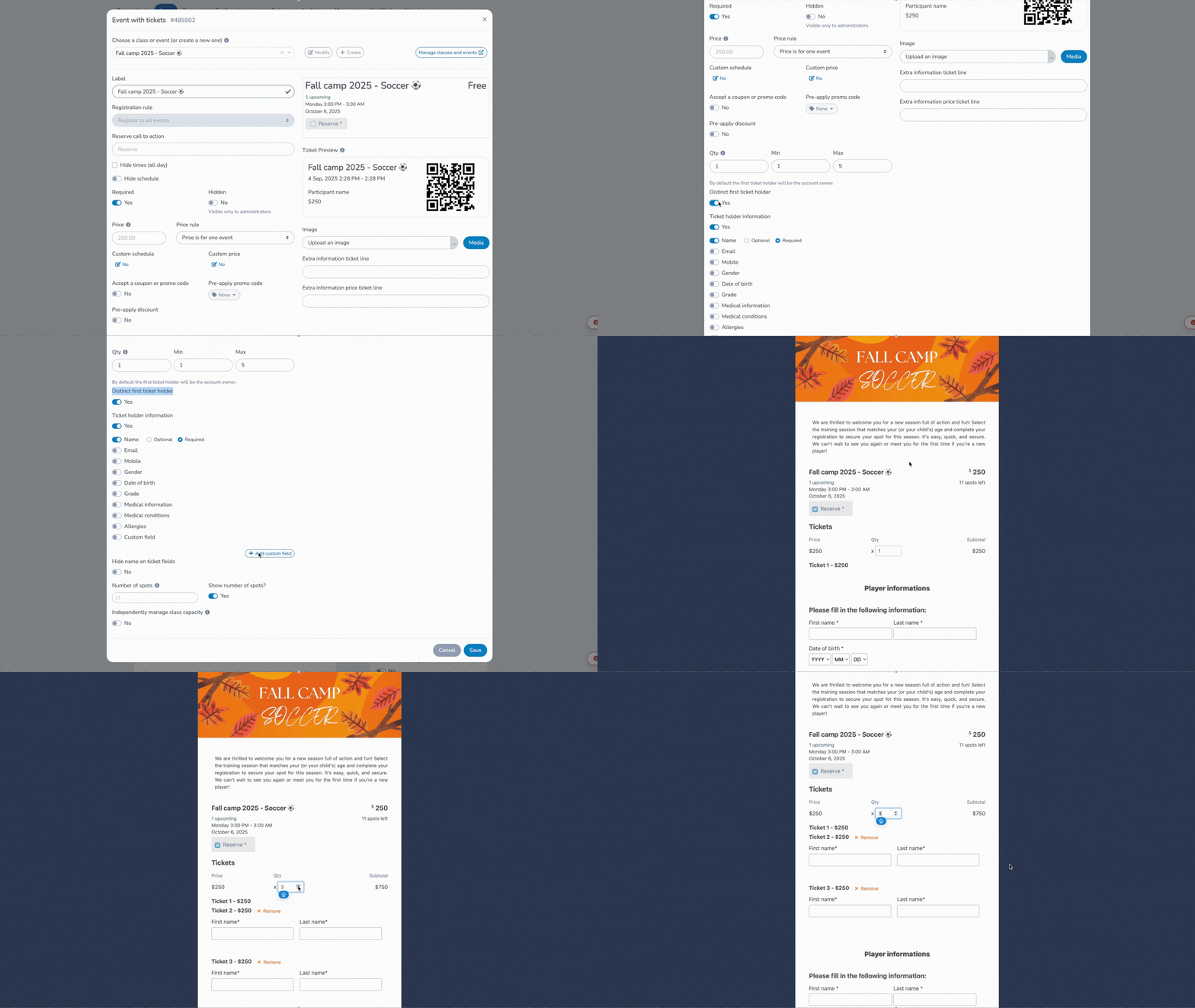
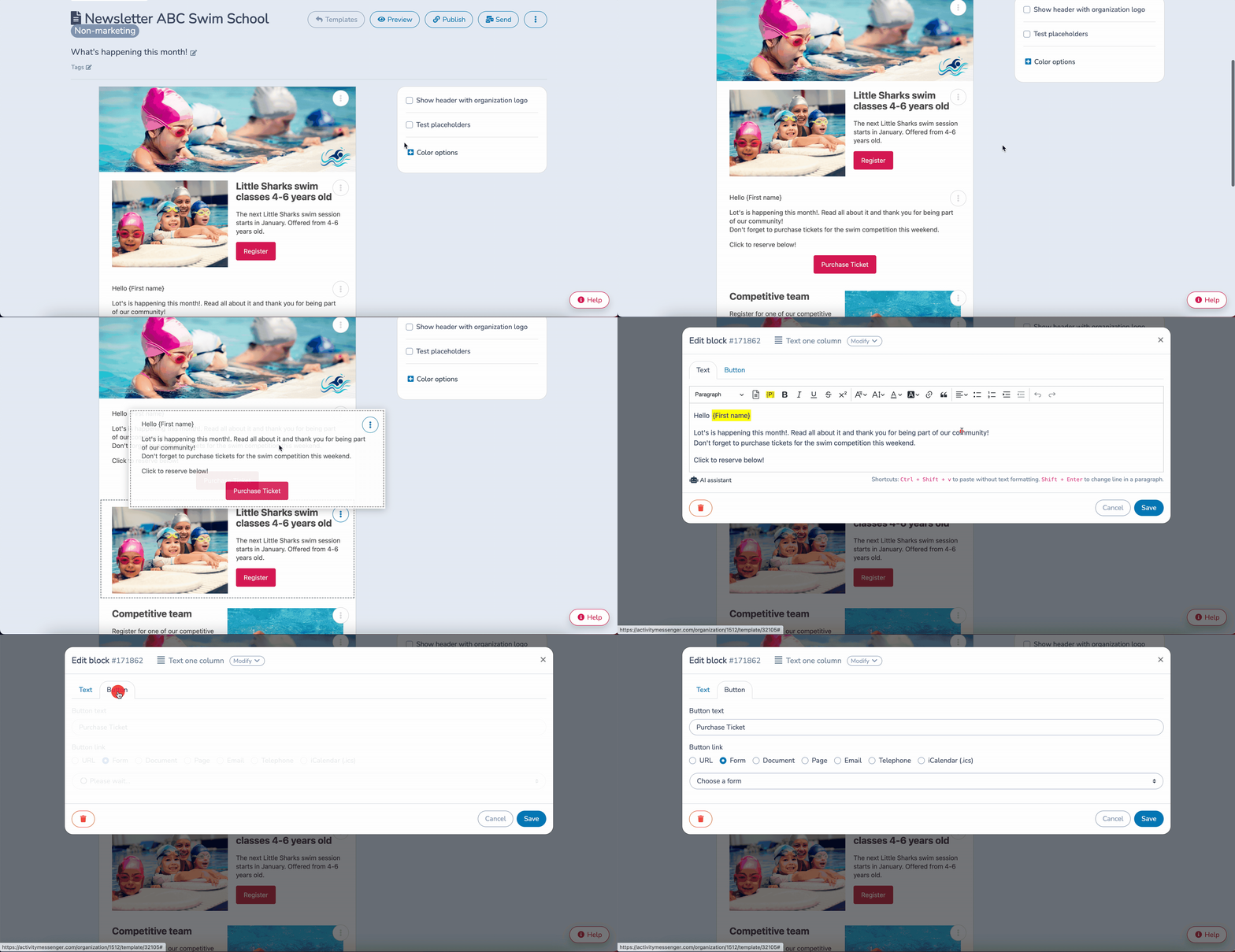
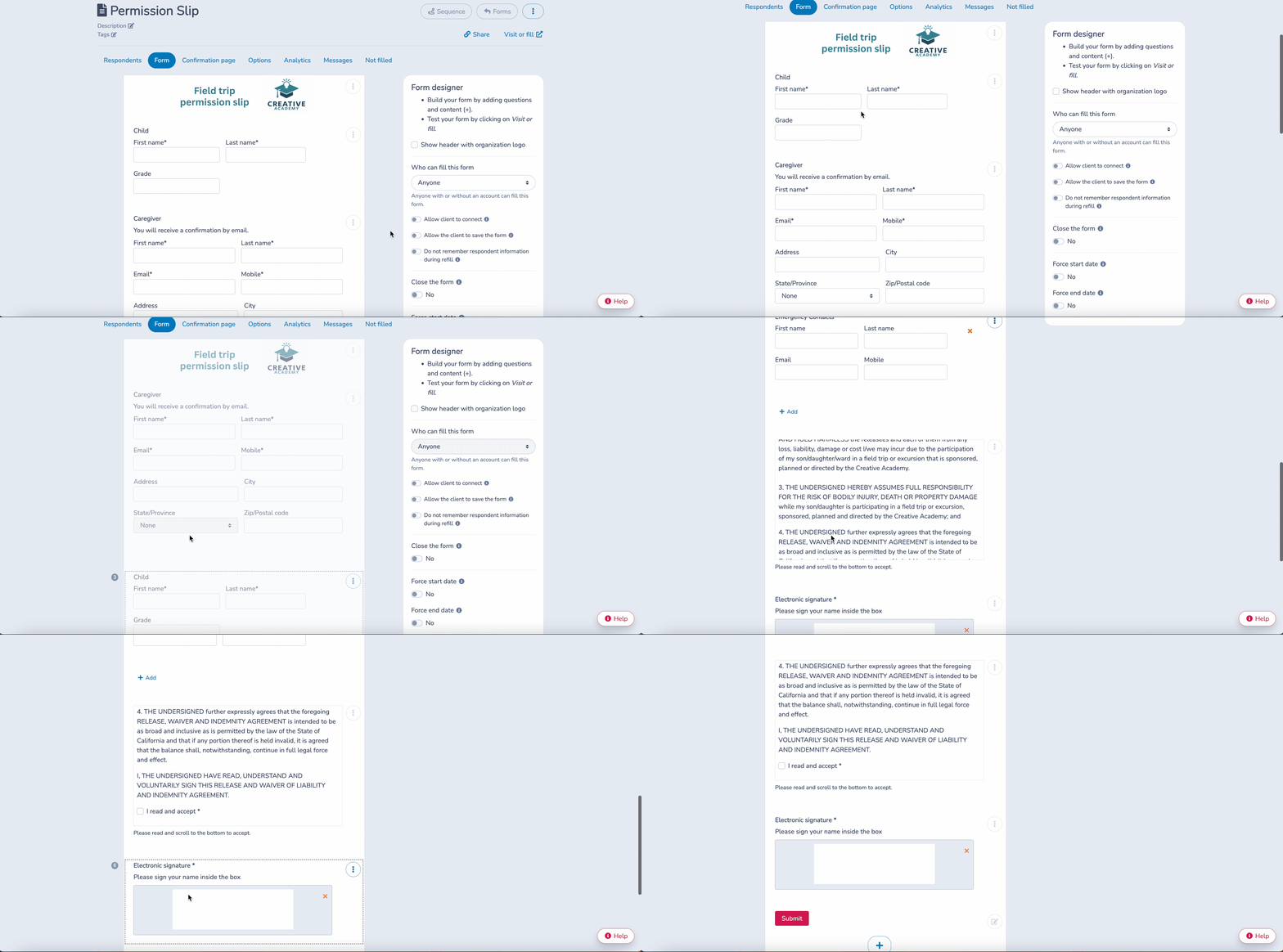
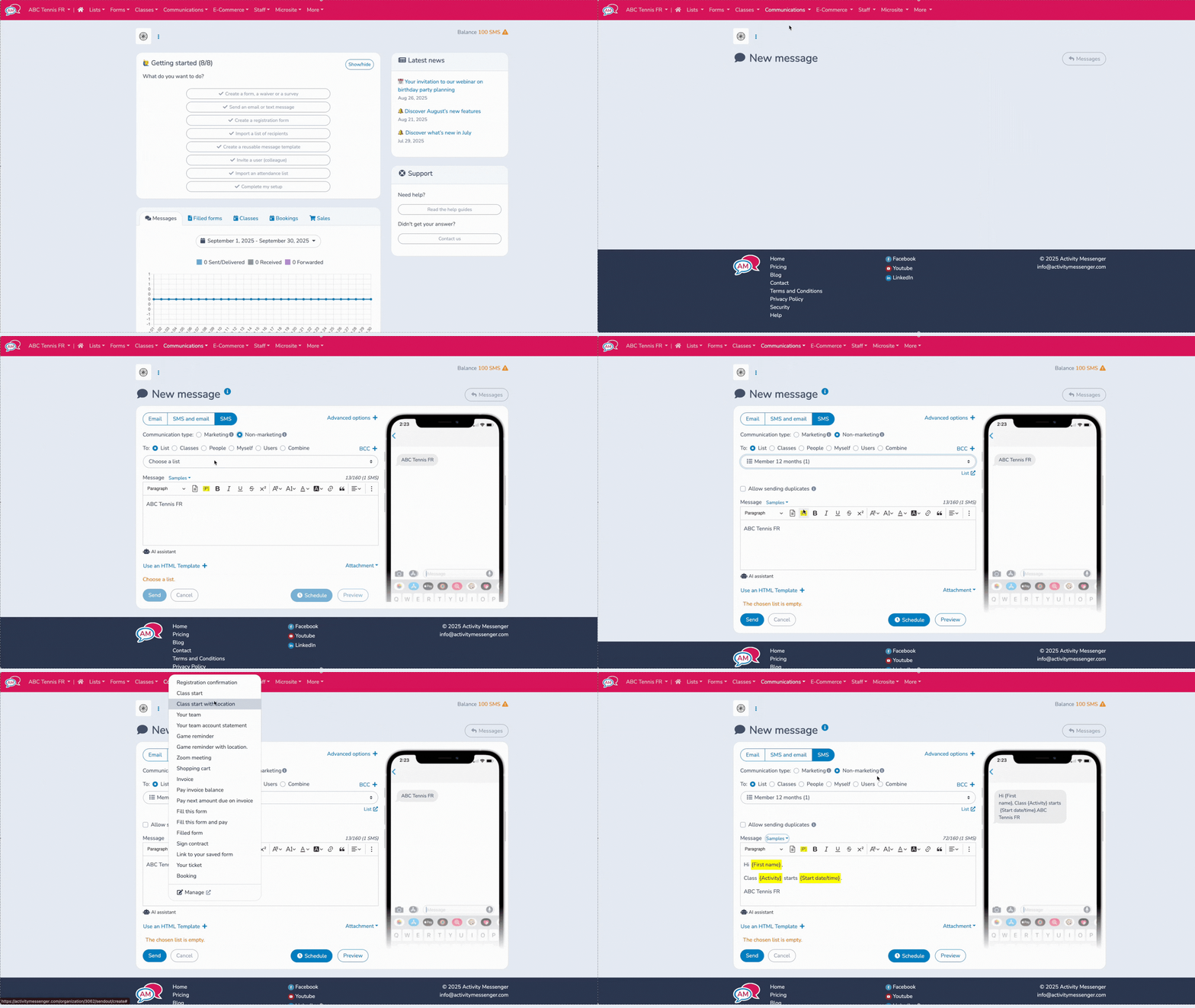
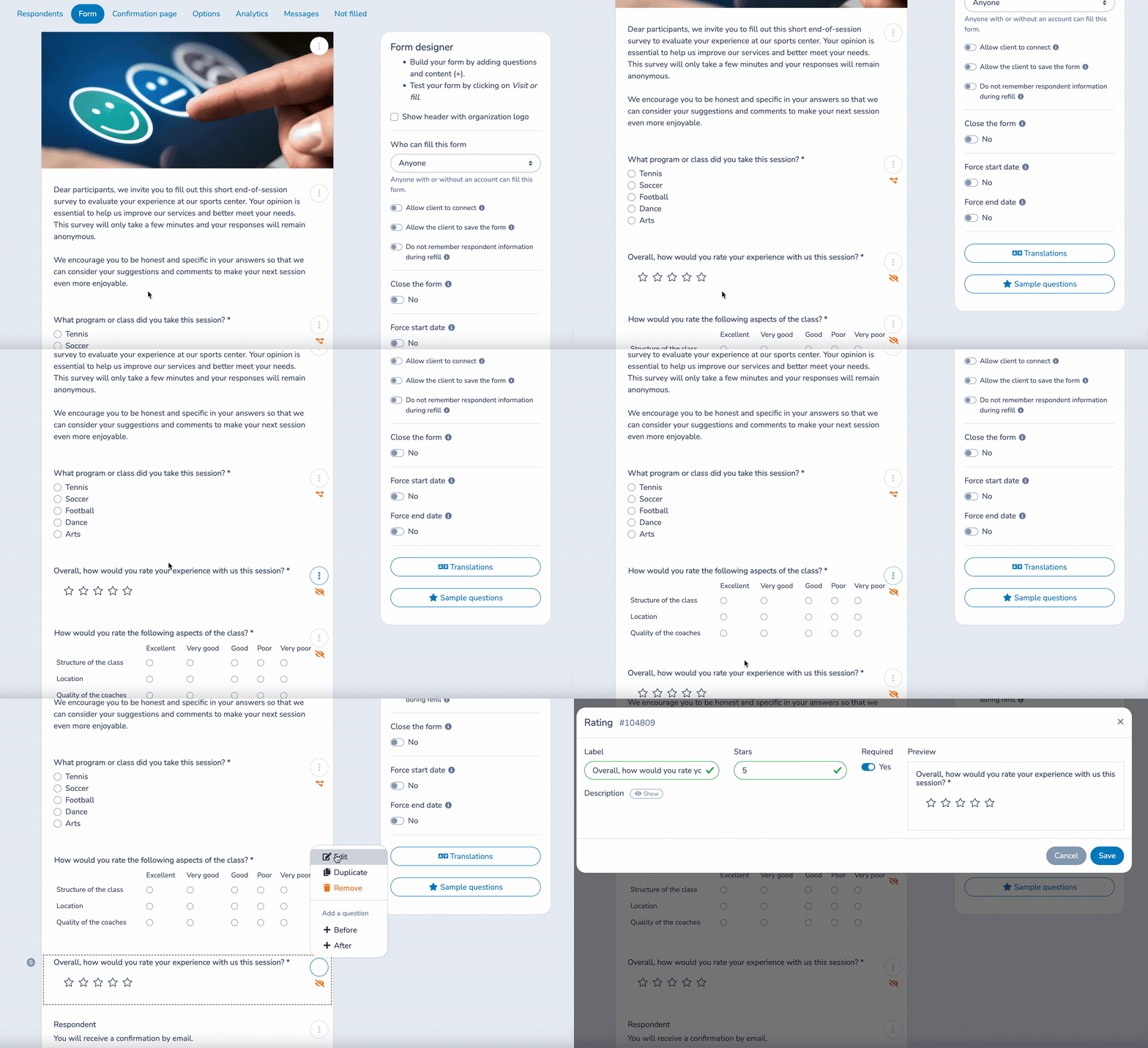
💡 Check out more of our features: Point-of-Sale (POS), Online Registrations, Staff Onboarding, Attendance Tracking, and Invoices.
Automations reduce the manual work your staff performs every season:
These replace hours of copying, pasting, and manually emailing parents or participants.
📌 Read More: For a more in-depth look at automations, our 5 Essential Automated Tasks article is a great place to start.
👉 If you’re juggling multiple disconnected tools, consolidation simplifies everything.
Activity Messenger connects to Stripe for payments, Canva for design, Zoom for virtual events, and Zapier for additional automation.
Raw HTML editing is not available in the standard email editor; Activity Messenger’s builder is drag‑and‑drop focused to keep templates simple.
Yes. When composing a message in Activity Messenger, you can select and combine multiple lists for a one‑off send. You don’t have to create a permanent master list unless you prefer that workflow.
Activity Messenger payments are processed through Stripe (2.9% + $0.30 per transaction) plus a 1% platform fee. You can choose to pass these fees on to customers as an admin or service fee.
Yes, you will receive one-on-one onboarding support to ensure your workflows transition seamlessly from your old tools to Activity Messenger. Our bilingual team is available to assist you when you need it.
Yes, Activity Messenger can provide you with only the services you need, for example, exclusively waivers and forms without event ticketing or SMS. While you will still have access to these features depending on your subscription tier, you can utilize only what you need for your organization.
Replacing six separate US tools with a single Canadian all-in-one platform helps your team run more efficiently, reduces software costs, and simplifies the experience for families and participants.
By centralizing registrations, waivers, communications, ticketing, and surveys, you eliminate manual work and finally get the unified workflows you’ve always wanted.
To see these features in action, watch the full webinar recorded by Activity Messenger or book a demo for a personalized walkthrough.
💡 Missed the live discussion? Sign up for our monthly newsletter for sneak peeks at upcoming webinars, instant access to webinar registration, and other tips for managing your organization with Activity Messenger.