Are you juggling six different US apps just to manage registrations, waivers, emails, ticketing, and surveys? Many Canadian organizations face this exact problem—fragmented data, high costs, and endless manual work.
In this webinar, Olivier (co-founder at Activity Messenger) walks through how one Canadian-hosted platform can replace six common US tools and centralize registrations, communications, and automations, so your team spends less time switching between apps and more time serving your community.
From simplifying forms and ticketing to automating reminders, waivers, and surveys, you’ll learn how consolidating your tech stack reduces costs, boosts efficiency, and protects your data under Canadian privacy laws.
Key Takeaways
- Replace six standalone tools (forms, email, ticketing, waivers, surveys, SMS) with one connected platform.
- Centralize registrations, payments, attendance, waivers, and communications in a single Canadian-hosted database.
- Improve privacy with data residency in Canada—ideal for nonprofits, camps, sports clubs, and government-funded programs.
- Automate confirmations, reminders, waitlists, waivers, and surveys without manual work.
- Reduce software costs and eliminate integration headaches across scattered US tools.
- Use one consistent branded experience, from newsletter to ticket to waiver to follow-up survey.
Table of Contents
- Why Organizations Replace Multiple US Tools
- At A Glance: The Six Tools People Commonly Replace
- How One Platform Replaces Them (Feature Breakdown)
- Examples Of Time‑Saving Automations
- Who Benefits Most
- Frequently Asked Questions
- Final Thoughts: Workflows That Finally Click
👉 This webinar is inspired by insights from Olivier Rousseau, co-founder of Activity Messenger, who brings over twelve years of experience in online registration for kids’ sports programs.
Why Organizations Replace Multiple US Tools
Most small and mid-sized organizations combine separate products for forms, email marketing, waivers, surveys, ticketing, and SMS. Each tool works well on its own, but none of them talk to each other.
This creates problems:
- 🚩 Fragmented data: Contacts, waivers, and tickets spread across different systems.
- 🚩 Higher costs: Multiple subscriptions, each priced in USD.
- 🚩 Manual handoffs: Exporting CSVs, re-uploading lists, and syncing waivers by hand.
- 🚩 Privacy concerns: US-hosted data can be complicated for Canadian organizations funded by public dollars.
- 🚩 Inconsistent client experience: Parents and participants jump between different platforms to register, sign waivers, or receive reminders.
By switching to a Canadian all-in-one platform, you save time, reduce costs, and deliver a seamless experience for participants.
At A Glance: The Six Tools People Commonly Replace
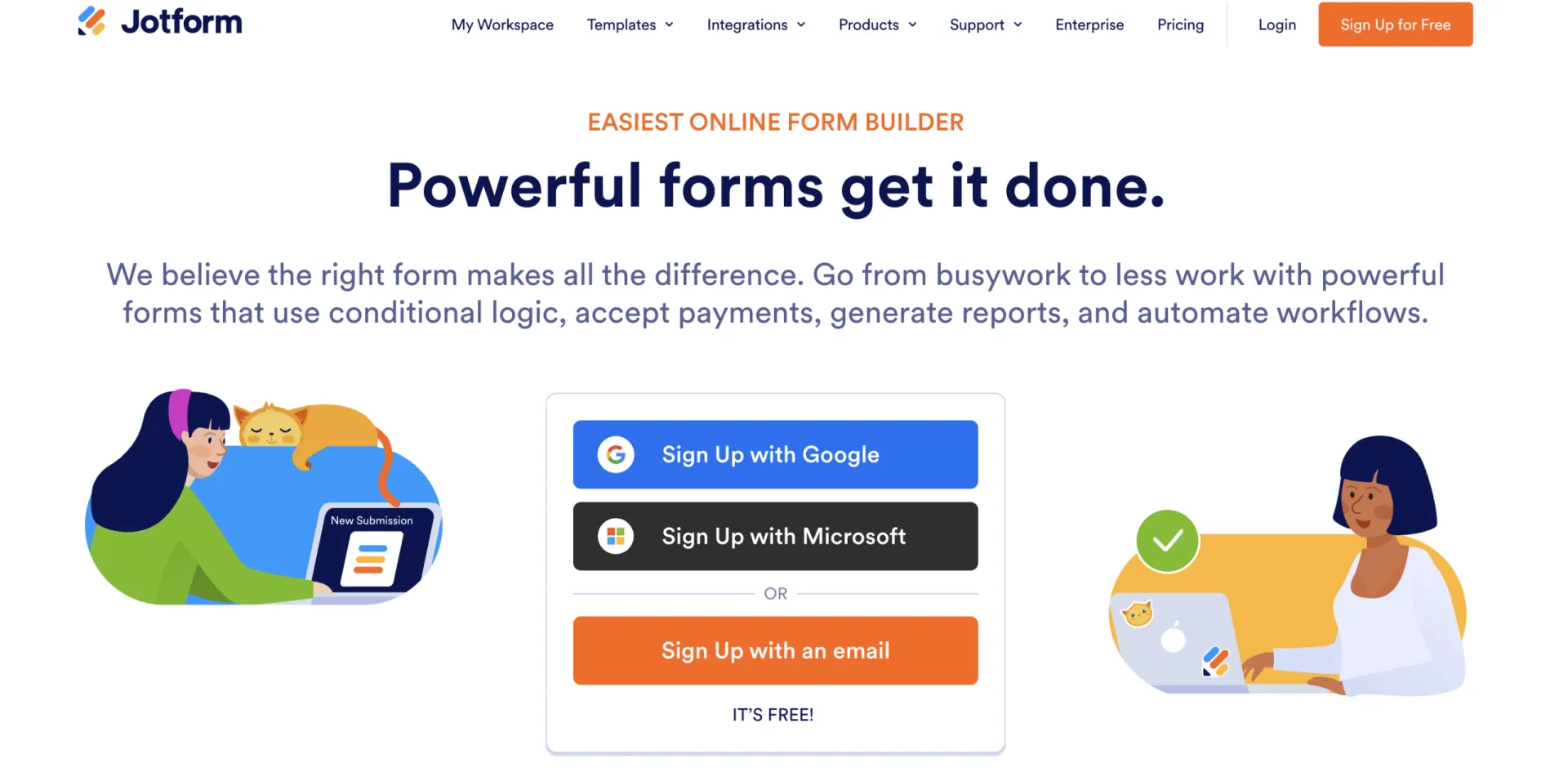
1. Jotform (forms)
Great templates, but disconnected from your registrations, payments, and follow-ups.
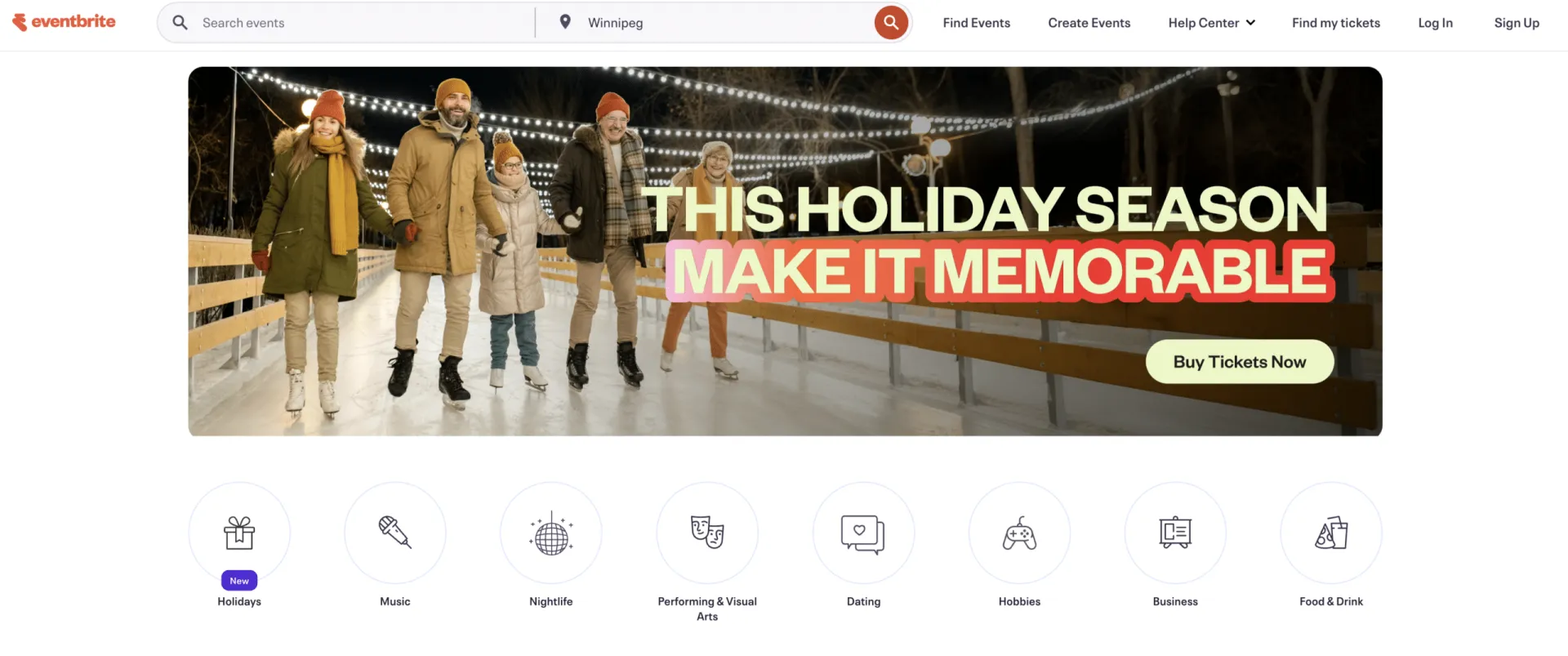
2. Eventbrite (ticketing)
Strong marketplace, but high fees and attendee data lives outside your other systems.
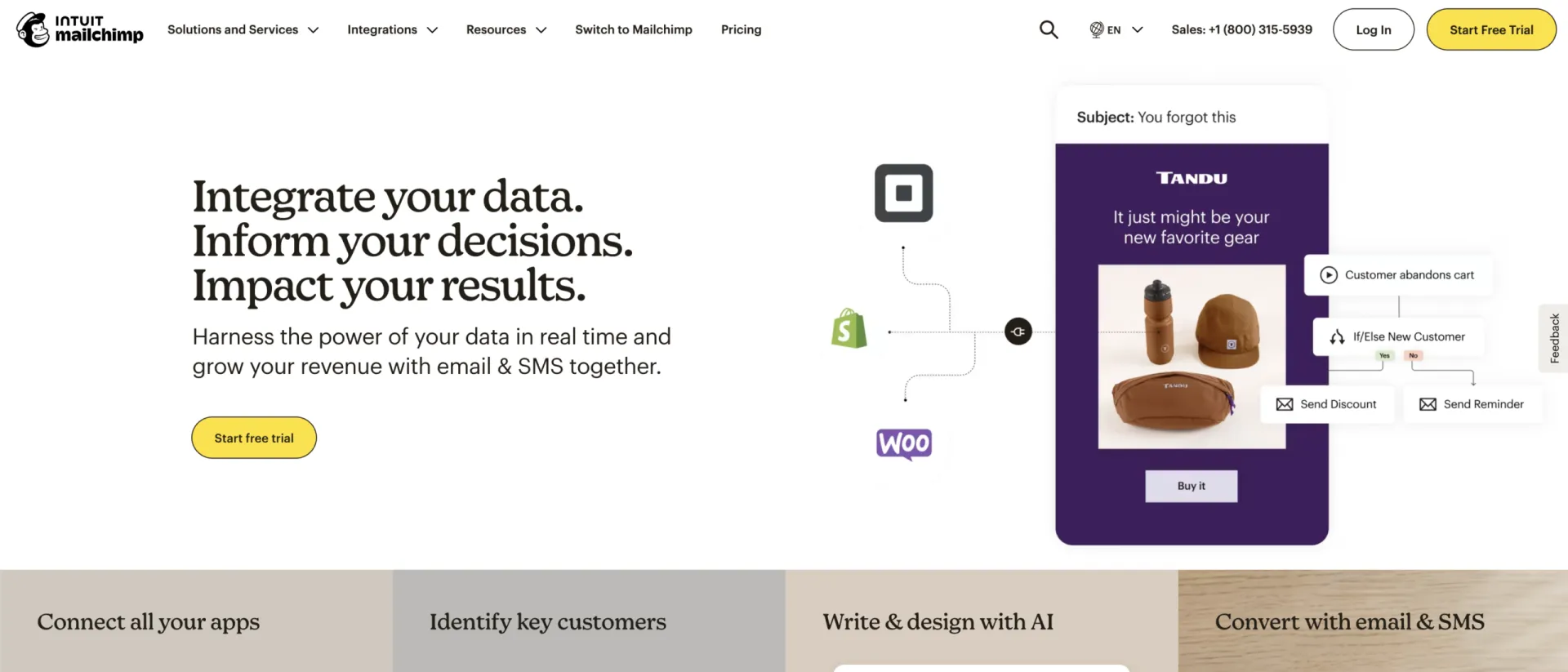
3. Mailchimp (email marketing)
Powerful templates—but list-based pricing grows quickly, and it doesn’t handle registrations or waivers.
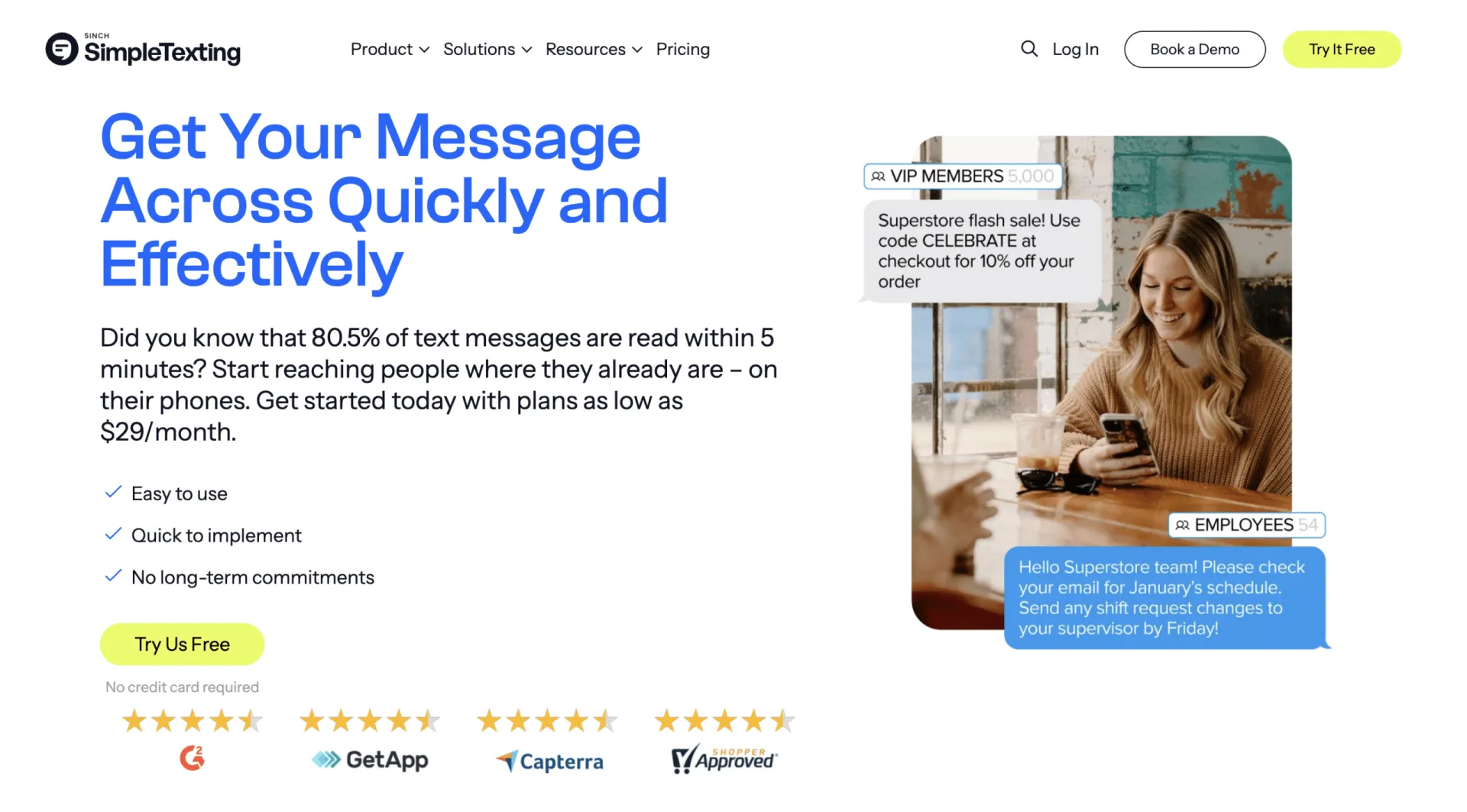
4. SimpleTexting (bulk SMS tools)
Useful for marketing blasts, though most organizations only need event-driven reminders and confirmations.
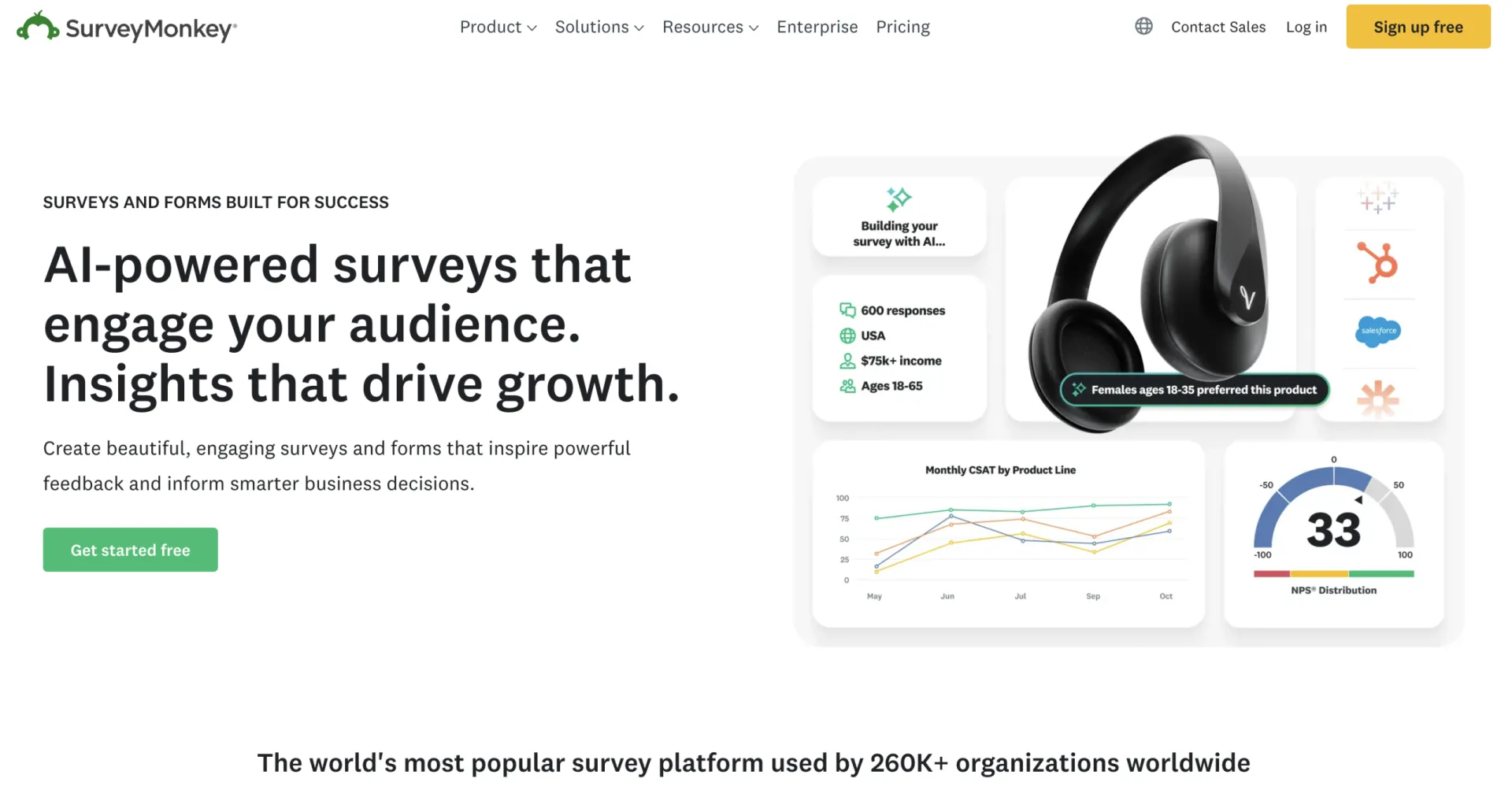
5. SurveyMonkey (surveys)
Advanced surveys, but not linked to registrations, attendance, or programs.
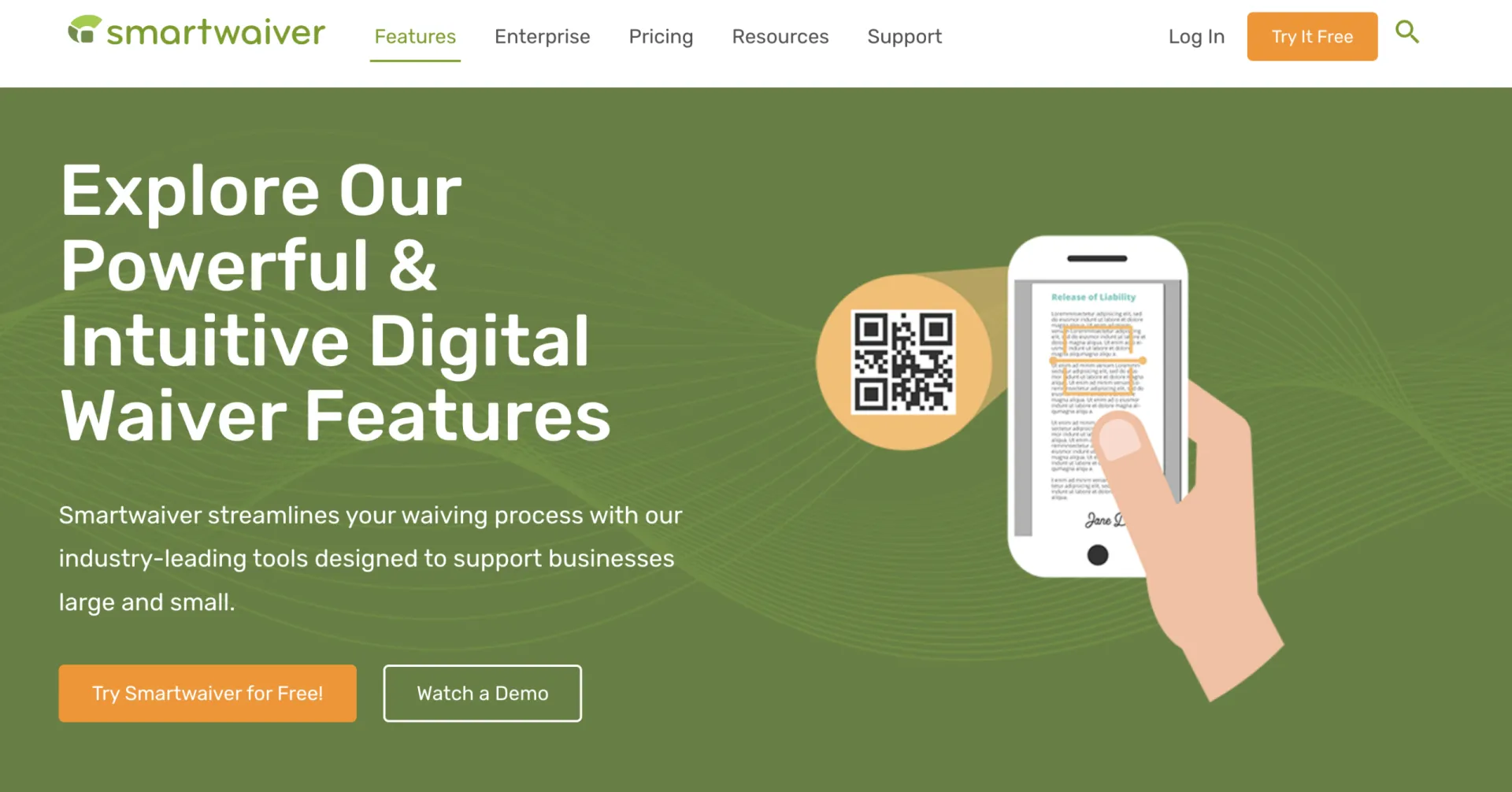
6. Smartwaiver (waivers)
Produces signed PDFs but operates separately from forms, emails, and ticketing.
How One Platform Replaces Them (Feature Breakdown)
Activity Messenger brings all these workflows together into a single, connected Canadian platform. It gives you the core features you actually use without switching between six different apps:
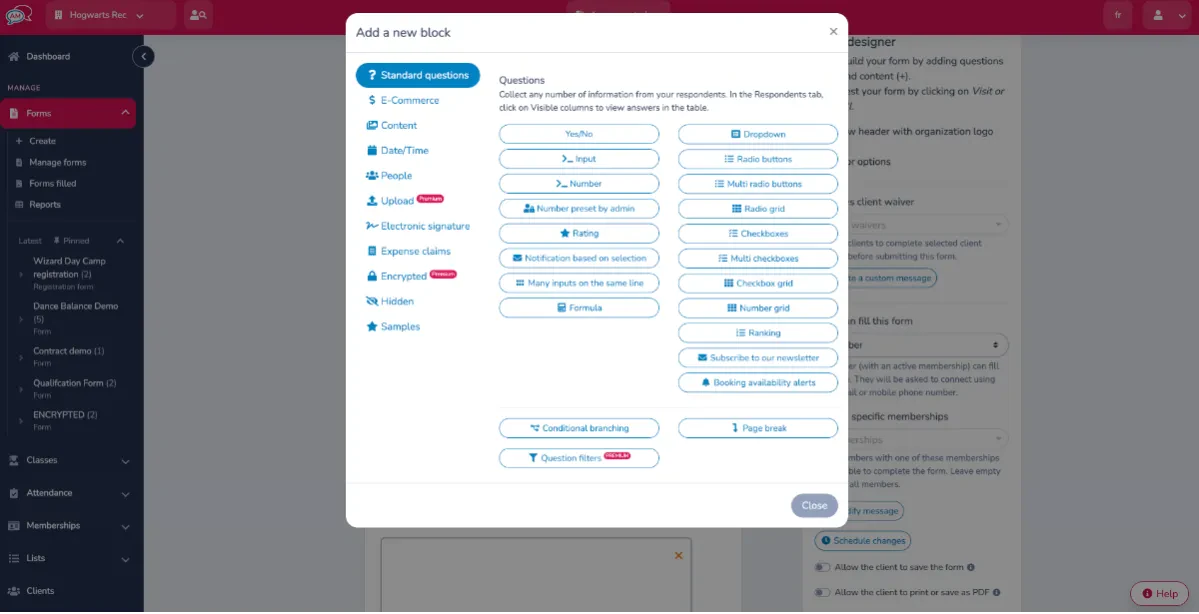
Forms + Automations
- Build branded registration and intake forms
- Automatically send confirmations, waivers, or follow-up surveys
- Segment families and participants based on form responses
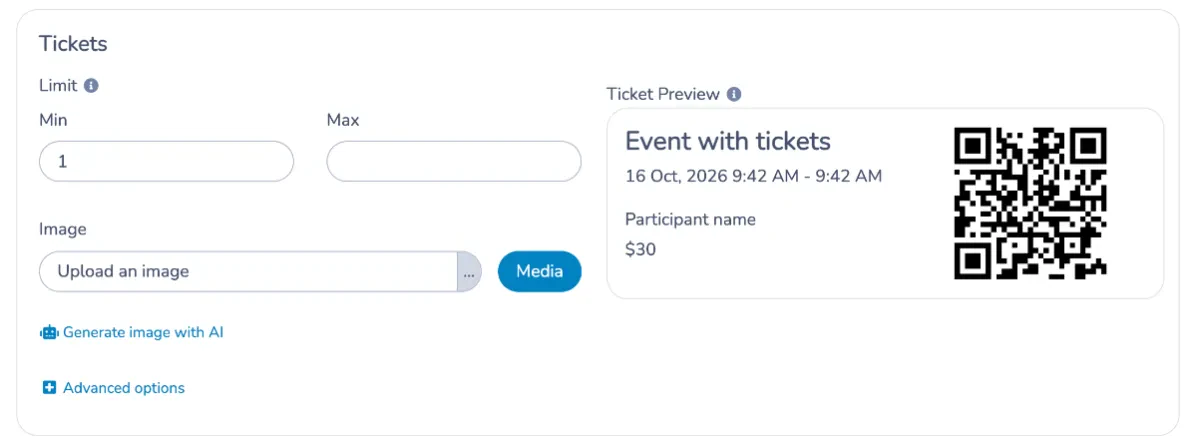
Event Ticketing + Attendance
- Build ticketed events with capacity limits, session rules, or seat maps
- Collect custom fields per ticket holder
- Scan tickets from any phone

Email Builder + Reporting
- Drag-and-drop newsletters and updates
- Personalization placeholders
- Reporting with open/click tracking
- “Resend to non-openers” built in
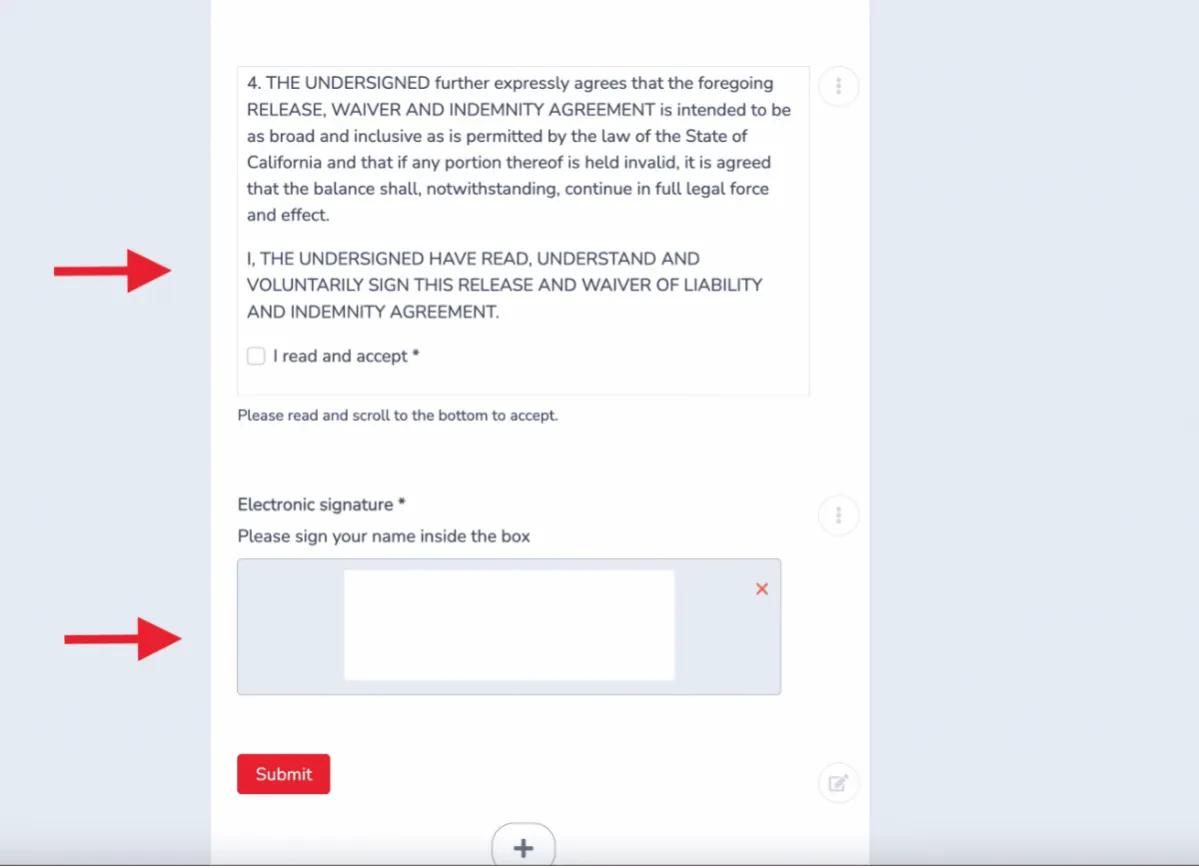
Digital Waivers + Signatures
- QR codes for fast onsite signing
- Timestamped PDF records stored with each participant
- Connect waivers directly to registrations or RSVP flows
Contextual SMS
- Event-driven texts for cancellations, reminders, or room changes
- Send SMS only when it matters—no need for a separate SMS tool

Surveys Integrated Into Workflows
- Trigger surveys after events or classes
- Analyze results by program, session, or season
- Automate follow-ups based on satisfaction scores
💡 Check out more of our features: Point-of-Sale (POS), Online Registrations, Staff Onboarding, Attendance Tracking, and Invoices.
Examples Of Time‑Saving Automations
Automations reduce the manual work your staff performs every season:
- Pre-event reminders: Send maps, instructions, waivers, and coach introductions.
- Registration nudges: Resend to non-openers; escalate to SMS before the session.
- Waitlist automation: Text the next person automatically with a 24-hour claim link.
- Post-class surveys: Trigger feedback forms tied to specific programs.
- Follow-ups based on behaviour: Send reminders only to people who haven’t completed a required form.
These replace hours of copying, pasting, and manually emailing parents or participants.
📌 Read More: For a more in-depth look at automations, our 5 Essential Automated Tasks article is a great place to start.
Who Benefits Most
- Camps, sports clubs, and community organizations running recurring sessions
- Nonprofits and churches that need data stored in Canada
- Event organizers who require ticketing + custom fields + onsite check-in
- Small teams that want fewer tools to learn and maintain
👉 If you’re juggling multiple disconnected tools, consolidation simplifies everything.
Frequently Asked Questions
Which third‑party integrations are available?
Activity Messenger connects to Stripe for payments, Canva for design, Zoom for virtual events, and Zapier for additional automation.
Can I edit email templates with raw HTML and custom CSS classes?
Raw HTML editing is not available in the standard email editor; Activity Messenger’s builder is drag‑and‑drop focused to keep templates simple.
Is it possible to send the same email to multiple lists without pre‑combining them?
Yes. When composing a message in Activity Messenger, you can select and combine multiple lists for a one‑off send. You don’t have to create a permanent master list unless you prefer that workflow.
How are transaction fees handled through Stripe?
Activity Messenger payments are processed through Stripe (2.9% + $0.30 per transaction) plus a 1% platform fee. You can choose to pass these fees on to customers as an admin or service fee.
Do you offer any customer service or onboarding assistance?
Yes, you will receive one-on-one onboarding support to ensure your workflows transition seamlessly from your old tools to Activity Messenger. Our bilingual team is available to assist you when you need it.
Can the various functions be combined ‘à la carte’ based on what the account needs?
Yes, Activity Messenger can provide you with only the services you need, for example, exclusively waivers and forms without event ticketing or SMS. While you will still have access to these features depending on your subscription tier, you can utilize only what you need for your organization.
Final Thoughts: Workflows That Finally Click
Replacing six separate US tools with a single Canadian all-in-one platform helps your team run more efficiently, reduces software costs, and simplifies the experience for families and participants.
By centralizing registrations, waivers, communications, ticketing, and surveys, you eliminate manual work and finally get the unified workflows you’ve always wanted.
To see these features in action, watch the full webinar recorded by Activity Messenger or book a demo for a personalized walkthrough.
💡 Missed the live discussion? Sign up for our monthly newsletter for sneak peeks at upcoming webinars, instant access to webinar registration, and other tips for managing your organization with Activity Messenger.