End-of-summer registration is hectic: families return from holidays, calendars fill up, and your programs need a final push to hit capacity.
In this webinar, Olivier (co‑founder at Activity Messenger) walks through practical automations and communication strategies to fill remaining spots, cut no‑shows, and make the first week of class run smoothly.
Read on to learn the exact steps you can implement now: targeted outreach to unregistered families, automated welcome messages that reduce support requests, SMS reminders that improve turnout, waitlist automation that converts missed opportunities into registrations, and digital attendance workflows that keep staff coordinated on day one.
Key Takeaways:
- Segment outreach to unregistered families for last-minute registrations instead of sending it to your entire list. Personalization (even using the child’s name) increases trust and conversions.
- Automated welcome emails sent 5–7 days before the first class reduce parent confusion and support requests by providing clear, consistent details.
- SMS reminders sent 24–48 hours before free trials or open houses significantly improve turnout, boosting conversions from casual visitors to paying clients.
- Waitlist automation with timed claim windows and one-click opt-outs ensures open spots get filled quickly and prevents lost revenue.
- Digital attendance lists give coaches real-time access to notes, allergies, and day-of messaging, keeping the first week of classes organized and stress-free.
- Sign up for the next webinar to see these strategies demonstrated live and get access to exclusive Q&A sessions and insights.
Table of Contents
- How To Fill Remaining Spots
- Automate Clear, Useful Welcome Emails
- Reduce No-Shows With SMS Reminders
- Manage Waitlists Efficiently
- Maximize Visibility in the Days Leading Up
- Use Digital Attendance Lists To Run The First Week Smoothly
- How Activity Messenger Supports These Workflows
- 7-Day Checklist for Success
- Conclusion: Small Automations = Big Improvements
This webinar is inspired by insights from Olivier Rousseau, co-founder of Activity Messenger, who brings over twelve years of experience in online registration for kids’ sports programs.
1. How To Fill Remaining Spots
Not every class will fill on the first announcement. Use targeted outreach to close the gap:
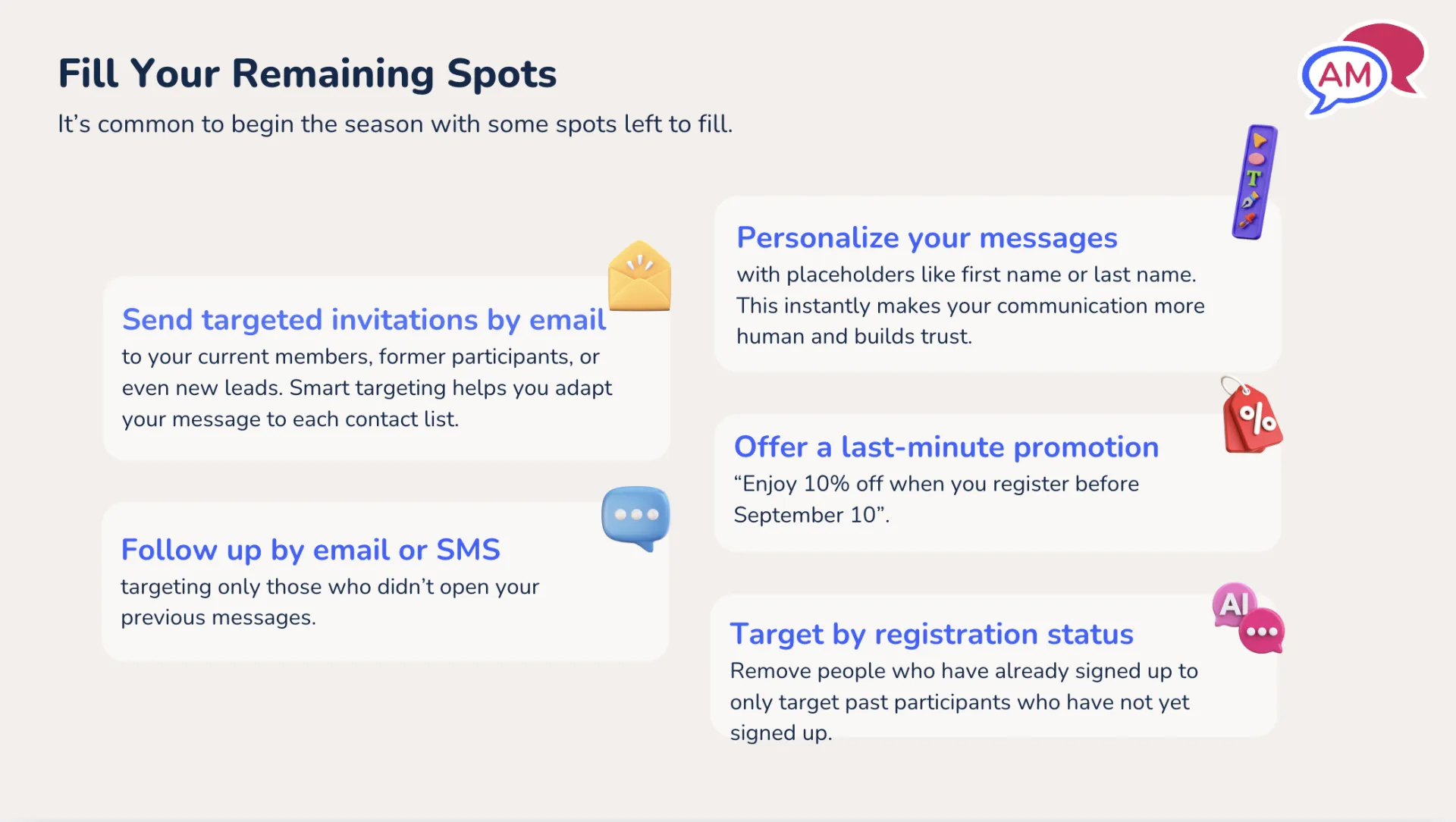
- Segmented emails: Email current members, former participants, and newsletter subscribers, but remove people who have already registered, so you only message those who still need to sign up.
- Customize the message: Use names to make last‑minute asks feel more personal: “Sasha hasn’t registered yet—spots are limited.”
- Follow up with SMS: If an email isn’t opened, follow up with a text to increase visibility.
- Last‑minute promos: Offer a small discount (e.g., 10%) or a first‑time client code to convert newsletter subscribers who haven’t registered yet.
Timing matters, so send a follow‑up outreach about 10 days before the first class to catch families who were on vacation or simply forgot.
“When pushing for last-minute registrations, personalize your outreach. Even adding the child’s name builds trust and makes it feel more human.”
2. Automate Clear, Useful Welcome Emails
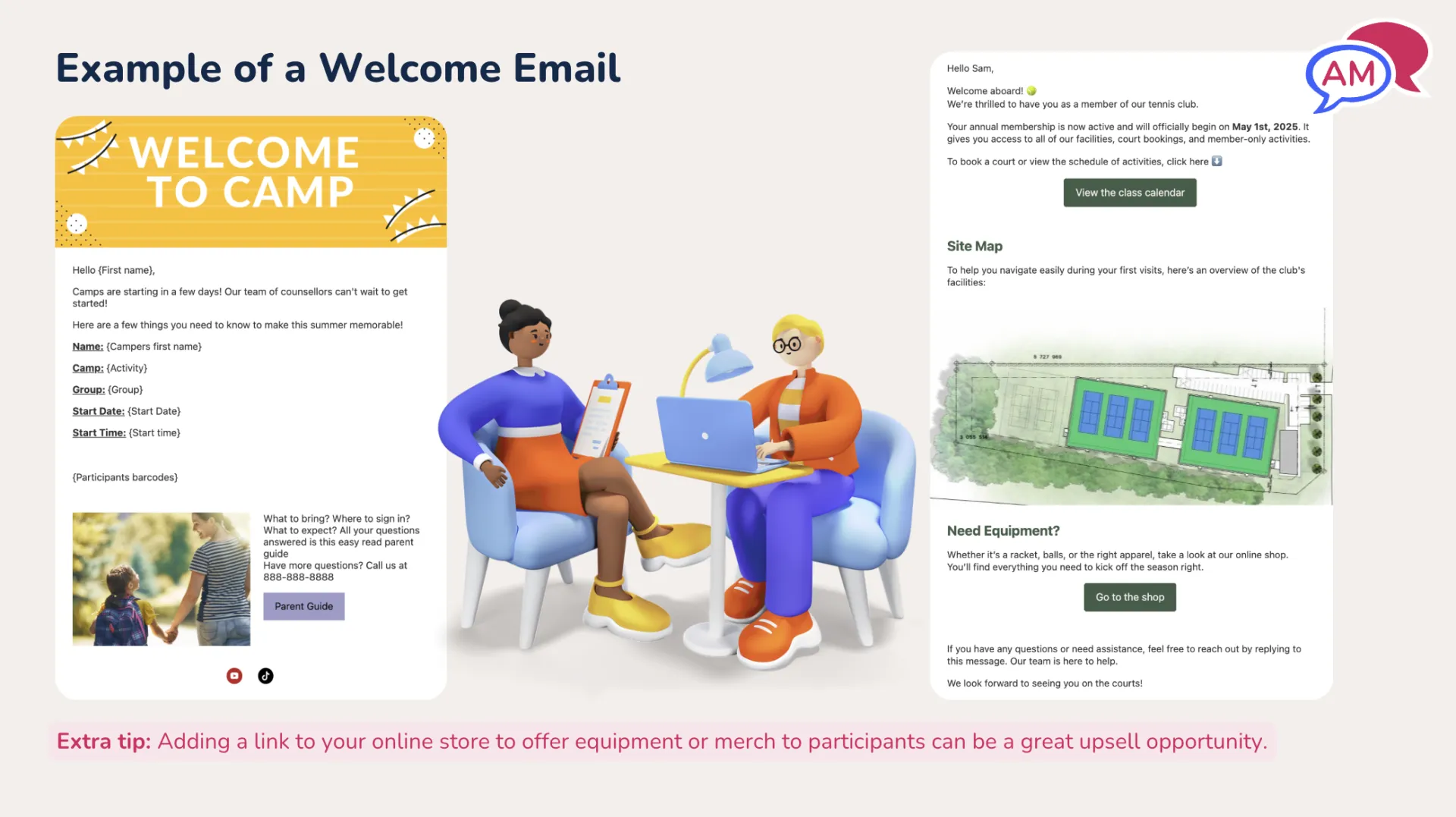
A confirmation at registration isn’t enough, as many people register months in advance and forget details. Automate a “start of session” welcome so every family receives consistent, practical information.
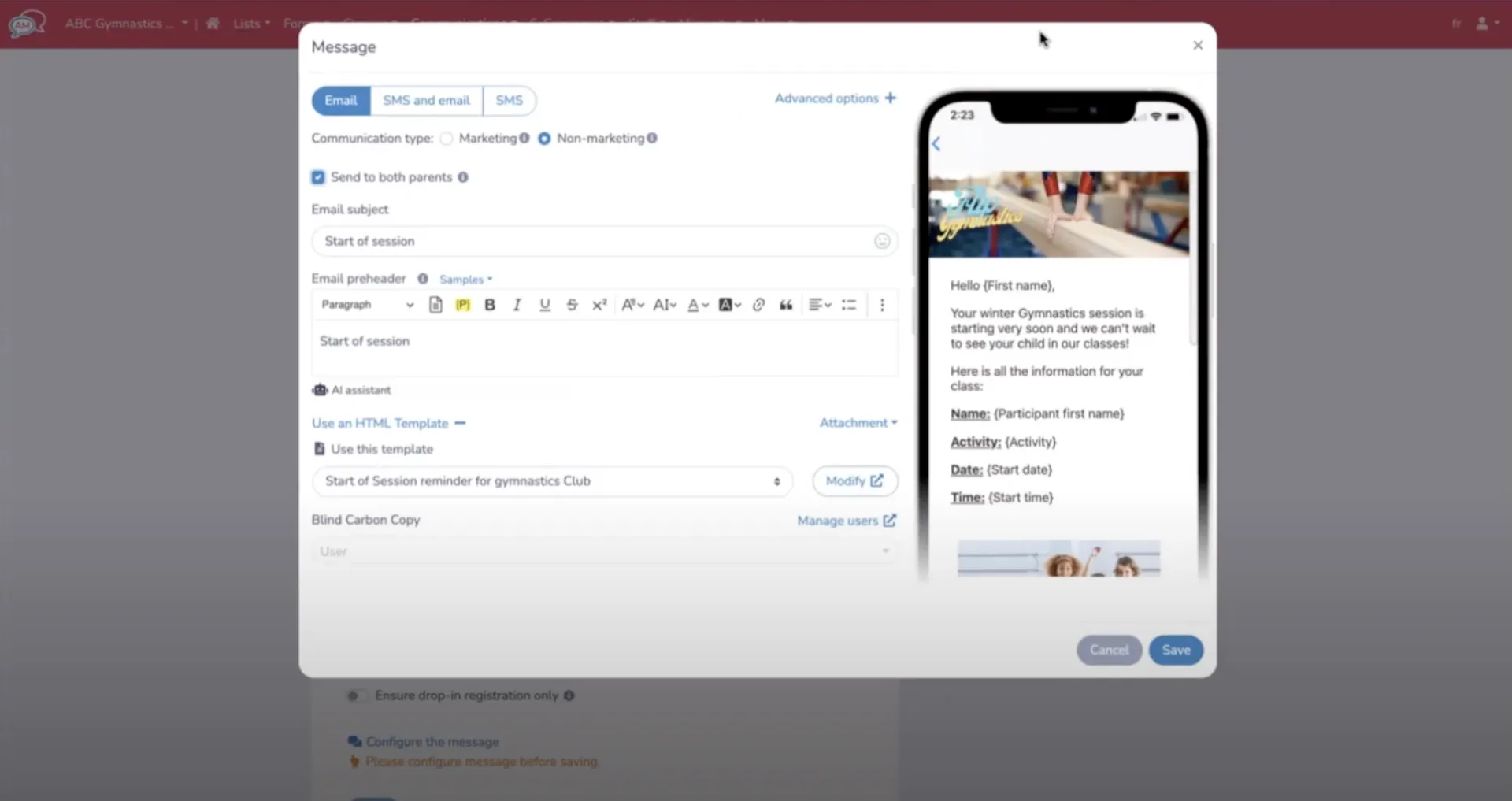
- Include practical details: date/time, location, parking information, required equipment, and drop-off/pick-up instructions.
- Use personalization placeholders: participant name, specific class name, and start time, so that one template fits all registrations.
- Attach helpful assets: a parent guide, club presentation, coach intro video, maps or site directions, and any waivers.
- Schedule delivery: send 5–7 days before the session (and enable delivery to late registrants so someone who signs up two days before still receives critical info).
- Send to: both parents/guardians, where applicable, to avoid miscommunications in split families.
3. Reduce No-Shows With SMS Reminders
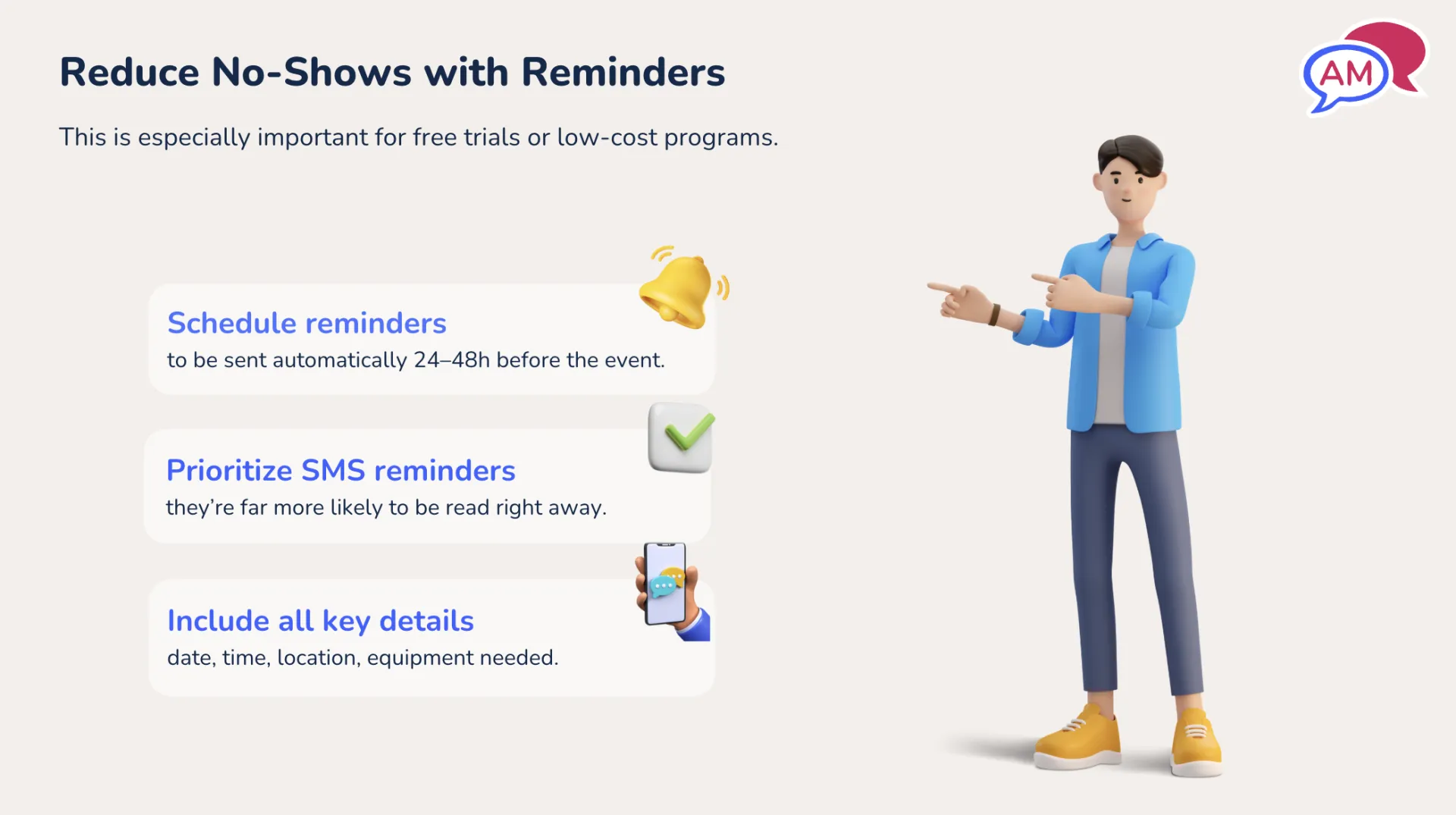
Open houses, free trials, and low-cost sessions are especially vulnerable to no-shows. Prioritize text reminders for these events:
- Send reminders 24–48 hours before the event. SMS works better than email for short‑notice attendance.
- Allow replies (e.g., “I can’t make it” or “What should I bring?”) so you can nurture leads and answer last‑minute questions.
- Small improvements in show rate can have a significant revenue impact; doubling the number of attendees for a trial often results in more conversions.
4. Manage Waitlists Efficiently
Paper or Excel waitlists are slow. Automate waitlist notifications and use SMS to convert open spots:
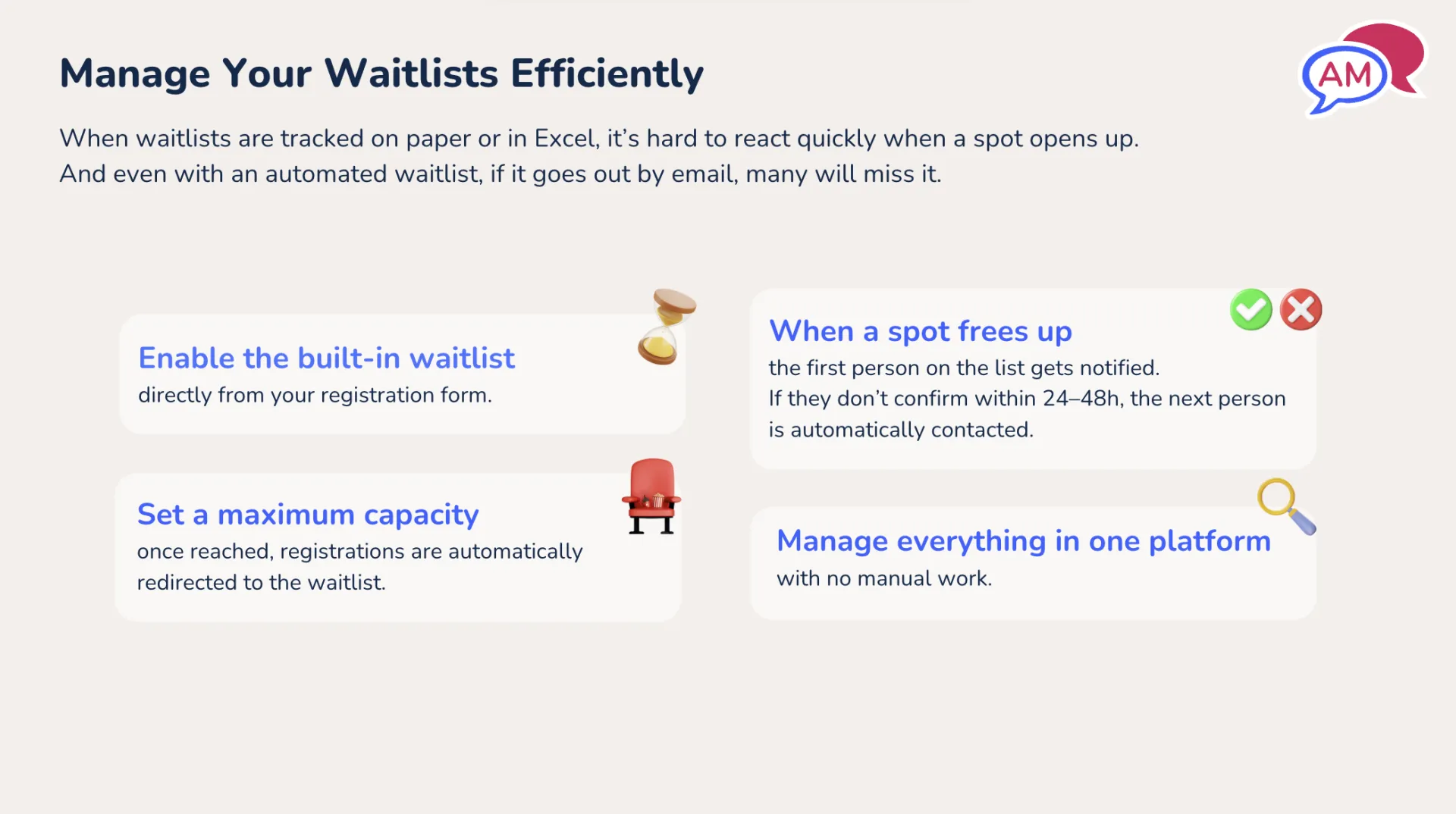
- Enable a waitlist: Set maximum capacity on registration forms and toggle waitlist on.
- Notify by SMS: When a spot opens, text the first person on the list with a limited window (commonly 24 hours) to claim it.
- Give a one‑click opt‑out: Include a clear “I don’t want the spot” action so they can release it immediately, preventing the next person from waiting through a full claim window.
- Use a unique claim link/password: Make the signup fast and secure for the person who accepts the spot.
These steps reduce missed opportunities and help you fill spots quickly, which is especially important in the days leading up to a session.
5. Maximize Visibility in the Days Leading Up
Don’t stop promoting after the first announcement. Give yourself more chances to be seen:
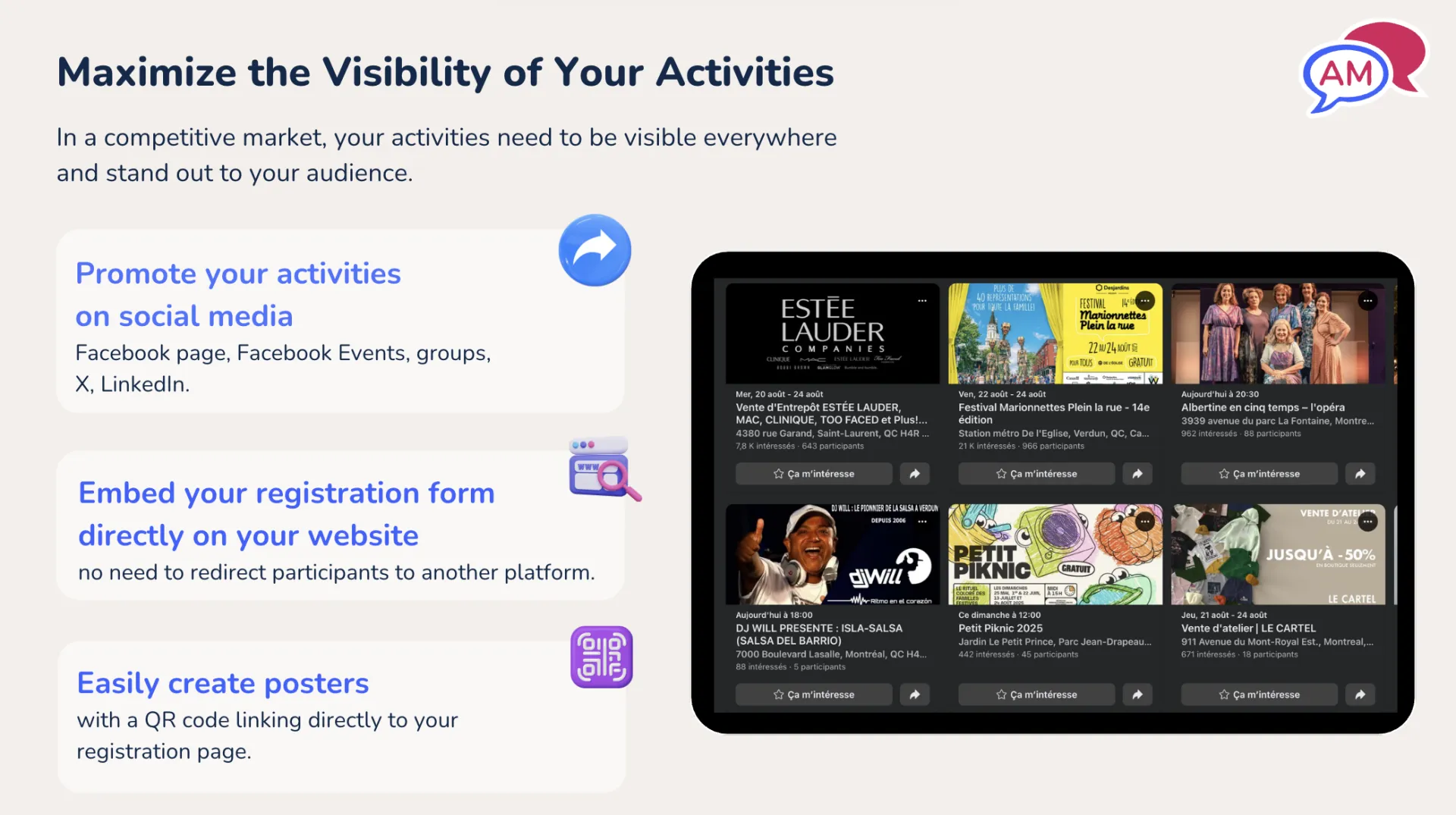
- Repost on social media, Facebook events, and community groups in the days before the session.
- Embed your registration form on your website and use QR codes on posters or at your front desk for walk‑up signups.
- Consider short, timely ads or boosted posts targeted to local audiences.
6. Use Digital Attendance Lists To Run The First Week Smoothly
Digital attendance lists let staff check in participants, add notes, and access critical information instantly.
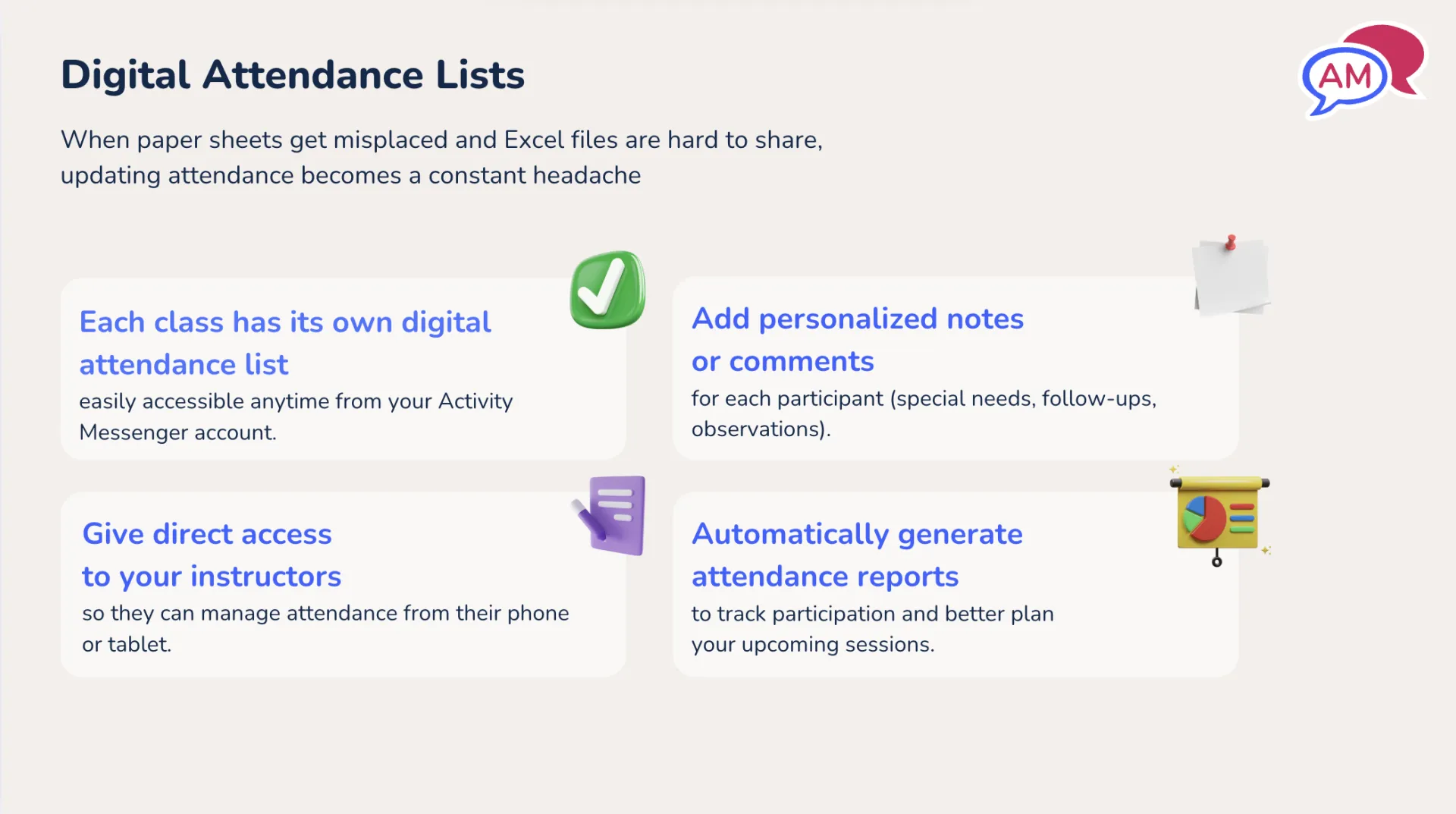
- Share with instructors: Give coaches direct access on phones or tablets so they can mark attendance and see notes.
- Add personalized notes: Parents can reply to reminders or request accommodations, and staff can log that information directly on the attendance list (e.g., “Will miss first two classes”).
- Show relevant columns: Make medical details, allergies, or support needs visible at a glance without extra clicks.
- Today tab: See everyone scheduled for a given day and send day‑of messages (construction, detours, cancellations) quickly via email or SMS.
“The first week of classes is crucial. Small details, like a parent’s note about being late or a child’s allergy, can make or break the experience.”
How Activity Messenger Supports These Workflows
- Drag-and-drop email builder with 80+ placeholders for personalization.
- Automated communication tasks (send X days before activity, include late registrants).
- SMS-first approach for waitlists and reminders to improve response rates.
- Digital attendance lists with configurable columns, notes, and a today view for day‑of messaging.
7-Day Checklist for Success
☑️ Segment your contact list by removing already-registered families.
☑️ Create a 7-day welcome template that includes a map, parking information, and parent guides.
☑️ Schedule SMS reminders for free trials and open houses (24–48 hours prior).
☑️ Enable waitlist SMS with a 24‑hour claim window and an opt‑out link.
☑️ Publish digital attendance lists and give coaches mobile access.
Conclusion: Small Automations = Big Improvements
Investing a little time to automate welcome messages, prioritize SMS for time-sensitive communications, and move attendance and waitlists off paper yields better attendance, less last-minute support, and more full classes. The first week is the most important—get communications right, and the session gets off to a confident start.
If you want to see these automations in action, watch the full webinar recorded by Activity Messenger or book a demo for a personalized walkthrough.
💡 Missed the live discussion? Sign up for our monthly newsletter for sneak peeks at upcoming webinars, instant access to webinar registration, and other tips for managing your organization with Activity Messenger.