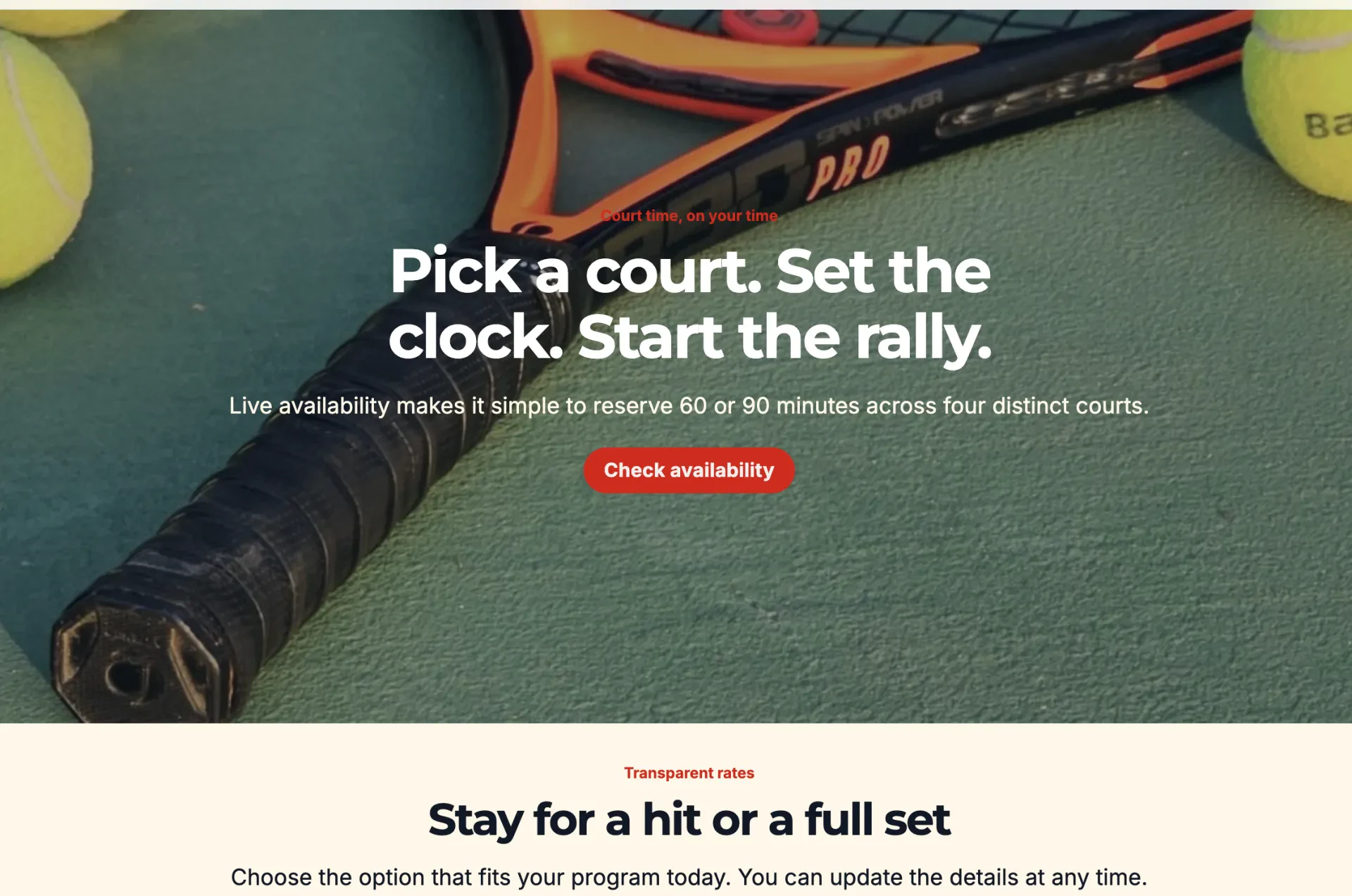
Building a website for your studio, club, or program usually means picking between two lesser options: a separate website tool that doesn’t talk to your registration system, or no real website at all, just a page of links to your forms.
That’s why Activity Messenger is introducing a new feature: a built-in website builder.
This simple, visual tool allows you to design a fully branded site with integrated registration, schedules, and payment options.
This feature is included in the Pro plan or available as a $20/month add-on to Light and Premium plans.
A Simpler Way to Build Your Website
With the website builder, you can now:
- 🎨 Set your fonts, colours, and navigation style once, and have every new section apply that branding automatically
- 🧱 Add pre-built sections like hero banners, pricing tables, and FAQs, or reuse the same forms, schedules, and blocks already in your account
- 📝 Publish blog content directly on your site with a built-in blog engine and inline editor
- 🔑 Give your clients a login portal to check their classes, memberships, and account details
- 🛍️ Sell merchandise or retail items with updated product listings built for a more visual storefront
- 💻 Add custom CSS and JavaScript if you want finer control over specific elements
- 🌐 Translate your site with AI-assisted tools built for bilingual EN/FR sites
From the editor, you can preview your site on mobile, tablet, and desktop before publishing, and if you run more than one program or location, you can now build separate websites, each with its own custom domain or subdomain, from a single account.
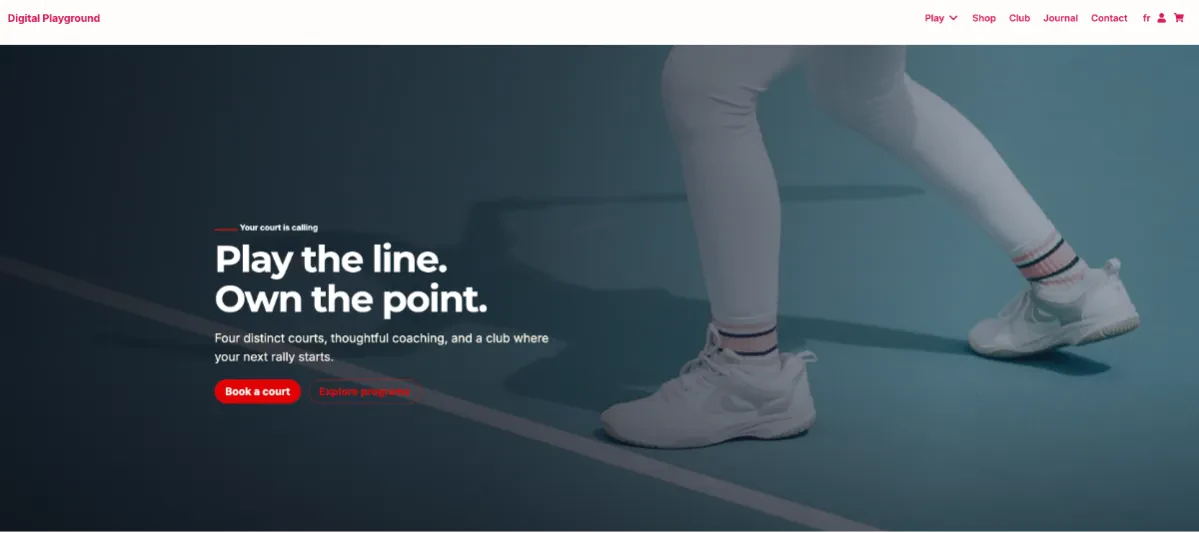
👉 Want to see what the above sample website looks like in action? Click here to see what our new feature can do.
How Does It Work?

Everything is done directly within your Activity Messenger account:
- Set your branding guidelines (fonts, colours, navigation style, spacing) before launching the builder
- Add sections to your page using pre-built templates or containers that reuse existing blocks like forms and schedules
- Click any element to edit it directly, with editing options that update based on what you’ve selected
- Link buttons directly to a registration form, page, email, or phone number
- Preview your site on mobile, tablet, and desktop, then publish
Admins already using Activity Messenger’s microsite tools will recognize the blocks right away, since they’ve all been ported over to the new builder.
A Feature That Keeps Evolving
This first version of the website builder will keep expanding in the coming months, with more features and design options on the way. As always, your feedback helps shape where it goes next.
Not a client yet?
The website builder is just one part of what Activity Messenger can do to simplify your organization. Book your free demo now to learn more.