Running golf lessons and camps comes with more admin than most people expect. Between collecting registrations, organizing groups, chasing payments, sending reminders, and gathering feedback, things can get messy fast. That’s where the right golf registration software makes a difference.
Whether you’re managing private coaching sessions, junior golf camps, or a full academy schedule, having one system to handle registrations, communication, and participant data can save hours every week.
This guide compares seven platforms used by golf facilities and academies: Activity Messenger, Amilia, Sawyer, Uplifter, Jackrabbit, Mindbody, and SimplyBook.me, with the goal of helping you decide which works best for your organization’s unique needs.
DISCLAIMER: Activity Messenger is our software. We built it after seeing how much time golf instructors and program administrators lose to disconnected tools for registration, communication, and follow-up.
Before getting into specific platforms, it’s worth noting what actually sets golf registration software apart from generic recreation management software.
A few things come up repeatedly for departments running golf lessons and camps:
✅ Skill-level intake matters more than it does in most sports. A beginner registering for an intermediate junior clinic creates issues on the first day. Good registration forms need to capture this upfront, and instructors need to see it before the session starts, not after they’ve already split kids into groups.
✅ Seasonal enrolment windows create a registration rush. Golf programs often open registration once or twice a year, and departments get hit with a wave of sign-ups inside a short window. A system that slows down, confuses parents, or requires staff to manually process each registration will cost you real hours during the busiest week of the quarter.
✅ Junior golf camp communications involve parents, not participants. In the case of kids’ sports programs, reminders, weather cancellations, schedule changes, and post-camp surveys all need to reach the adult who registered, not the 10-year-old who’s actually swinging a club. This sounds obvious, but plenty of booking platforms aren’t built with that distinction in mind.
✅ Email marketing is how you fill next season’s programs. The participants who completed your summer junior golf camp are your highest-conversion audience for fall clinics and next summer’s sessions. If your registration system can’t send a targeted re-enrolment campaign to last year’s participants without a manual export, you’re leaving enrolment on the table every single season.
✅ Post-program surveys close the feedback loop. Knowing what worked, what didn’t, and what participants want more of is often required. Survey tools integrated into the same platform as your registration data are easier to act on than a standalone form with responses stored in someone’s Drive folder.
📋 Registration forms that collect what you actually need. Skill level, equipment preferences, emergency contacts, medical notes, and waivers should all come in through the registration flow, not chased down afterwards. If your intake form just asks for a name and a credit card, you’ll be spending the first day of every camp doing extra work that could have been completed on registration day.
📧 Email marketing, not just automated notifications. There’s a real difference between a system that sends a confirmation email and one that lets you run a targeted re-enrolment campaign for every participant who attended last summer’s junior clinic. The second one fills programs. The first one just confirms they’re already full.
📊 Post-program surveys connected to your registration data. A survey tool that lives inside your registration platform means you can send targeted feedback requests to the right participants, see responses alongside enrolment data, and actually act on what you learn. A standalone Google Form with responses in a separate folder rarely closes that loop.
🔁 Recurring lesson management. For ongoing private lesson relationships, the system should maintain a standing weekly slot and automatically carry it forward, with reminders and billing, rather than requiring manual rebooking each week.
💳 Flexible payment handling. Lesson packages, camp deposits, installment plans, and drop-in sessions all have different billing logic. Payments should live in the same system as registration, not in a separate tool that requires reconciliation.
👨🏫 Instructor visibility without full admin access. Teaching pros need to see their own schedule and participant lists. They shouldn’t need to log into the full admin backend or call the office to find out who’s in their 10am group.
📈 Something that grows with you. The right golf program management software should still work when you add two more instructors, open a second location, or triple your junior camp enrolment. Migrating platforms mid-season is painful in ways that are hard to fully anticipate until you’re in the middle of it.
| Platform | Best Fit | Key Strengths | Estimated Starting Price | Capterra Rating |
| Activity Messenger | All‑in‑one golf registration, communication & surveys | Registration, email marketing, surveys, automation | From ~$89/mo | ⭐ 4.8/5 |
| Amilia (SmartRec) | Clubs & municipal programs | High-volume enrolment, multi-program infrastructure | From ~$99/mo | ⭐ 4.3/5 |
| Sawyer | Junior golf camps & youth programs | Parent-friendly booking, marketplace discovery | From 2% Transaction Fees + 30% Marketplace Fees | ⭐ 4.5/5 |
| Uplifter | Structured golf programs | Club management, coach tools, Canadian sport context | Custom Pricing (Demo Required) | ⭐ 4.4/5 |
| Jackrabbit | Multi‑coach academies & complex scheduling | Recurring billing, class scheduling, attendance | From ~$49/mo+ (student‑based pricing) | ⭐ 4.6/5 |
| Mindbody | Appointment‑style coaches & indoor studios | Broad service management, branded client app | Custom Pricing (Demo Required) | ⭐ 4.0/5 |
| SimplyBook.me | Solo instructors & basic booking | Quick setup, clean booking page, low cost | From Free Plan or $18/mo Paid | ⭐ 4.6/5 |

The core problem with most golf lesson registration software is that it stops at booking. Someone gets a confirmation email, and then the program is on its own: reminders go out manually, waivers get chased separately, post-camp surveys get forgotten, and re-enrolment campaigns happen whenever someone gets around to them.
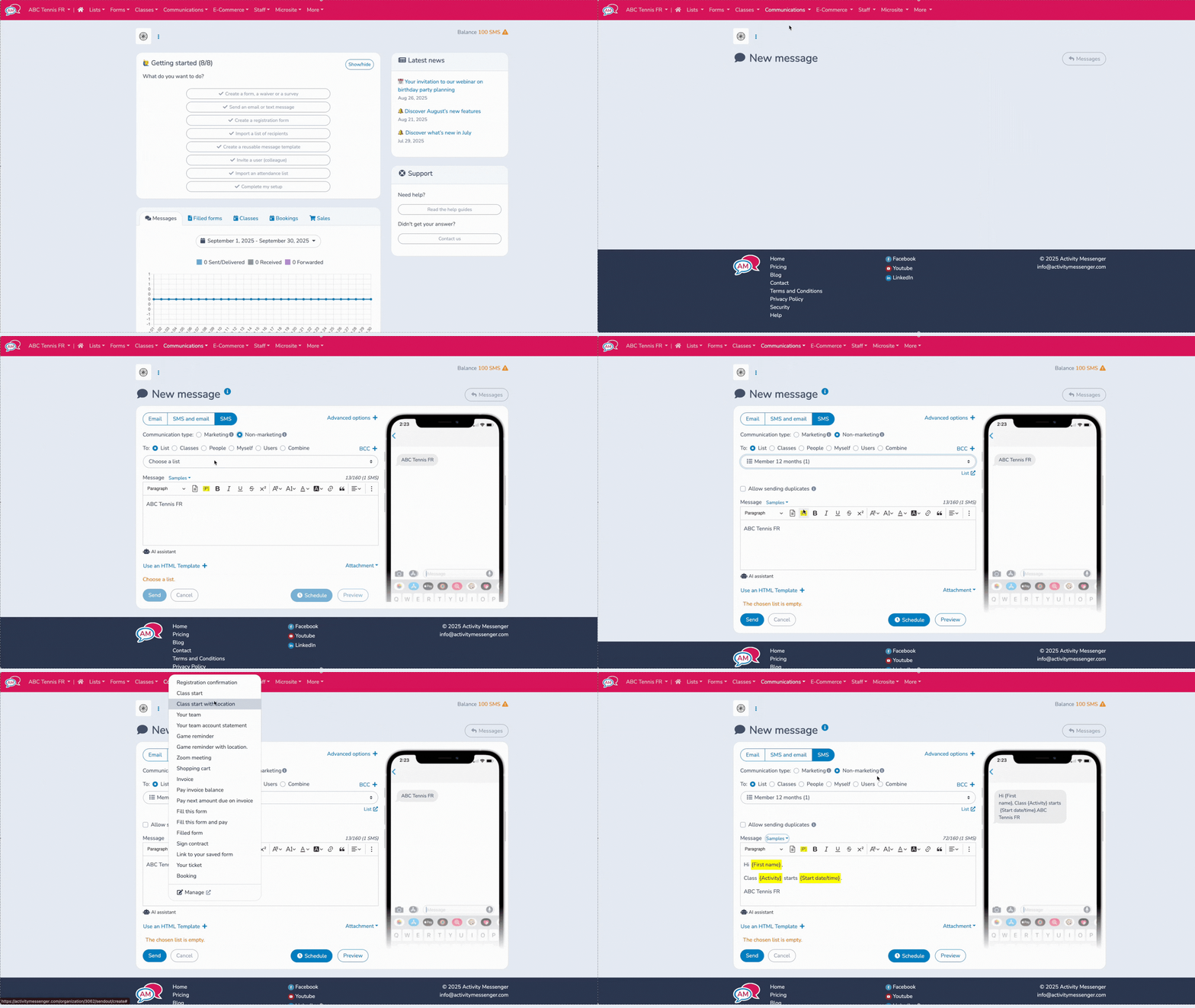
Activity Messenger was built around a different assumption: that registration, communication, and feedback collection are part of the same workflow, not three separate jobs for three separate tools.
For a golf academy running private lessons alongside a summer junior camp series, that means a participant registers, receives a confirmation with their waiver linked for e-signature, gets a reminder two days before their first session, and lands in a post-program survey sequence the day after their last one, without any of that requiring manual effort from staff. When next season’s registration opens, last year’s participants get a targeted re-enrolment email pulled directly from the platform’s registration data, not from a manually exported spreadsheet.
It also handles the multi-program reality cleanly. A facility running private lessons in the spring, a junior golf camp in July, and a fall clinic for adults doesn’t need separate tools for each. One platform, one participant database, one communication workflow. While the platform isn’t for booking tee times, it’s perfect for golf camps and lessons.

💬 What our customers say:
“Activity Messenger makes communicating with your customer base a breeze while also making your customer feel like they are getting a communication that was uniquely made for them. It is easy to create and manage class lists.” — Sarah B., Administrator, Sports
“Activity Messenger has seamlessly integrated with our existing registration software and has plugged the existing holes we had with personalized communication as well as form and waiver management. The team is quick to implement fixes and is always available for support.” — CJ P., Gym Director, Sports

For golf camp registration specifically, Amilia handles complex enrolment scenarios well: waitlist management, resident versus non-resident pricing, self-serve portals that let families register without staff involvement, and reporting across the full program calendar.
The tradeoff is implementation weight. Amilia takes real onboarding time, and it’s not the right tool for an operation that needs to be live within a week or wants staff to be self-sufficient without dedicated training.

Sawyer was built specifically for children’s enrichment providers. If your program is primarily junior-facing, whether that’s a junior golf camp, an after-school clinic, or a summer development series for kids and teens, the parent experience during sign-up is smooth. However, if you are running programs outside the youth space, you might encounter some roadblocks.

Beyond its Canadian-specific positioning, Uplifter offers good registration and club management tools, including member databases, coach management, enrolment controls, and sport program administration. However, for golf programs focused primarily on lesson and camp registration, the reality is more mixed.
Its roots are in club and association management, meaning the registration flow, email marketing, and post-program survey capabilities that matter most for lesson and camp operations are noticeably less developed than platforms built with those workflows at the center.
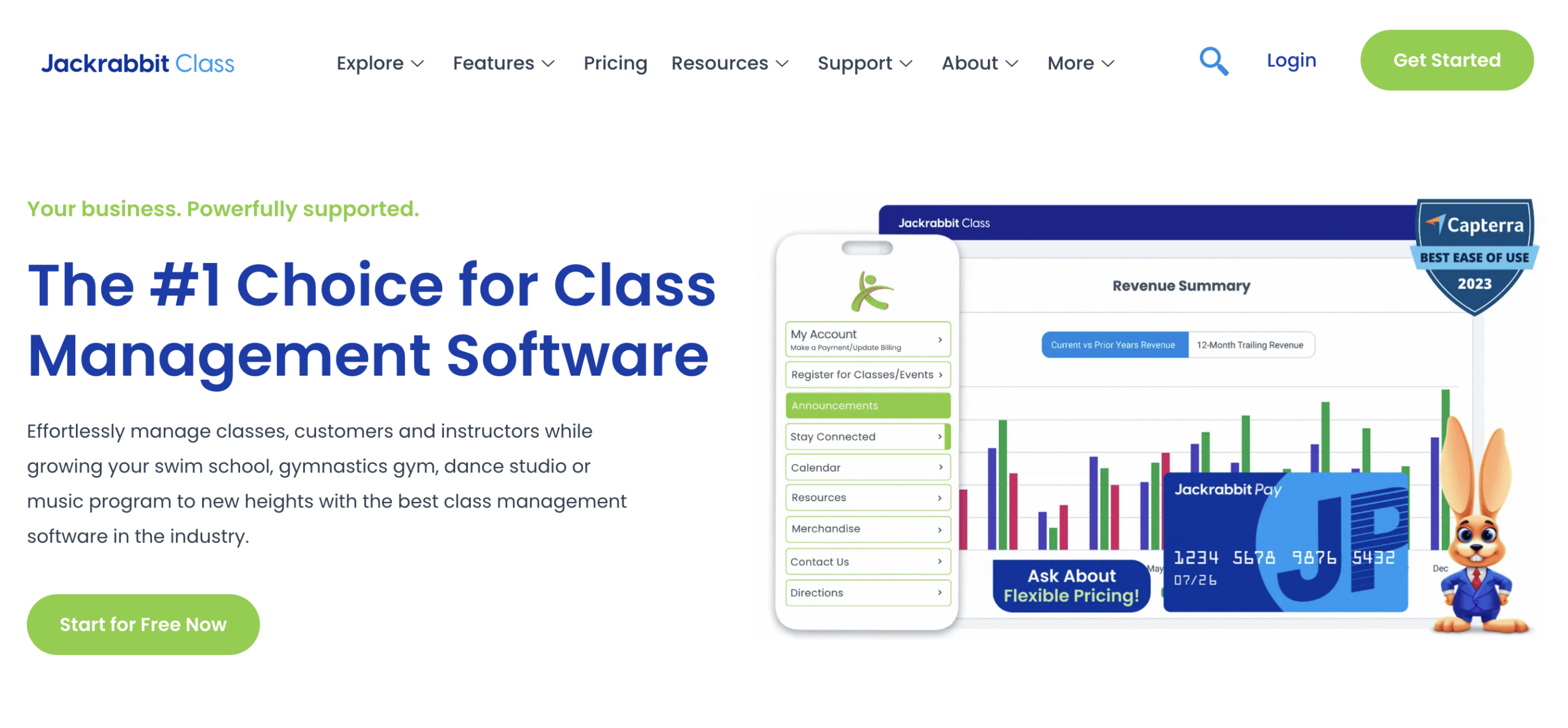
Jackrabbit earned its reputation in dance and gymnastics studios, and its core strengths (recurring billing cycles, multi-instructor class scheduling, family account management) translate decently to golf academies that operate on a similar model.
The downside is that Jackrabbit wasn’t built with golf in mind. The interface, terminology, and default program structures all come from a studio environment. For an academy that closely mirrors how a dance studio operates, that’s a workable gap. For programs with more seasonal or flexible structures, it can feel constricting.

Mindbody makes the most sense when golf instruction is part of a broader service offering, such as a resort running both golf clinics and fitness classes, a country club with a spa and personal training alongside its golf lesson program, or a recreation centre where the same platform needs to handle multiple activity types under one client account.
However, for a golf coaching operation where lessons and camps are the primary or only focus, the platform tends to be more complex and more expensive than the use case warrants.

For an independent teaching pro who just needs clients to book a session online, receive reminders, and pay without manual management, SimplyBook.me solves the problem quickly and cheaply.
It won’t grow with a multi-instructor operation, and its email marketing and survey capabilities are minimal. But for a solo instructor who has been taking bookings over the phone or through a shared Google Calendar, it’s a good step up at a low price point.
A booking tool lets someone pick a time slot and reserve it. Golf registration software handles the full enrolment process: configurable intake forms, waiver collection, payment options, automated communications, and post-program reporting. For a single instructor with a small roster of recurring clients, a booking tool might be enough. For anyone running camps, multi-session clinics, or programs with real intake requirements, a full registration platform is worth the difference in cost.
Not if you choose the right platform. Activity Messenger, Amilia, and Sawyer all handle both private lesson registration and group camp enrolment within the same system. Running two separate platforms, one for individual lesson bookings and one for camp registration, means double the admin work, split payment reconciliation, and a fragmented experience for participants and families. One platform that handles both is almost always worth the slightly higher cost.
More than most programs initially assume. The families or students who already participated in your programs are the best audience for the next season, but they only re-enroll if you reach them at the right time with the right message. Platforms with built-in email marketing, where your registration list and your communication tools share the same data, let you send a targeted re-enrolment campaign to last year’s junior camp participants without exporting a spreadsheet or switching tools.
Junior programs have requirements that generic booking tools often miss: parent/guardian contact capture, emergency contact fields, medical or allergy notes, digital health forms, age-group enrolment controls, and communication that goes to the registered adult rather than the participant. Platforms like Activity Messenger handle these natively. Most generic scheduling tools treat everyone like an adult booking their own appointment.
Golf lesson software typically focuses on individual bookings, while golf camp software handles structured programs with multiple participants, schedules, and sessions. Many modern platforms support both.
Yes. Many platforms include email and SMS tools that automatically send confirmations, reminders, and follow-ups. Some, like Activity Messenger, also include surveys for collecting feedback after lessons or camps. These can be easily automated to be sent to participants after each session.
👉 Looking for advice on managing your sports or recreation organization? Our YouTube channel offers tips, tutorials, and feature walkthroughs to help you streamline business operations. Plus, our AMplify podcast offers additional insights from one of our founders, Olivier Rousseau.
The right golf registration software depends on how your programs are structured and where you’re spending the most time administratively.
For many golf programs, the biggest improvement doesn’t come from better scheduling; it comes from bringing registrations, communication, and participant management into one place. With Activity Messenger, you can enjoy all of the tools you need to run a successful golf camp or lesson in one convenient place.
💡 Want to see how Activity Messenger handles golf lessons and camp registration, email marketing, and post-program surveys without stitching three tools together? Book a demo, and we’ll walk through how programs like yours are using it today.