Certificates are more than just pieces of paper; they’re powerful proof of achievement, participation, and recognition.
Whether you’re running a workshop, managing a sports program, or hosting an online course, delivering certificates efficiently (and beautifully) can leave a lasting impression.
However, manually creating and sending certificates to dozens—or even thousands—of recipients is time-consuming and prone to errors.
Luckily, the right certificate generator tool can automate the process, keep your branding consistent, and save you hours of work. Below, we break down the 7 best certificate generator tools to help you design, generate, and deliver professional certificates with ease.
Key Takeaways:
- Custom designs: Tools like Canva, Visme, and Adobe Express offer beautiful, branded certificate templates.
- Automation & scale: Activity Messenger and Certifier stand out for automating bulk certificate generation and delivery. These automated certificate generation tools let you create and deliver certificates in bulk via email or SMS.
- Google Forms integration: Certify’em is ideal for educators using Google Workspace.
- Interactive features: Visme supports dynamic elements like clickable links and animations.
- Free options available: Tools like Certificate Magic and Canva offer free plans for simple certificate needs.
- Best for large organizations: Certifier and Activity Messenger support CRM integration, analytics, and high-volume delivery.
- Delivery options vary: Only a few platforms (like Activity Messenger) offer built-in SMS and email certificate delivery.
- Use-case specific tools: Choose your tool based on whether your priority is design, automation, interactivity, or cost.
Comparison Table
| Tool | Best For | Key Feature | Pricing |
| Canva | Custom Designs for a Small Quantity of Certificates | Drag-and-Drop Editor, Free and Paid Templates | Free / $13+ CAD monthly |
| Activity Messenger | Automated Bulk Delivery | Email/SMS Communications | Custom / $99 – $199 CAD monthly |
| Certify’em | Google Workspace Users | Google Forms Add-On | Free / $7.99 – $12.99 USD monthly |
| Visme | Interactive Certificates | Multimedia Options | Free / $29+ USD monthly |
| Adobe Express | Advanced Customization | Integration with Creative Cloud | Free / $6.99+ CAD monthly |
| Certificate Magic | Quick and Free Solutions | Free PDF Downloads, no Registration Required | Free |
| Certifier | Professional and Scalable Certificates | Bulk Generation via CSV or API and Recipient Analytics | Free up to 250 certificates / $79+ USD monthly |
Table of Contents
- Key Features to Look for in a Certificate Generator
- 1. Canva
- 2. Activity Messenger
- 3. Certify’em
- 4. Visme
- 5. Adobe Express
- 6. Certificate Magic
- 7. Certifier
- Frequently Asked Questions (FAQs)
- Top Certificate Generator Tools by Category
- Conclusion: Why Certificates Matter More Than Ever
📖 Learn more: How to create bulk certificates using Google Forms
Key Features to Look for in a Certificate Generator
When choosing the best certificate generation tool, it’s important to align its features with your goals, whether that’s professional design, automation, or ease of use. Here are the top features to consider:
- Customizable Templates: Look for tools that let you personalize layouts, fonts, and colours to stay on brand.
- Bulk Generation: Essential for organizations issuing certificates to large groups (e.g., class completions, event attendees).
- Automation: Streamline certificate creation by connecting with forms, attendance tracking, or CRM tools.
- Delivery Options: Ensure the platform can send certificates directly via email or SMS— especially useful for automated workflows.
- Branding Tools: Maintain a cohesive look with logos, custom colours, and brand kits.
- Analytics & Tracking: Some tools let you see if certificates are opened or downloaded.
- Integrations: Sync with platforms like Google Forms, Canva, or registration systems to save time and reduce manual input.
1. Canva
Best for: Custom Designs with a Professional Touch
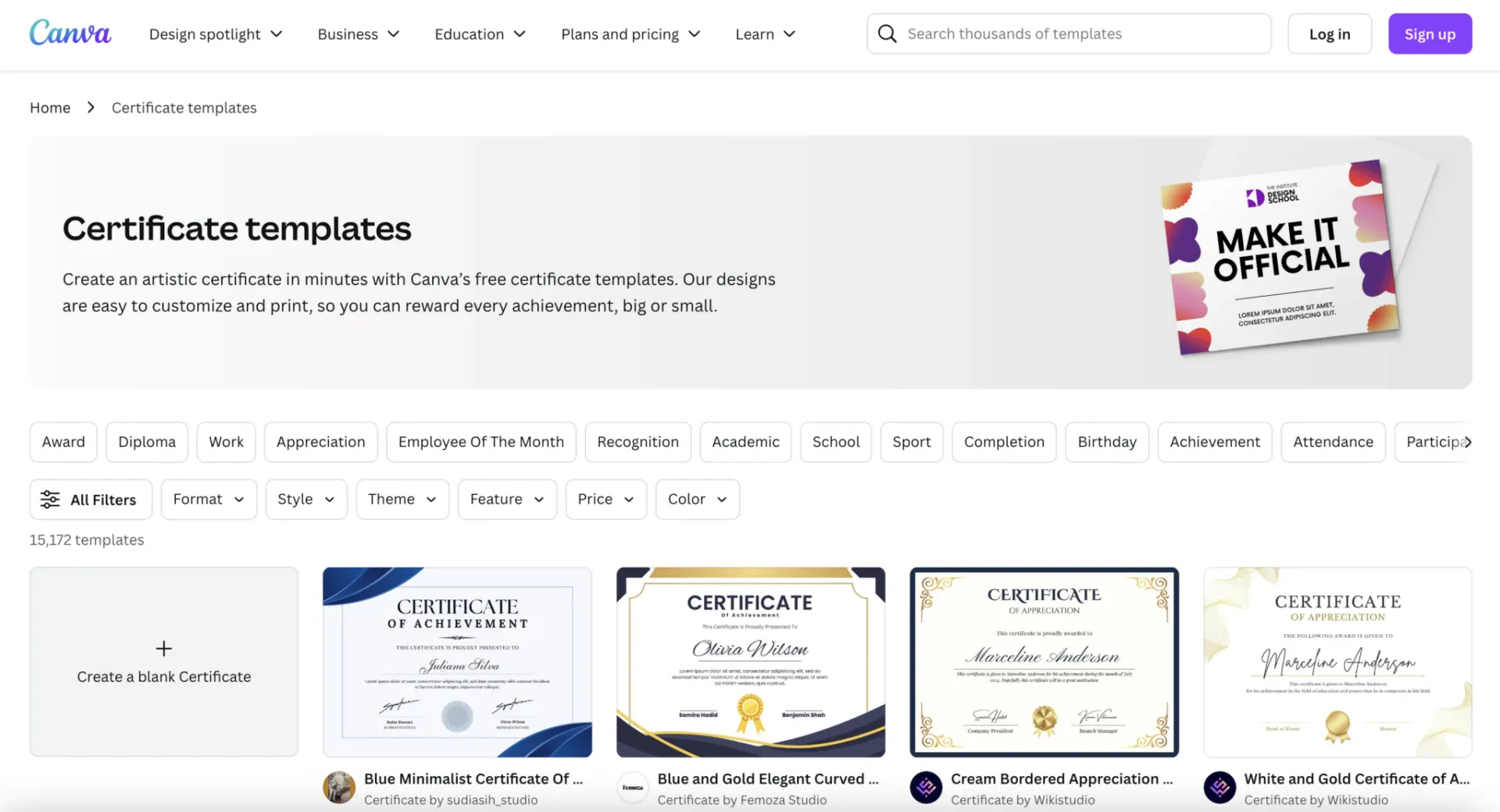
Canva is widely known for its user-friendly interface and design features. It offers a library of customizable templates specifically for certificates, ranging from academic achievements to sports participation awards.
Even if you have no design experience, Canva’s drag-and-drop functionality makes it easy to create visually appealing certificates.
Pros:
- Intuitive drag-and-drop interface suitable for all skill levels.
- Extensive library of templates and design elements.
- Collaboration tools for team projects.
- Integration with external tools for seamless workflow.
Cons:
- Limited automation options—manual edits required to mailmerge and create certificates at scale.
- Advanced branding features and some templates are locked behind the paid plan.
- No built-in delivery system for sending certificates via email or SMS.
⭐ Best Use Case: Canva is ideal for organizations looking for beautiful, branded certificates without investing in professional design software.
💲Pricing: Canva offers a free plan, but the premium version ($19/month) unlocks advanced features like brand kits, custom fonts, and premium templates.
2. Activity Messenger
Best for: Automated Certificate Delivery
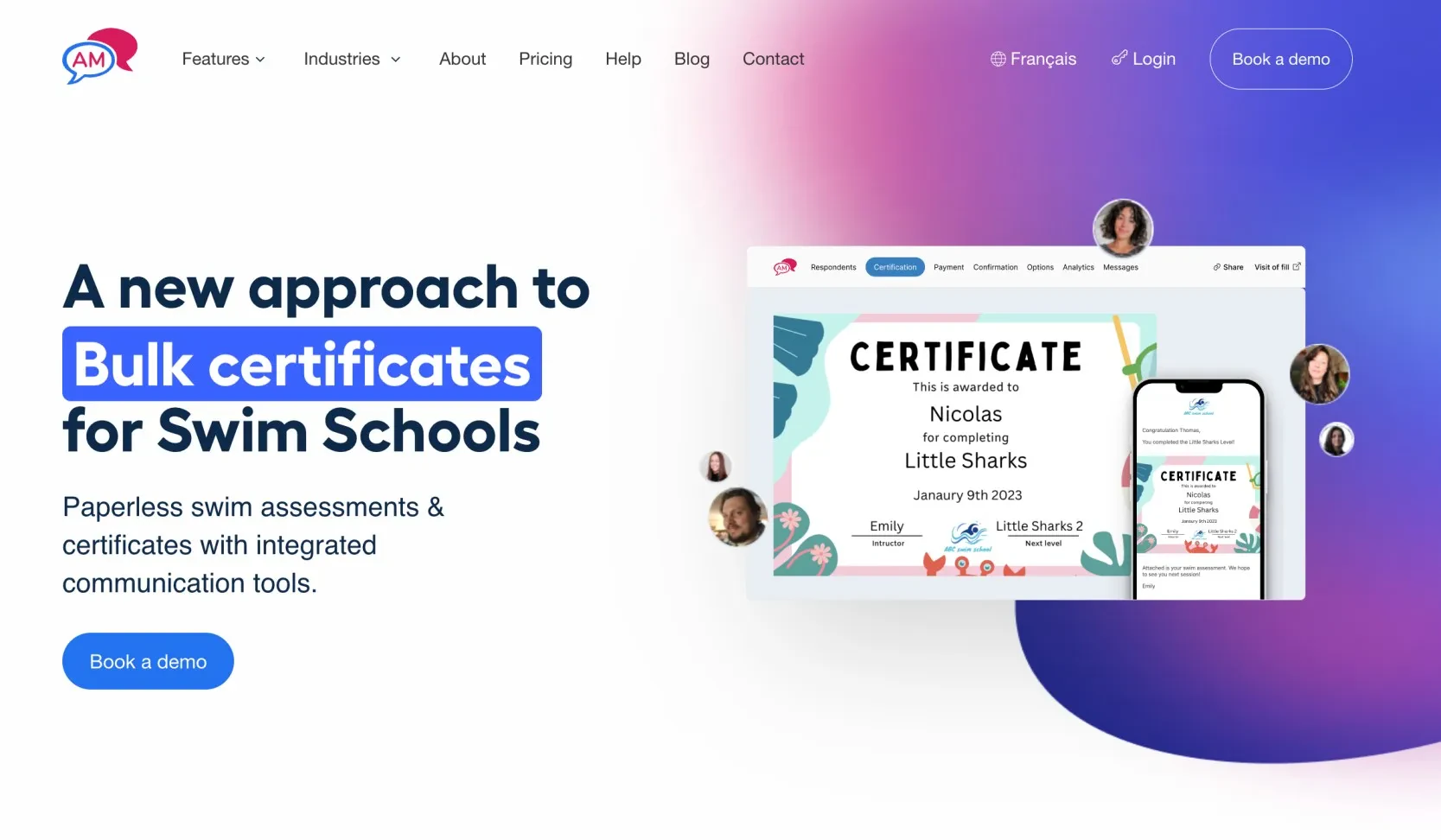
Activity Messenger is a powerful tool for organizations that need to automate certificate creation and delivery.
It also helps you create registration forms, track attendance, and provides automated email and SMS communications to simplify your workflow. This makes it especially valuable for sports clubs, dance studios, and educational institutions that often need to issue large numbers of personalized certificates.
Pros:
- Automates bulk certificate generation and delivery, saving time.
- Pulls data directly from registration and evaluation forms.
- Fully integrate with Canva for designs and branding options.
- Allows certificate delivery with SMS and email.
Cons:
- Focused more on automation than advanced design, which might not suit users seeking intricate visuals.
- Requires some initial setup to integrate forms and attendance tracking.
⭐ Best Use Case: Organizations running classes, workshops, or sports programs that need a seamless end-to-end solution for tracking participation and issuing certificates.
💲Pricing: Custom pricing based on the size and needs of your organization. Can also help with Email Marketing, Bulk SMS, Liability Waivers and Surveys.
3. Certify’em
Best for: Google Workspace Integration
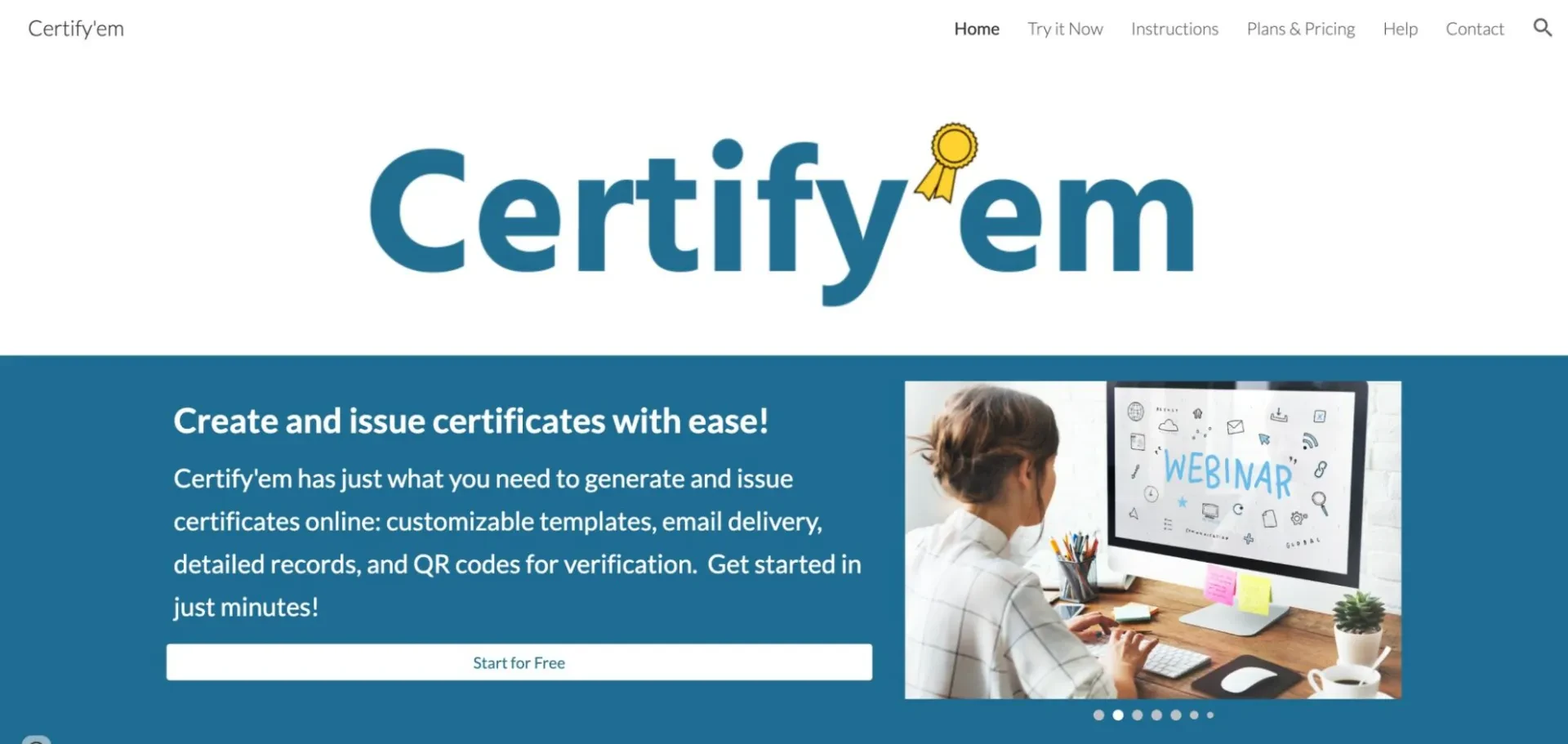
Certify’em turns Google Forms into a powerful certificate generation tool. It’s perfect for educators, trainers, and event organizers who already use Google Workspace to manage forms and surveys.
Pros:
- Simple integration with Google Forms, requiring no additional software.
- Automatic certificate creation upon form submission.
- Affordable premium plans.
- User-friendly setup ideal for educators and event organizers.
Cons:
- Limited design capabilities—customization is basic compared to other tools.
- Dependent on Google Forms; not ideal if you don’t already use Google Workspace or feel limited by the options in Google Forms.
⭐ Best Use Case: Certify’em is ideal for webinars, online training programs, and schools looking to streamline certificate distribution via Google Workspace.
💲Pricing: The basic version is free, while premium plans (starting at $79.99/year) offer advanced features like custom branding and priority support.
4. Visme
Best for: Interactive Certificates with Multimedia
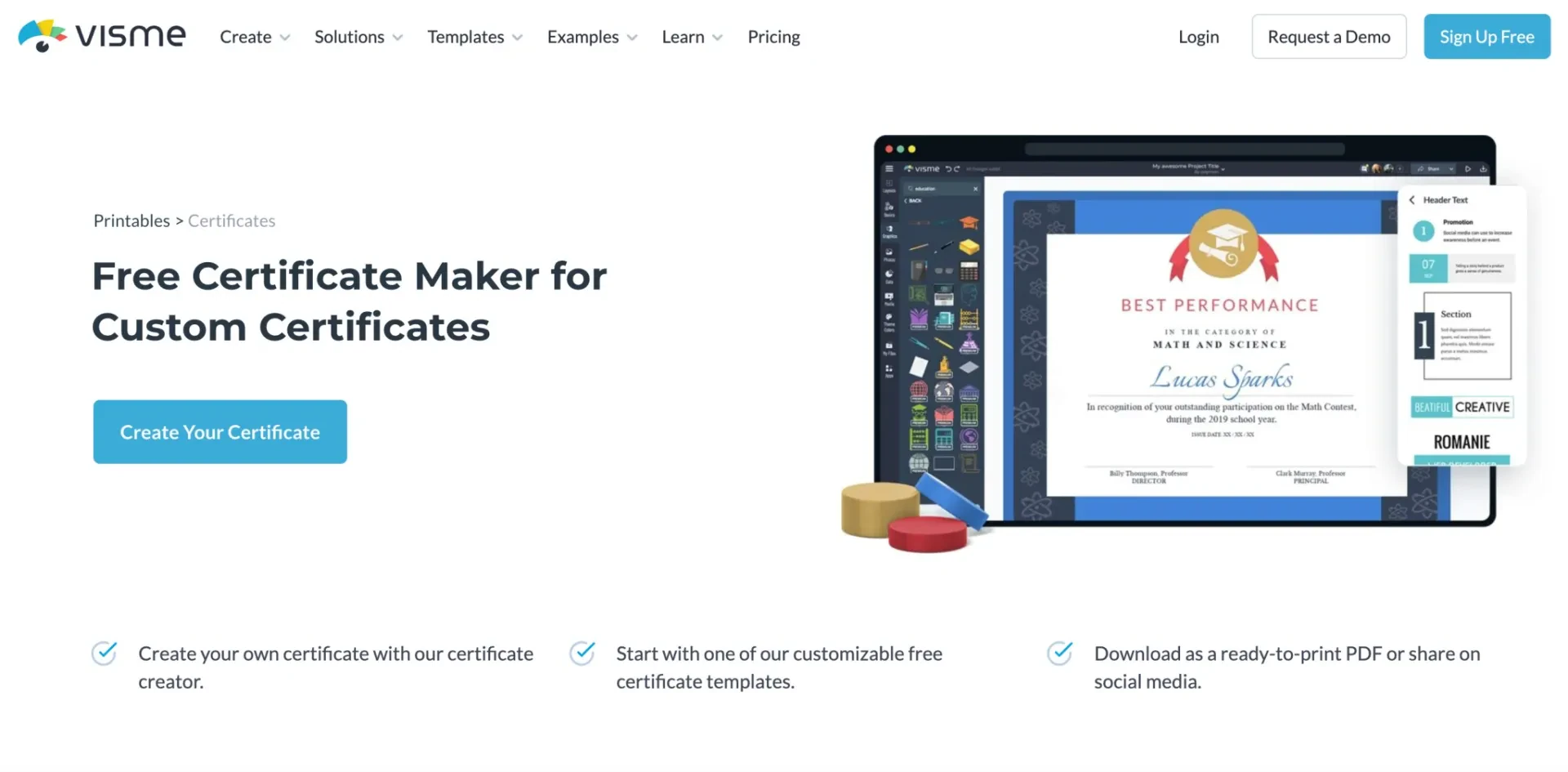
Visme goes beyond static designs by offering tools to create interactive certificates that can include clickable links, animations, or embedded videos. Its advanced design options make it a favorite for brands seeking to stand out.
Pros:
- Offers dynamic, interactive design options like animations and clickable links.
- Robust branding tools for consistent visuals.
- Supports various export formats, including PDFs and live links.
- User-friendly drag-and-drop interface for non-designers.
Cons:
- Higher cost compared to simpler tools like Canva.
- Advanced features may have a steep learning curve for beginners.
- Limited automation features for large-scale certificate generation.
⭐ Best Use Case: Perfect for digital-first organizations that want to add a modern, dynamic touch to their certificates.
💲Pricing: Plans start at $25/month, with advanced features available in higher-tier subscriptions
5. Adobe Express
Best for: Advanced Customization
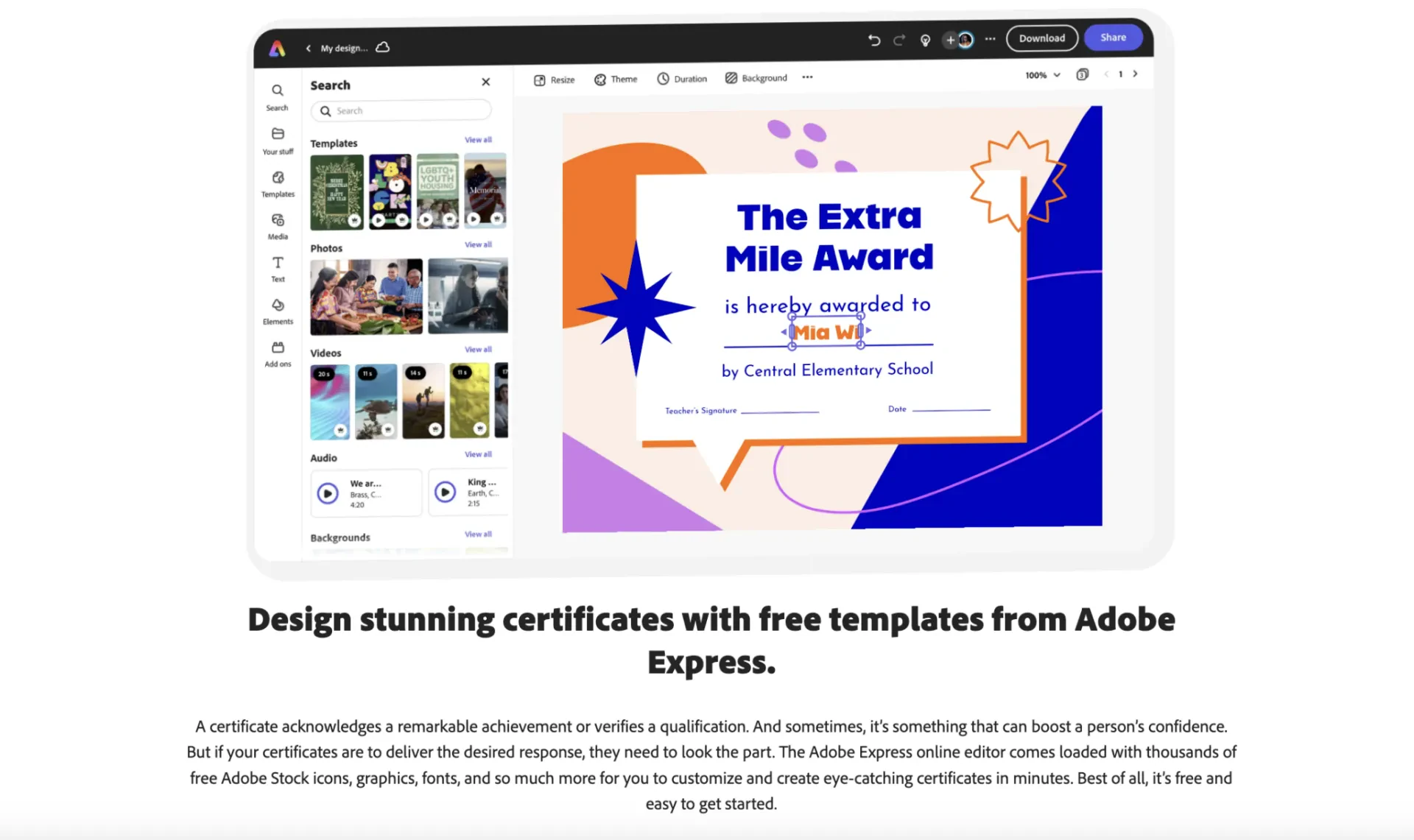
Adobe Express (formerly Adobe Spark) packs the power of Adobe’s creative suite into a simplified tool that is perfect for creating certificates. It’s ideal for those who want sophisticated designs but don’t want to learn complex software like Photoshop.
Pros:
- High-quality, professional designs with access to Adobe’s creative ecosystem.
- Wide variety of templates and design elements.
- Seamless integration with other Adobe tools like Photoshop and Illustrator.
Cons:
- Requires an Adobe subscription for full functionality, which can be costly.
- Not geared towards automation or bulk certificate generation.
⭐ Best Use Case: Ideal for businesses that prioritize high-quality, professional-looking certificates and are already familiar with Adobe tools.
💲Pricing: Free plan available, with premium plans starting at $9.99/month.
6. Certificate Magic
Best for: Quick and Free Certificate Generation
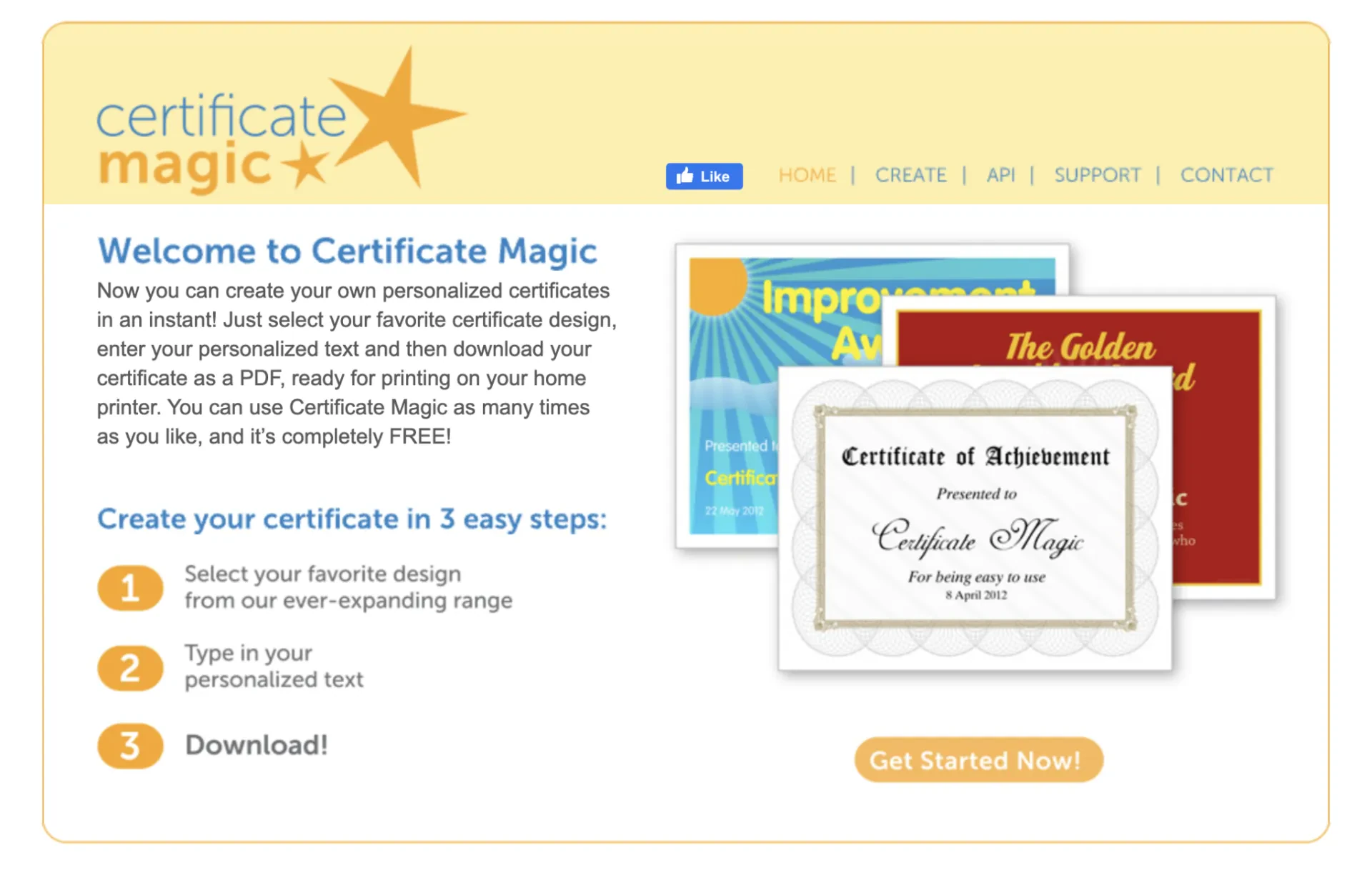
Certificate Magic is an ultra-simple tool designed for fast, hassle-free certificate creation. It doesn’t have the bells and whistles of more advanced platforms, but it gets the job done for smaller organizations or one-time events.
Pros:
- Free and easy to use, making it accessible to anyone.
- Simple interface for creating certificates quickly.
- Ready-made templates for various occasions.
Cons:
- Very basic customization options—limited to text and colors.
- No automation features for scaling up certificate creation.
- No delivery tools; certificates must be downloaded and distributed manually.
⭐ Best Use Case: Best for small organizations or one-time needs where professional design isn’t a priority.
💲Pricing: Free to use.
7. Certifier
Best for: Scalable Solutions for Large Organizations
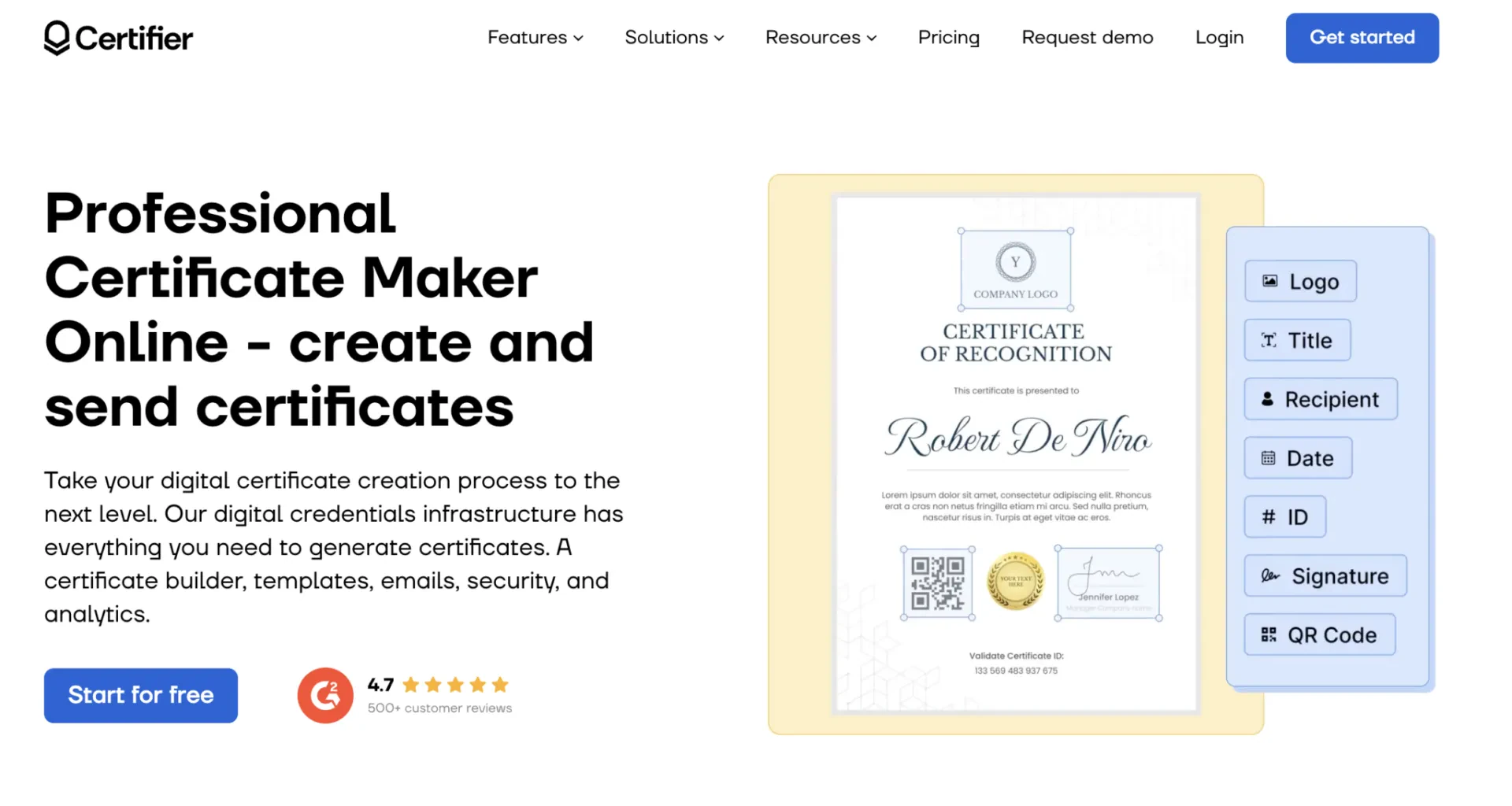
Certifier is designed for organizations that need to produce certificates at scale. It includes features such as bulk generation, detailed analytics, and integration with CRM tools, making it perfect for corporate training programs, universities, and large events.
Pros:
- Excellent for bulk certificate generation.
- Detailed analytics to track certificate usage and engagement.
- Customizable templates to fit your brand’s style.
Cons:
- More expensive than other tools, starting at $29/month.
- Features tailored for large organizations might overwhelm small businesses.
- Steeper learning curve for setting up integrations and automation.
⭐ Best Use Case: Large organizations that prioritize efficiency and scalability in certificate generation and distribution.
💲 Pricing: Plans start at $79/month, with higher tiers for advanced analytics and integrations
Frequently Asked Questions
Can I automate certificate delivery?
Yes! Activity Messenger allows you to automatically generate and send personalized certificates via email or SMS. You can pull data directly from registration forms, attendance sheets, or evaluations, making it ideal for sports programs, camps, classes, and more. It also integrates with Canva for professional design.
What’s the best free certificate generator?
Certificate Magic is a simple, free tool great for one-off needs. Canva also offers a free plan with basic design functionality.
Can I use Canva to make certificates?
Absolutely. Canva offers a wide range of certificate templates and a user-friendly drag-and-drop editor. However, it doesn’t support automated delivery or bulk generation.
Which certificate tool is best for schools and educators?
Certify’em is ideal for educators using Google Forms and Google Workspace. It creates certificates automatically upon form submission.
Can I include clickable links or multimedia in certificates?
Yes. Visme supports interactive elements like clickable links and even embedded video, making it a great option for digital-first organizations.
Top Certificate Generator Tools by Category
Not sure which tool is right for you? Here’s a quick guide to the top picks by category:
Best for Design Flexibility: Canva
Offers professional, branded certificate templates with an intuitive editor.
Best for Automation & Delivery: Activity Messenger
Automates certificate creation and sends them via email or SMS, great for classes, sports, and workshops.
Best Free Option: Certificate Magic
A simple, no-frills tool for quick, one-off certificates.
Best for Google Workspace Users: Certify’em
Creates certificates automatically using Google Forms, perfect for schools and webinars.
Best for Corporate & Large-Scale Training: Certifier
Offers analytics, bulk generation, and CRM integrations.
Best for Interactive, Digital Certificates: Visme
Allows for rich media elements and live links inside certificates.
Best for Adobe Users: Adobe Express
Ideal for professionals already familiar with Adobe tools who want beautiful design without complex software.
Conclusion: Why Certificates Matter More Than Ever
Certificates aren’t just about formality, they’re a valuable way to recognize progress, participation, and success in a world that’s increasingly digital. Whether you’re running online courses, youth programs, or corporate training, issuing professional-looking certificates can boost engagement and add credibility.
As more organizations move toward paperless processes and digital engagement, investing in certificate automation is a smart way to scale your impact and free up your team’s time for what matters most.
💡 Want to automate certificates, registration, and communication all in one place? Book a demo call today to see how Activity Messenger can help you generate certificates in bulk, send them via SMS or email, and keep your data securely stored in Canada.