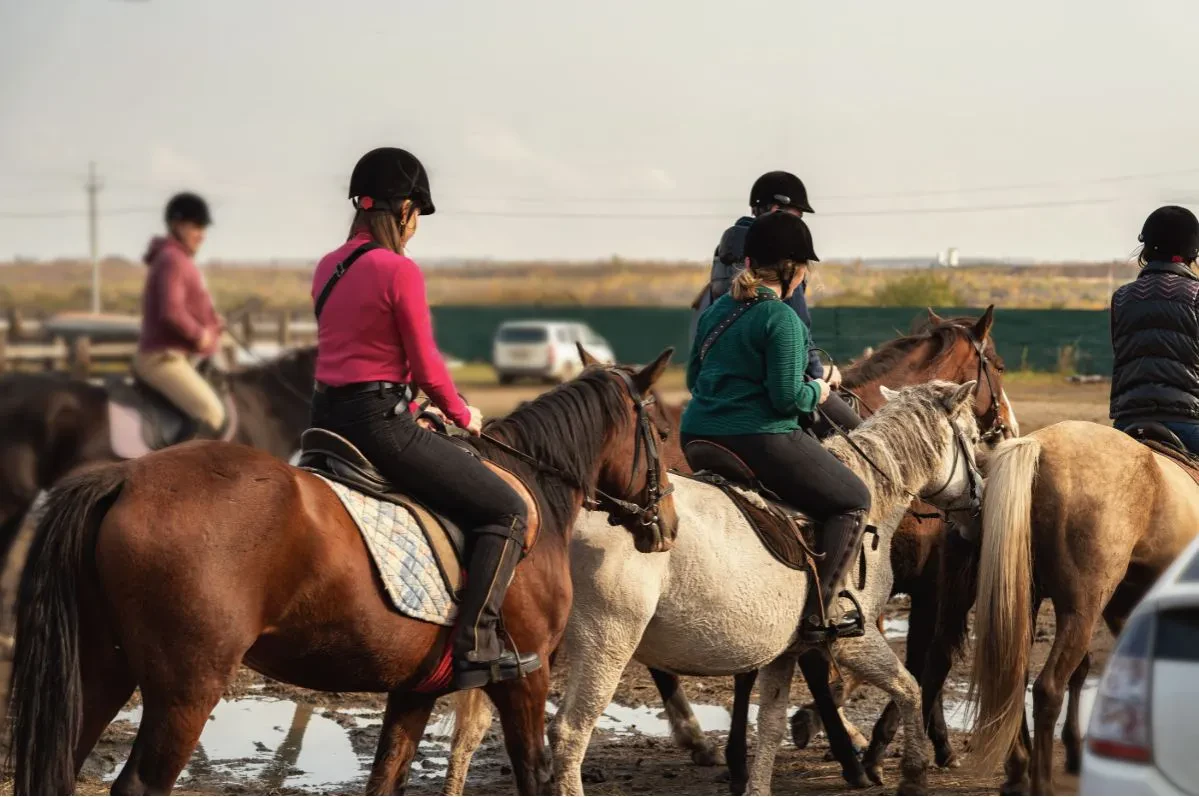
Horse riding programs have a lot to manage: private lessons, group classes, camps, waivers, payments, and rider communication, often all running at once. Most registration software can handle that mix, but struggles when it also has to manage horse information alongside the rider.
Registering for a lesson isn’t just picking a time slot. Someone has to know the horse’s size, temperament, and medical history before pairing it with a registrant, and that decision happens before anyone starts riding.
A program running weekly group classes, Saturday private lessons, and a five-day summer camp needs registration software that utilizes horse and rider data together. Here’s what that looks like, and how to build it into your horse riding registration software.
Key Takeaways:
- Horse-specific information such as breed, size, weight, and medical issues can be collected as part of registration.
- Private lessons, group classes, and camps can be managed through the same registration system.
- Waivers and medical forms can be collected digitally, with specific equine liability language added where it applies.
- Camp registration and evaluations can be handled alongside regular riding programs.
- Email, SMS, and automated reminders can help keep riders and parents informed.
- A connected website and registration system can make it easier for new and returning riders to find and sign up for programs.
Table of Contents
- Collect Horse and Rider Information at Registration
- Matching Riders to the Right Horse
- Manage Private Lessons and Group Classes
- Horse Riding Camp Registration Software for Summer Programs
- Track Progress and Collect Evaluations
- Keep Waivers, Medical Information, and Payments Together
- Keep Riders and Parents Updated
- Choosing Horse Riding Registration Software
- Frequently Asked Questions
- Final Thoughts
Collect Horse and Rider Information at Registration
A typical activity registration form might ask for a participant’s name, age, emergency contact, and medical information. However, horse riding programs need another layer on top of that:
- 🐴 Horse name
- 🏇 Breed
- 📏 Size or height
- ⚖️ Weight
- 🩺 Medical issues or other relevant health information
- 🎯 Rider experience or skill level
- 📞 Emergency contact information
The important thing is being able to collect this information during registration, rather than asking families to complete a separate horse intake form afterward.
With customizable registration forms, Activity Messenger lets you add the exact fields your program needs, so horse and rider information gets collected in the same step rather than in a follow-up form families have to remember to fill out.
Matching Riders to the Right Horse
Here’s what doesn’t show up in a regular registration form: intake data isn’t just for record-keeping; it drives a real safety decision before the first lesson.
An instructor assigning a beginner to a horse that’s too big, too new, or too much horse for their experience level is a real risk, not a formality.
Programs typically match riders to horses by size, temperament, and skill level, and that only works if the information is sitting in one place when the schedule gets built, not buried in a separate horse logbook the front desk has to cross-reference by hand.
This is also where registration software built for general classes falls short if it treats “custom fields” as a checkbox rather than something that actually feeds staff workflow. A horse’s size and temperament determine who can ride it safely, so the registration system needs to make that information usable, not just collected.
With Activity Messenger, that horse and rider data lives in the same registration record staff already use to build schedules, so matching riders to horses doesn’t mean checking a second system before every lesson.
Manage Private Lessons and Group Classes
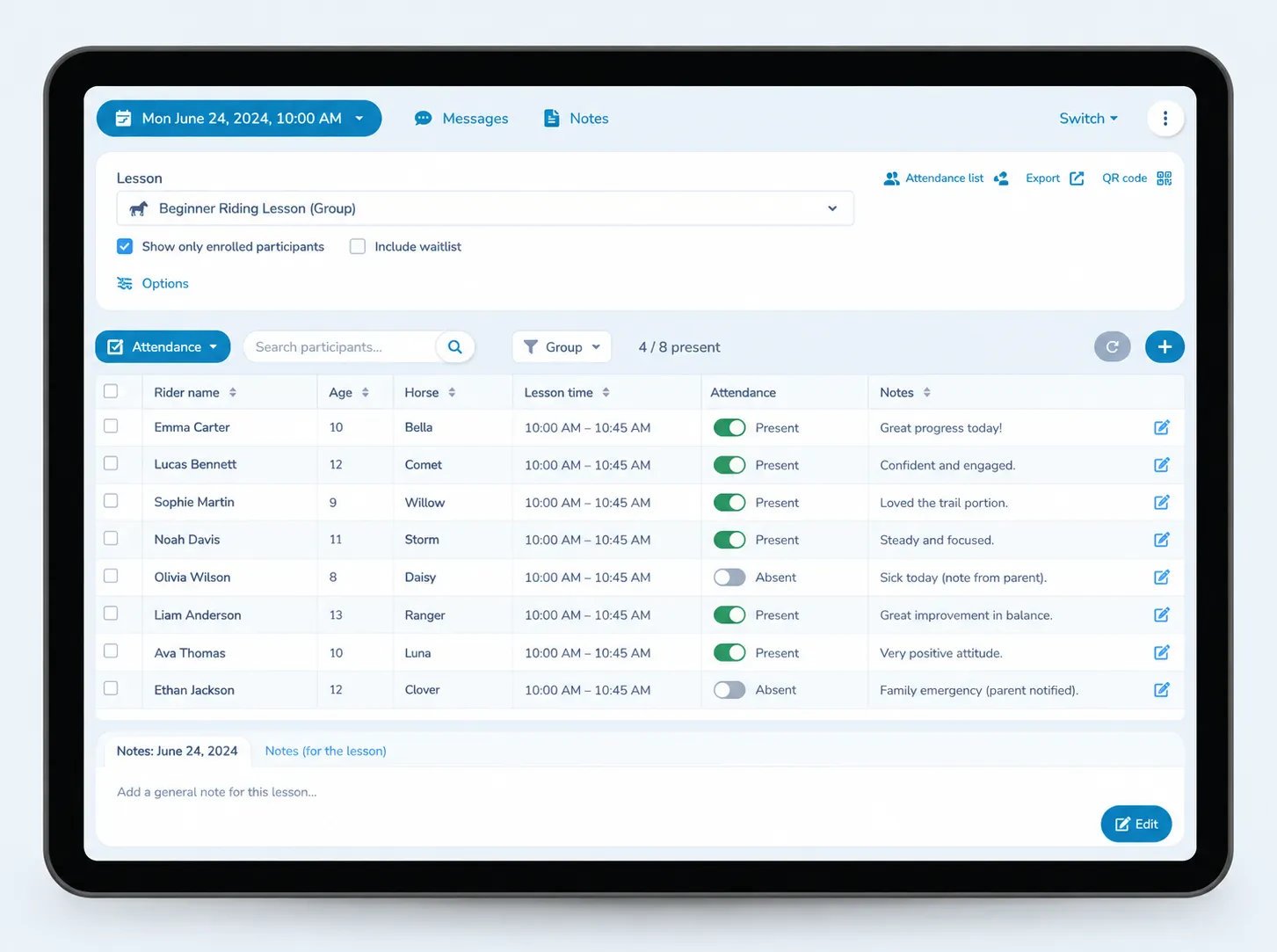
Riding programs don’t all operate on the same schedule. Weekly group classes, private lessons, and clinics often happen in the same week, sometimes with the same instructor. Horse riding registration software should make it easy to register participants for each type of program and keep track of who is attending.
For group classes, registration can be tied to a specific class or schedule, with attendance lists created automatically. For private lessons, you may need a different registration or booking flow based on how your instructors manage their schedules.
The goal is simple: staff shouldn’t have to maintain one list for registrations, another for attendance, and another for lesson scheduling.
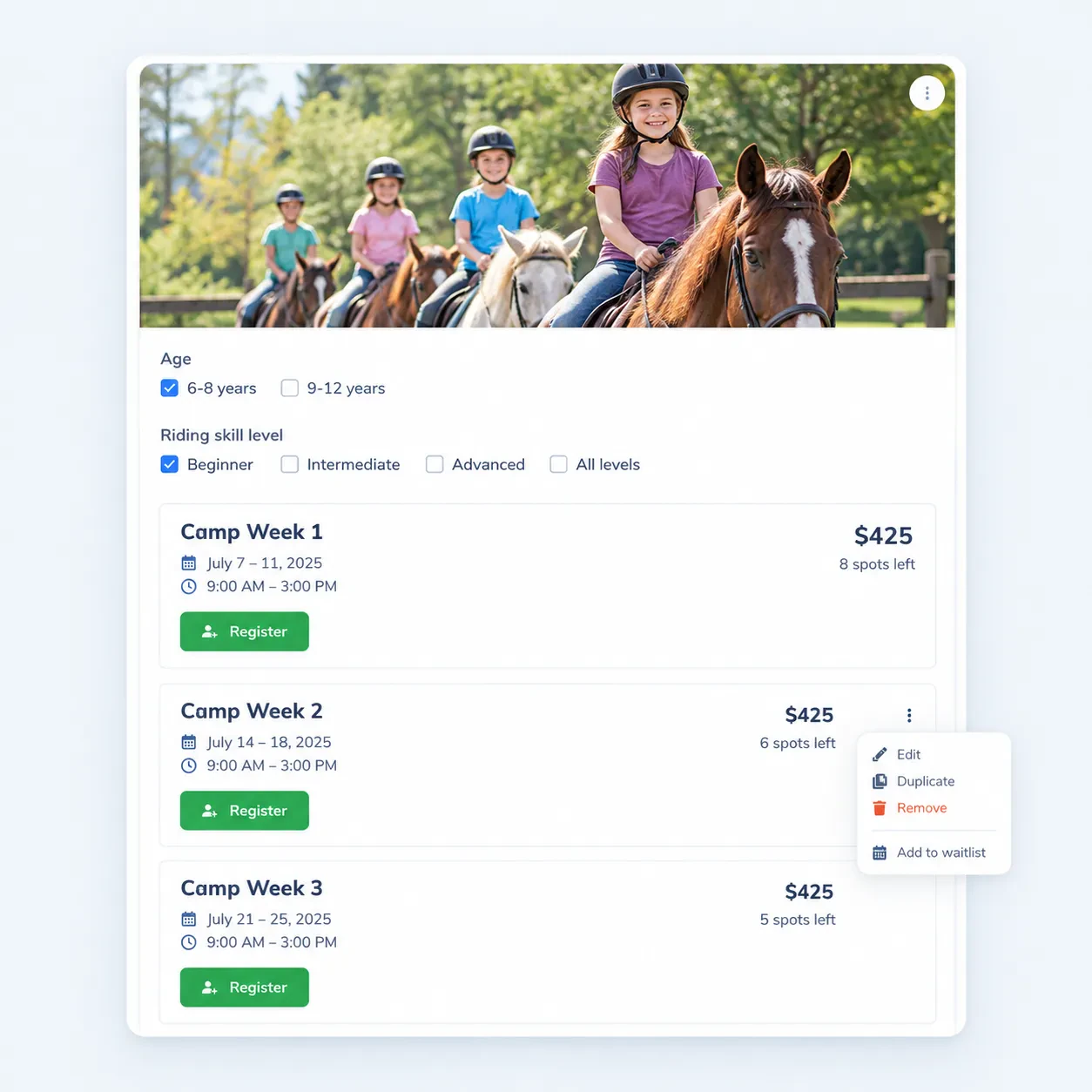
Horse Riding Camp Registration Software for Summer Programs
Many riding programs expand their offerings during the summer with multi-day camps, clinics, or other special programs.
Horse riding camp registration software needs to handle more than choosing a date. You may also need to collect:
- 📋 The same rider and horse details collected at regular registration
- ❓ Camp-specific questions, like session length or skill grouping
- 🏆 Any competition or showcase the camp builds toward
- 💳 Payment, including deposits or multi-week installments if the camp runs longer than a single week
A flexible registration system can let you build these questions directly into the camp registration flow.
This is also useful for broader camps where horseback riding is one activity among several. You don’t necessarily need software built exclusively around horses to manage the registration side of a multi-activity camp.
Activity Messenger’s class registration can be used for summer camps and other scheduled activities, with registration information and attendance connected to the same program.
Track Progress and Collect Evaluations
For riding camps and instructional programs, registration is only part of the process.
Instructors may also need to evaluate riders throughout a session, whether they’re tracking basic riding skills, horse handling, safety, technique, confidence, or competition preparation.
A paper evaluation sheet per rider per week adds up fast, and it’s the first thing that gets lost or skipped when a program gets busy. Digital forms solve that by giving instructors a consistent place to record progress that stays attached to the rider’s record. Plus, you can even offer a certificate to mark the end of a lesson or achievement.
Activity Messenger’s customizable forms can be adapted for program-specific questions, so a riding program can build evaluations around the skills and information its instructors actually use. This also gives programs flexibility as their evaluation process changes from one season or program to another.
Keep Waivers, Medical Information, and Payments Together
Horse riding registration software needs to handle forms that have to be completed before someone participates.
Digital waivers let families review and sign before a program starts instead of filling out paperwork at the stable, and they let programs update the required language if they operate across state lines or if a state’s requirements change. Medical and emergency information can be collected in the same step, and payment can run through the same registration flow.
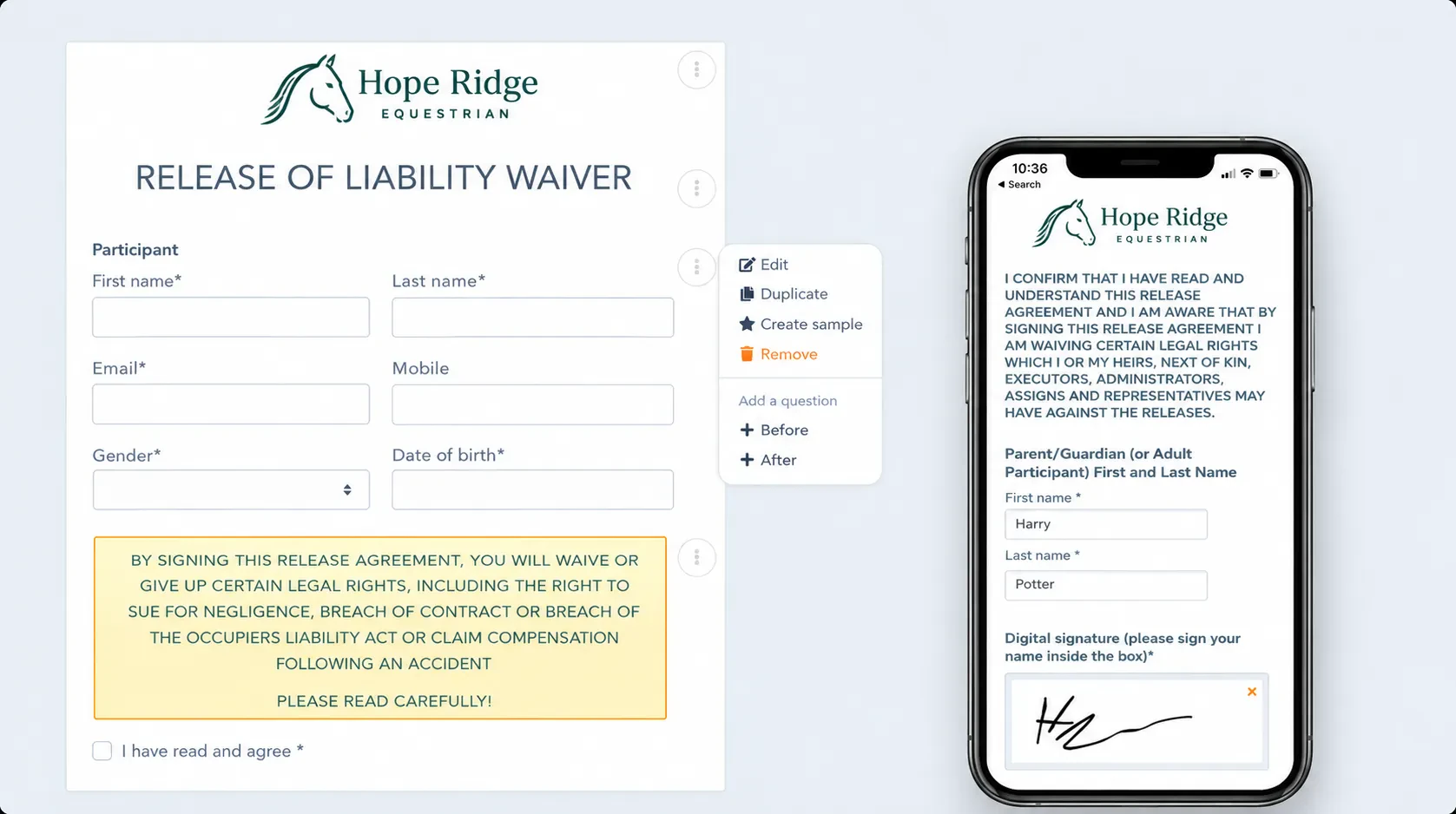
That means fewer separate steps for families and less paperwork for staff to track before a lesson or camp begins.
Keep Riders and Parents Updated
Once someone registers, the communication doesn’t stop there. Riding programs may need to send:
- ✉️ Registration confirmations
- ⏰ Lesson or camp reminders
- 📢 Program updates
- 📝 Waiver reminders
- 🌦️ Weather or schedule updates
- 📋 Follow-ups and surveys
Horse riding registration software that includes email and SMS can make these communications easier to manage from the same registration data.
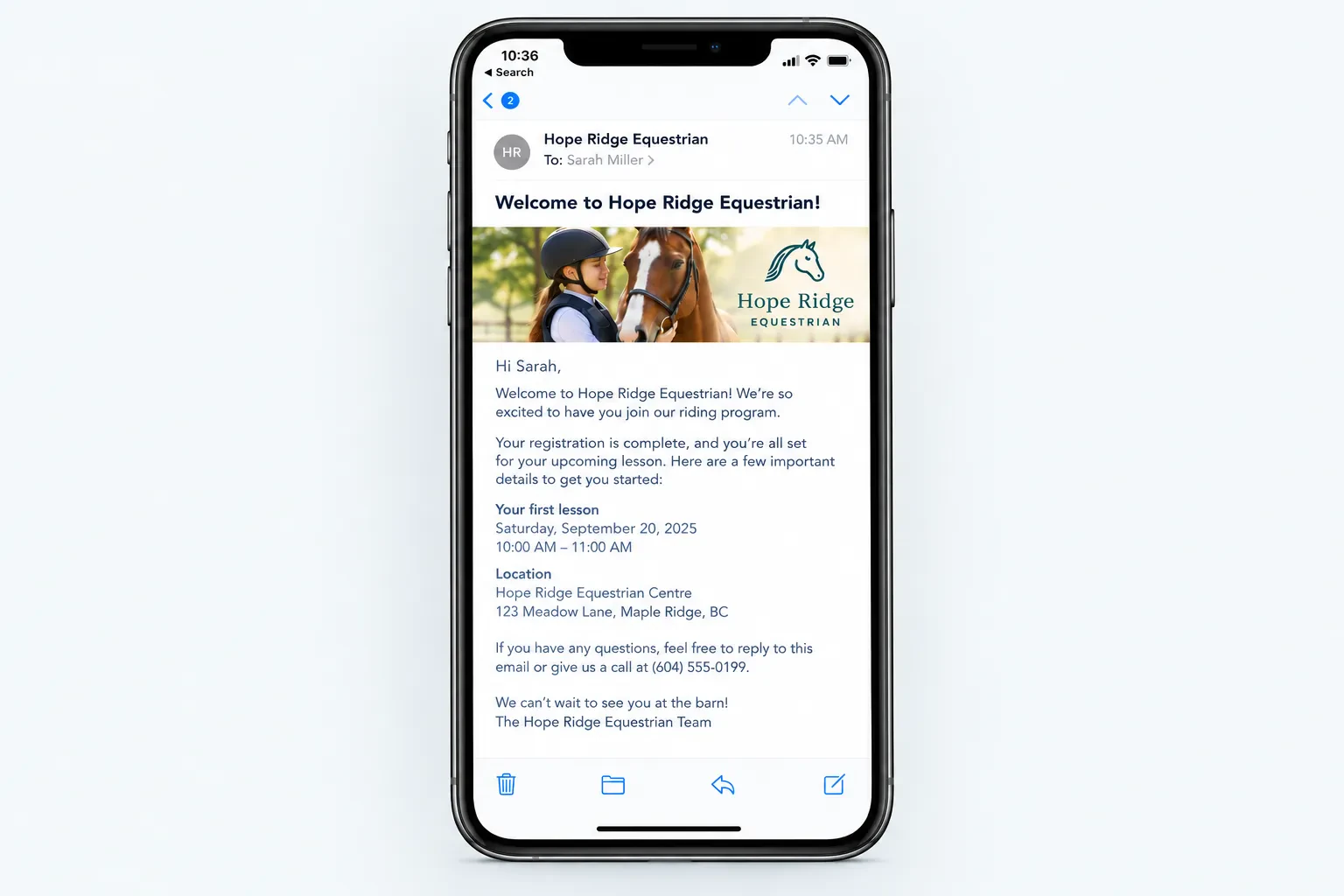
Activity Messenger includes both email and SMS communication, along with automated reminders and segmentation based on registration information.
Choosing Horse Riding Registration Software
Before choosing a platform, think about what your team actually needs to manage.
The sections above cover most of what matters: intake that captures horse and rider data together, one system for lessons, classes, and camps, digital waivers with the right language, and evaluations that stay attached to a rider’s record.
What’s worth weighing is how a platform handles the parts that don’t show up until you’re running a real season, like matching riders to horses at scale or keeping communication tied to registration instead of a separate list.
The right setup depends on how your riding program operates. A small operation focused mainly on private lessons may have different needs from a riding school running weekly classes, summer camps, and competitions.
Activity Messenger’s customizable forms and program tools adjust to either setup, so switching between a lessons-only operation and a full camp season doesn’t mean switching software.
Frequently Asked Questions
What is horse riding registration software?
Horse riding registration software can help manage sign-ups, payments, waivers, communication, and other administrative tasks for riding programs. Depending on the platform, it may also support horse-specific information and rider evaluations.
What should a horse riding registration form include?
That depends on your program, but you may want to collect the rider’s experience and emergency information alongside horse details such as breed, size, weight, and medical issues. Digital waivers and other required forms can also be included.
Can equestrian riding camp registration software manage other camp activities?
Yes, depending on the platform. A flexible camp registration system like Activity Messenger can be useful when horseback riding is one activity within a broader summer camp program.
Do I need horse-specific software?
Not necessarily. A dedicated equestrian platform may include features such as horse and rider records or competition tracking. A flexible activity management platform can be a better fit for programs whose main needs are registration, lessons, camps, forms, payments, and communication.
Can I build a website for my riding program with Activity Messenger?
Yes, Activity Messenger’s website builder lets you create a branded website and connect it to your registration and booking tools. You can use it to showcase programs and send visitors directly into the relevant registration flow.
Final Thoughts
The gap in most horse riding registration software isn’t features; it’s what happens to the information after you collect it. Horse and rider intake means something different for a riding program than a form field means for a dance studio or gym: it decides who gets paired with which horse and whether an instructor has what they need to run a safe lesson or camp week.
Software that treats that data as something staff use, not just something on file, is what actually fits how a riding program runs.