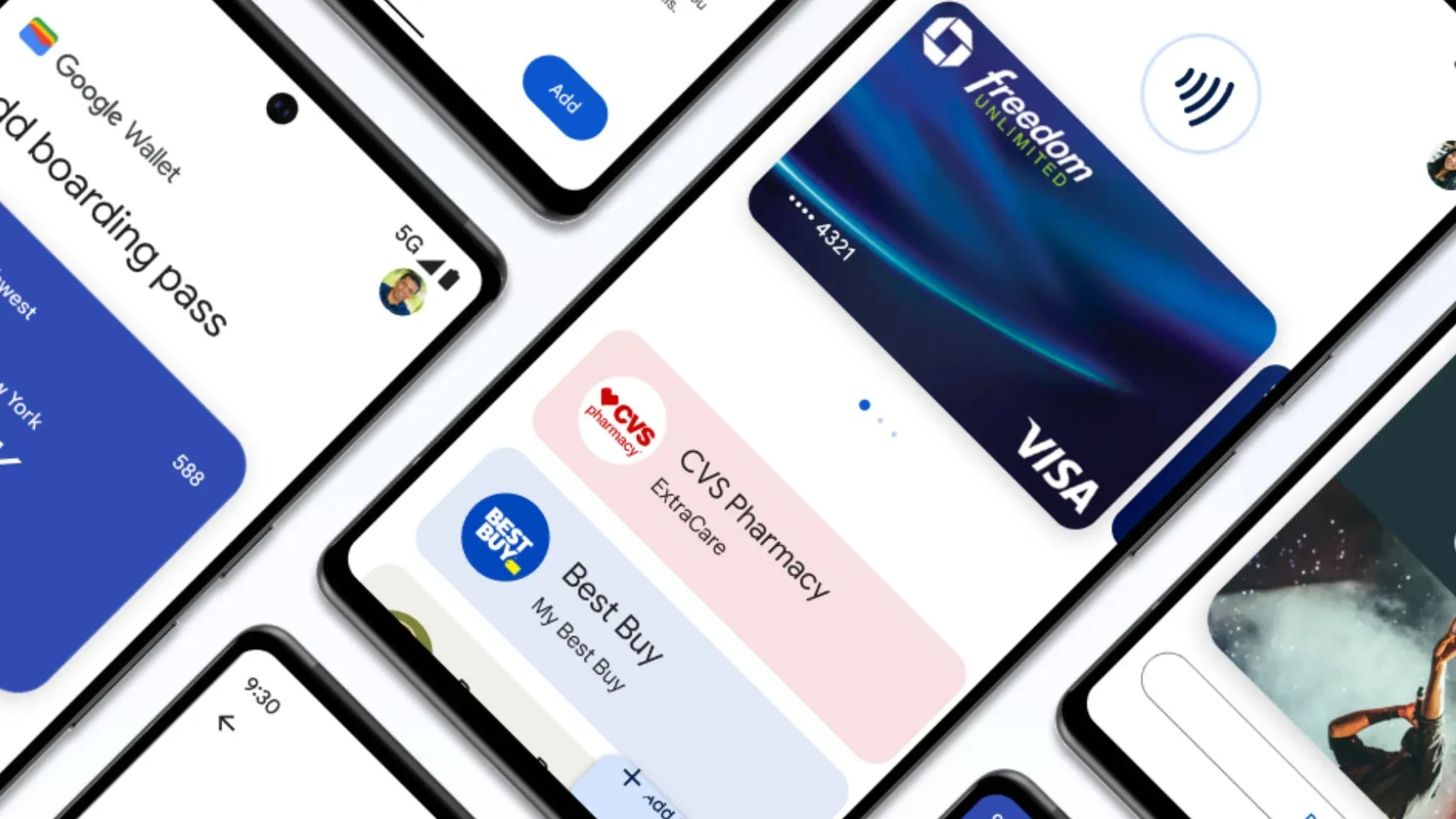
With Google Wallet, users can store and access membership cards, event tickets, and payment methods directly from their smartphones. If you run a dance studio, swim school, or sports club, offering digital membership cards through Google Wallet can increase convenience for your members.
In this article, we’ll walk you through the process of adding a membership card to Google Wallet and explore how your business can benefit from this feature.
What is Google Wallet?
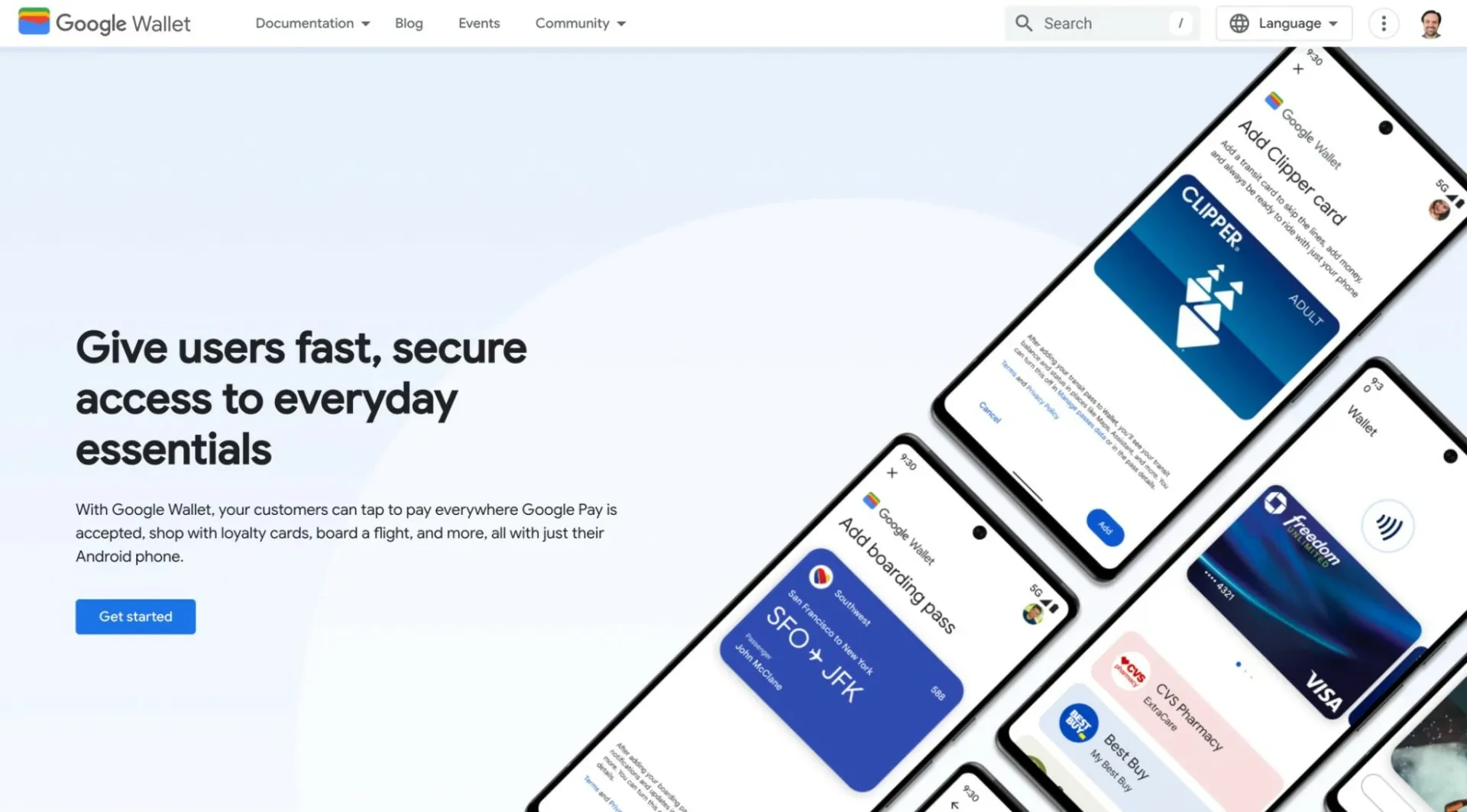
Google Wallet is a digital wallet application available for Android and some Wear OS devices. It allows users to store and manage various digital items, including credit cards, loyalty cards, boarding passes, and membership cards. Unlike Apple Wallet, which is limited to Apple devices, Google Wallet is compatible with a wider range of smartphones, making it accessible to a wider audience.
Why Offer a Membership Card in Google Wallet?
Providing a digital membership card in Google Wallet offers benefits for both you and your members:
- Convenience: Members can access their digital cards at any time without worrying about losing a physical one.
- Contactless experience: Digital cards reduce the need for physical contact, improving efficiency.
- Easy Updates: You can update member information (such as expiration dates or new benefits) without reissuing new cards.
- Brand Visibility: Your logo and branding appear directly in members’ digital wallets.
- Improved access control: Digital membership cards can be scanned for check-in or access to special events.
How to Add a Membership Card to Google Wallet
Depending on how your organization distributes membership cards, there are many ways to add a card to Google Wallet.
Method 1: Adding a Card via a Link or QR Code
If your organization provides a Google Wallet-compatible pass, members can add it easily:
- Receive the Digital Membership Card: Your organization will send an email or SMS with a link or QR code.
- Open the Link or Scan the QR Code: Clicking the link or scanning the code will prompt users to open Google Wallet.
- Tap “Add to Google Wallet”: The membership card will be added instantly and appear in the app.
Method 2: Adding a Card Through an App
Some businesses integrate with Google Wallet through their own apps. If your organization has its own mobile app
- Open the app and navigate to the Membership section.
- Find the option to add your membership card to Google Wallet.
- Follow the onscreen instructions to complete the process.
Method 3: Manually Entering Card Details
If a digital membership pass is not provided, some members may be able to manually enter their membership information. This might the usability of the membership card.
- Open Google Wallet and tap “Add to Wallet.
- Select “Loyalty Program” or “Membership.
- Search for your organization or select “Enter manually.
- Enter your membership information and save the card.
Learn more: How to create a membership form with Activity Messenger
How to Create Google Wallet Membership Cards
To create a digital membership card that will integrate with Google Wallet for your members, please follow the steps below:
Step 1: Use a Digital Pass Generator
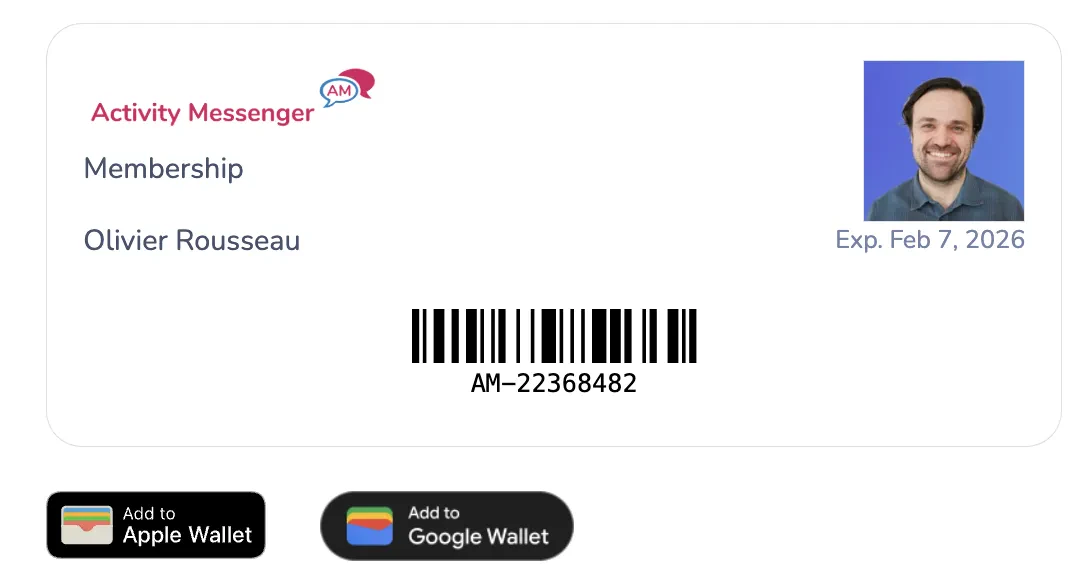
You need a tool that generates Google Wallet-compatible passes. Platforms like Activity Messenger allow you to create digital membership cards that members can store in Google Wallet.
Step 2: Customize Your Digital Membership Card
Add the following elements:
- Your organization’s logo
- Member name and ID
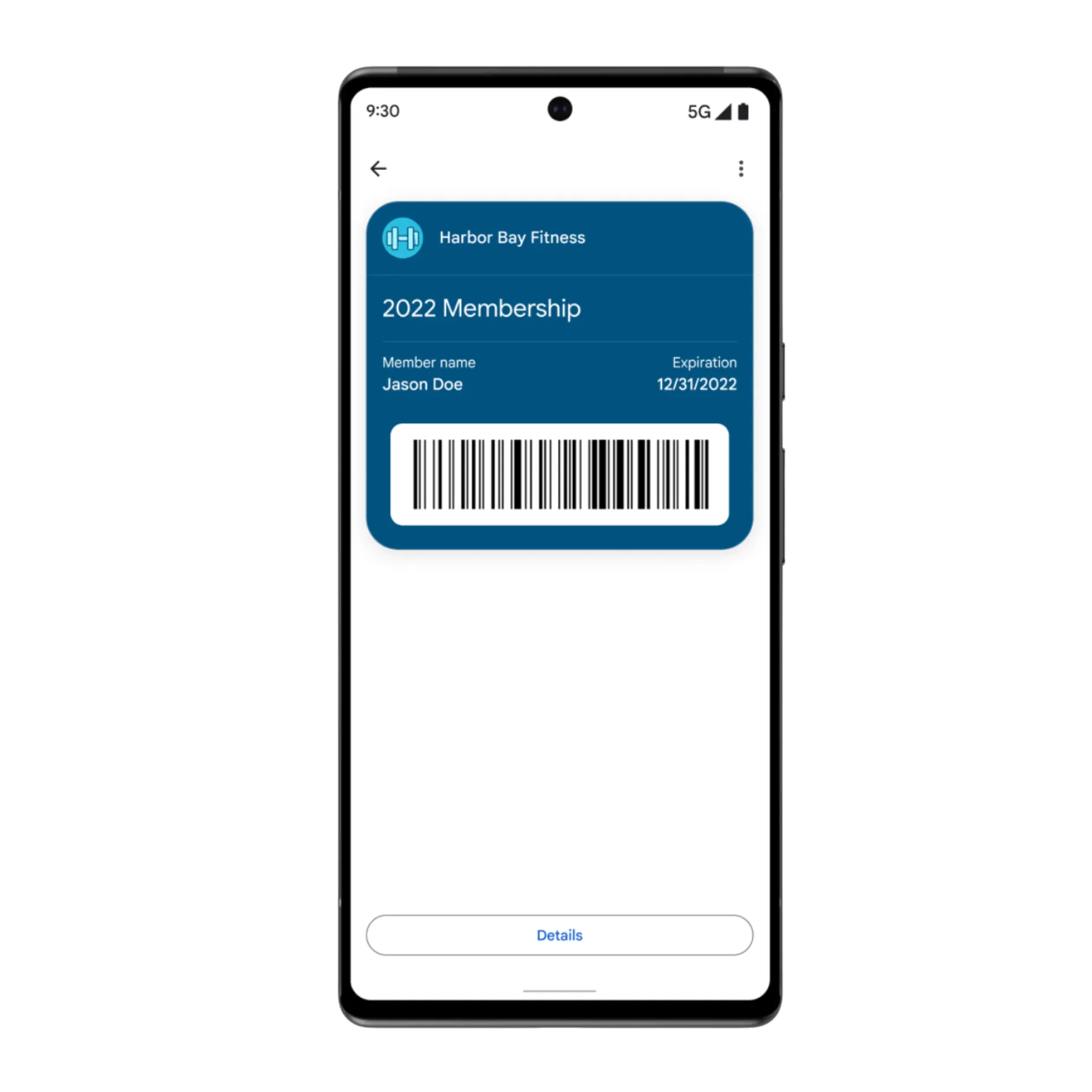
- Membership expiration date
- Barcode or QR code for scanning
- Any additional perks or benefits
Step 3: Distribute the Membership Cards
Once created, you can send digital membership cards via:
- Email – A direct “Add to Google Wallet” link
- SMS – A link to download the card
- QR Code – Displayed on your website or in person for easy scanning
Managing and Updating Membership Cards
One of the biggest benefits of digital membership cards is that you can update them without having to reissue a new card. When a member renews their membership or their information changes, updates can be pushed directly to their Google Wallet without any action on their part.
Start Offering Digital Membership Cards with Activity Messenger
Activity Messenger simplifies the process of creating and distributing digital membership cards for Google Wallet. Whether you run a dance studio, swim school, or sports club, offering digital passes improves the member experience while reducing administrative overhead.
Ready to get started? Contact us today to create and distribute digital membership cards for your organization!