Often you want to send a follow-up email after someone registers to one of your programs or activities. If you are using Amilia, Activity Messenger now allows you to program a personalized message to send right after registration. The message can be sent either by email, by text message or both.
This new feature is available under the Automation menu.
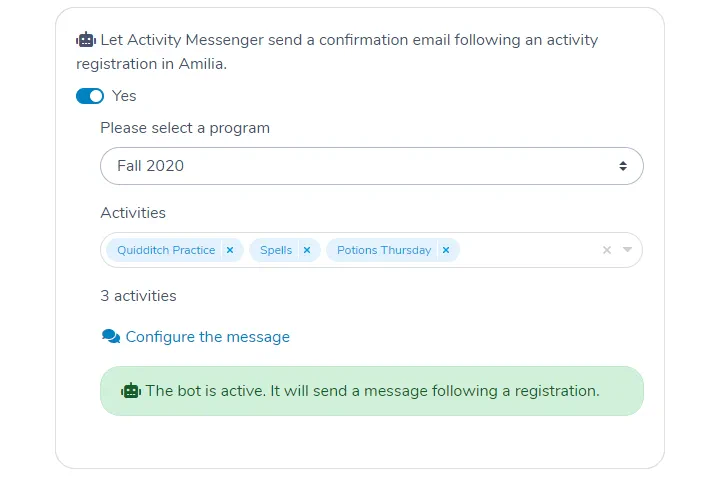
Create an Automated Task: Amilia Activity Registration
Follow these simple steps to configure a registration confirmation email:
- Click on Automation and Create
- Choose Amilia Activity Registration
- Turn on the Automation Bot for your new task
- Choose a program from Amilia
- Choose one or many activities
- Configure your message
- Save
Adapting the Message Template
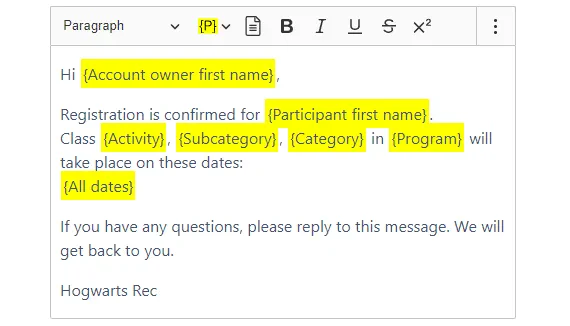
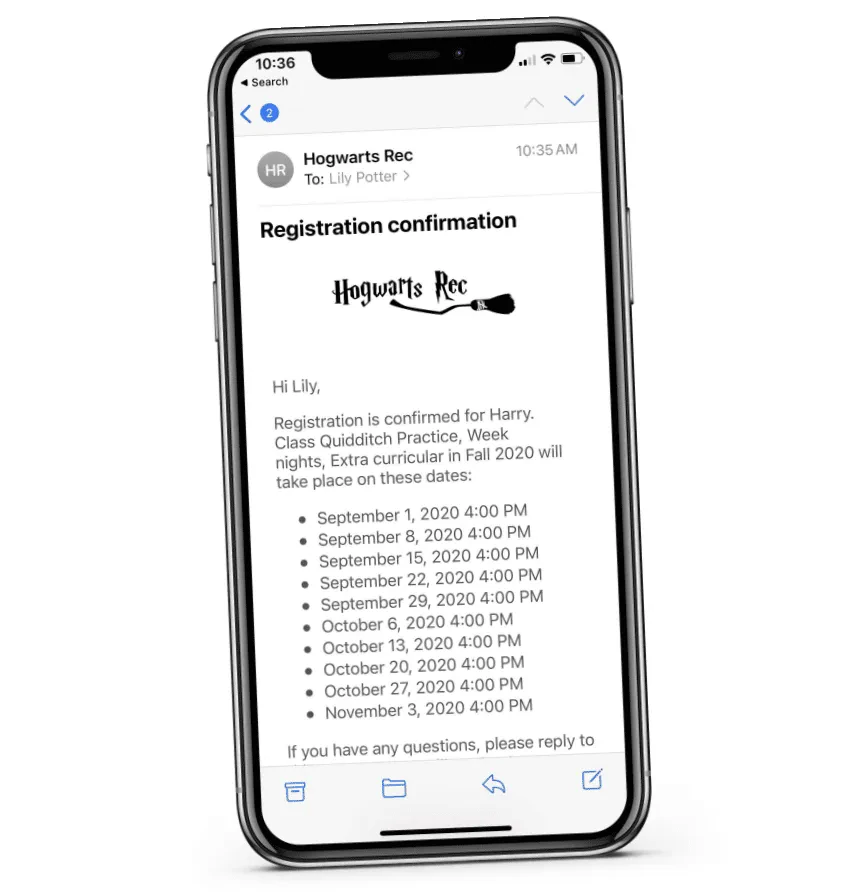
The message template used by default contains powerful placeholders to inject information from Amilia. This includes:
- Account owner name
- Participant name
- Activity, category, sub-category and program names
- All class dates
You can adapt this template to your needs. You may also create your own.