Swim school skill tracking sounds like it should be simple: a swimmer passes a skill, their level updates, and everyone moves on. In practice, that information can end up spread across a clipboard, an instructor’s memory, a spreadsheet, and your registration system.
This guide covers how swim schools can set up skill levels, let instructors update them from poolside, run digital report cards, and use skill prerequisites to keep swimmers registering for the right class every time.
Key Takeaways:
- Manual skill tracking works for small swim schools, but growing programs need levels, report cards, and prerequisites to live in one system.
- Signs you’ve outgrown spreadsheets: parents asking what level their kid is on, instructors re-entering the same notes twice, front desk staff manually checking eligibility before every registration.
- Swim school software like Activity Messenger lets you create levels, update them from attendance lists, fill out report cards, and enforce prerequisites automatically.
- The result is safer class placement, less admin work for your front desk, and parents who always know where their swimmer stands.
Table of Contents
- 1. Set Up Levels for Swim School Skill Tracking
- 2. Update Levels From the Pool Deck
- 3. Use Digital Report Cards for Detailed Feedback
- 4. Set Skill Prerequisites for Class Registration
- 5. Replace the Tools You’re Already Juggling
- 6. Tips for Rolling Out Swim School Skill Tracking
- Frequently Asked Questions
- Conclusion: Fewer Spreadsheets, Safer Placements
1. Set Up Levels for Swim School Skill Tracking
Before setting up your levels, it helps to separate two things: the skills a swimmer is learning and the level they are currently working toward.
For example, a swimmer might be working toward Level 3 while being assessed on individual skills such as:
- 🌊 Front crawl technique
- 🔙 Backstroke
- 🫧 Breath control
- 🦶 Treading water
- 🤿 Deep-water entry
The level gives instructors and parents a quick picture of where the swimmer stands. The individual skills provide the detail behind that level and help instructors decide when a swimmer is ready to progress.
In Activity Messenger, each level is added under the Skills area of your account, and you can create new levels as your curriculum evolves.
A level system that actually holds up across a growing school usually has a few things in common:
- 🏷️ Consistent naming, so “Level 3” means the same thing whether a parent hears it from the front desk or from their kid’s coach
- 📈 A logical order, so instructors and parents both understand what comes next
- 🎯 A clear scope, whether each level represents one broad stage or a narrower set of specific skills, since this affects how you’ll report on progress later
- 🔁 Room to add levels later without renumbering everything else
Once your levels are set up, they become the foundation for instructor updates, detailed assessments, and registration prerequisites.
2. Update Levels From the Pool Deck
Skill tracking only works if instructors can actually update it while they’re teaching, and most swim instructors aren’t sitting at a desk between lessons.
Activity Messenger gives instructors access to their own attendance lists, scoped to just the classes they teach, so they can mark attendance and update a swimmer’s level from a phone or tablet at the pool.
For example, if an instructor determines that a swimmer is ready to move from Level 3 to Level 4, they can make that update directly from the attendance list instead of writing it down for someone else to enter later.
A coach can select a swimmer who passed their breaststroke assessment, assign the next level, and the change saves straight to that swimmer’s record. What that removes from your operations:
- 📋 No paper checklist getting handed off to the office after the lesson
- ⌨️ No re-entering the same notes a second time once someone’s back at a desk
- 📅 No lag between a swimmer passing a skill and that update showing up on their record
- 🗓️ The option to set a level change for a future date, useful for schools that promote swimmers at the start of a new term rather than the moment they pass
3. Use Digital Report Cards for Detailed Feedback
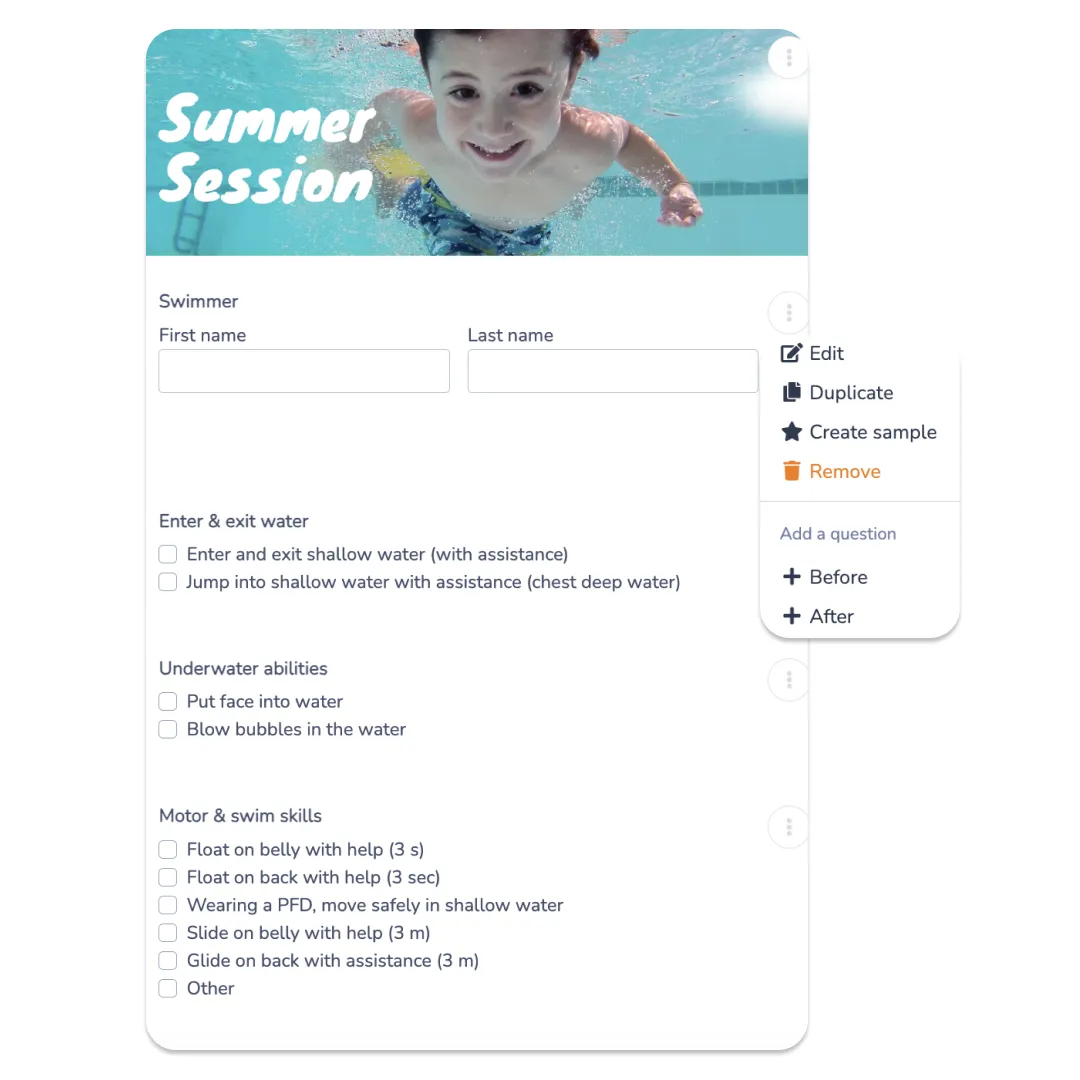
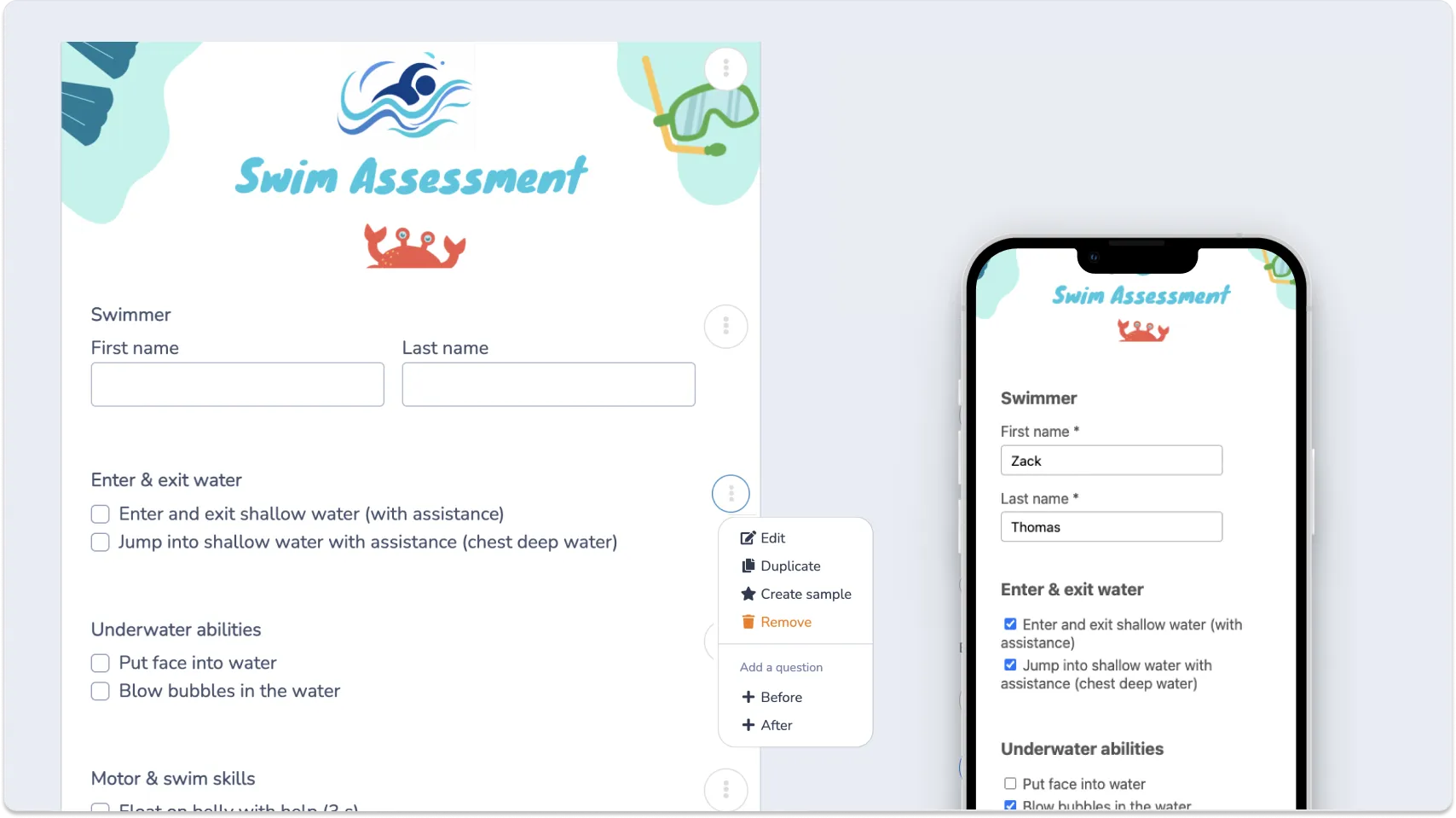
A report card explains why a swimmer is at their current level. Instructors can use it to assess individual skills, add notes, and record areas where the swimmer is progressing or still needs practice.
A parent can see not just that their child is at Level 3, for example, but which skills they have mastered and what they still need to work on before progressing.
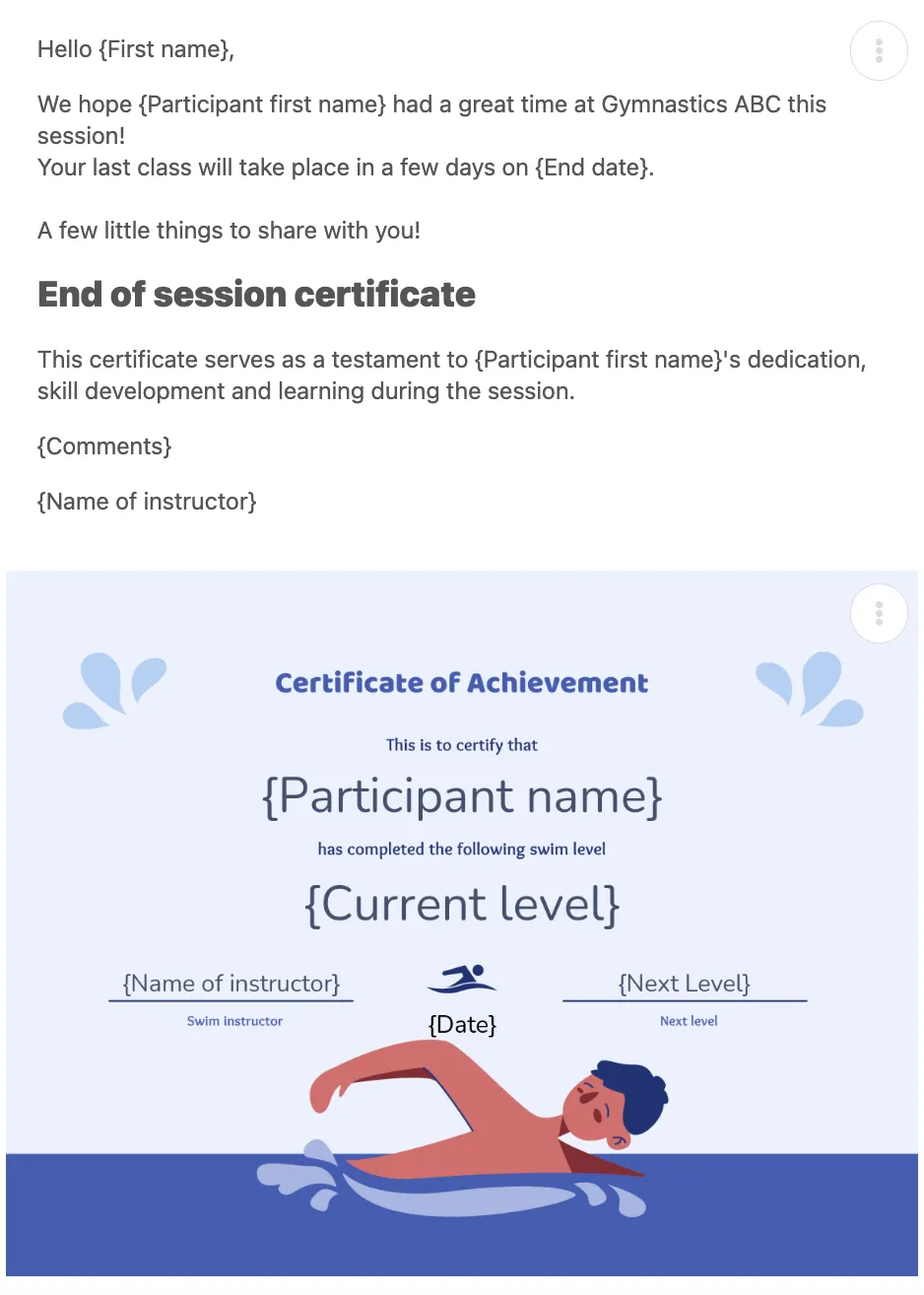
Once the assessment is complete, Activity Messenger’s mail merge tools can personalize the message sent to parents with information from the swimmer’s record. Reports can be shared by email or text without someone having to manually create and send each one.
👉 If you want a step-by-step walkthrough of building the assessment form, choosing evaluation criteria, and automating report card delivery, see our guide to creating online swim report cards.
4. Set Skill Prerequisites for Class Registration
Once levels exist, you can require them for registration. When building a class, set which skill level a swimmer needs to be eligible, and choose whether one specific level is required or any level within a range qualifies.
For swim schools, this is less about convenience and more about safety. A prerequisite can help prevent a swimmer from being registered for a class that requires a level they haven’t yet reached.
Depending on how you configure the class, you can:
- 🚫 Block registration entirely until a swimmer has the required level
- 🔓 Allow registration anyway for cases like tryouts or families switching swim schools mid-season
- ⚡ Automatically assign a starting level the moment someone registers for an intro or parent-and-tot class, so there’s no manual entry needed on day one
- 🔀 Require any one of several levels, rather than a single exact match, for classes that can accommodate a small range of ability
5. Replace the Tools You're Already Juggling
Most swim schools didn’t set out to run five different tools for one job, it just happened over time. This might include a spreadsheet for levels, a paper form for evaluations, a separate tool like Google Forms or SurveyMonkey for feedback, and yet another for sending parents updates. Skill tracking is often the last piece to get integrated into one system, which is exactly why it tends to be the messiest.
Bringing it into Activity Messenger alongside registration and communication means:
- 🗂️ Levels, report cards, and prerequisites live next to the swimmer’s registration and payment history, not in a separate file
- 📤 Report card distribution goes out by email, text, or print, whichever families prefer, without a separate mail tool
- 🔁 One login for instructors instead of a form tool for evaluations and a different system for everything else
- 💬 The same personalization and automation you’re already using for class reminders and renewals applies to skill updates, too
6. Tips for Rolling Out Swim School Skill Tracking
A good swim school skill tracking system only works if instructors use it consistently. A few simple decisions can make the transition easier:
- 🏷️ Start with the levels you already use. Don’t rebuild your entire curriculum just to digitize it. Set up your existing levels first, then refine them as needed.
- 👥 Decide who can update levels. Make sure instructors know when to change a swimmer’s level and when a supervisor should review an assessment.
- 📝 Keep the first report card simple. Start with the skills instructors already assess regularly. You can add more detailed criteria once the process becomes routine.
- 🗓️ Decide when promotions take effect. If swimmers move up at the beginning of a new session, use future-dated changes rather than updating levels weeks before the new class starts.
- 📣 Tell parents what to expect. Let families know when they will receive assessments, how level changes are communicated, and what the next step is for registration.
Frequently Asked Questions
How do I set up skill levels for my swim school?
Add each level under the Skills section of your swim school software (such as Activity Messenger), name it to match your existing curriculum, and save. New levels can be added at any time as your program grows, and you can reorder them as your levels evolve.
Can instructors update swim levels without going through the front office?
Yes. In Activity Messenger, instructors with access to their attendance lists can update a swimmer’s level and fill out a report card directly from a lesson, without going through office staff first.
What’s the difference between a skill level and a report card?
A level is the swimmer’s current stage in your program. A report card is the detailed assessment behind that level, showing how they performed on specific skills during a lesson or evaluation, and it’s usually what gets shared with parents.
Can I require a skill level to register for a class?
Yes, when you set up a class, you can require one or more skill levels for registration, choose whether swimmers need all of them or just one, and decide whether to allow registration anyway for cases like tryouts.
Can parents register a swimmer who doesn’t meet a class prerequisite?
You can choose whether a class should block registration when a swimmer doesn’t meet its skill prerequisite. For situations such as tryouts or swimmers transferring from another school, you can allow registration anyway and review their placement separately.
Do parents get notified when their swimmer’s level changes?
Yes, if you configure an automated message or report card, Activity Messenger can send personalized updates to parents by email or text when the assessment is completed.
Can a swimmer be assigned a starting level automatically?
Yes, for classes such as introductory or parent-and-tot programs, you can automatically assign a starting skill level when a swimmer registers to reduce manual entry for staff.
Conclusion: Fewer Spreadsheets, Safer Placements
Swim school skill tracking works best when the pieces are connected. An instructor assesses a swimmer’s skills, their level is updated, parents receive a clear progress report, and that level can help determine which class they should take next.
Instead of relying on a clipboard, spreadsheet, and separate registration process, Activity Messenger brings those steps together. Instructors can update levels from the pool deck, share report cards automatically, and use skill prerequisites to prevent mismatched class registrations.
The result is a simpler process for instructors, clearer communication with parents, and a more consistent way to manage swimmer progression as your school grows.
💡 Ready to bring levels, report cards, and prerequisites into one system? Book a demo with Activity Messenger and see how swim schools across North America track skills without the manual work.
📖 Related Reading: