Google Forms is a free and easy-to-use survey tool that makes it simple to gather feedback, run quizzes, and collect data. But what if you want to keep your participants’ responses private? That’s where anonymous surveys come in.
Whether you’re collecting sensitive employee feedback or encouraging honest opinions from customers, anonymity can help improve both the quality and quantity of responses.
In this guide, we’ll explain what anonymous surveys are, why they matter, and walk you step-by-step through making your Google Form anonymous. We’ll also explore the advantages and disadvantages of anonymity, as well as alternatives if you require a more advanced solution.

📌 Read More: Check out our “Canadian alternative to Google Forms” article for an in-depth look at how Canadian-based Activity Messenger compares to this popular tool.
An anonymous survey is a survey in which participants’ identities are not collected or attached to their responses. Unlike typical surveys, an anonymous form does not ask for names, email addresses, or any personally identifiable information (PII).
The key purpose of an anonymous survey is to encourage honesty. Respondents often hold back when they know their answers could be tied to them, especially when sharing feedback about supervisors, instructors, policies, or sensitive personal experiences.
Anonymous surveys are ideal when:
Collecting sensitive information, such as wellness checks or personal experiences, where confidentiality is critical.
Start by navigating to Google Forms. You’ll be greeted by the Google Gemini assistant with suggestions on possible forms you can create using the service.
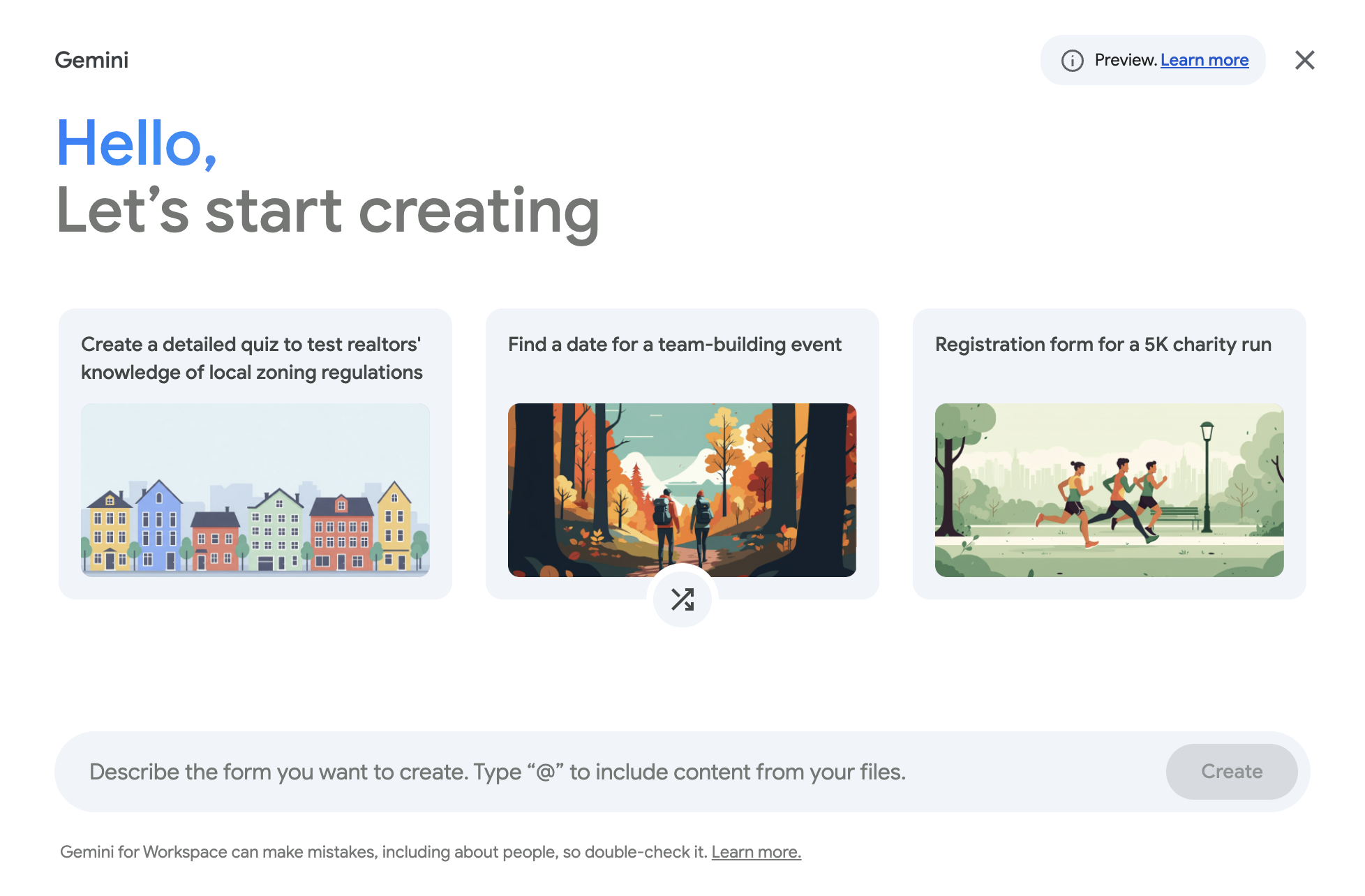
You can describe the form you want to create to access a pre-designed template to save time, or you can start from scratch to fully customize every aspect of your survey. To start from scratch, select the “x” in the top-right corner to exit the assistant and start building your form.
When choosing your format, consider your audience. For example, a workplace survey might use a blank form, allowing you to carefully craft neutral and unbiased questions. A customer feedback survey might benefit from a template with built-in rating scales and suggested questions.
Once you’ve created your form, add questions tailored to your goals. Google Forms offers a variety of question types:

Tips for question design:
Making a Google Form anonymous primarily involves adjusting its settings. Here’s how:

These two steps ensure that respondents do not have to provide any identifying information, and their responses cannot be traced back to them.
💡 Pro tip: For added comfort, consider adding a short note in your form description explaining that responses are anonymous. This reassurance can boost participation and honesty.
Before distributing your survey, always preview it using the eye icon in the top right corner. Check that:
Once confirmed, share your survey through:
💡 Did you know? Platforms like Activity Messenger allow surveys to be sent via SMS. This often improves open rates and encourages quick responses, making it especially useful for program-based organizations.
Google Forms is excellent for simple surveys, but it has limitations for program-based organizations, event planners, and schools. Activity Messenger provides advanced functionality that addresses these gaps:
Anonymous surveys are just the beginning of how Activity Messenger helps you keep programs organized and participants informed.
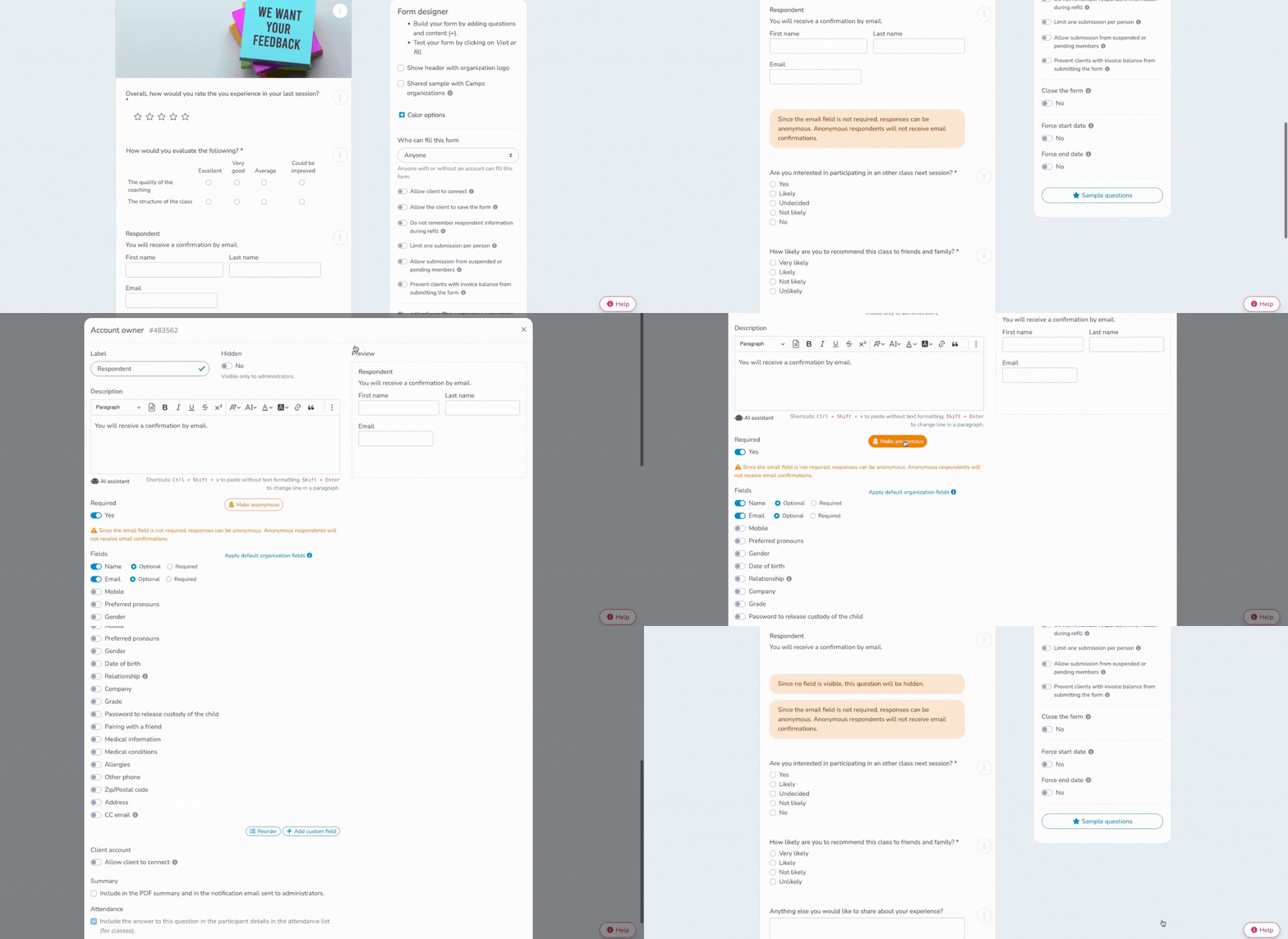
With Activity Messenger, you can collect anonymous feedback, send surveys by SMS or email, and instantly turn results into actionable insights. Book a quick demo and see how it works.
Book a demo| Feature | Google Forms | Microsoft Forms | Activity Messenger |
| Anonymous Options | ✅ Disable email collection & sign-in | ✅ Adjust login/PII settings | ✅ Fully flexible anonymity |
| Ease of Use | ✅ Free, simple interface | ✅ Intuitive for Microsoft 365 users | ✅ User-friendly with automation & workflow integration |
| Branding | ⚠️ Limited | ⚠️ Limited | ✅ Full Canva integration, logos, and colours |
| Distribution | ✅ Link, embed, QR | ✅ Link, Teams, QR | ✅ Email, SMS, QR, website embed |
| Automation | ❌ None | ⚠️ Limited | ✅ Advanced recurring surveys & workflows |
| Analytics | ⚠️ Basic charts & Sheets export | ⚠️ Basic charts & Excel export | ✅ Real-time analytics, detailed filtering |
If you’re looking for a simple, free way to gather anonymous feedback, Google Forms is a solid choice. It’s intuitive, easy to set up, and integrates seamlessly with Google Workspace.
For organizations wanting more control, automation, and multi-channel survey delivery, Activity Messenger offers an all-in-one platform to manage surveys alongside registrations, payments, waivers, and attendance. You can create anonymous forms, gather honest feedback, and leverage the data to improve programs— all from a single dashboard.
👉 Ready to create smarter, more effective surveys? Book a demo with Activity Messenger today and discover how anonymous surveys can be part of a complete participant management system.