Selecting the right platform to handle forms, surveys, registrations, waivers, and participant communication can have a big impact on both efficiency and customer experience.
SurveyMonkey is trusted for surveys and analytics, Jotform is known for its flexibility as a form builder, while Activity Messenger stands out as the all-in-one solution that combines registrations, waivers, payments, messaging, and surveys in a single package.
This guide compares the three platforms in terms of features, pricing, and use cases to help you choose the right survey builder for your organization.
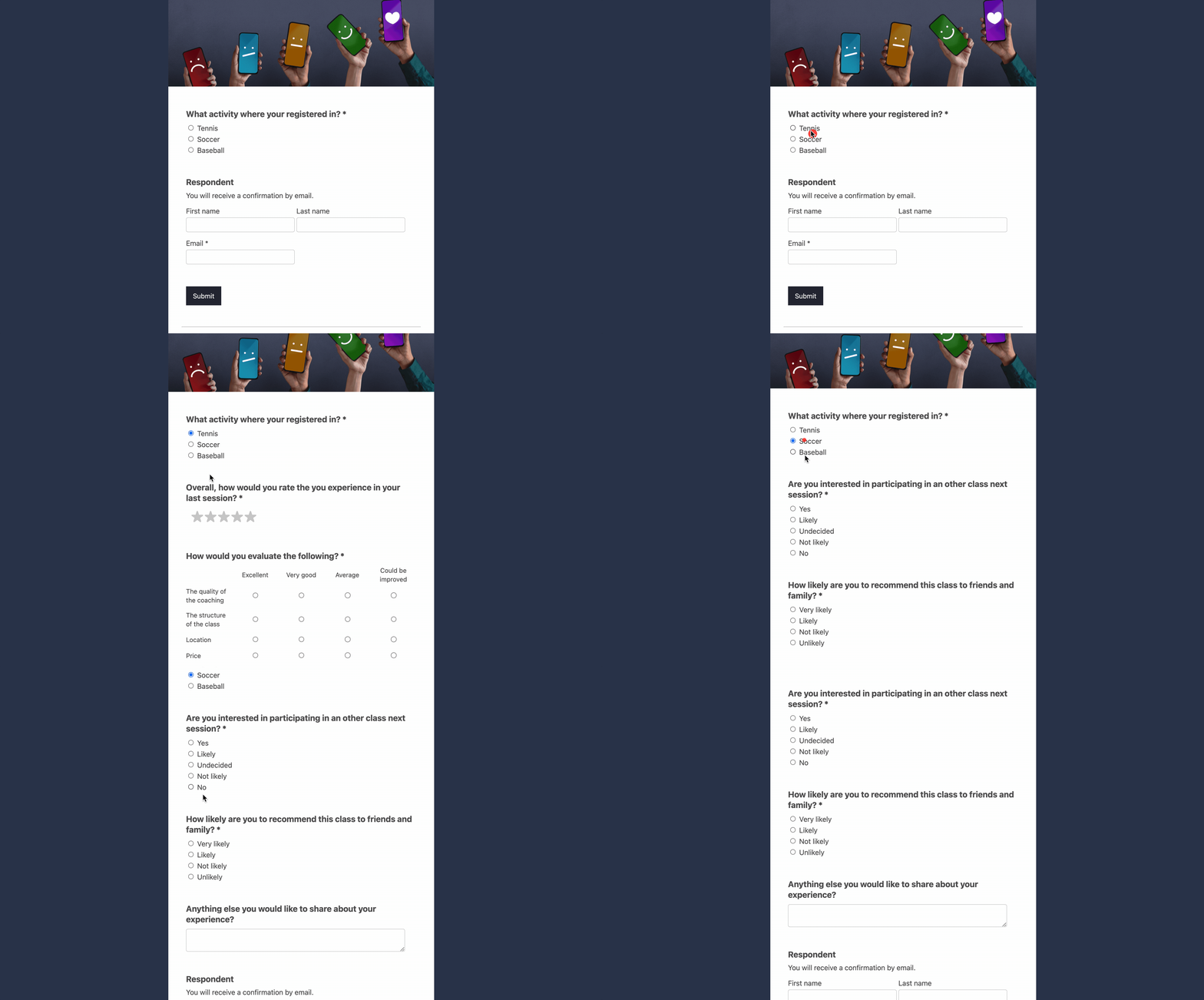
DISCLAIMER: Activity Messenger is our own product. We developed it after years of struggling with the limitations of current online registration software, and we believe that most class management software is flawed.
| Feature | Jotform | SurveyMonkey | Activity Messenger |
| Primary Use Case | ✅ General-purpose forms and registrations | ✅ Surveys, feedback collection, research | ✅ All-in-one event and program management, including forms, registrations, and surveys |
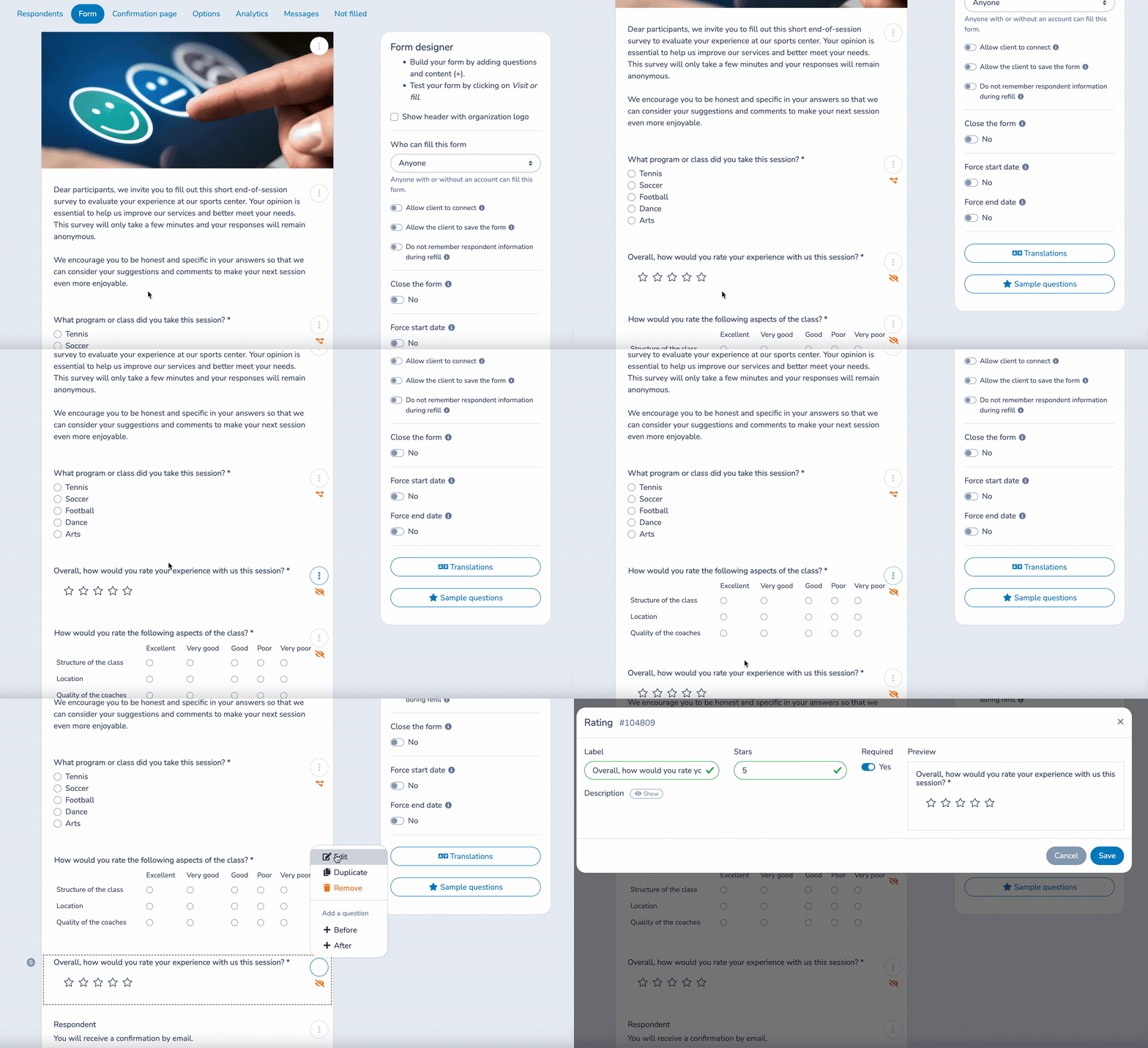
| Form/Survey Builder | ✅ Drag-and-drop, highly customizable | ✅ Polished builder with templates, logic, and multi-language support | ✅ Drag-and-drop, highly customizable with conditional branching; registration, ticketing, and waiver forms with e-signature and QR links |
| Automation & Messaging | ⚠️ Requires integrations | ⚠️ Skip logic only, no messaging | ✅ Two-way SMS and email automations triggered by registration or attendance |
| Surveys | ✅ Available as forms | ✅ Advanced survey features with analytics | ✅ End-of-session surveys with automated distribution |
| Payments & Event Tools | ✅ Supports major gateways (Stripe, PayPal, Square) | ⚠️ Limited payment support | ✅ Integrated payments, ticketing, waitlists, attendance tracking |
| Analytics & Reporting | ✅ Standard reporting and exports | ✅ Real-time dashboards and benchmarking | ✅ Engagement and attendance analytics, messaging performance |
| Integrations | ✅ Large third-party ecosystem | ✅ CRM, Slack, Zapier, marketing tools | ✅ Built-in platform with Stripe, Zoom, and Canva integrations |
| Mobile Experience | ✅ Responsive design with mobile app | ✅ Mobile-optimized survey completion | ✅ Mobile-first all-in-one registration and communication |
| Compliance & Hosting | ✅ GDPR, HIPAA, SSL | ✅ Enterprise logging, GDPR, permissions | ✅ Canadian data hosting, CASL compliance, waiver audit trails |
| Pricing Model | Freemium tiers, costs scale with submissions | Subscription per user, features unlocked at higher tiers | Flat-rate pricing, all features included |
💡 Pro Tip: Take a look at our other blog, “9 Best Online Survey Tools in Canada,” for a more detailed comparison of top survey tools, including Google Forms and Microsoft Forms.
SurveyMonkey specializes in research and feedback. Its polished survey builder and advanced analytics make it the go-to for customer satisfaction tracking, employee engagement, or market research. However, it is not designed to manage registrations, waivers, or event communication.

Jotform is built for versatility. It’s a form builder first, with strong customization, conditional logic, and payment integrations. Its strength lies in flexibility across different industries, but organizations running events or programs often find themselves relying on multiple other tools to fill gaps.

Activity Messenger combines the strengths of both worlds but tailors them to activity-based organizations. You get forms, surveys, waivers, payments, attendance tracking, and automated SMS/email all in one place. Surveys can be sent automatically after a session ends, waivers can be signed via QR code on-site, and every interaction is secure. Unlike Jotform or SurveyMonkey, you’re not just gathering data; you’re managing the full participant journey in one place. Plus, there’s no need for multiple platforms or costly integrations.
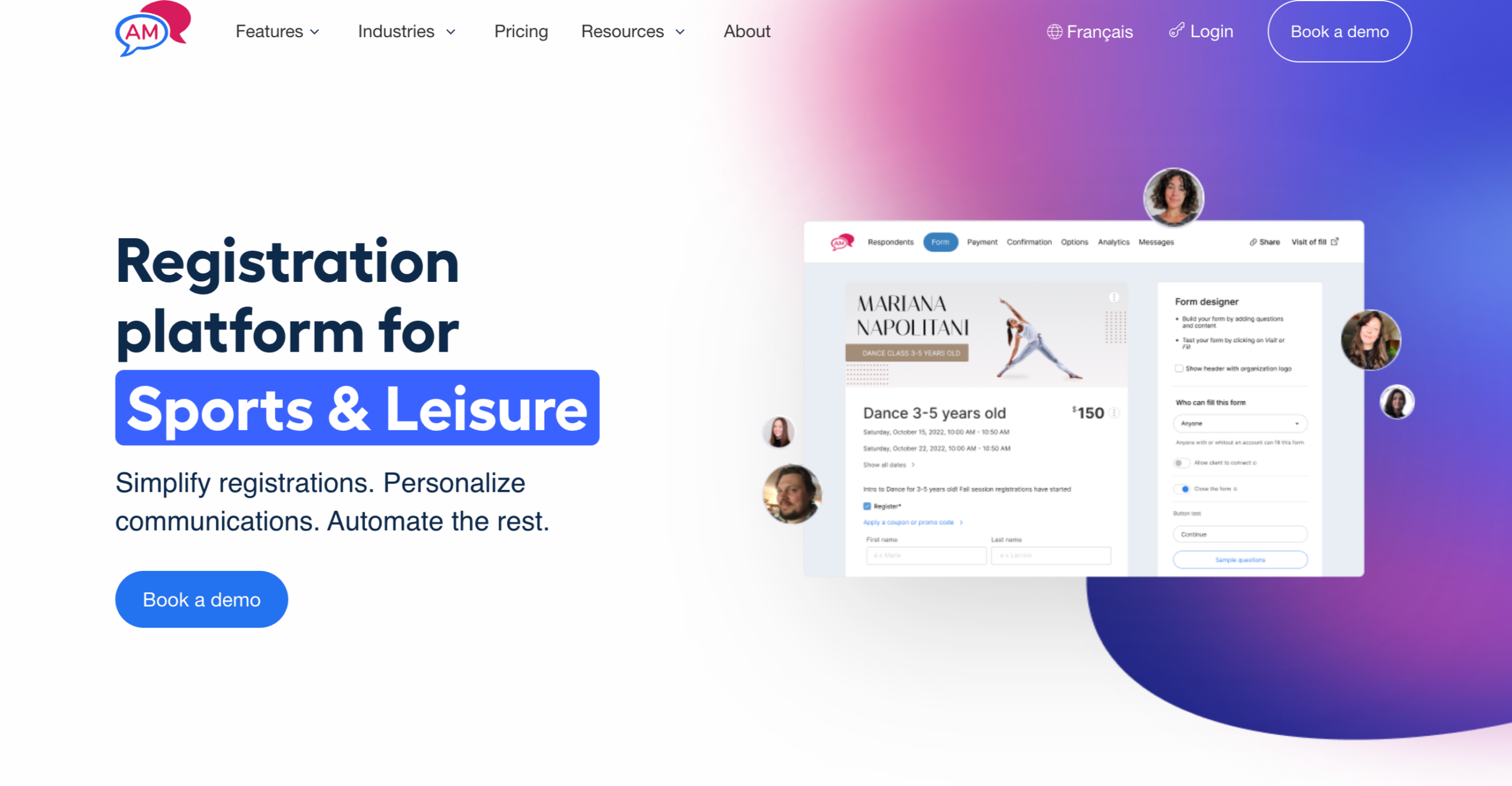
Getting started with each platform involves different levels of complexity and time investment:
SurveyMonkey Implementation: You can quickly set up surveys using ready-made templates and helpful tips. Most users can launch their first survey within hours. However, if you want to use teamwork features or advanced analytics, you will need some training. Additionally, connecting survey data with your current business systems may take more time to set up.
Jotform Setup Process: You can create an account easily and start using the drag-and-drop builder right away. However, if you want to add advanced features like conditional logic, payment options, or connect with other tools, you will need some technical skills and time for setup. It often takes organizations several weeks to fully set up their forms and create effective workflows with external tools.
Activity Messenger Onboarding: We offer full support to help organizations switch from their old systems. Our all-in-one solution reduces technical challenges, as you don’t need to set up multiple tools. Registration, waivers, payments, and communication features are all included. Most organizations are fully operational within days, with features like QR code waiver collection and automated SMS working immediately after setup.
SurveyMonkey is ideal for:
Jotform works well for:
Activity Messenger is purpose-built for organizations that run activities, events, or programs, such as:
See how Activity Messenger brings registrations, waivers, payments, surveys, and communication together in one platform. Schedule a demo and see how much time you’ll save.
Book a demoWhat is the main difference between Jotform, SurveyMonkey, and Activity Messenger?
Jotform is primarily a form builder, SurveyMonkey focuses on survey creation and analytics, while Activity Messenger is an all-in-one platform for registrations, waivers, surveys, payments, and automated communication.
Which is the best form builder for small businesses and nonprofits?
Small businesses that only need flexible forms might find Jotform enough. For businesses that require in-depth survey analytics, SurveyMonkey is the stronger option. Activity Messenger is often the best value for small businesses running events, classes, or programs, as it combines forms, registration, waivers, payments, and messaging in one platform.
Can Jotform or SurveyMonkey replace Activity Messenger?
Not entirely. Jotform and SurveyMonkey work best as single-purpose tools. Activity Messenger offers broader functionality designed for organizations that need to manage participants, collect payments, track attendance, and communicate with clients all in one place.
How much do Jotform, SurveyMonkey, and Activity Messenger cost?
Jotform has a free plan, but it limits submissions and storage, and paid plans scale with usage. SurveyMonkey plans charge per user, with advanced analytics available only on higher tiers. Activity Messenger pricing is transparent and flat-rate, with all features included—no hidden fees for submissions or advanced functionality.
What is the best form builder for event registration and waivers?
Jotform can build registration forms, but it doesn’t offer built-in waivers or attendance tracking. SurveyMonkey is not designed for registrations. Activity Messenger allows event organizers to collect waivers via QR code, track attendance, and send automated follow-up surveys all in one workflow; therefore, it is a great option for many organizations.
Is SurveyMonkey better than Jotform for surveys?
Yes, if your goal is advanced analytics, benchmarking, and professional reporting, SurveyMonkey is stronger than Jotform. However, if you need surveys plus registrations, payments, and communication, Activity Messenger offers a more complete solution.
What are the best alternatives to Jotform and SurveyMonkey in Canada?
For Canadian organizations, Activity Messenger is a strong alternative because it stores data in Canada, complies with privacy laws, and provides local customer support—unlike many U.S.-based platforms.
For program-based organizations—including educational institutions, fitness centers, community organizations, and recreational facilities—Activity Messenger typically delivers the most comprehensive operational value by unifying participant management processes.
💡 Ready to consolidate your event management tools? Discover how Activity Messenger can streamline your registration workflows, automate participant engagement, and provide unified oversight of your program operations.