
Event ticketing for small towns has come a long way. Residents today expect fast, convenient, digital options, and for local governments, the right ticketing software delivers exactly that.
Whether you’re organizing a summer concert, a community fitness class, or a town hall, digital ticketing simplifies administration, improves attendance tracking, and creates a better experience for everyone involved.
This guide walks you through everything you need to know to move away from paper sign-ups and cash-only admission and start selling tickets online, including for free events.
Key Takeaways:
- Digital event ticketing reduces administrative work for municipal staff by automating registrations, payments, and reporting.
- Residents expect convenient, online options. QR code check-ins and automated reminders improve the overall event experience.
- The right platform depends on your use case. Activity Messenger is built for municipalities and recreational programs, while Eventbrite suits large one-off public events, and CivicPlus works best for towns consolidating multiple municipal systems.
- Look for municipal ticketing software that includes seat mapping, SMS reminders, and data export, not just basic online registration.
- Offering multiple payment options (credit card, Interac e-Transfer, and offline payment) ensures no resident is left out.
- A pilot event is the lowest-risk way to introduce online ticketing to your community before a full rollout.
Table of Contents
Why Municipalities Should Go Digital
1. Streamlined Administration
Manual processes such as spreadsheets, paper tickets, and long queues waste staff time and lead to errors. Ticketing software automates registrations, payments, and reporting so your team can focus on running great events rather than managing paperwork.
2. A Better Experience for Residents
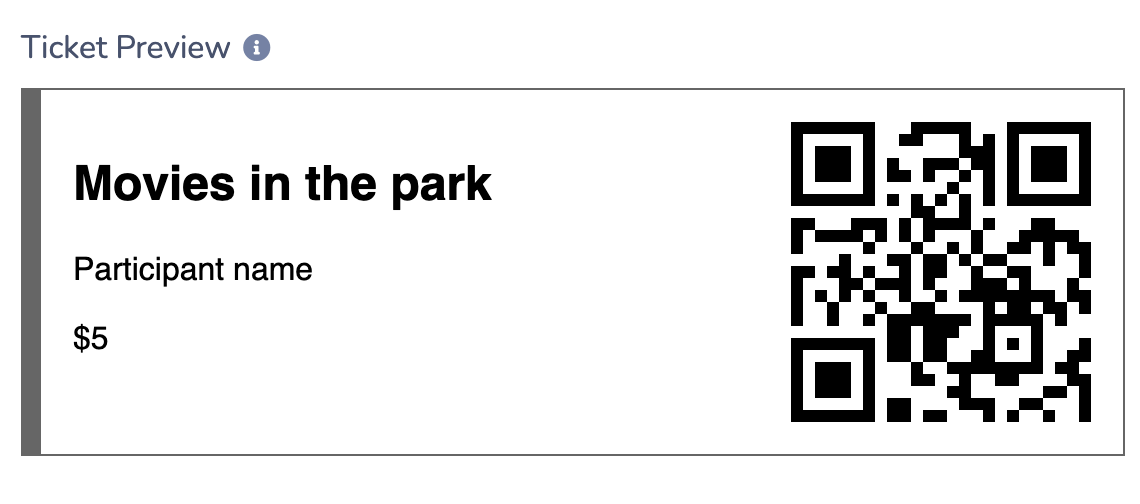
People want convenience. Online ticketing lets residents register anytime, from any device, without calling the office or showing up in person. Digital check-ins via QR code also speed up entry at the door and reduce confusion.
3. Reliable Attendance Data
Whether you’re justifying event budgets, planning capacity, or reporting to council, good ticketing software provides real-time registration data and post-event reports to support better decision-making.
4. Secure Payment Processing
Collect fees and donations for paid events via secure online payment systems, reducing cash-handling risks and reconciliation headaches.
5. Built-in Promotion Tools
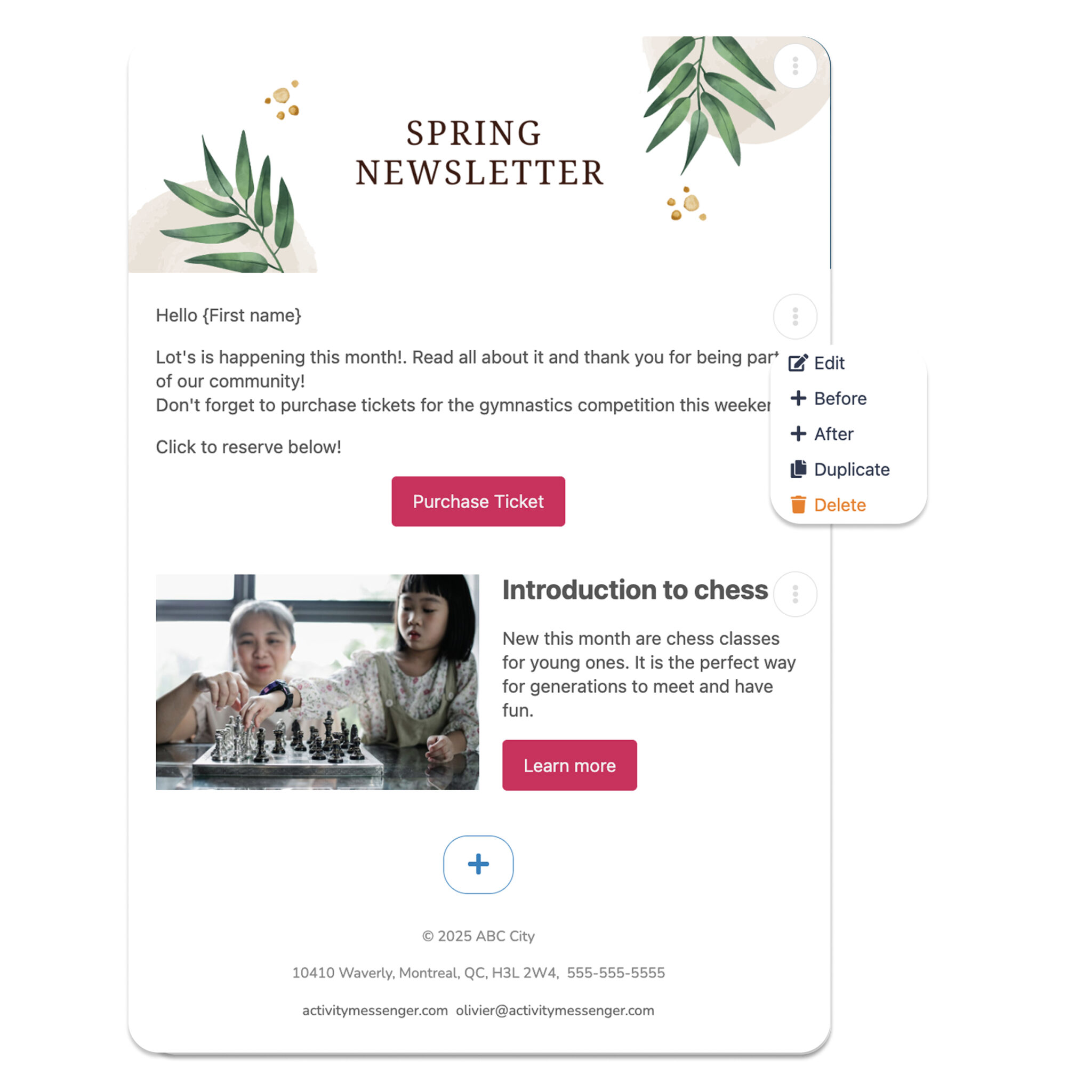
Many platforms include email integration, social media sharing, and automated reminders to help drive turnout and keep attendees informed leading up to the event.
📌 Read More: Discover tips on how municipalities can send bulk SMS to notify citizens about emergencies, public meetings, utility disruptions, or community events. With a 98% open rate, text messages are an easy way to get your message across quickly and effectively.
5 Best Event Ticketing Platforms for Municipalities
Here are five tools that are especially effective for towns, park districts, and small cities:
1. Activity Messenger
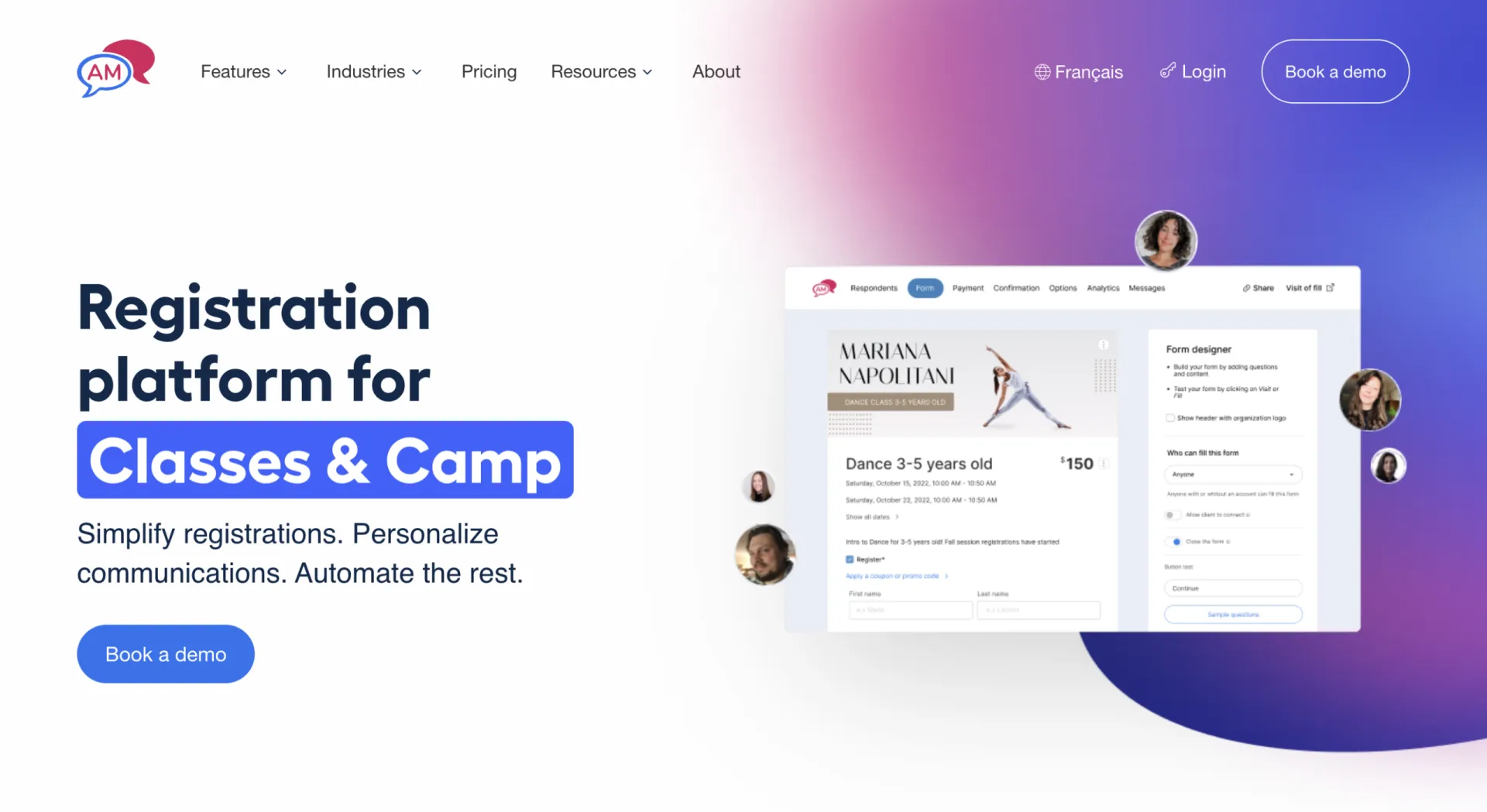
- Best for: Parks and Recreation departments, community events, and recreational programming such as sporting events.
- Pricing: Starts at $99/month. No per-ticket fees.
- Key features: Ticketing, waivers, newsletters, surveys, SMS reminders, QR code check-in, and automatic data export all in one platform.
- Why it stands out: Built for recreational and municipal use, it’s the only platform on this list designed with Parks and Rec departments in mind. Strong fit for recurring programs, fitness classes, and community education.
- Worth noting: Smaller user base than Eventbrite, so less name recognition among residents.
2. Eventbrite
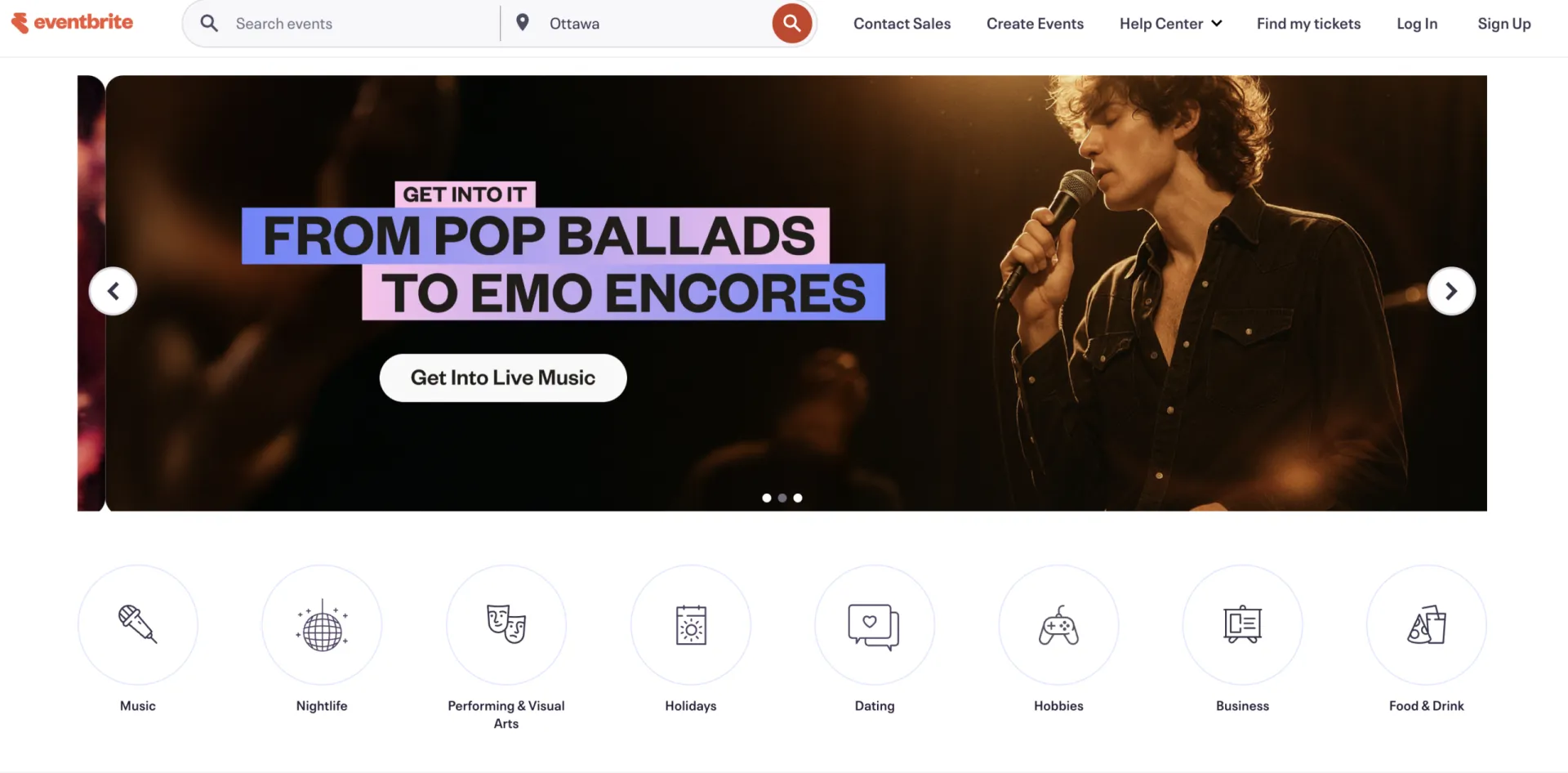
- Best for: Public festivals, concerts, and large community-wide events.
- Pricing: Free for free events. Paid events are charged at 6.4% + $1.29 per ticket sold.
- Key features: Ticketing, promotional tools, analytics dashboard, Facebook integration, and a large built-in audience.
- Why it stands out: One of the most recognized ticketing platforms available. Residents are likely already familiar with it, which lowers the barrier to registration.
- Worth noting: Per-ticket fees add up quickly for higher-volume paid events.
3. CivicPlus
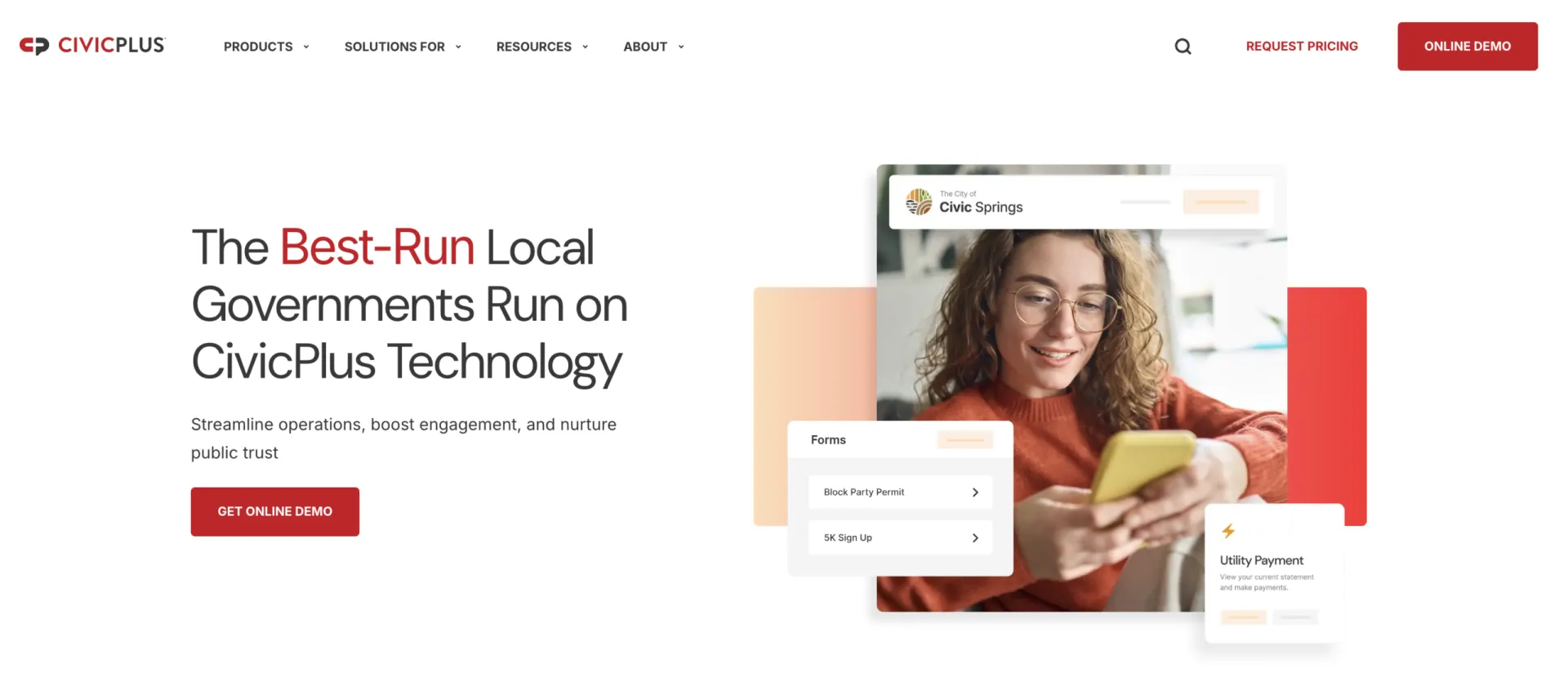
- Best for: Local governments looking for a fully integrated municipal platform.
- Pricing: Custom pricing based on municipality size. Contact for a quote.
- Key features: Website management, recreation program management, online ticketing, and resident engagement tools.
- Why it stands out: Less of a ticketing tool and more of a full municipal operations platform. If your town is looking to consolidate multiple systems into one, this is worth a serious look.
- Worth noting: Can be more complex and costly to implement than standalone ticketing tools.
4. Localist
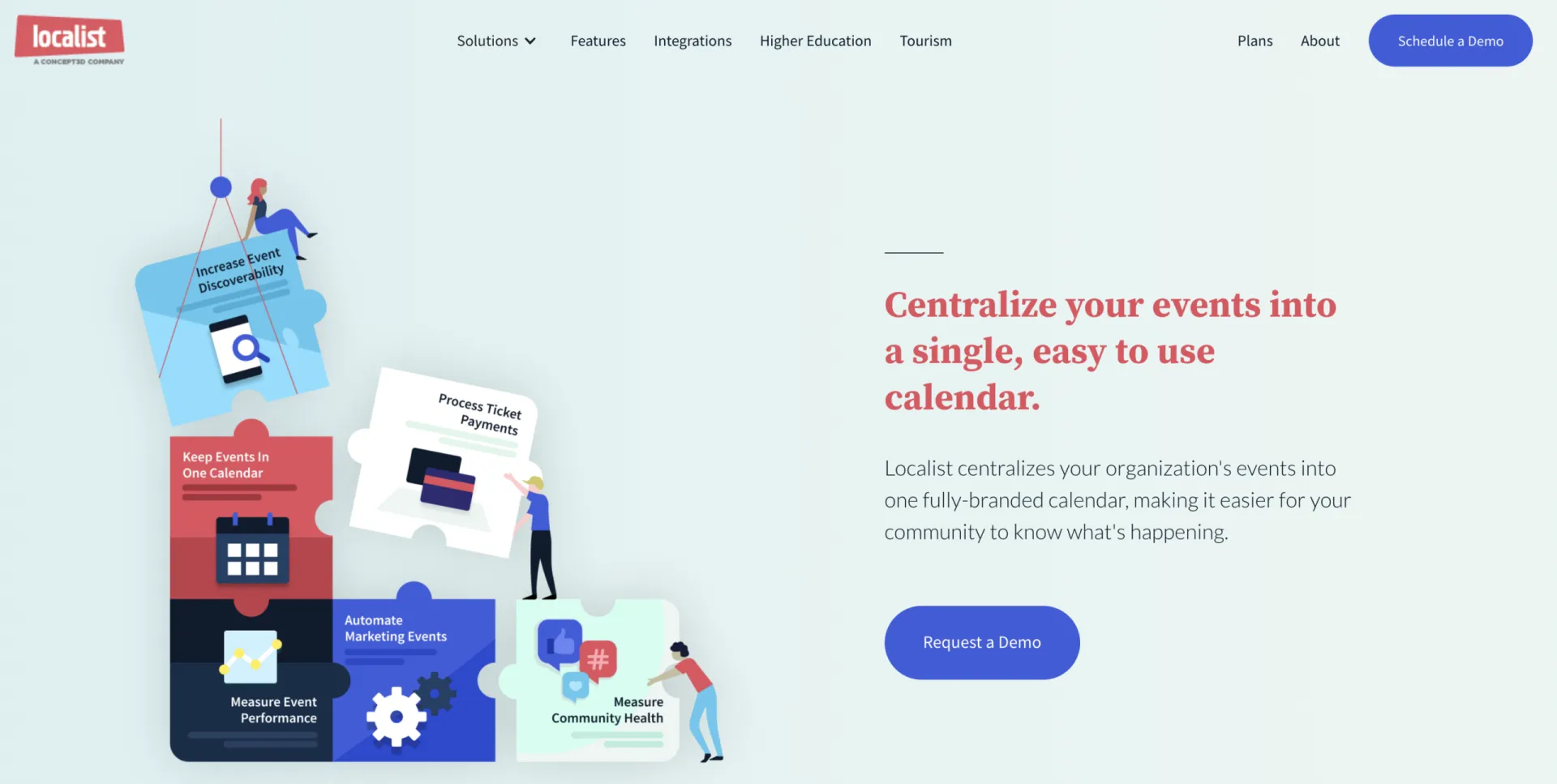
- Best for: Building public event calendars and driving community awareness.
- Pricing: Custom pricing. Typically geared toward larger institutions.
- Key features: Event calendar management, promotion tools, Eventbrite integration, and audience targeting.
- Why it stands out: Not a ticketing platform on its own, but a good complement to one. Pairs well with Eventbrite for municipalities that want both a public-facing calendar and a ticketing solution.
- Worth noting: Requires a separate tool to actually process ticket sales.
5. Brushfire
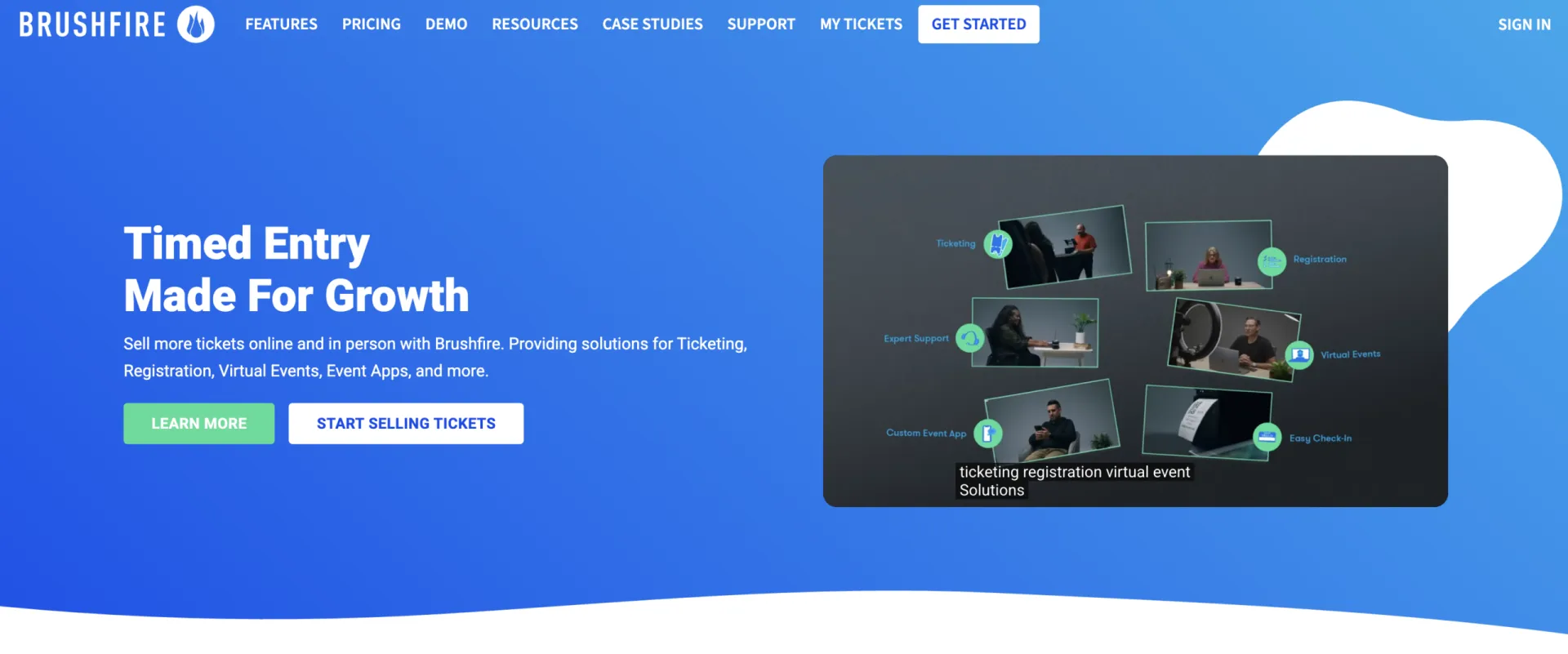
- Best for: Faith-based events, cultural celebrations, and seasonal programming
- Pricing: Starts at $1.50 + 1% per paid ticket, $1 per free ticket. Monthly plans also available.
- Key features: Custom registration forms, reserved seating, mobile check-in, and attendee management.
- Why it stands out: Built around the needs of faith communities and multi-site organizations, with tools for managing volunteers, coordinating across multiple locations, and handling high-attendance seasonal events (holiday services, Easter programs, community celebrations).
- Worth noting: Less suited for general Parks and Rec use; better for structured, one-off events.
| Platform | Starting Price | Free Events | Per-Ticket Fees | QR Check-In | SMS/Email Tools | Best For |
|---|---|---|---|---|---|---|
| 🚀 Activity Messenger | From $99/month | ✅ | ❌ | ✅ | 📱✉️ Yes (both) | 🏞️ Parks & Rec, recurring programs |
| 🎟️ Eventbrite | From 6.4% + $1.29 | ✅ | ✅ (3.7% + $1.79) | ✅ | ✉️ Email only | 🎪 Festivals, large public events |
| 🏛️ CivicPlus | Custom | ✅ | ❌ | ✅ | 📱✉️ Yes (both) | 🏙️ Full municipal platform |
| 📅 Localist | Custom | ✅ | ❌ (No ticketing) | ❌ | ✉️ Email only | 📣 Event calendars, promotion |
| 🎫 Brushfire | $1.50 + 1% | ✅ | ✅ Yes | ✅ | ✉️ Email only | 🪑 Structured/seated events |
How to Create an Event Ticketing Form
Most platforms follow a similar setup process. Here’s how to get started using Activity Messenger as an example:
Step 1: Log In and Start a New Form
- Head to your Activity Messenger dashboard.
- Click “Forms” from the left menu.
- Choose “New Form” and select “Event Registration” as your form type.
Step 2: Add Event Details
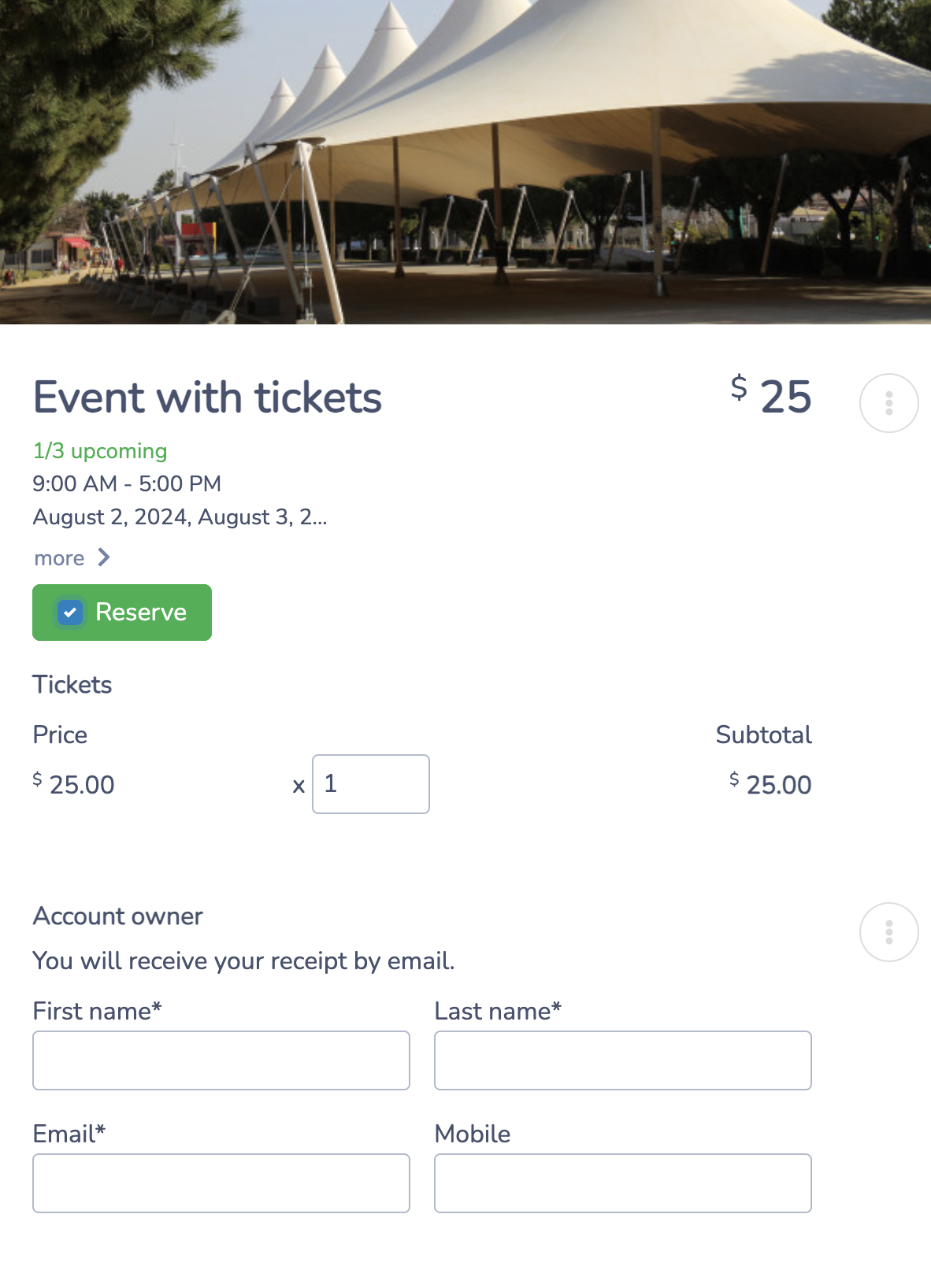
- Give your event a title and description.
- Include the date, time, location, and organizer contact info.
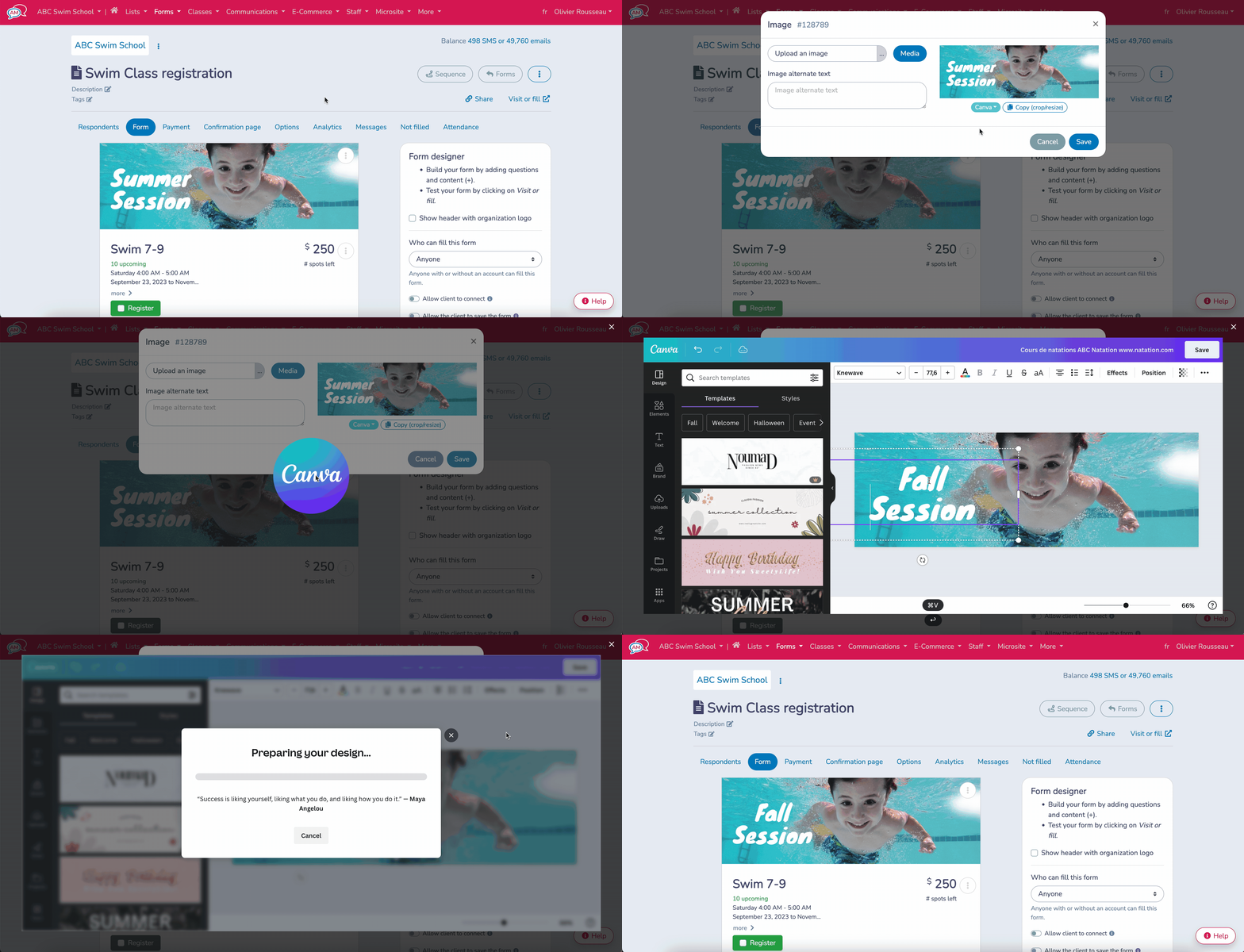
- Upload an event image to make the form visually appealing.
👉 Quick Tip: You can take advantage of Activity Messenger’s Canva integration to instnatly upload custom images to stay on-brand.
Step 3: Customize Ticket Options
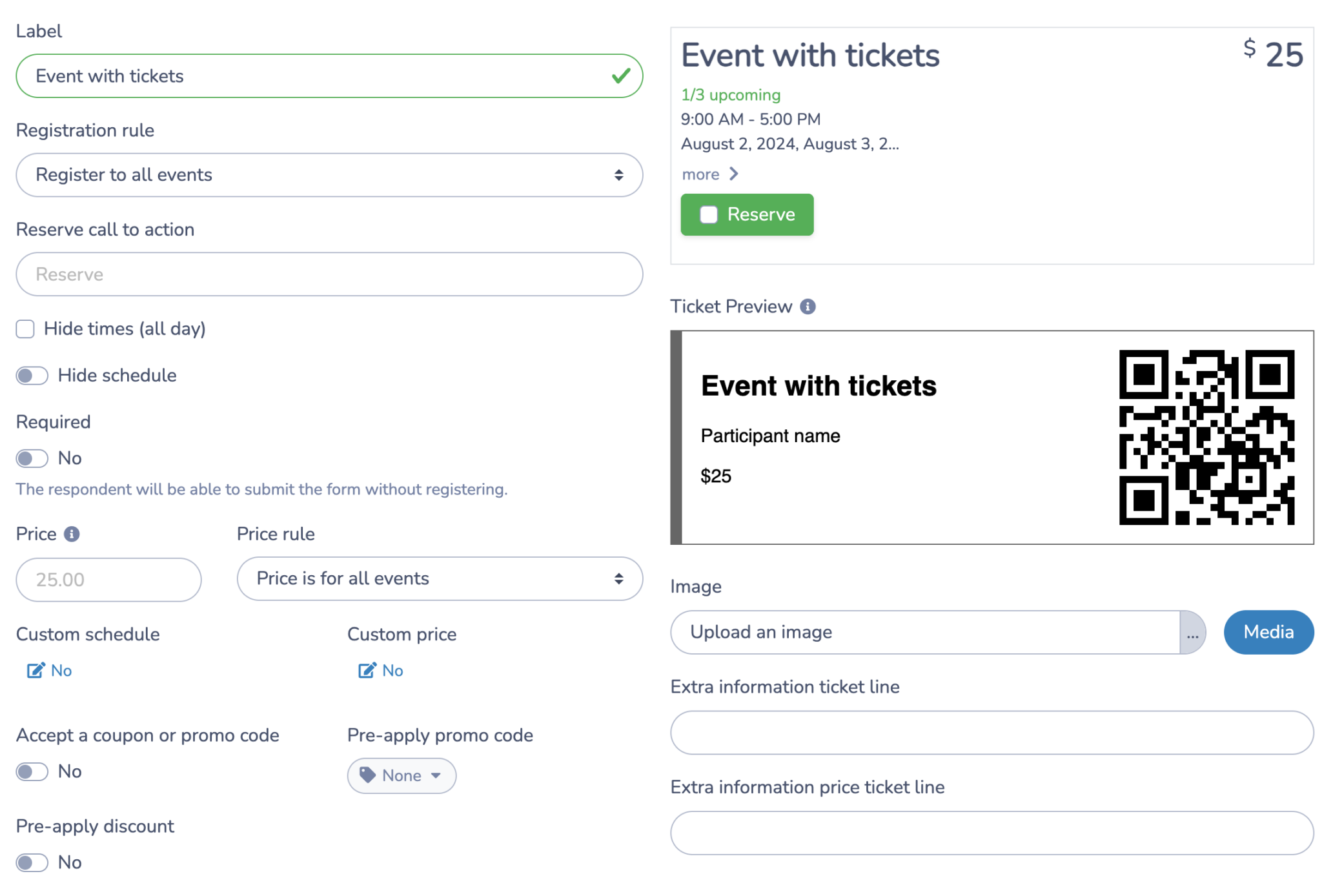
- Add ticket types (e.g., General Admission, Senior, VIP).
- Set quantities, prices, and availability dates.
- Enable early-bird or promotional codes if needed.
- For events with assigned seating, Activity Messenger also includes a seat mapping tool that lets attendees choose their exact seat at the time of registration, a useful feature for concerts, theatre nights, or any ticketed event where placement matters.
Step 4: Customize Attendee Fields
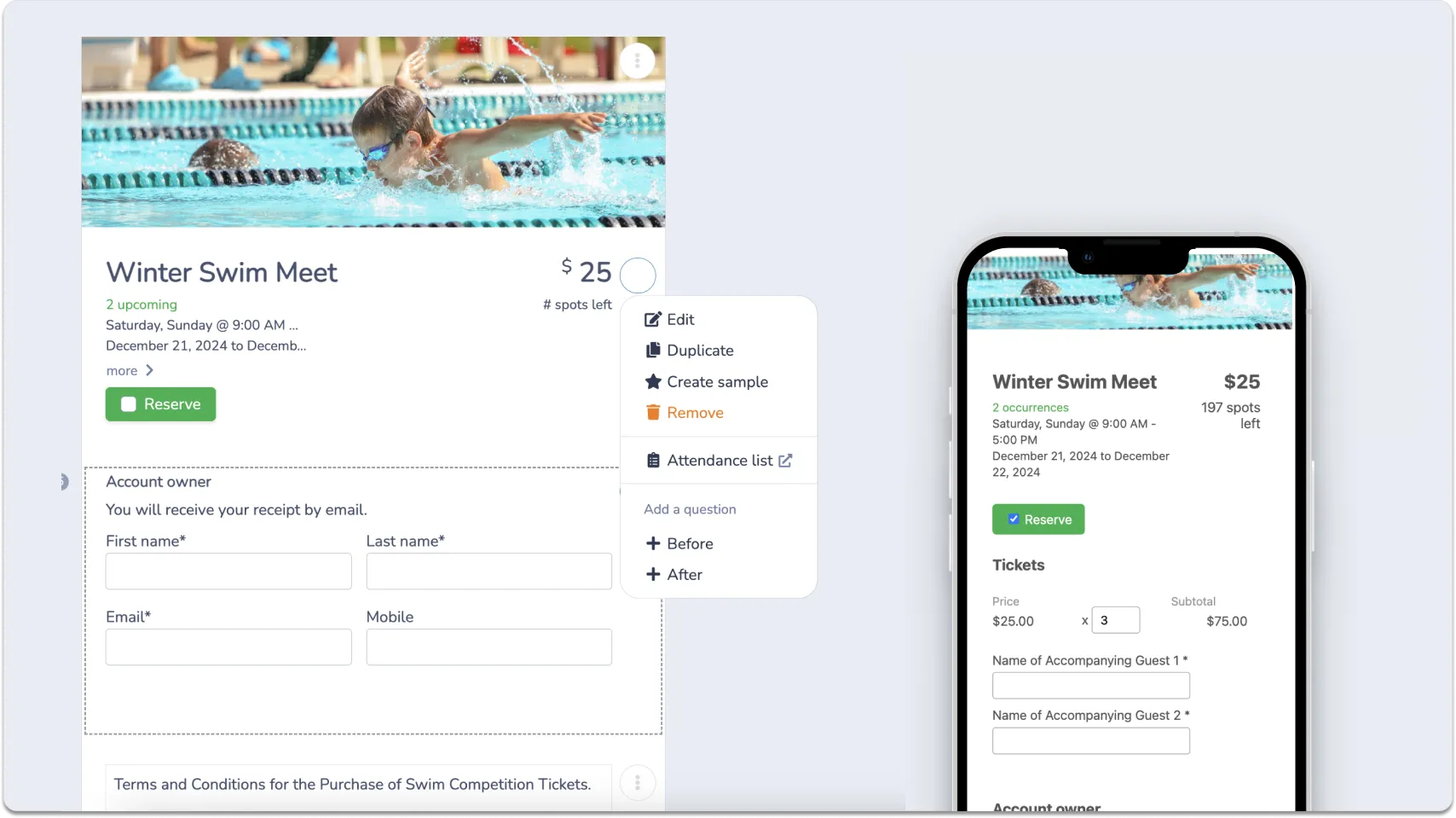
- Drag and drop fields for attendee info (e.g., name, email, phone).
- Add optional fields like t-shirt size, meal preferences, or waiver checkboxes.
- Enable confirmation emails and receipts.
Step 5: Publish and Promote
- Publish your form and get a shareable link.
- Embed it on your town website, Facebook page, or email newsletter.
- Track registrations in real time, and check in attendees with a QR code at the door.
💡 Bonus Tip: Activity Messenger also lets you collect payments, send SMS reminders, and automatically export registration data, making it one of the more complete tools for municipal event management.
Payment Options
Offering multiple payment methods increases registration rates and makes sure no resident is left out. Consider supporting:
- Credit and debit cards: Essential for online ticketing. Integrate with a processor like Stripe to securely handle transactions.
- Interac e-Transfer: A popular option for Canadian municipalities that allows residents to pay directly from their bank account without a credit card.
- Offline or in-person payment: For residents who prefer to pay by cash or cheque, you can issue a ticket online and mark the registration as pending until payment is received in person.
Improve Communications With Attendees
Clear, timely communication before and after an event makes a real difference in turnout and satisfaction. Three strategies worth prioritizing:
- ⏰ Automated event reminders: Send email or SMS reminders with key details (time, location, parking, what to bring) in the days leading up to the event. This cuts down on no-shows and last-minute calls to staff.
- 📲 Mass texting for urgent updates: If a venue changes or weather forces a cancellation, SMS is the fastest way to reach all registrants at once. Most ticketing platforms support mass texting or integrate with SMS tools.
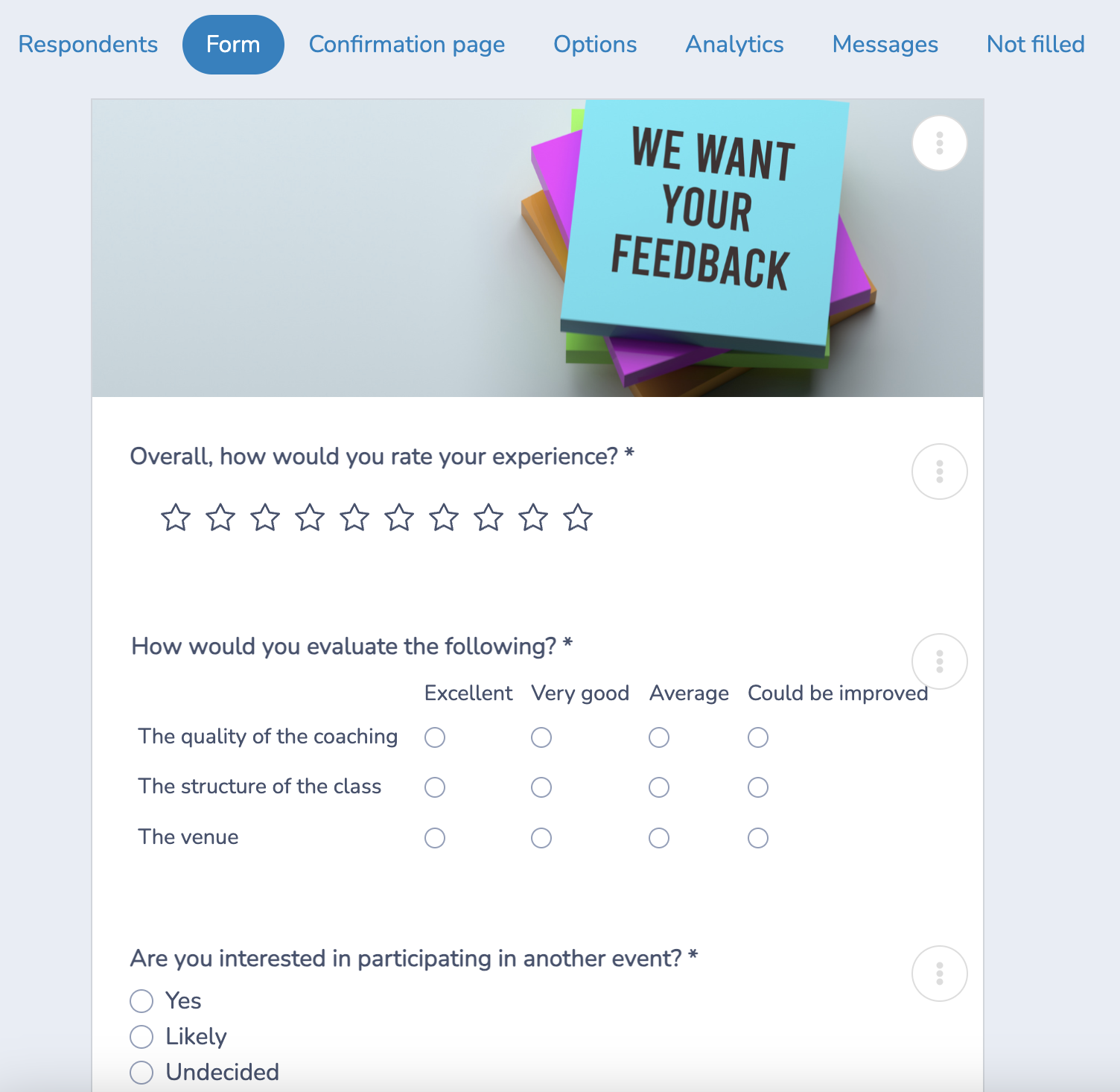
- 📝 Post-event surveys: Send a short feedback survey within 24 hours of the event. Resident input helps improve future programming and shows the municipality is paying attention.
Tips for a Smooth Rollout
If you have never offered online tickets to residents, here are some tips to make sure the transaction goes smoothly.
- 🚀 Pilot with one event: Choose a smaller upcoming event to test the platform before a wider rollout. It gives staff time to get comfortable without the pressure of a high-profile event.
- 💬 Collect feedback early: Ask both staff and residents what worked and what didn’t, then use that input before the next event.
- 📣 Promote the change: Use your town website, social media, and email newsletter to let residents know tickets are now available online.
- 🤝 Support less tech-savvy residents: Keep a phone line or in-person option available for those who need help registering. Digital ticketing should expand participation, not create barriers.
Frequently Asked Questions
Is municipal ticketing software difficult for small town staff to set up and manage?
Most modern municipal ticketing software is built for non-technical users. If your team can send an email and fill out a form, they can manage online event registration without IT support. A good rule of thumb is to run one pilot event first to get comfortable with the platform before rolling it out across your full programming calendar.
What if some residents don’t have smartphones or internet access?
Online event registration for municipalities doesn’t have to replace in-person options entirely. Most parks and rec ticketing software lets you keep a phone line or walk-up registration available alongside digital sales. The goal is to add a more convenient option for residents who want it, not to take anything away from those who don’t.
Do we need a paid platform for free community events?
Not always. Several local government event management platforms, including Eventbrite, are free to use when the event itself has no ticket price. That said, if your department runs a mix of free and paid programming, a flat monthly subscription like Activity Messenger often works out cheaper than per-ticket pricing once volume picks up.
How does parks and rec ticketing software handle refunds and cancellations?
Most platforms include built-in refund tools that let staff process returns directly from the dashboard, no manual follow-up required. Before committing to any municipal ticketing software, it’s worth reviewing the refund policy carefully, as some platforms charge a fee on refunded transactions even if the original sale went through without issue.
Is resident payment information secure on these platforms?
Yes, provided you choose a reputable local government event management platform. Look for tools that are compliant with your local laws and use trusted payment processors like Stripe. Any parks and rec ticketing software worth considering should handle payment security as a baseline, not an add-on.
Conclusion
There are solid options on this list for just about every use case, but for most municipalities, Activity Messenger is the one worth starting with. It’s built specifically to handle the things that matter most to your team: recurring programs, waivers, seat mapping, SMS reminders, and registration exports, without having to duct-tape together separate tools to get there.
Eventbrite makes sense if you’re running a one-off, large public event and want the name recognition. CivicPlus is worth exploring if your town is ready to consolidate multiple systems at once. But for day-to-day municipal event management, Activity Messenger covers the full picture at a predictable monthly cost with no per-ticket fees eating into your budget.
⚡ To learn more about Activity Messenger, book a demo call with one of our experts.