
Millions of people fill out online forms every day while signing up for services, submitting feedback, or completing surveys. But which platform should you use to build them? Google Forms vs Microsoft Forms remain two of the most widely used options, each with loyal user bases and distinct strengths.
This guide breaks down exactly what each platform offers, where each falls short, and which situations call for an alternative.
Quick Answer: Choose Google Forms if you prioritize simplicity, speed, and Google Workspace integration. Choose Microsoft Forms if your organization is deep in the Office 365 ecosystem and needs tighter security controls. Need payments, automations, or communications built in? Look at alternatives like Activity Messenger, Jotform, or Typeform.
Key Takeaways:
- Google Forms is the faster, simpler option, and is ideal for teams already in the Google ecosystem, educators, and anyone who needs a form live quickly without a learning curve
- Microsoft Forms is better suited to enterprise environments where Office 365 integration, real-time Excel reporting, and GDPR compliance are priorities
- Neither platform supports built-in payments or automated communications; if you need those, a purpose-built alternative is worth evaluating
- For organizations running programs, classes, or events, Activity Messenger combines forms, payments, waivers, and communications in one platform without requiring third-party integrations
Table of Contents
Google Forms vs Microsoft Forms: Features Compared
| Feature | Google Forms | Microsoft Forms |
|---|---|---|
| Ease of Use | Very easy with minimal learning curve | Easy, but Office 365 familiarity helps |
| Ecosystem Integration | Google Workspace (Sheets, Drive) | Office 365 (Excel, Teams, SharePoint) |
| Customization | Basic themes and branding | Limited — few design options |
| Question Logic | Basic skip logic | Conditional branching via settings |
| AI-Assisted Creation | Yes (Duet AI) | Yes (Copilot) |
| Analytics | Basic; exports to Google Sheets | Detailed; exports to Excel |
| Security/Compliance | Standard Google security | Advanced — GDPR, enterprise compliance |
| Price (Standalone) | Free with Google account | Included with Microsoft 365 plans |
| File Upload Support | Yes (Google Drive) | Yes (SharePoint) |
Google Forms: Strengths and Limitations
Form Creation and Customization
Google Forms offers a variety of question types and formats to meet different needs. From multiple choice to checkboxes to paragraph text, there are options for many different form needs. Users can customize the design and themes of their forms.
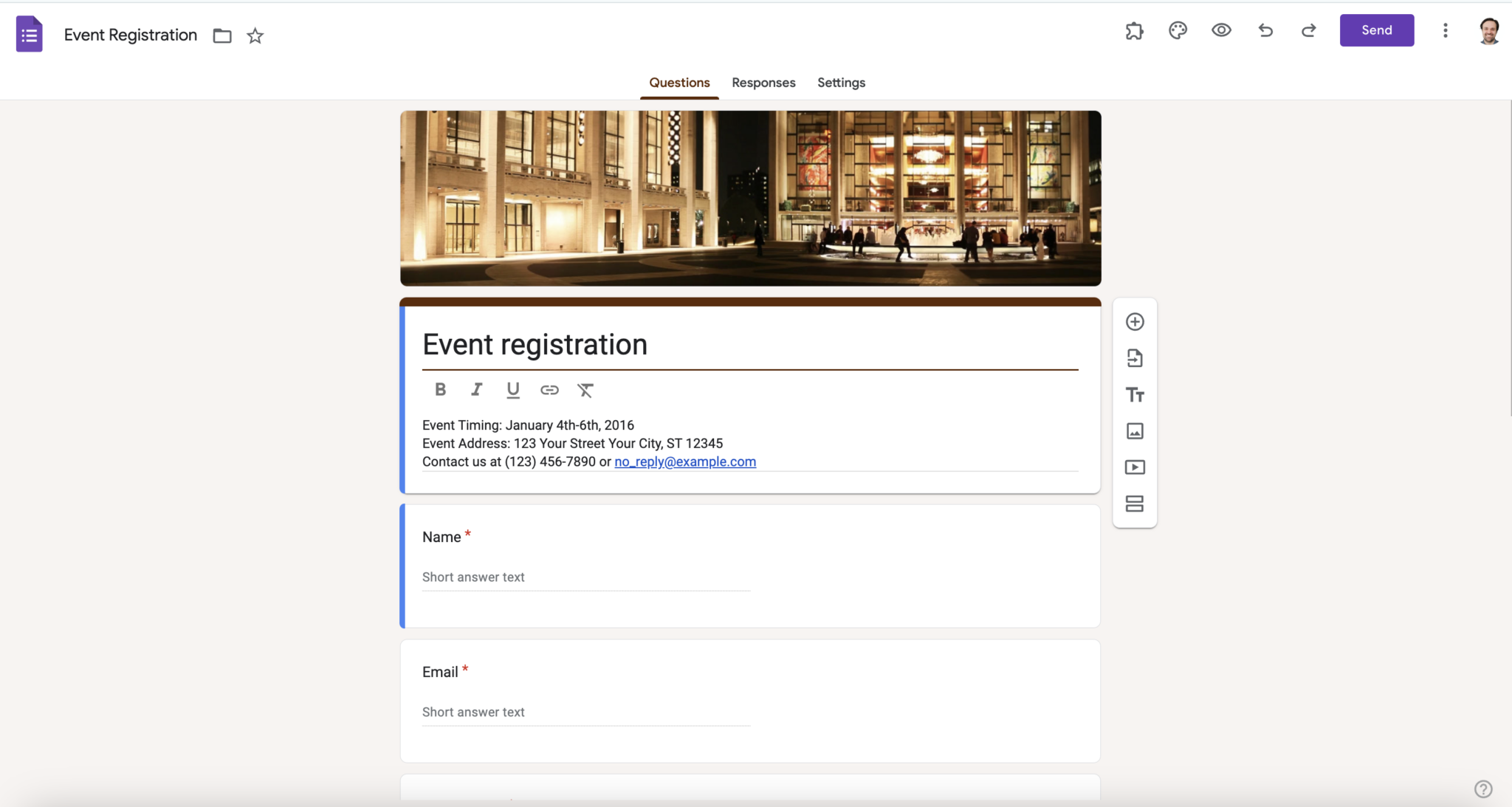
Google Forms also supports a variety of templates, providing a starting point for users who do not want to create a form from scratch. In addition, add-ons such as Mail Merge, Form Notification, and Document Studio make it possible to extend the functionality of forms even further.
Data Collection and Analysis
Google Forms excels in data collection and offers various options for tracking and exporting responses. Responses are automatically recorded in Google Sheets, facilitating data analysis. This integration makes it easy to sort, filter, and query information.
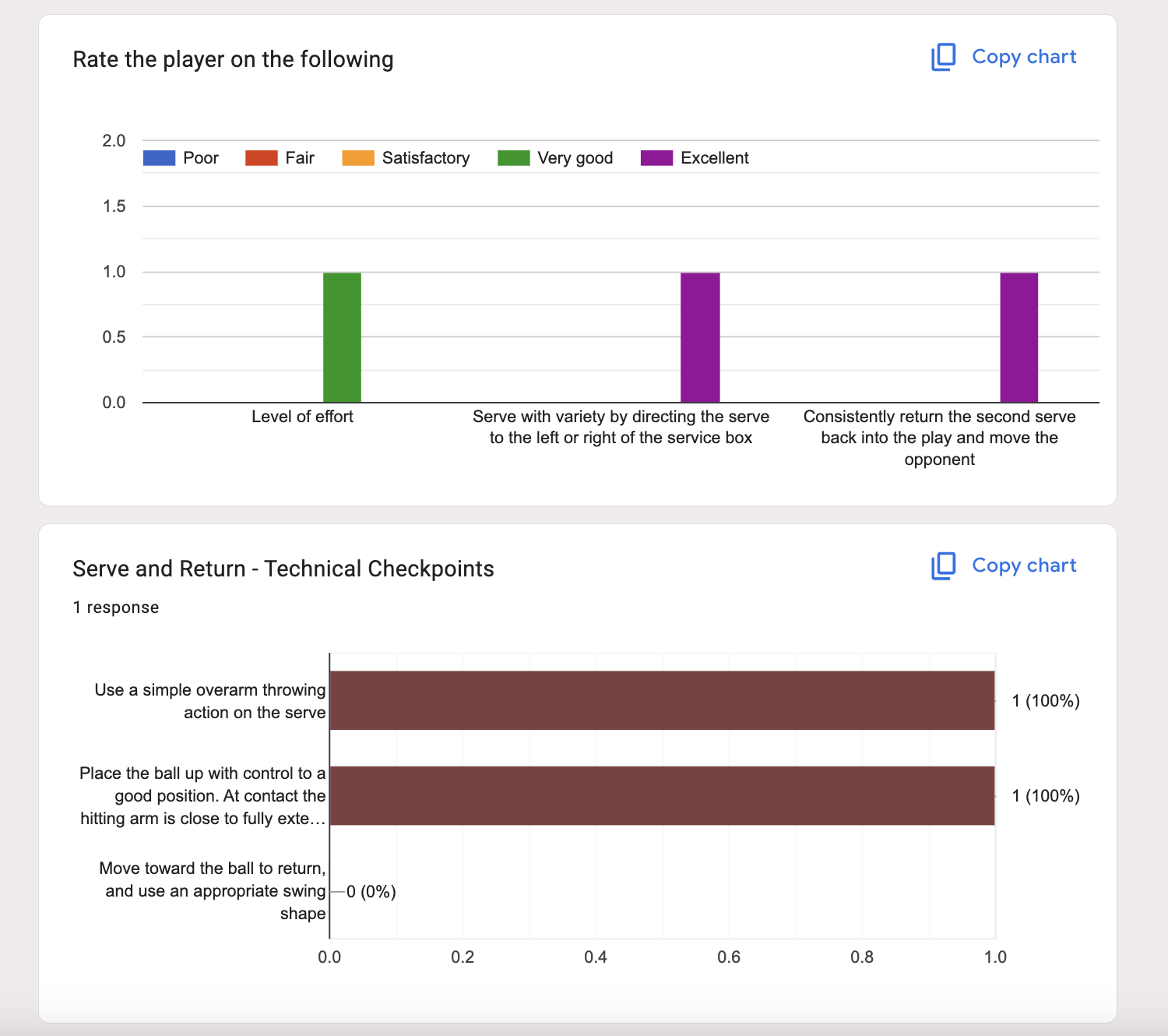
You can use Google Forms to build a client quote form and automatically generate quotes based on form responses. Collaborating on a Google Form is easy because multiple users can work on it simultaneously and view responses as they come in.
Where Google Forms Falls Short
- Customization is limited to colours and a header image; minimal branding options
- No built-in payment collection
- Branching logic is basic; complex conditional flows become unwieldy
- Response limits apply on free accounts; heavy usage requires Google Workspace
- Mobile app experience is functional but not polished
When to Choose Google Forms
- Your team already uses Gmail, Google Drive, or Google Classroom
- You need to get a form live quickly with no setup or training
- Your data analysis workflow lives in Google Sheets
- You’re in an educational setting (Google Forms is widely adopted in schools and universities)
- Budget is tight, and a free tier is essential
- Speed and simplicity matter more than advanced features
Microsoft Forms: Strengths and Limitations
Integration with Microsoft Office
Microsoft Forms benefits from being part of the broader Microsoft Office environment. Its integration with Excel makes data analysis easy. When you collect responses through Microsoft Forms, you can export them directly to Excel. This compatibility extends to other Office applications, so teams can easily share insights and reports within the Office 365 suite.
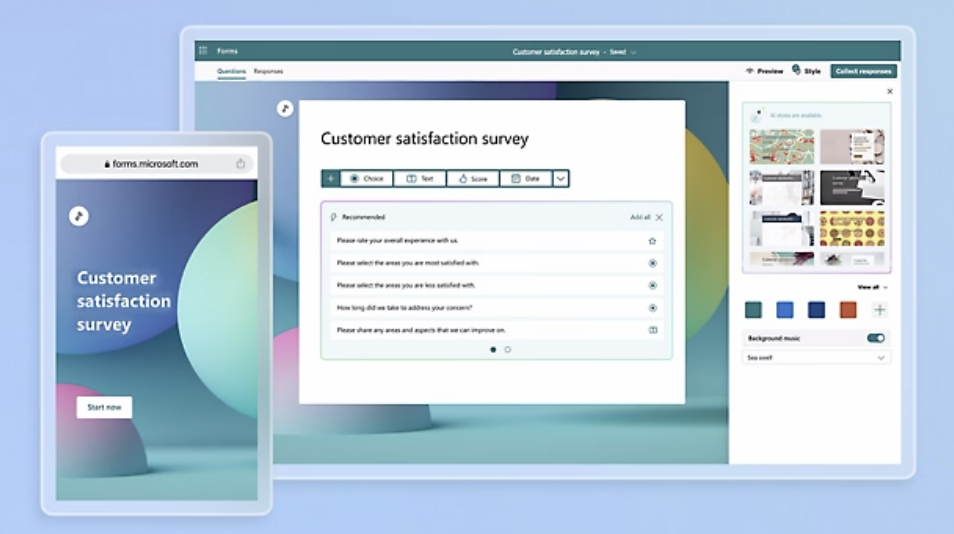
For Microsoft users, this integration helps in two ways. First, it streamlines workflow by reducing the need to switch between applications. Second, it ensures consistency in document formatting and data handling. In addition, the collaboration tools in Office 365 allow teams to work together on forms. This is great for remote teams that need to collaborate without being in the same room. The integration also makes it easy to share data across your organization while keeping it secure.
Security and Compliance Features
Microsoft Forms is backed by Microsoft’s enterprise security infrastructure, making it one of the more trustworthy options for organizations handling sensitive data.
The platform complies with GDPR, SOC 1, SOC 2, and ISO 27001 standards, and sits within Microsoft’s broader Purview compliance framework, meaning your form data is subject to the same data governance policies as the rest of your Microsoft 365 environment.
One caveat worth noting for Canadian organizations: data residency is not guaranteed in Canada by default. Provincial privacy legislation in Quebec and elsewhere may require that sensitive personal data be stored domestically. Organizations with those obligations should verify Microsoft’s current data residency options or consider alternatives such as Activity Messenger, which stores data in Canada.
Admin Controls and User Permissions
In addition to security, Microsoft Forms offers admin controls that allow businesses to manage user permissions effectively. These controls are vital for setting boundaries on who can create, view, or modify forms. This approach helps maintain order and security across an organization’s survey operations.
Where Microsoft Forms Falls Short
- Design customization is minimal; forms have a generic, corporate look
- No free standalone version; requires a Microsoft 365 subscription
- Users unfamiliar with Office 365 often find it less intuitive than Google Forms
- Advanced workflow automation requires Power Automate as a separate add-on, adding cost and complexity for teams that need it
When to Choose Microsoft Forms
- Your organization is standardized on Microsoft 365
- Results need to feed directly into Excel for reporting or analysis
- Enterprise compliance and security controls are a priority
- You want to embed forms inside Microsoft Teams or SharePoint
- Copilot access is already part of your Microsoft subscription
- Your team is already comfortable in the Office ecosystem
Google Forms vs Microsoft Forms: Pricing Breakdown
| Plan | Google Forms | Microsoft Forms |
|---|---|---|
| Free / Basic | Free with any Google account | Included with Microsoft 365 Basic (~$10/user/month) |
| Business Standard | Google Workspace Starter (~$6/user/month) | Microsoft 365 Business Standard (~$20/user/month) |
| Premium | Google Workspace Business Plus (~$14/user/month) | Microsoft 365 Business Premium (~$36/user/month) |
Prices are approximate monthly per-user rates as of early 2026. Verify current pricing on each provider’s website.
Subscription Tiers and What They Offer
The free version of Google Forms meets basic needs, while the paid versions unlock collaboration and data analysis tools. All of Microsoft Forms’ features are bundled into various Office 365 plans, making it more cost-effective if your team already uses Microsoft’s other solutions.
Free Options and Limitations
Google Forms has a completely free version with no time limit, but expect to pay for additional features as the business’s needs grow. Microsoft Forms’ integration with Office 365 means there’s no free standalone version, limiting its appeal to non-Office users.
Integrations with Additional Software
Both platforms connect with a wide range of external tools, allowing form data to flow automatically into the apps your team already uses.
Zapier and Other Automation Tool Support
Zapier is an automation tool that allows users to integrate with over 7,000 apps, such as Slack and Google Sheets. It integrates well with Google and Microsoft Forms to help you automate without complex coding. Over 2.2 million businesses use Zapier, proving its importance in simplifying tasks.
Many businesses often need applications to communicate efficiently. With Zapier, you can connect Microsoft and Google Forms to CRM tools like Salesforce and project management platforms like Asana. Combining forms with these tools allows data to be transferred automatically, reducing errors and saving time.
Compatibility with CRM and Project Management Tools
Form compatibility extends beyond Zapier, connecting directly to popular CRMs like HubSpot and sales platforms. API integrations allow for seamless data exchange and automate the input of form data into these systems. It’s a step up from manual data entry, ensuring accuracy and efficiency.
In project management, integrating with tools like Trello or Monday.com can automatically trigger tasks when a form is submitted. This creates a seamless workflow and eliminates the need to manually set up tasks. These preconfigured automation setups save significant time, and such integrations are essential for maintaining streamlined business operations.
API Options for Developers
For developers, API access opens up a world of possibilities. APIs allow forms to be customized to meet specific business needs. They allow developers to create custom solutions that more closely align forms with internal systems. This capability is especially useful in situations that require unique workflows or integrations that are not available out of the box.
Enhancing Workflows
Use in Workflows and Automation
Integrating forms into daily workflows can greatly enhance process automation. They serve as a data collection point for various business processes, from client intakes to online registration. Automation tools like Microsoft Power Automate can trigger actions based on form responses, facilitating processes without manual intervention.
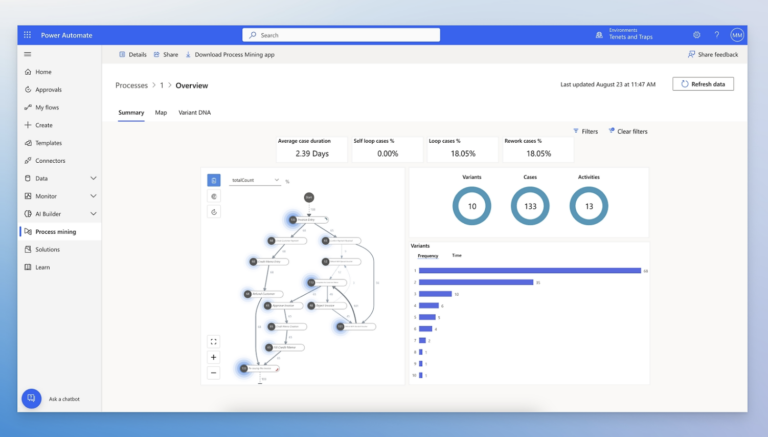
Real-time data collection and response handling are further enhanced by such integrations. For example, in HR, a submitted form could automatically update employee records, trigger onboarding processes, or notify relevant departments. This not only increases efficiency but also reduces the likelihood of human error.
Streamlining Business Processes with Integrations
Streamlining operations means minimizing steps and removing barriers. Integrated forms eliminate the need for manual data entry. Once a form is completed, data can flow directly into other applications, reducing redundancy and tasks that require manual entry.
Industries that focus on customer satisfaction, such as sales and customer support, benefit from automating data collection. Responses captured through forms can instantly update customer profiles, deliver insight reports, and trigger support tickets. This rapid turnaround improves customer interactions and operational accuracy, giving businesses a competitive edge.
Real-World Examples of Integration Uses
Imagine a gymnastics club preparing for its upcoming session. Each season, they face the challenge of managing hundreds of registration forms, juggling payment tracking, attendance, and parent communication. By integrating their gymnastics registration forms with automation tools and a robust CRM, they have completely transformed their workflow.
For example, when a parent registers their child, the form automatically updates the club’s CRM with the child’s details, level, and preferred schedule. At the same time, a confirmation email is sent to the parent with a welcome message and an overview of what to expect on the first day. The integration doesn’t stop there, as Stripe processes payments instantly, and the system flags incomplete enrollments for follow-up reminders.
This streamlined process ensures that all data is centralized, accurate, and accessible. It saves the team hours of manual data entry and eliminates errors. And with automated reminders and attendance tracking tied to the forms, coaches always have up-to-date rosters, and parents stay informed about their child’s progress.
Integrations like these illustrate how gymnastics clubs can use technology to simplify operations and increase parent and participant satisfaction.
Form-Building Tools Comparison: Evaluating Alternatives
Other Popular Form-Building Platforms
Form-building tools are essential for gathering information efficiently, whether you’re collecting registrations, managing event sign-ups or handling surveys. While Google Forms and Microsoft Forms often dominate the conversation, there are several other platforms to consider, including Activity Messenger, Typeform, and Jotform. Here’s how these platforms compare and what makes each one unique.
Activity Messenger: Much More Than Online Registrations
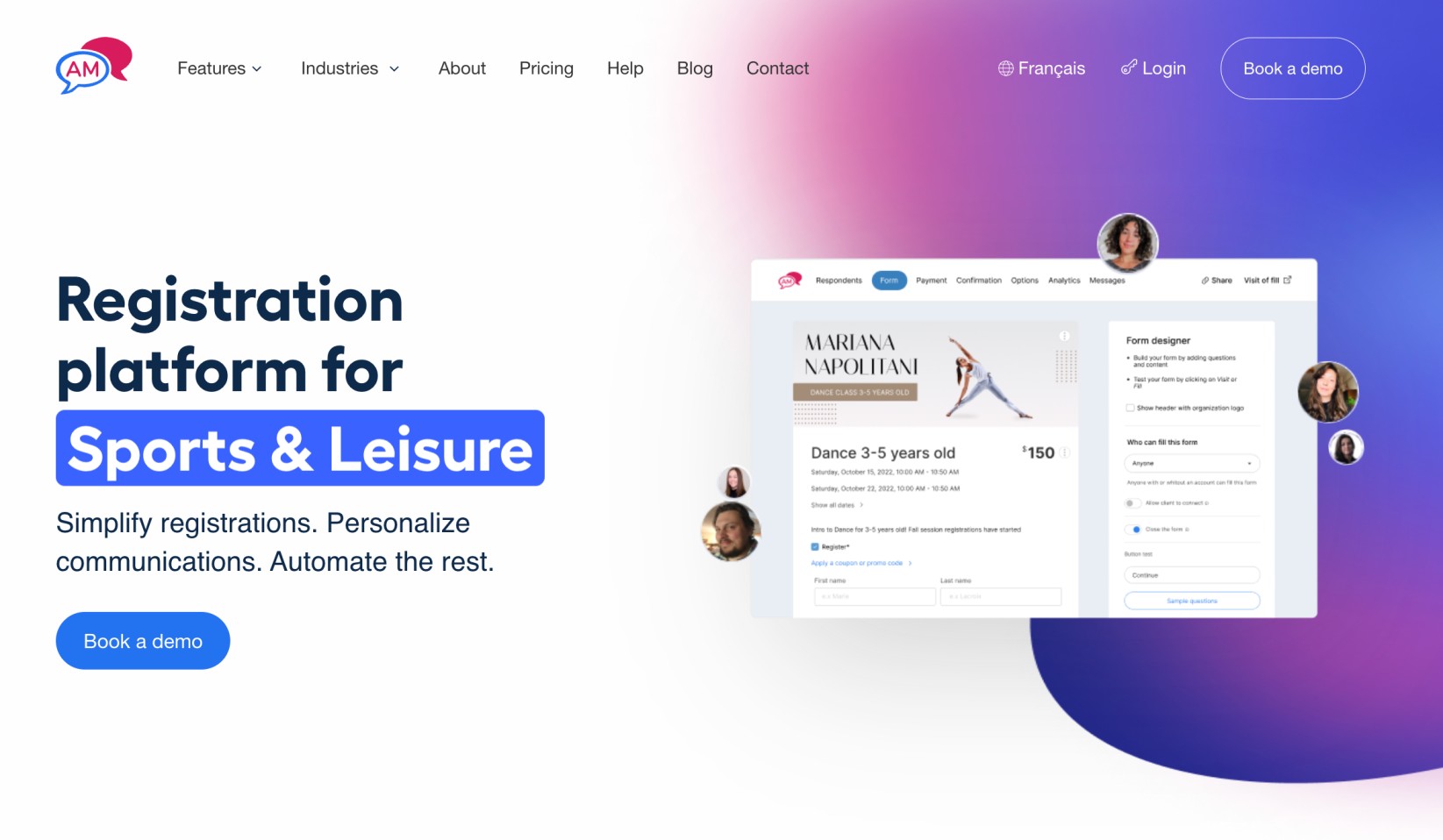
Activity Messenger stands out for its online form-building tools that offer much more than just forms. From integrated payments to SMS and email communication, the platform is built to be simple, avoiding add-ons or integrations with other tools by solving everything in a single tool.
Highlights:
- Customizable Forms: Easily create branded forms with logos, colours, and fields with full Canva integration.
- Integrated Workflows: Combine form submissions with payment processing, email marketing, liability waivers, automations and SMS communications all in one platform.
- Industry-Specific Features: Automate attendance tracking, digital waivers, and registration forms with specific needs in mind.
- Integrations: Connect with Stripe for payments, Canva for design, Zoom for online classes, Zapier for automations, and QuickBooks/Sage for accounting.
Limitations:
- Best suited for organizations looking for an all-in-one solution. Businesses needing only basic forms might find it more than they need.
Typeform: Engaging, but Simple
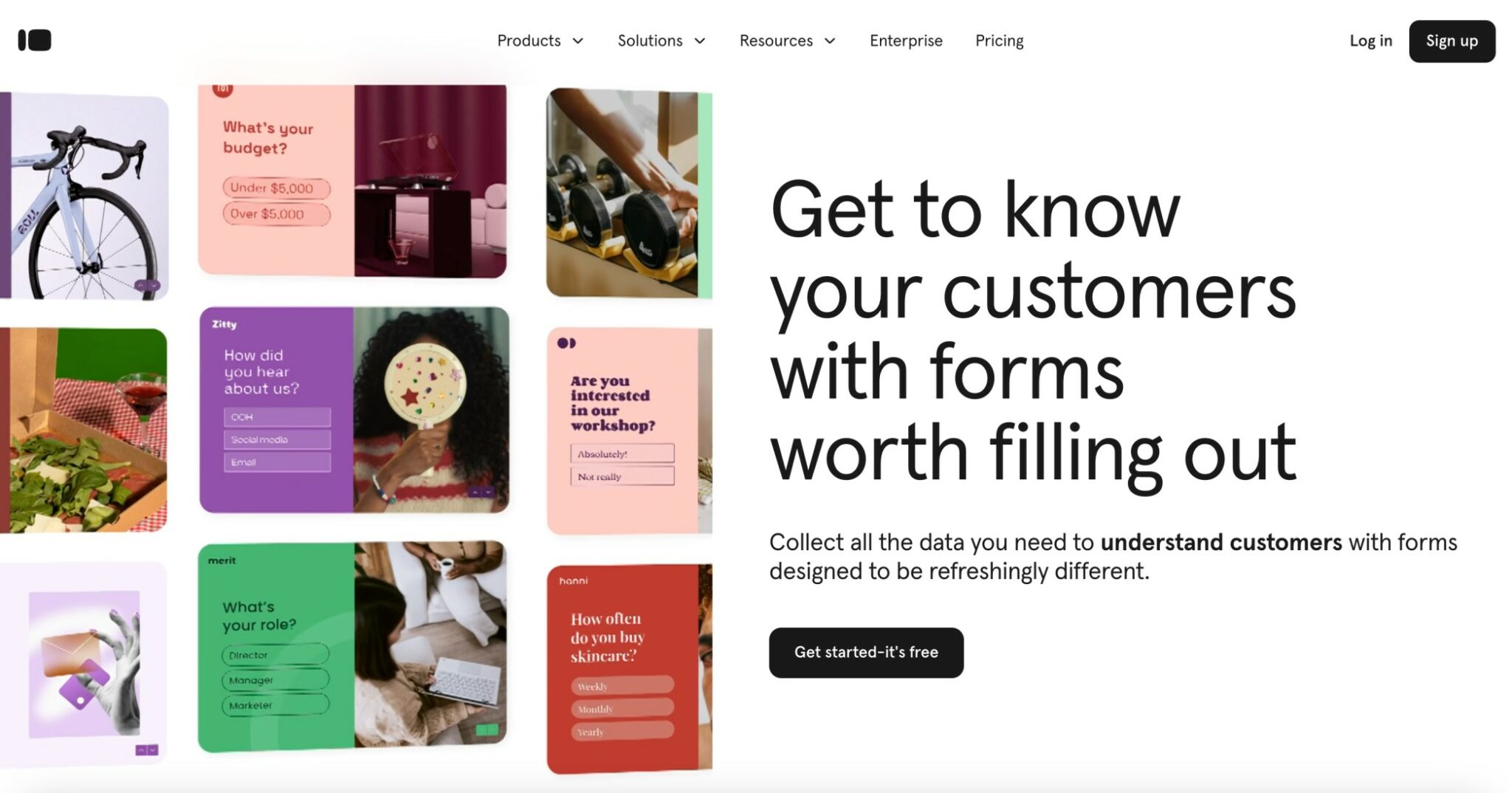
Ideal for user-centric industries where design and engagement matter, Typeform is known for its interactive and visually appealing forms.
Highlights:
- Engaging User Experience: Forms feel conversational and visually appealing.
- Ease of Use: Great for quick, stylish forms with minimal setup.
Limitations:
- Limited customization options for complex forms.
- Higher cost for advanced features compared to other platforms.
Jotform: Versatile All-Rounder
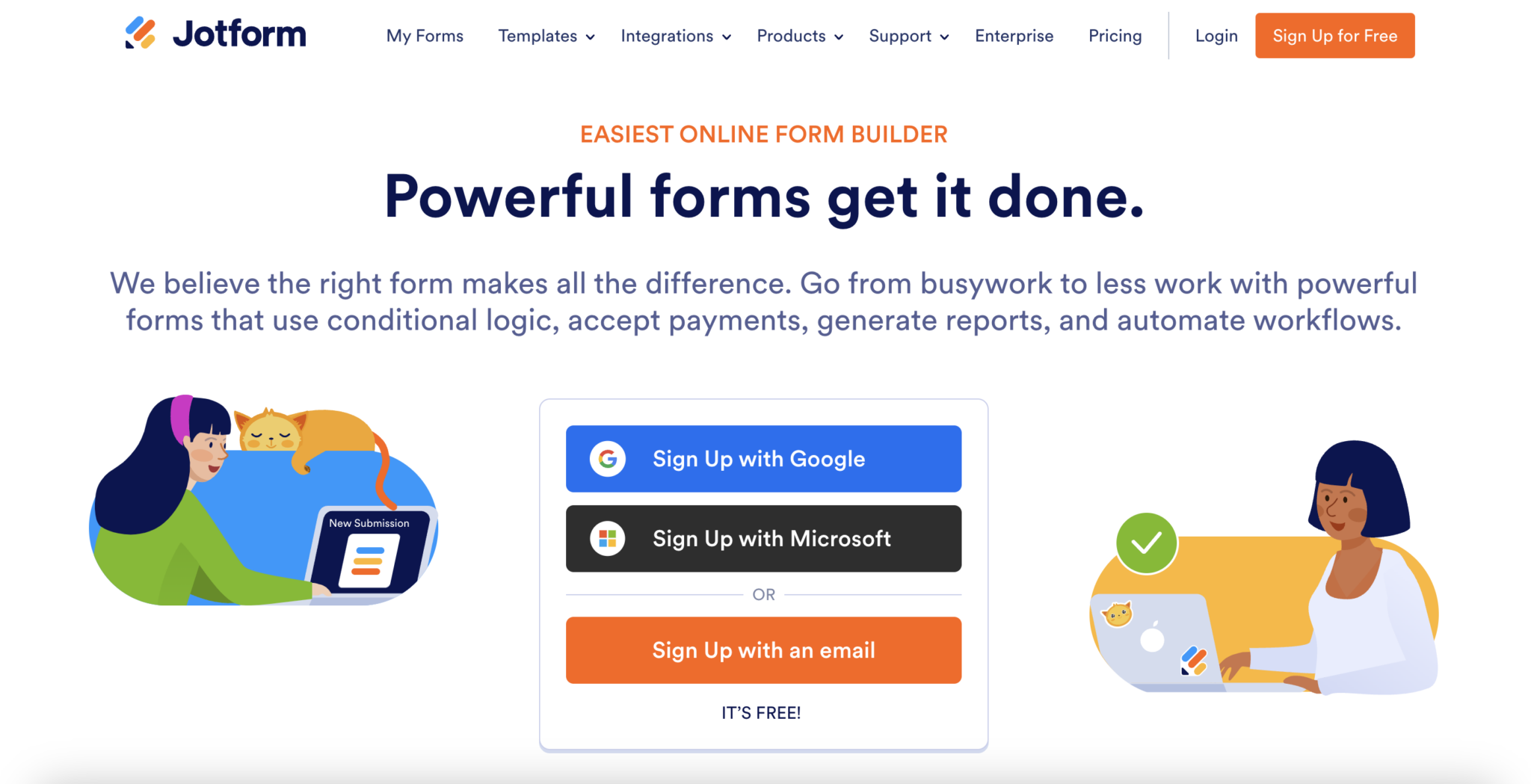
Jotform is suitable for almost any industry due to its wide range of templates and customization options.
Highlights:
- Extensive Templates: A vast library for nearly any use case.
- Flexible Integrations: Works with tools like PayPal, Dropbox, and Google Sheets.
- Free Plan Available: Good for small-scale projects or individual use.
Limitations:
- The interface can feel cluttered for beginners.
- Advanced features require a paid plan.
Comparing all 5 Form-Building Alternatives
| Aspect | Activity Messenger | Google Forms | Microsoft Forms | Typeform | Jotform |
|---|---|---|---|---|---|
| Customization | Advanced branding options | Basic | Limited | Moderate | Extensive |
| Ease of Use | User-friendly with guides | Very user-friendly | Moderate | Very user-friendly | Moderate |
| Integration | Stripe, Canva, CRMs, Zapier, QuickBooks, Sage | Google Workspace | Microsoft Office | Limited | Extensive |
| Automation Features | Advanced workflows | None | Basic | None | Moderate |
| Pricing | Competitive | Free | Free with Office 365 | Higher-tier plans | Free and paid plans |
Bottom Line
Google Forms and Microsoft Forms both offer online form creation tools. In our testing, Google Forms stood out for its user-friendly design and seamless integration with Google Workspace. It’s ideal for quick, easy surveys and educational use.
Microsoft Forms stood out for its deep Office 365 integration and advanced security features. We found it more suitable for enterprise environments and complex data collection needs.
If your requirements go beyond basic data collection, such as registrations with payments, automated follow-up messages, waivers, or industry-specific workflows, it’s worth evaluating a purpose-built platform. Activity Messenger, Jotform, and Typeform each serve different niches, and the right choice depends on your operational needs and budget.
👉 If you’re managing registrations, programs, or events and want to see how Activity Messenger handles forms, payments, and communications in one place, you can book a free demo here.