Running an art studio means juggling much more than just paintbrushes and pottery wheels. There’s the six-week watercolour course that needs term-based billing, the Saturday kids’ camp that needs a parent waiver before anyone touches the kiln, the open studio membership that lets regulars drop in whenever they like, and the supply list every new student needs before their first class.
Finding the right art class registration software means finding a platform that was actually built to handle all of that, not just a calendar with a “book now” button.
This guide compares five platforms art studios, community art centers, and independent instructors commonly use: Activity Messenger, Amilia, Koalendar, SimplyBook.me, and Reservio.
Key Takeaways:
- Activity Messenger is the strongest all-in-one option for art studios and centers that need registration, custom intake forms, digital waivers, payments, memberships, and communication in a single platform.
- Amilia (SmartRec) has a product page specifically for art centers, aimed at larger organizations running youth and adult programs alongside room rentals and memberships.
- Koalendar is a simple, budget-friendly booking tool for independent instructors and small studios that mainly need clean scheduling and intake forms.
- SimplyBook.me offers a highly customizable, SEO-friendly booking website, useful for studios that want a searchable online presence alongside their scheduling.
- Reservio is an affordable, straightforward booking and reminder tool, with a notable discount for non-profit art centers and community programs.
Table of Contents
- What to Look for in Art Class Registration Software
- Art Class Registration Software Comparison Table
- 1. Activity Messenger
- 2. Amilia
- 3. Koalendar
- 4. SimplyBook.me
- 5. Reservio
- Frequently Asked Questions
- Final Thoughts: Choosing the Right Art Class Registration Software
Disclaimer: Activity Messenger is our software. We wrote this guide because we kept hearing from studio owners who were duct-taping together a calendar tool, a waiver form, and an invoicing spreadsheet, when one platform could cover all three.
What to Look for in Art Class Registration Software
Before comparing platforms, it helps to know which features actually matter for an art-specific business, rather than a generic appointment scheduler.
☑️ Custom intake forms. Can you collect supply preferences, skill level, or allergy information before the first class, rather than finding out mid-session?
☑️ Digital waivers. If your classes involve a kiln, sharp tools, or materials that carry allergy risk, is there a built-in way to collect a signed waiver and follow up with anyone who hasn’t signed?
☑️ Support for both one-off and recurring registration. Can the same system handle a single paint night and a twelve-week ceramics course without workarounds?
☑️ Memberships or punch passes. If you offer open studio access, does the platform support a membership or visit pass, or is every visit billed individually?
☑️ Payment plans. Term-long courses can get expensive upfront. Can students split payment across the term, or is it full payment only?
☑️ Automated reminders. Workshops with fixed material costs are expensive to run half-empty. Does the platform send automatic email or SMS reminders to reduce no-shows?
☑️ Materials and retail sales. If you sell supplies, kits, or merchandise, is there a point-of-sale option, or does that need a separate system?
☑️ Gift cards. Art classes are a common gift. Is that built in, or does it need a workaround?
☑️ Transparent, predictable pricing. Some platforms price by booking volume or a limited number of “custom feature” slots, which can make costs harder to predict as a studio grows. Others charge a flat rate per tier.
Art Class Registration Software Comparison Table
| Platform | Primary Focus | Best Fit | Key Strengths | Starting Price | Capterra Rating |
| Activity Messenger | All-in-one class & studio management | Art studios and centers needing registration, waivers, payments, and communication together | Custom intake forms, digital waivers, memberships, gift cards, SMS/email, automations | From ~$99/mo | 4.8/5 ⭐ |
| Amilia (SmartRec) | Program management | Larger centers running youth and adult programs with room rentals | Memberships, room rentals, attendance tracking, client database | From ~$99/mo | 4.3/5 ⭐ |
| Koalendar | Class booking & scheduling | Independent instructors and small studios wanting simple booking | Custom intake forms, calendar sync, generous free plan | Free; Pro from ~$10/seat/mo | 4.8/5 ⭐ |
| SimplyBook.me | Booking website & scheduling | Studios wanting a customizable, search-friendly booking site | Website templates, memberships/packages, POS, gift card add-on | Free – ~$60/mo | 4.6/5 ⭐ |
| Reservio | Class scheduling & reminders | Solo instructors and small studios wanting affordable booking | 24/7 booking, SMS reminders, passes, non-profit discount | Free – ~$40/mo | 4.6/5 ⭐ |
1. Activity Messenger — Best All-In-One Art Class Registration Software
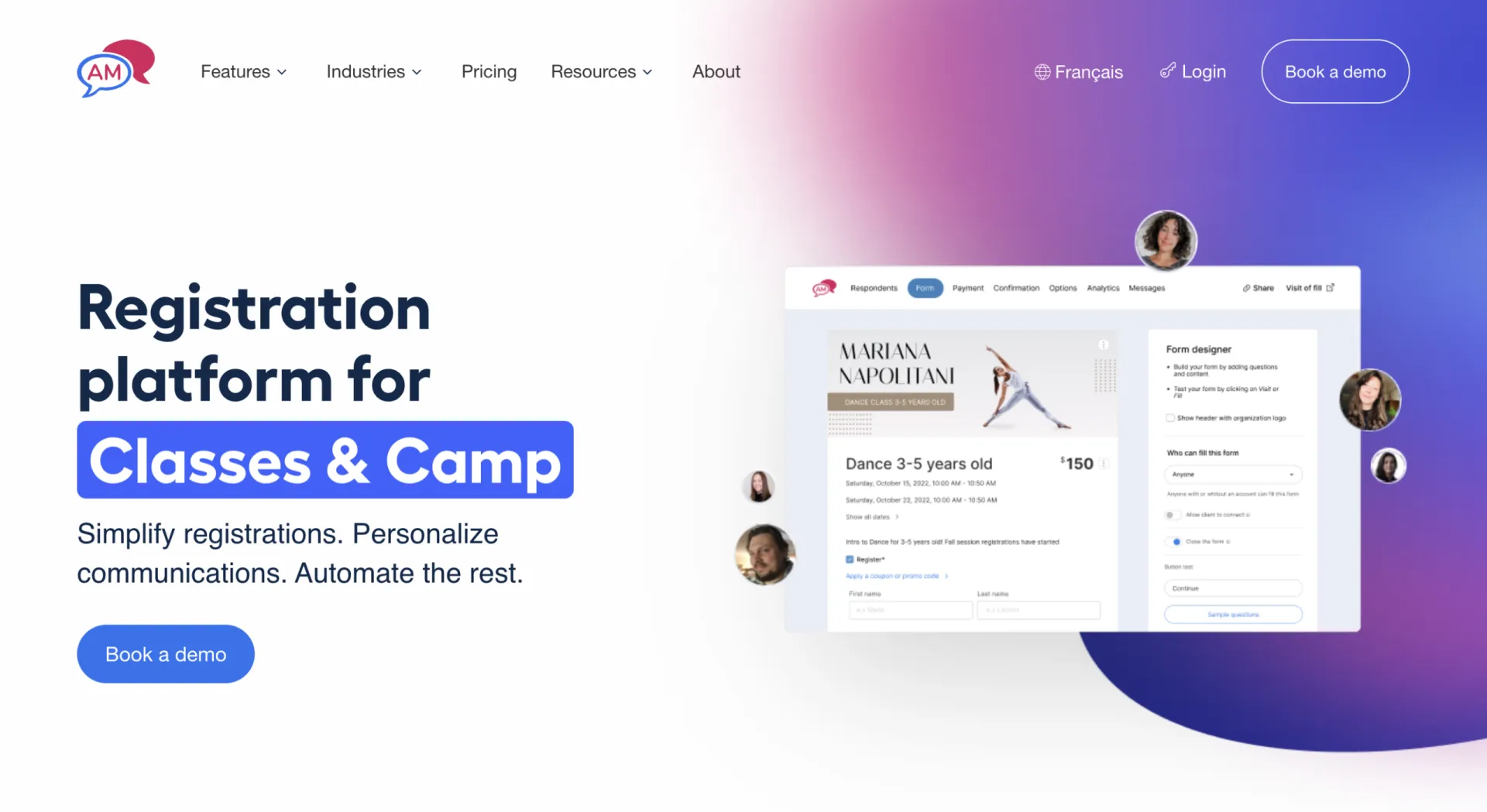
Why it stands out: Art classes come with a specific set of headaches that a generic booking calendar was never built to solve. A six-week ceramics course often requires a supply list attached to the confirmation email. A kids’ painting camp needs a signed waiver before anyone gets near a smock and a set of acrylics. An open studio also needs a membership or punch pass so regulars aren’t paying per visit.
Activity Messenger was built to handle registration, forms, waivers, payments, and communication as one connected workflow, rather than a booking page with everything else added as an afterthought.
For a studio owner who’s also the one mixing glaze and answering the phone, that matters. Instead of exporting a class roster to check who’s paid, then digging through email for signed waivers, then manually sending a reminder about what to bring to the first session, all of it lives in one place and mostly runs itself.
Key Features:
- Custom registration forms that collect supply preferences, skill level, or allergy and safety information before the first class
- Digital liability waivers with e-signatures, shareable by email, SMS, QR code, or link, with automated reminders for anyone who hasn’t signed
- Memberships and punch passes for open studio access, drop-in classes, or multi-session courses
- Integrated online payments and invoicing, including payment plans for higher-cost term courses
- Automated email and SMS reminders for class start dates, waiver follow-ups, and payment due dates
- Gift cards, a natural fit for a business where a “paint night” or a term of classes is a common gift
- Point of sale tools for selling supplies or materials at the front desk
- Digital attendance lists for tracking who showed up to each session
- Built-in website builder with customizable templates, branding tools, embedded registration forms, mobile-responsive pages, and custom domains, making it easy to launch a professional website without paying for a separate website builder like Wix
- Integrated ChatGPT assistance for writing class descriptions, website copy, and communications
- Integration with Canva for creating branded graphics across forms and website pages
- Bilingual EN/FR support
Pricing: $99–$199/month (Light, Premium, Pro, and Enterprise plans), billed monthly with no annual commitment required
Pros:
- Replaces a booking tool, a form builder, a waiver tool, an email platform, and even a separate website builder with one subscription
- Waivers and intake forms are built for exactly this use case, not adapted from a generic appointment scheduler
- Memberships and punch passes support the open studio and drop-in models common in art classes
- SMS reminders help cut down on no-shows for workshops with fixed material costs
- Transparent pricing with no per-module fees
Cons:
- Does not include a kiln or equipment booking calendar for shared studio resources; a room or equipment rental add-on covers general space bookings, but not equipment-specific scheduling
- No public marketplace where new students discover your studio organically
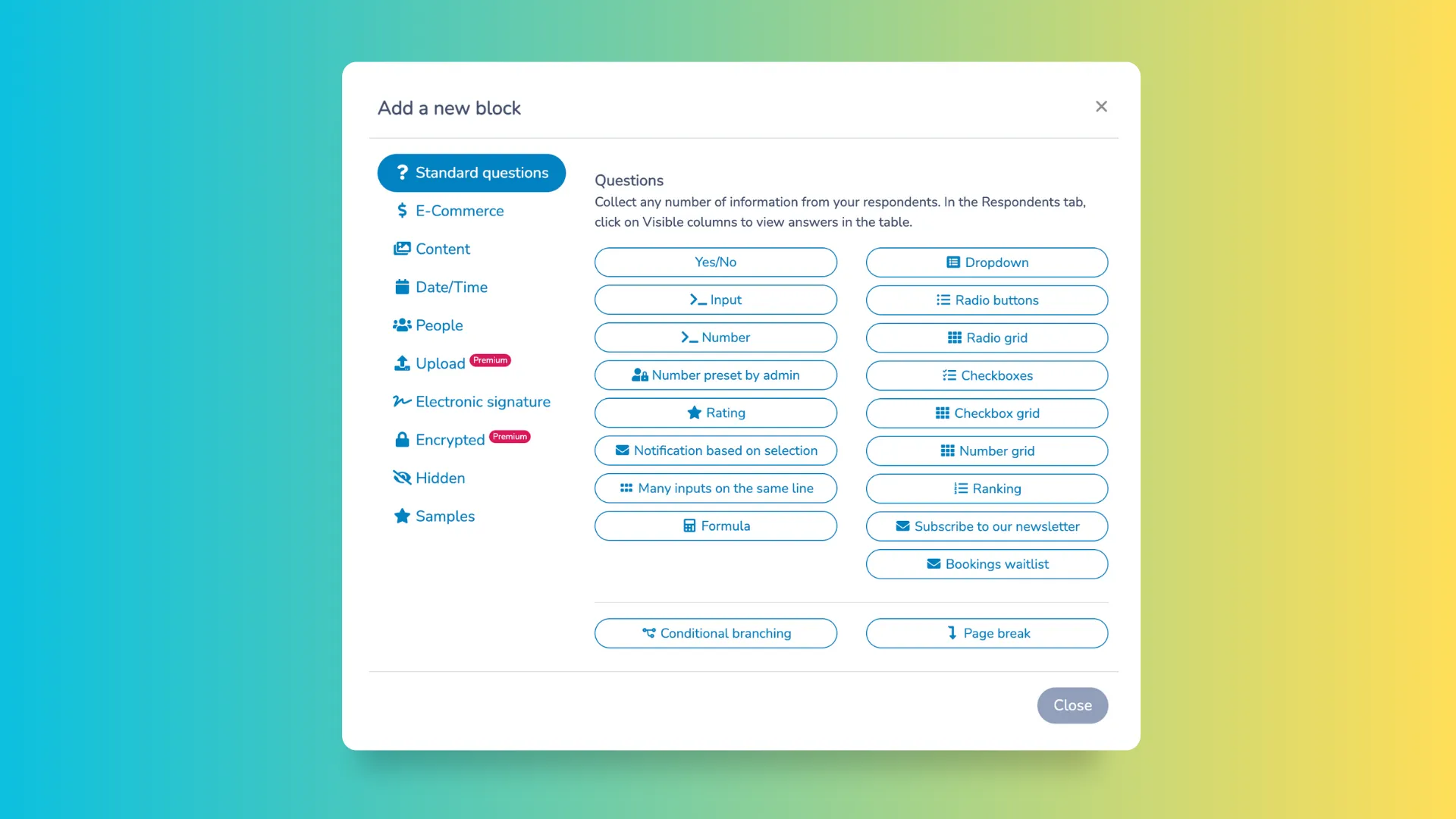
💬 What our customers say:
“Activity Messenger makes communicating with your customer base a breeze while also making your customer feel like they are getting a communication that was uniquely made for them. It is easy to create and manage class lists.” — Sarah B.
“The level of flexibility is honestly one of its biggest strengths. You can customize forms, registrations, workflows, pricing structures, and communication flows to match your exact needs. It adapts to your reality instead of forcing you into a rigid system. Another major highlight is the overall experience, both for the team and for participants. Everything feels clear, efficient, and intuitive, which saves a lot of time and reduces friction in daily management. — Jessica C
2. Amilia (SmartRec)
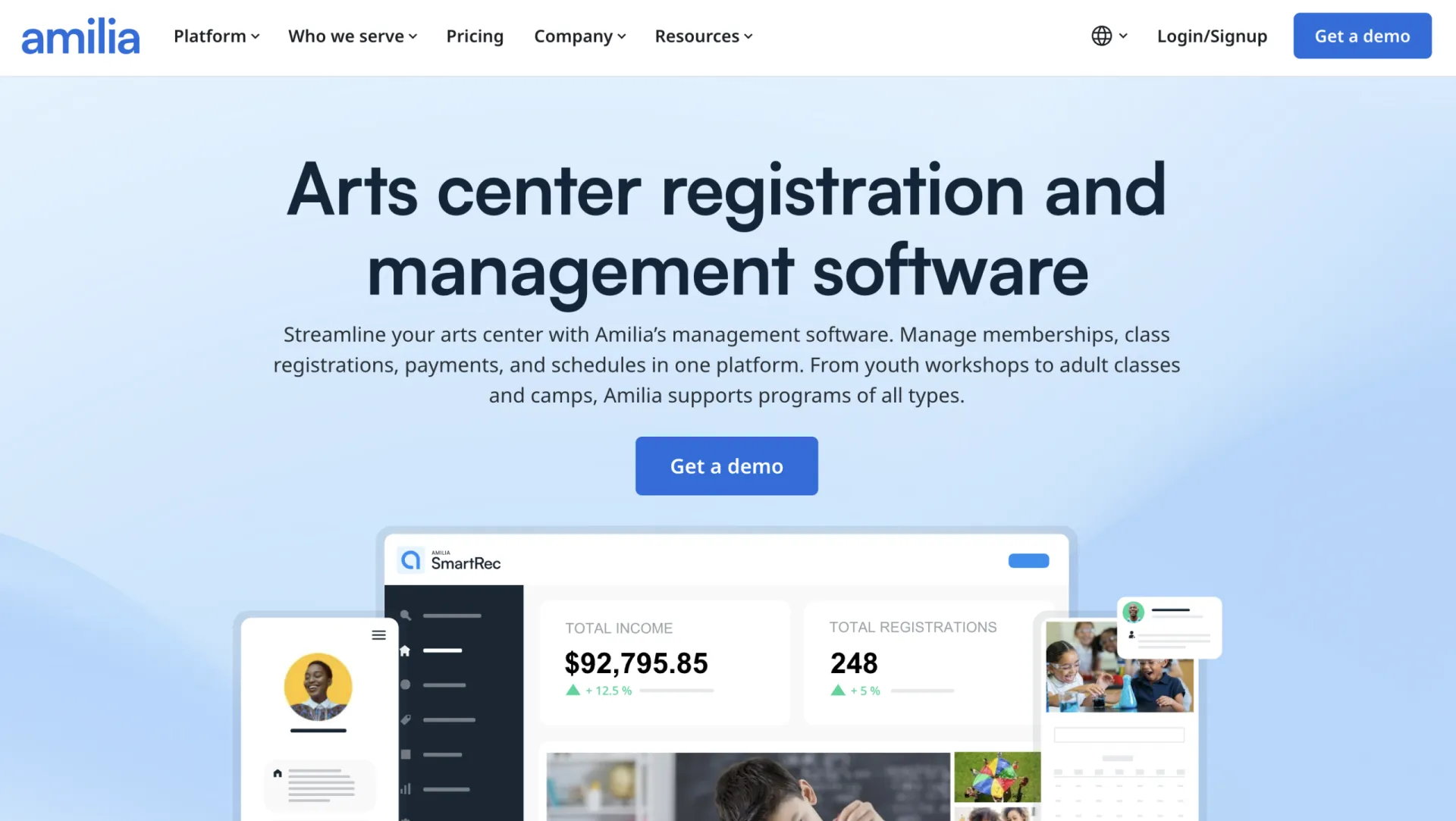
Why it stands out: Amilia’s SmartRec platform has a dedicated arts center offering, built for organizations running programs across age groups, from youth workshops to adult classes to camps. It handles the operational side of a larger center: memberships, class schedules, room rentals, and instructor management, all under one login.
Key Features:
- Online registration with self-serve sign-up for classes, workshops, and camps
- Membership management, including drop-ins and punch passes
- Custom intake forms so instructors have participant details before class starts
- Room and facility rental management for studio space and equipment
- Attendance and access tracking for youth program safety
- Integrations with Zapier and donor management tools
Pricing: $99–$499/month (Standard and Advanced plans, with a custom Enterprise tier)
Pros:
- Has an art center-specific landing page, with existing clients across dance, visual arts, and ballet programs
- Handles multi-program centers running youth and adult offerings side by side
- Room rental tools useful for centers that sublet studio space
- Reporting gives a clear view of enrolment and capacity across many classes at once
Cons:
- Geared toward larger, multi-program centers; a solo instructor or single-studio operation may find it more platform than they need
- Annual contract terms and a steeper onboarding process compared to simpler booking tools
- Communication tools (email, SMS) are less developed than platforms built primarily around messaging
- Implementation typically takes weeks rather than days, which can create timing problems for a studio trying to launch before a fall or summer term starts
- Annual contract terms compared to the month-to-month simpler booking tools on this list
3. Koalendar

Why it stands out: Koalendar is a scheduling tool rather than a full class management platform, but its art class page covers the fundamentals for a solo instructor or small studio: custom intake forms for materials and experience level, group class capacity limits, and automatic reminders, all on a genuinely free forever plan.
Key Features:
- Custom booking forms to collect experience level, materials preferences, or file uploads like reference photos
- Group class scheduling with capacity limits to prevent overbooking
- Automated email and SMS reminders to cut down on no-shows
- Calendar sync with Google, Outlook, and iCloud
- Embeddable booking widget for a website or Instagram bio
Pricing: Free forever plan available; Pro from ~$9.99/seat/month billed annually
Pros:
- Free plan with unlimited bookings and scheduling links
- Custom intake forms cover the basics of what an instructor needs before class starts
- Affordable Pro tier for instructors who need payments and branded reminders
- Simple enough for a solo instructor to set up without support
Cons:
- No digital waiver tool, so liability forms need a separate signature solution
- No membership or punch pass system for open studio access
- Built for scheduling first, so invoicing, gift cards, and reporting are limited or absent
4. SimplyBook.me
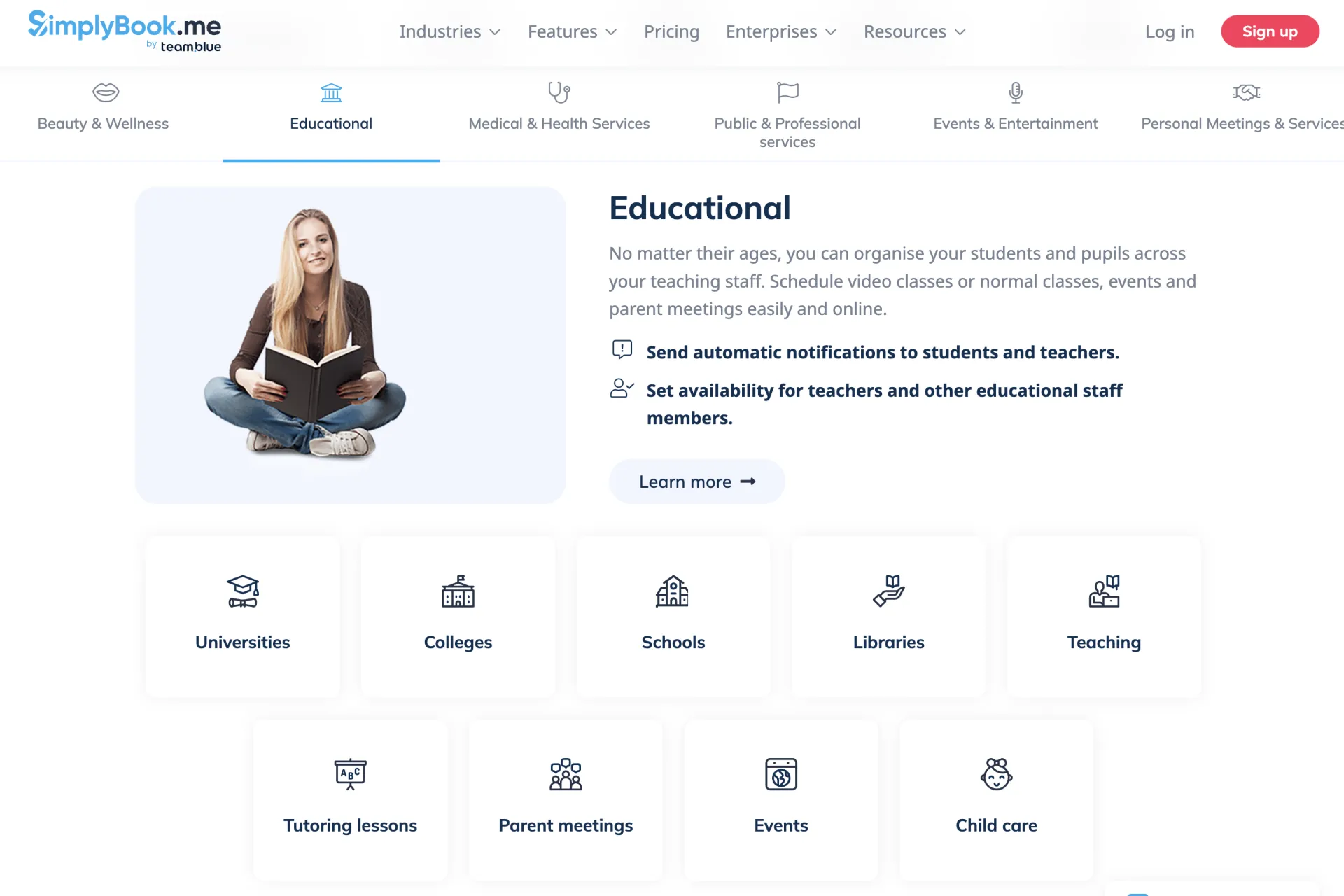
Why it stands out: SimplyBook. me has long put a strong emphasis on its booking website, offering customizable templates, SEO settings, and branding tools alongside its scheduling platform. For studios that want extensive control over their public website, it’s one of the more established website-building options in this category.
Key Features:
- Fully customizable booking website with templates, galleries, and branding options
- Support for both group classes and private lessons
- Membership and package options for recurring students
- Point of sale add-on for in-studio purchases
- Gift card and coupon functionality as an add-on feature
Pricing: Free plan available; paid plans from roughly $10 to $60/month depending on booking volume, provider count, and which custom features are enabled
Pros:
- Booking website doubles as a real web presence with SEO benefits
- Broad feature set once the right custom features are unlocked, including memberships and POS
- 14-day free trial with most premium features included
Cons:
- Pricing is based on a combination of booking volume, provider count, and a limited number of “custom feature” slots, which can make it harder to predict costs as a studio grows
- Not art-specific beyond the dedicated landing page; features are the same generic toolkit offered across every industry SimplyBook.me serves
- Some premium features, including coupons and gift cards, are excluded from the free trial
5. Reservio
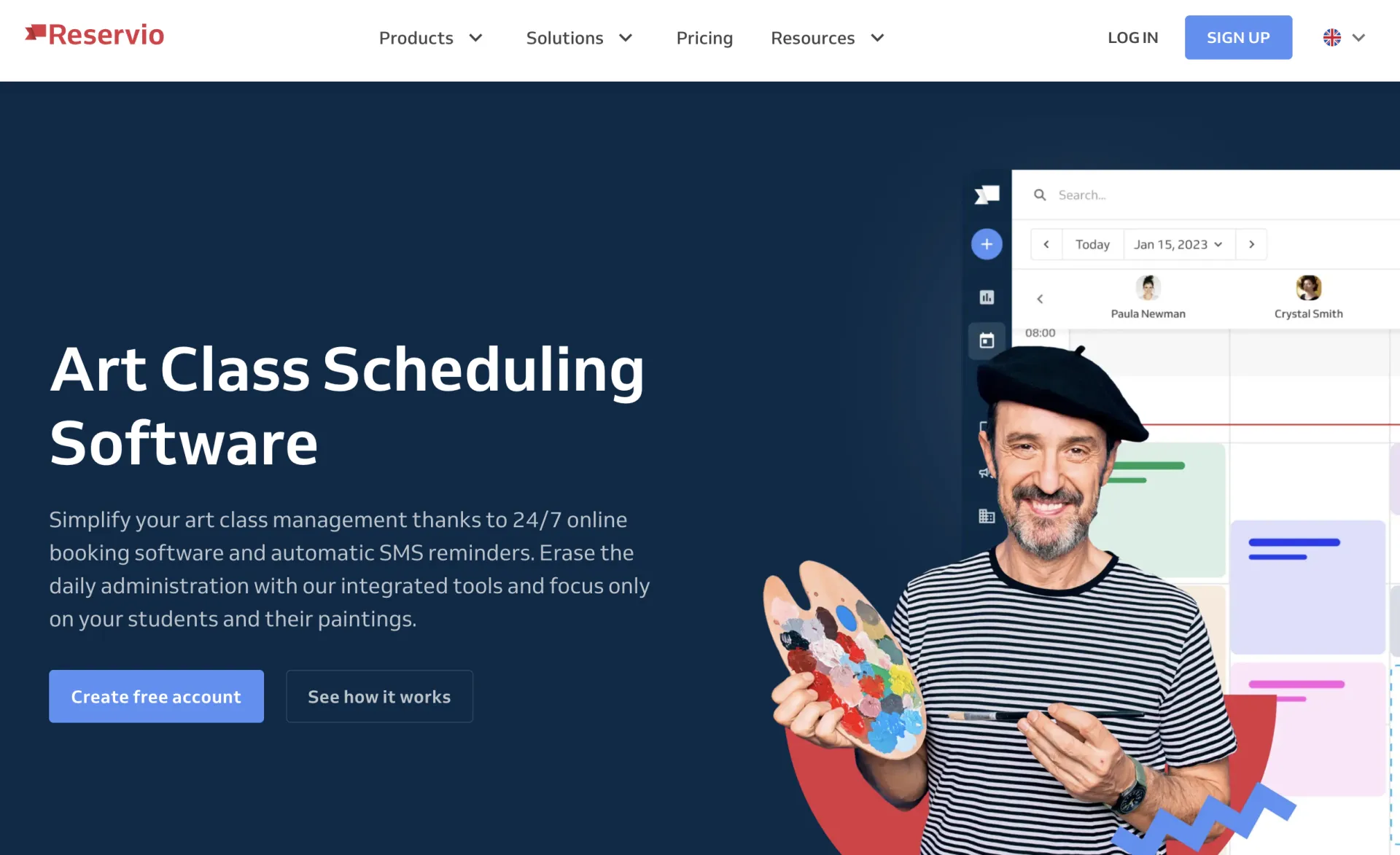
Why it stands out: Reservio keeps things simple: 24/7 online booking, automated SMS reminders, and a branded booking website, at a price point that suits a solo instructor or small studio. It also offers a 50% discount on premium plans for non-profit organizations, a detail worth noting for community art centers running on tight budgets.
Key Features:
- 24/7 online booking with real-time availability
- Automated SMS and email reminders to reduce no-shows
- Credit passes, visit passes, and membership options from the Standard plan
- Branded booking website with calendar sync to Google, iCal, and Outlook
- Secure online payments through the built-in POS
Pricing: Free plan (40 bookings/month); Starter, Standard, and Pro plans ranging from roughly $10 to $40/month, plus payment processing fees
Pros:
- Straightforward setup, useful for instructors without much administrative time
- 50% non-profit discount, worth noting for community art centers
- Passes and memberships cover recurring students without a separate tool
Cons:
- SMS reminders require purchasing credit bundles separately rather than being bundled into the plan
- No dedicated waiver tool or the kind of detailed intake form supply lists and safety information typically need
- Booking limits on lower tiers count all bookings on a rolling 30-day basis, which can catch a busy studio off guard
Frequently Asked Questions
What is the best art class registration software?
For studios that need registration, waivers, payments, and communication all in one place, Activity Messenger is purpose-built for this combination.
Do I really need a digital waiver tool for art classes?
If your classes involve kiln use, sharp tools, or materials that pose an allergy risk, most centers ask participants (or a parent for minors) to sign a liability waiver before the first session. A digital waiver that’s collected during registration and automatically chased down if unsigned saves real time compared to a stack of paper forms in a filing drawer.
Can art lesson software handle both one-off workshops and multi-week courses?
Yes, provided the platform supports both drop-in and recurring registration. Activity Messenger, Amilia, and SimplyBook.me all support multi-session courses as well as one-time workshops. Koalendar and Reservio handle recurring bookings as well, though their strengths lie in individual session scheduling rather than full-term enrolment management.
How do memberships work for open studio access?
Rather than charging per visit, many studios sell a monthly membership or a punch pass for a set number of visits. Activity Messenger, Amilia, SimplyBook.me, and Reservio’s Standard tier and above all support some version of passes or memberships, which is worth checking if open studio time is part of your business.
Is free scheduling software enough for a small art studio?
For a single instructor with occasional private lessons, a free plan from Koalendar or Reservio can cover the basics. Once a studio adds waivers, materials fees, memberships, or a growing course calendar, the limitations of a free plan tend to show up quickly, and a paid platform built around class-based registration (like Activity Messenger) becomes worth the cost.
Final Thoughts: Choosing the Right Art Class Registration Software
The right platform depends on what kind of art business you’re running. A solo instructor teaching private lessons out of a home studio has very different needs from a community art center running youth camps, adult courses, and open studio memberships side by side.
If your studio needs registration, waivers, payments, and communication working together without stitching together three or four separate tools, Activity Messenger is worth a close look.
Whatever you choose, put a real registration through the system before committing. The best art class registration software is the one your students barely notice, because it just works.
💡 Curious how Activity Messenger handles registration, waivers, and payments for art studios in one place? Book a demo to see it in action.