
Creating a pickleball league registration form can be quick and straightforward.
Whether you’re organizing a small local league or a larger tournament, having an efficient registration process is essential. In this article, we’ll guide you through how to set up an online pickleball league registration form, making it easy to manage everything from player sign-ups to waivers and online payments.
- Select a registration tool designed for Pickelball
- How to Create your Pickleball League Registration Form
- Why Activity Messenger Stands Out for Pickleball Leagues
- Other ways Activity Messenger can make managing your Pickleball league easier
Pickleball Clubs may be tempted to use Google Forms. While this may be a good choice when starting out, google forms lacks many features that simplify operations for growing clubs.
Find a form-building tool for registration forms
Popular choices include Google Forms, JotForm, Wufoo and Activity Messenger, each with different features that make it easy to create forms for your Pickleball league.
Most of these tools are built with different industries in mind. Activity Messenger is the only one built and designed with the sports and leisure industry in mind.
Create your Pickleball League Registration Form
Here is a Step-by-Step Guide to Creating Your Pickleball League Registration FormStart with a Template
Activity Messenger, like other online form-building tools, offers a simple drag-and-drop interface for creating forms. Start by selecting a pre-built template or create one from scratch. The interface lets you arrange elements easily to make sure the form meets your pickleball league’s specific needs.
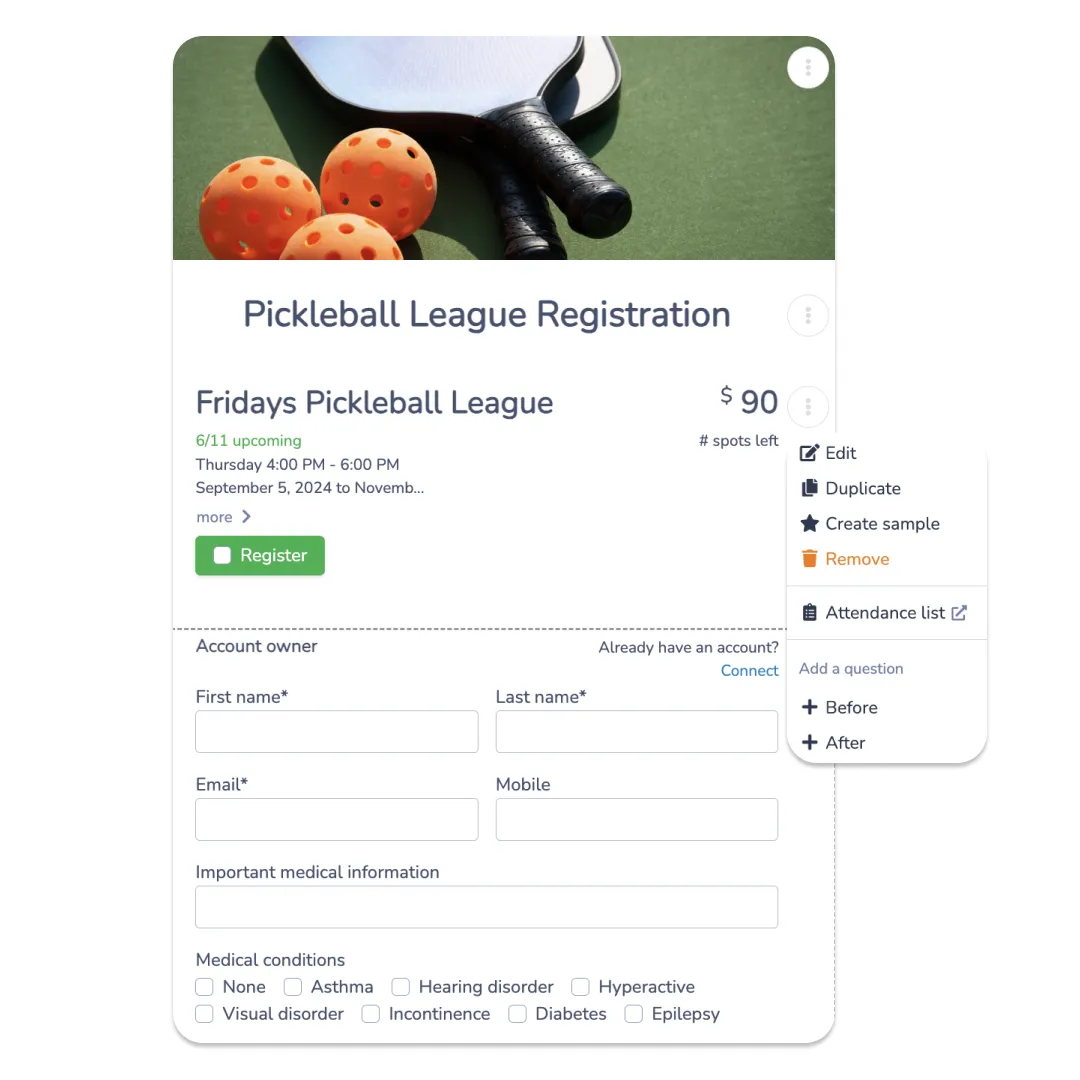
Customize the Form
Personalize your form by adding your pickleball league’s branding. If you have a particular design in mind, you can integrate directly with Canva within Activity Messenger, eliminating the need to switch between platforms. Depending on your location, the creation of fully bilingual registration forms may also be important.
Add League Information
Include all the essential details about your league. For instance, if you’re organizing a Friday evening pickleball league, specify the league name, price, level of play, maximum number of participants, and other relevant details. You can also assign a league manager to handle specific responsibilities.
Configure Registration Rules and Pricing
Decide how you want participants to register. You might require players to sign up for the entire season or give them the option to register for individual sessions or events. You can also include options for prorated pricing, discount codes, and waitlists.
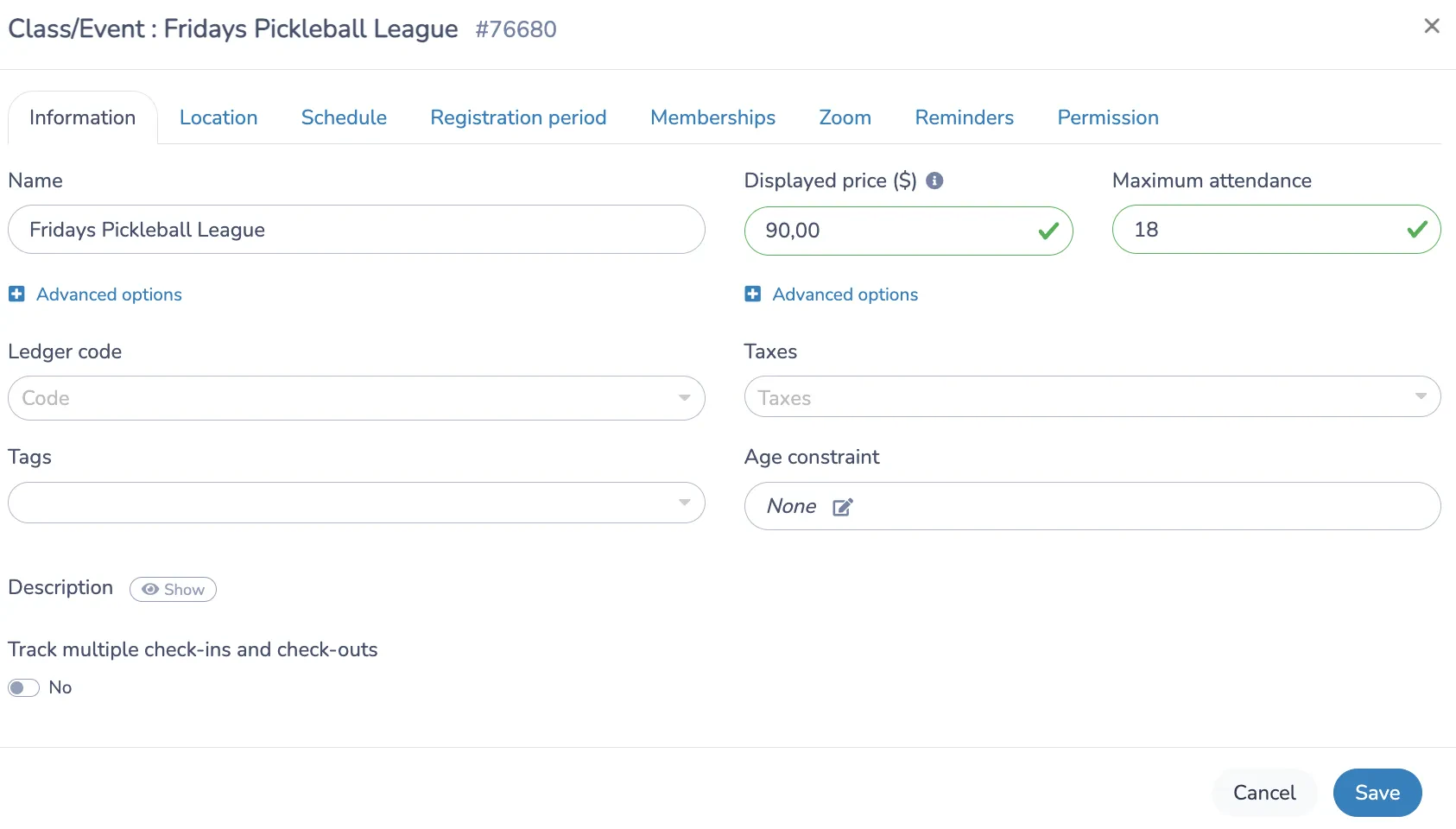
Collect Player Information
Besides basic details like name and contact information, you may need additional data such as medical details, emergency contacts, or preferred playing partners. Activity Messenger allows you to toggle fields on or off and decide whether they are mandatory or optional.
Include Waivers and Payment Options
Liability waivers and cancellation policies are crucial for any league. Include “I read and accept” checkboxes beneath the waivers to ensure participants acknowledge them before completing their registration. For payments, you can link your Stripe account for easier online payments.
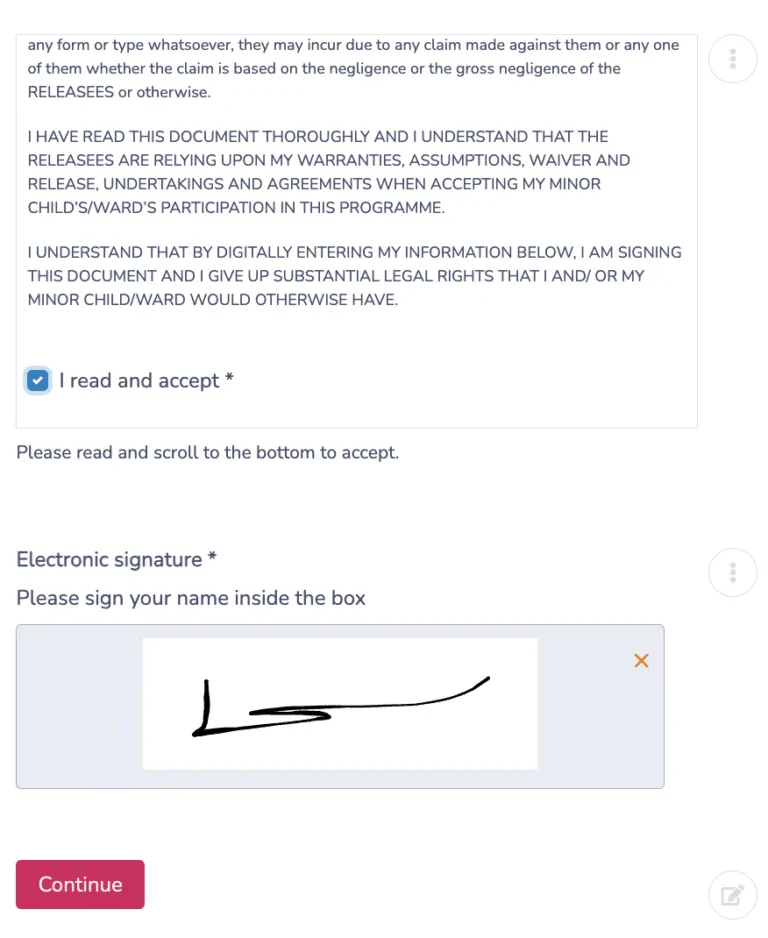
Promote Your League Registration Form
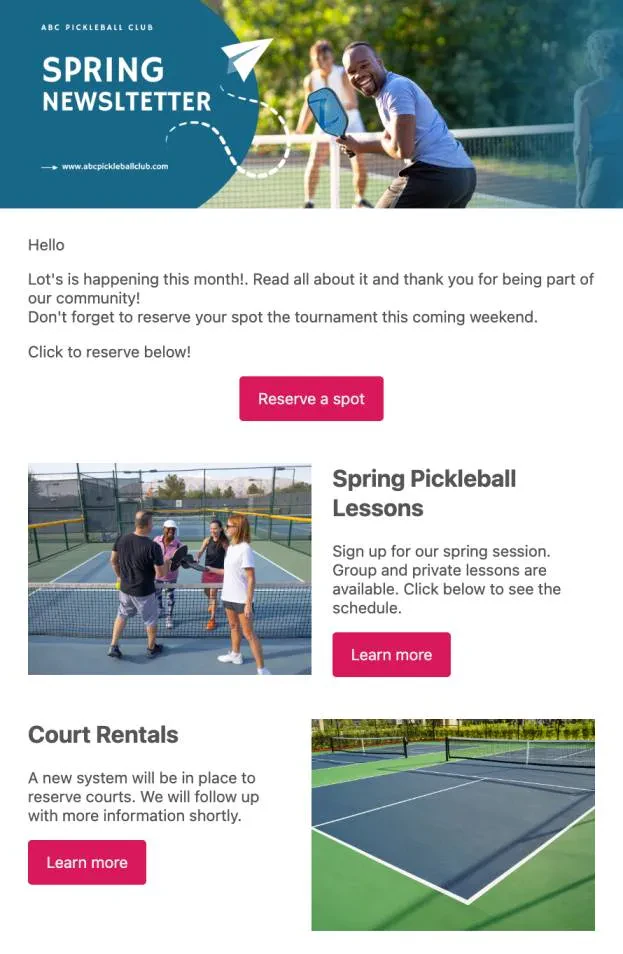
Once your form is set up, it’s time to promote it. Activity Messenger provides a unique link and QR code for each form. You can embed the form on your website, share it via email/SMS, and even print the QR code to display at your pickleball courts, during events, or tournaments. If you have a list of past participants, you can give them priority access to registration for the new season. Activity Messenger also handles email marketing, so you can use a newsletter to promote league registration to existing members.
Looking to start a pickleball club: Read our Step-By-Step Guide to starting a pickleball club
Why Activity Messenger Stands Out for Pickleball Leagues
Activity Messenger is more than just a form builder; it’s a complete Pickleball league registration management tool.
Here’s why it’s ideal for your Pickleball league:
- Self-Registration: Players can sign up online with ease, saving you time and minimizing administrative tasks.
- Customizable Forms: Adapt the registration process to meet the unique needs of your league.
- Centralized Data: All registration information is stored in a centralized online database, accessible only to authorized team members.
- Secure Payments: Safe and reliable online payment options ensure that funds are directly deposited into your league’s bank account.
- Automated Communication: Send automated emails or SMS notifications to keep players informed and engaged throughout the league.
4 other ways Activity Messenger makes your life easier for your Pickleball league
- Surveys: Send an email linked to a survey to collect feedback from players about their experience in the pickleball league. Ask targeted questions to gain valuable insights and enhance future league management.
- Attendance Tracking: Use a modern and customizable check-in system. Rename activities, assign league managers, organize players into groups, and store attendance records for future reference.
- Data Analysis: Activity Messenger offers detailed analytics, providing you with valuable data to enhance operational efficiency and increase player satisfaction within your pickleball league.
- Waitlist Management: Manage waitlists by automatically sending emails or SMS notifications to players when a spot becomes available. This ensures optimal league registrations without any manual intervention by league administrators.
Conclusion
Creating an online registration form for your pickleball league is simple with Activity Messenger. You can streamline the entire process, from collecting registrations and waivers to handling payments and communicating with participants. By using this powerful tool, you’ll save time and improve the overall experience for everyone participating in your league.