If you’re on the hunt for the best form building tool for your business, you’re not alone. Many Canadian organizations rely on Google Forms because it’s free, fast, and simple.
But as your operations grow — and your privacy requirements expand — Google Forms often becomes limiting. It can’t support Canadian data residency, doesn’t offer customer support, and lacks essential features for organizations that need more than just a basic form builder.
That’s where Activity Messenger comes in.
Designed specifically for Canadian organizations, it combines modern form tools with communications, automated workflows, payments, and bilingual capabilities — all while keeping your data securely stored in Canada.
If you’ve outgrown Google Forms or need a privacy-compliant alternative, this comparison will help you understand how both platforms stack up.
|
Feature
|
Activity Messenger | Google Forms |
| Ease of Use | ✅ | ✅ |
| Conditional Logic | ✅ Advanced branching & multi-level logic | ✅ Basic |
| Question Types | ✅ 30+, including signatures, uploads, payments, waivers, class selectors | ⚠️ Limited to standard form fields |
| Analytics & Reporting | ✅ Detailed reports, filters, exports | ⚠️ Basic charts & summaries |
| Fully Bilingual (FR/EN) | ✅ Full platform + forms | ⚠️ Partial translations; English appears in UI |
| Brand Customization | ✅ Themes, media blocks, Canva integration | ⚠️ Limited styling options |
| Bulk Email & SMS | ✅ Email campaigns + SMS messaging | ❌ |
| Automated Workflows | ✅ Scheduled emails, triggers, reminders | ❌ |
| Digital Signatures | ✅ Built-in | ❌ |
| Online Payments | ✅ Stripe-powered payments & invoices | ❌ |
👉 Explore our comparison articles on Microsoft Forms and SurveyMonkey for an in-depth analysis of other popular form-building software.
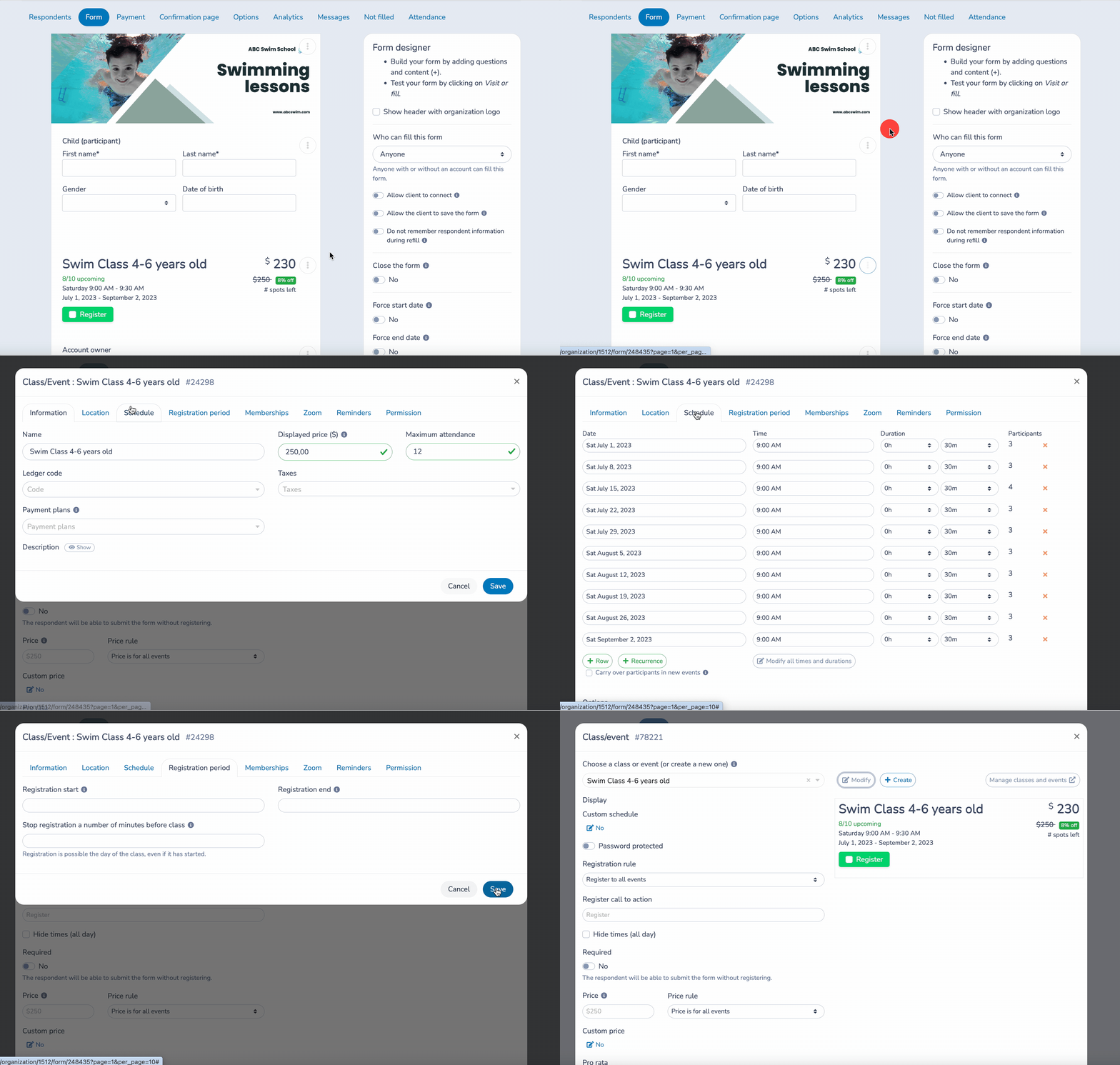
Both Google Forms and Activity Messenger offer intuitive, beginner-friendly interfaces. You can create a form in minutes using drag-and-drop tools and common question types such as multiple choice, checkboxes, dropdowns, and open text.
However: Activity Messenger includes many more question types — including roster lists, class selection blocks, document uploads, signature fields, and conditional logic that goes far beyond Google Forms.
You can even add multiple classes or activities to a single form.
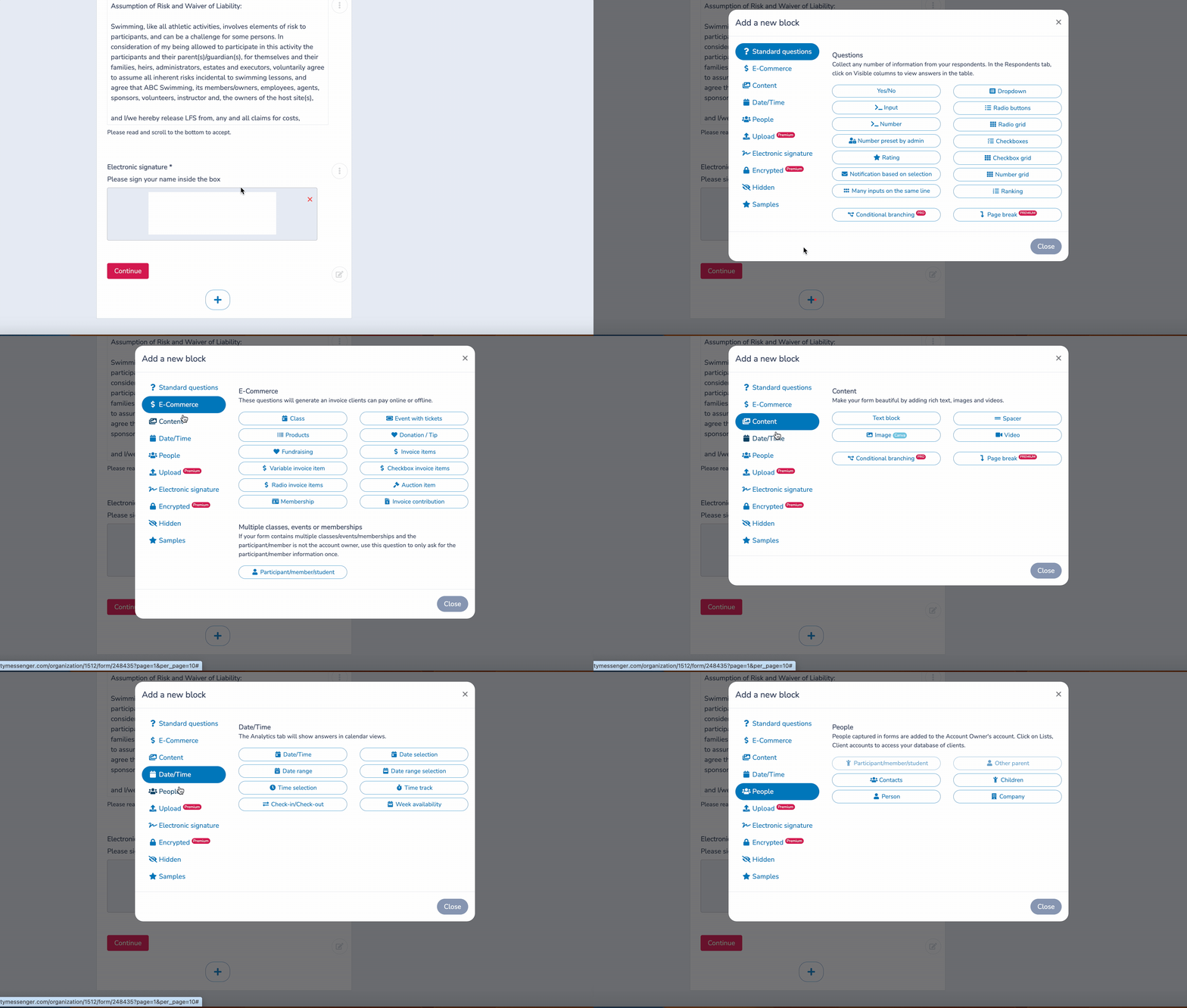
Like Google Forms, Activity Messenger offers response analysis and data extraction for all your forms. This enables you to discover more about your participants’ experience.
With detailed reporting and comprehensive analysis, you can make informed decisions and better understand your clients.
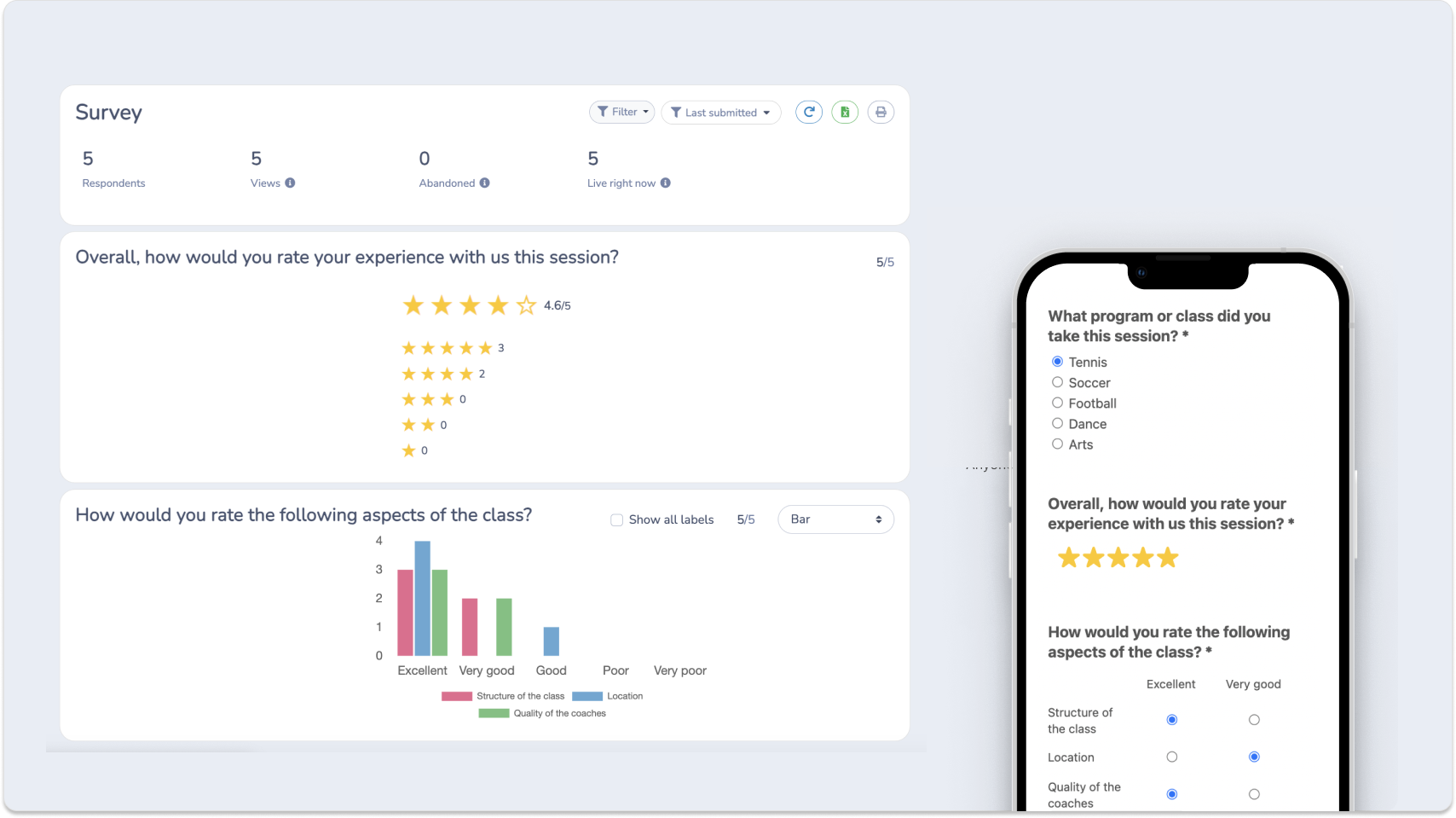
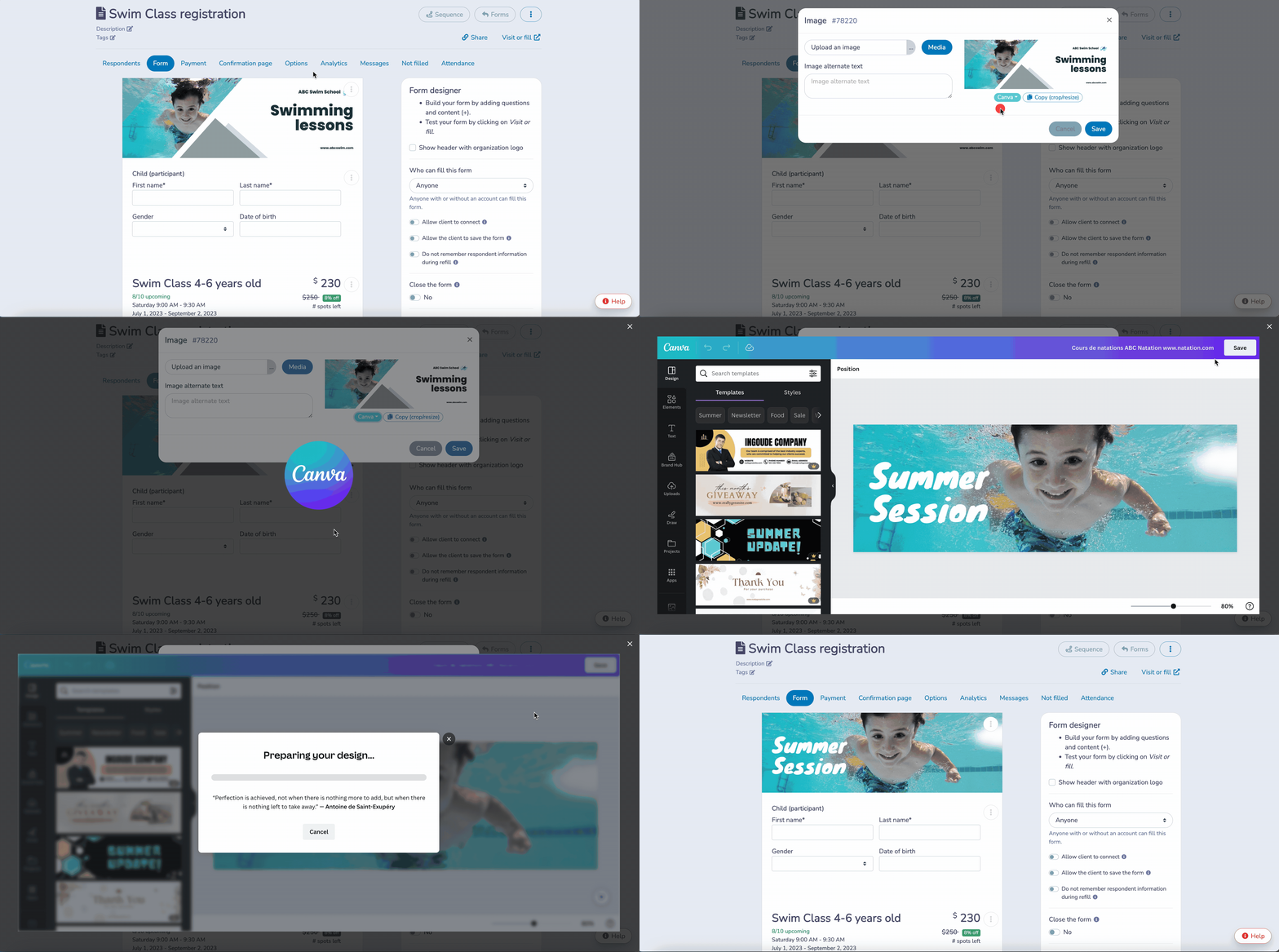
Both platforms allow you to personalize the look and feel of your forms with images, videos, and themes. Activity Messenger also supports full bilingual mode (FR/EN), conditional logic to show or hide questions based on respondents’ previous answers, and branded visuals designed in Canva.
Google Forms generates basic charts and graphs for quick overviews.
Activity Messenger provides deeper reporting, letting you visualize trends, segment data, filter responses, and export detailed results for analysis.
📌 Read More: Discover how-to articles for Google Forms, including creating registration forms, certificates, surveys, skill assessments, and waitlists. You can also learn more about customizing your forms and adding additional sections.
Google Forms does not offer personalized customer support.
Activity Messenger provides 100% Canadian-based, bilingual support — available to every customer regardless of plan size.
💬 What our customers say:
“When we first joined, we had no idea how much of our operations we would be able to do in Activity Messenger. We also love working with the AM team. They are extremely helpful and receptive to new ideas and happy to implement new things that will benefit their clients. The AM team is very accessible and we never have to worry about waiting for them to respond; they are ON IT.” — Catherine D., Member Services Manager & Finance, Non-Profit Organization Management
“The team is incredibly helpful, I honestly cannot say enough about the customer service this company provides.”— Annie C., Enrolment Coordinator, Education Management
Activity Messenger is fully available in both French and English.
Every interface element, form question, setting, and email template is translated.
Google Forms, by contrast, often leaves English terms visible in the French UI.
Google Forms is limited to form creation.
Activity Messenger lets you send bulk SMS/text messages — perfect for:
With SMS open rates near 98%, response rates increase significantly.

Google stores data internationally, including in the United States.
Activity Messenger stores 100% of your data in Montreal, ensuring compliance with the strictest privacy requirements — including Law 25.
Activity Messenger integrates directly with Canva and ChatGPT, allowing you to:
It keeps your brand consistent across forms, emails, and social media.
Activity Messenger is also a Canadian-based alternative to MailChimp. Activity Messenger lets you keep in touch with your subscribers and people who respond to your forms. Additionally, you can automate a wide range of communications, such as:
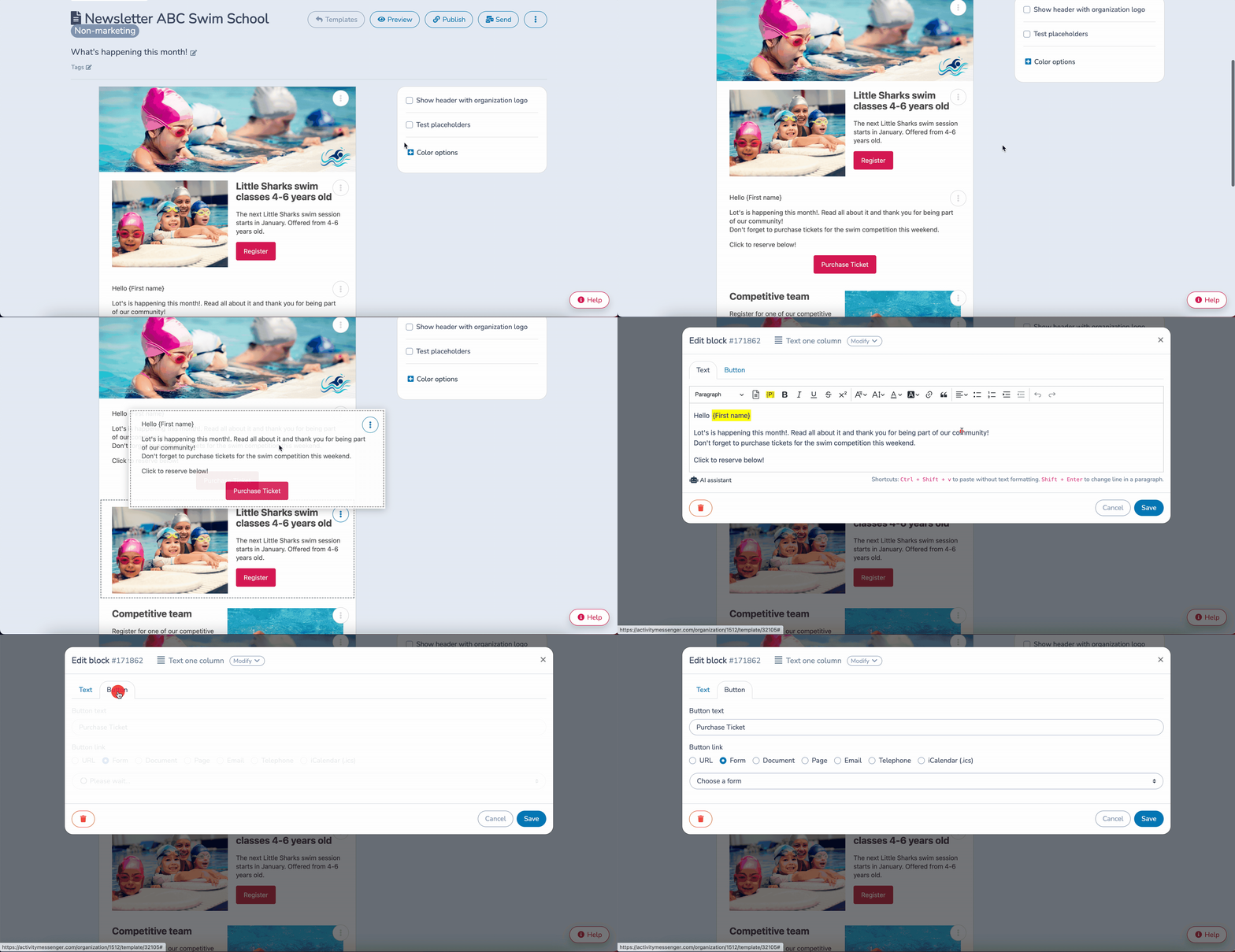
Activity Messenger includes a full suite of tools designed for Canadian SMBs, nonprofits, and recreation organizations, including:
Activity Messenger offers simple yet powerful functionality on one platform designed for Canadian-based SMEs, NPOs, and organizations. We help you simplify and automate your business processes in a single tool.
How to create a survey using Google Forms?
👉 Want more videos? Visit our YouTube channel for hundreds of how-tos, comparisons, and tips to optimize your operations.
Popular alternatives include SurveyMonkey, Typeform, Jotform, and Activity Messenger, each offering unique features and customization options to meet different form creation and survey needs.
Users may seek alternatives for advanced customization, more diverse question types, advanced analytics, or better integration with non-Google products, depending on specific project requirements.
While Google Forms is known for its simplicity, alternatives like Typeform, Activity Messenger and Jotform also offer intuitive design interfaces but with a wider range of customization options.
Features like conditional logic, advanced design customization, real-time data analysis, and interactive elements are common to platforms that replace Google Forms.
Most alternatives offer basic free versions or premium trial periods that allow users to test advanced features.
With advanced form-building tools, integrated communication features, Canva and ChatGPT workflows, and 100% Canadian data storage, it’s more than just a form builder — it’s a complete communication and automation platform.
💡 Ready to streamline your forms, communications, and workflows? Book a demo with Activity Messenger and discover how we can simplify your operations while keeping your data safe in Canada.