Managing registrations, payments, and programs is already a lot of work. Your accounting shouldn’t make it harder. That’s why we’re excited to announce that Activity Messenger now integrates with QuickBooks and Sage, two of the most widely used accounting platforms for organizations like yours.
Whether you’re running camps, classes, or memberships, this new accounting integration for activity management keeps your sales, payments, and ledger entries accurate and organized without double data entry.
For many organizations, the gap between registration data and accounting records has always been a pain point. Payments collected often have to be manually entered into QuickBooks or Sage, leaving room for errors, duplicate records, and hours lost to reconciliation.
We heard you. This integration was built to close that gap and give your team a smoother, more reliable path from transaction to financial record.
Here’s what the new accounting integration for activity management looks like in practice.
Every sale processed through Activity Messenger can now be tagged with a ledger code that aligns with your existing chart of accounts and accounting rules. That means a camp registration goes to the right revenue category, a membership renewal goes to another, and merchandise sales go somewhere else entirely automatically, without anyone having to sort it out manually after the fact.
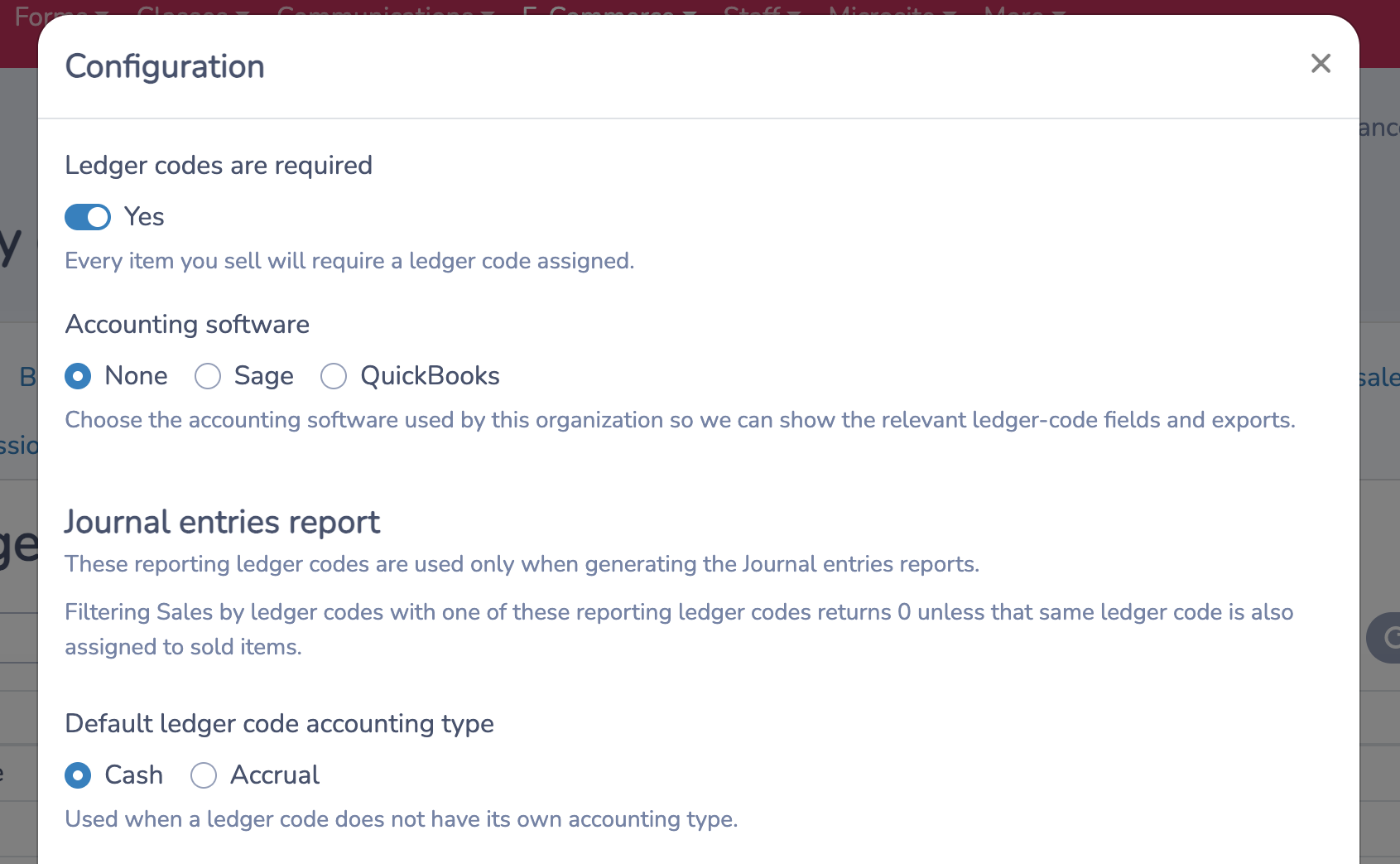
When it’s time to reconcile, you export your entries directly to QuickBooks or Sage, formatted to match how your organization runs its books. Your accountant gets clean, categorized data. Your team skips the manual transfer entirely.
This integration is built for any organization using Activity Messenger that also relies on QuickBooks or Sage to manage its finances, including:
If your team has ever spent time manually transferring payment data into your accounting software, this integration will save you that time.
For many organizations, accounting has been the final step in the registration process that still requires significant manual work. Every payment collected meant something that had to be re-entered somewhere else, checked against something else, and reconciled at the end of the month. Over time, that adds up.
This integration is now available for those on our Premium, Pro, and Enterprise plans. If you’re already using QuickBooks or Sage, you can connect your account today and start aligning your financial records with the rest of your operations.