In today’s fast-paced world, the way we register for activities, classes, and programs has evolved dramatically. Gone are the days of paper forms, long phone calls, and in-person sign-ups. Instead, offering ways to simplify the online registration process has become the norm, offering convenience and automation.
Yet, as technology advances, so do expectations, particularly around mobile usability and personalized experiences. This guide explores how to simplify your online registrations with a mobile-first approach.
This article is inspired by insights from Olivier Rousseau, who brings over 12 years of experience in online registration, running a kids’ sports program. Today, as the co-founder of Activity Messenger, he helps hundreds of small businesses across North America streamline their operations and increase their revenue.
Understanding where registration systems started helps us appreciate why the current landscape looks the way it does and why improvements are still necessary.
Registering for activities used to be a manual, often tedious process. Participants typically had to call or physically show up at a facility to sign up. This presented several challenges:
While this method allowed for a personal touch, it was inefficient and hard to scale.
With the rise of the internet, many organizations moved their registrations online. This shift brought significant benefits:
However, these platforms were often designed primarily for desktop use. On smartphones, these desktop-optimized forms are not designed for a seamless registration experience. Users have to scroll through long lists of options, ages, locations, and dates, which is both confusing and frustrating.
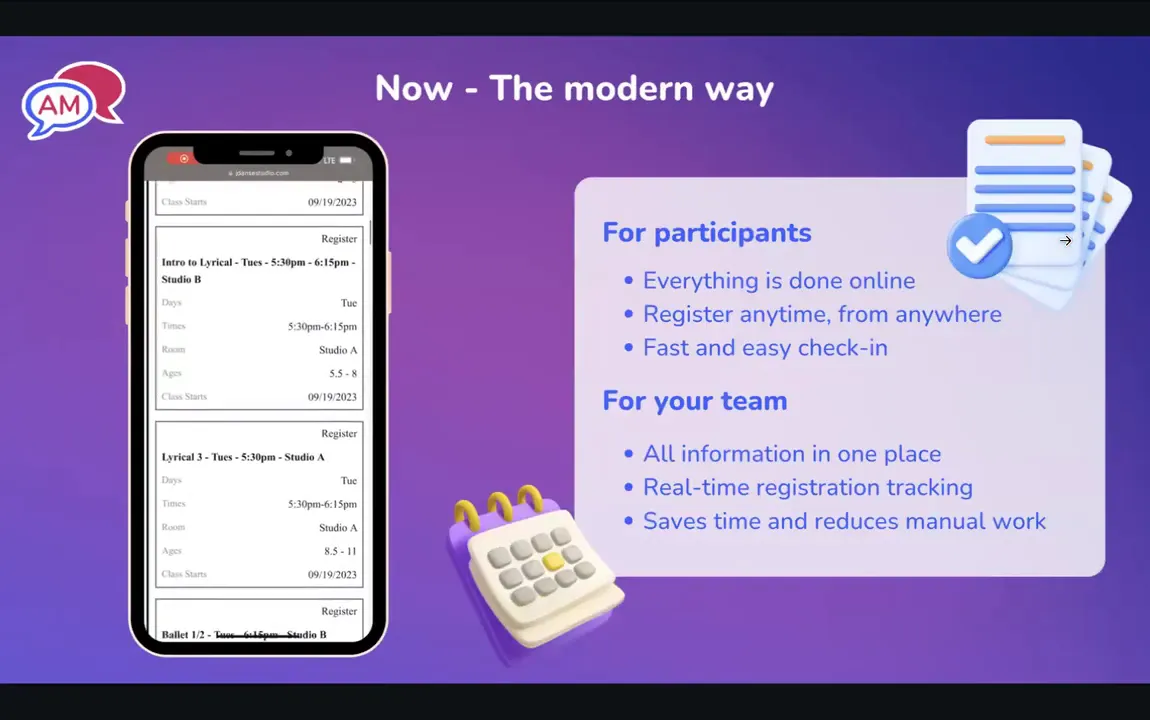
Many users find it easier to wait and complete registration on a desktop rather than on their phones. This created a disconnect with the growing expectation for mobile convenience.
As Generation Z and younger parents take over registration, their preferences are reshaping how we approach sign-ups:
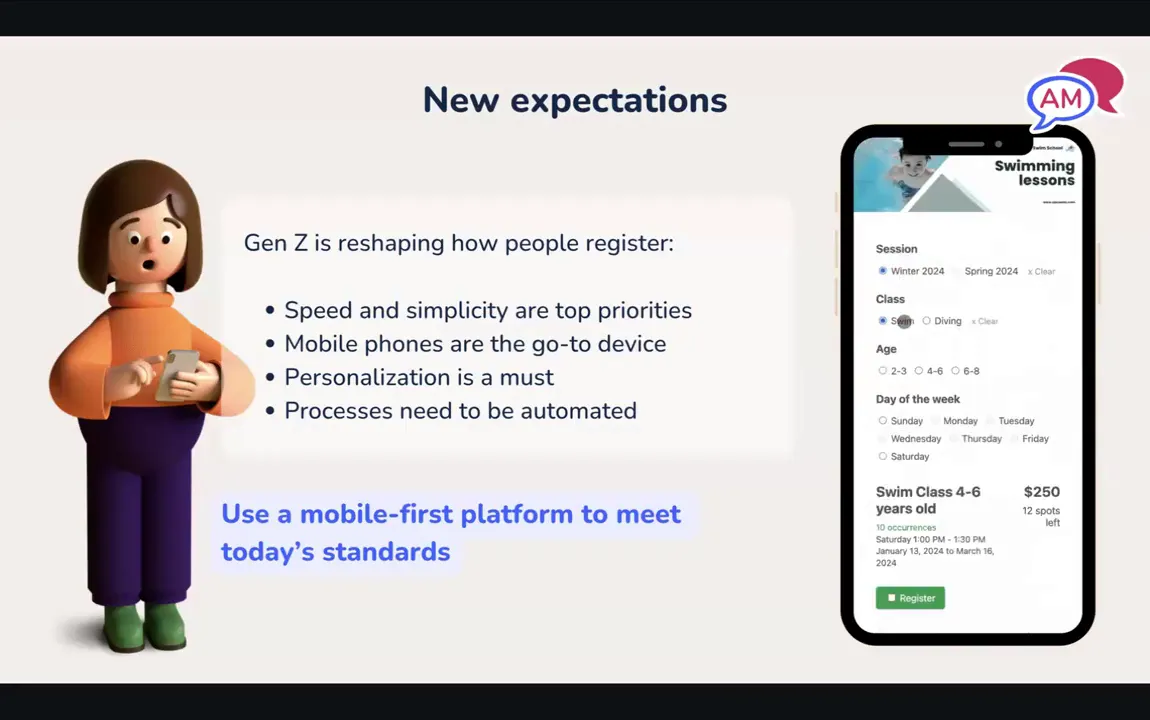
To succeed, registration platforms need to be designed mobile-first, not just mobile-friendly. This means creating interfaces that prioritize phone users and offer conditional logic that dynamically filters options based on user input.
Creating a registration system that resonates with today’s users requires balancing ease of use, customization, and automation. Here’s how to approach it:
Think about how you would register someone over the phone. You’d ask a series of questions to understand their needs and then suggest the best options. Your online registration form should mimic this conversational flow:
As users answer each question, the form should automatically filter and reduce the options, showing only relevant classes that match their criteria. This conditional logic avoids overwhelming users and speeds up the process.
Every organization is unique, and so are its registration needs. A one-size-fits-all form doesn’t work. Instead, your registration software should adapt to your specific requirements:
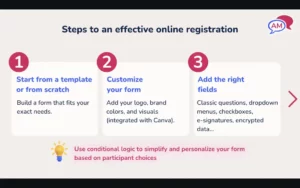
Keeping the entire journey, from the Facebook ad click to the confirmation email, on brand helps build trust and reduces confusion.
Conditional logic ensures that users only see options relevant to them based on previous answers. For example, if a user selects a class for three-year-olds, the form automatically filters out other age groups and irrelevant activities, camps, or classes.
This not only improves usability but also reduces errors and incomplete registrations, making life easier for both participants and administrators.
Registration doesn’t end when the user submits the form. What happens afterward plays a critical role in customer satisfaction and operational efficiency.
One of the biggest missed opportunities in many platforms is optimizing the confirmation page and email. Data shows that confirmation emails can have an open rate as high as 70%, making them a prime communication channel.
Here’s how to make the most of this touchpoint:

Offering multiple payment methods increases convenience and conversion rates. Beyond credit cards, consider integrating:
Before going live, thoroughly test your form to ensure it works flawlessly across devices and browsers. Then, promote it effectively:
Advanced tools and automations can help you take customer satisfaction to a whole new level beyond the basics.
Popular classes or camps fill up quickly, making waitlists an essential feature. Traditional email notifications often result in lost revenue and angry parents because emails are overlooked or buried in inboxes.
Instead, SMS notifications offer a more immediate and effective solution:
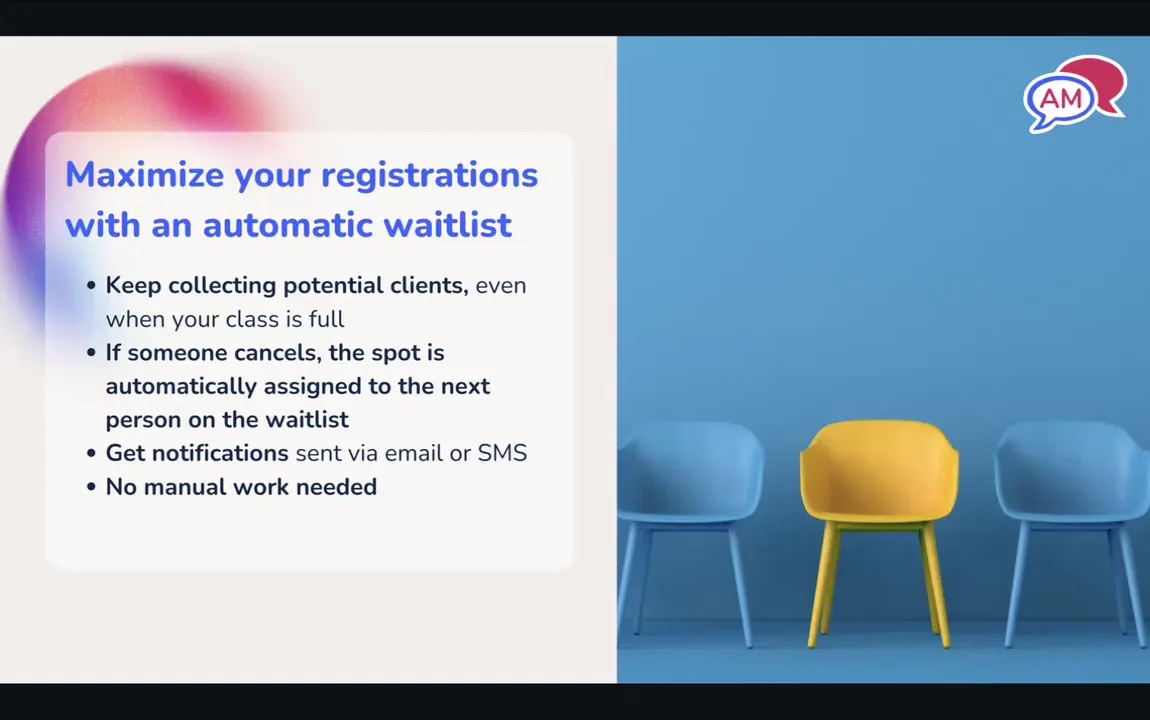
This system not only increases profitability by filling all spots but also enhances customer satisfaction by offering quick registration opportunities.
Participants often register weeks (if not months) in advance and may forget key details closer to the session start date. Automated reminders solve this problem:
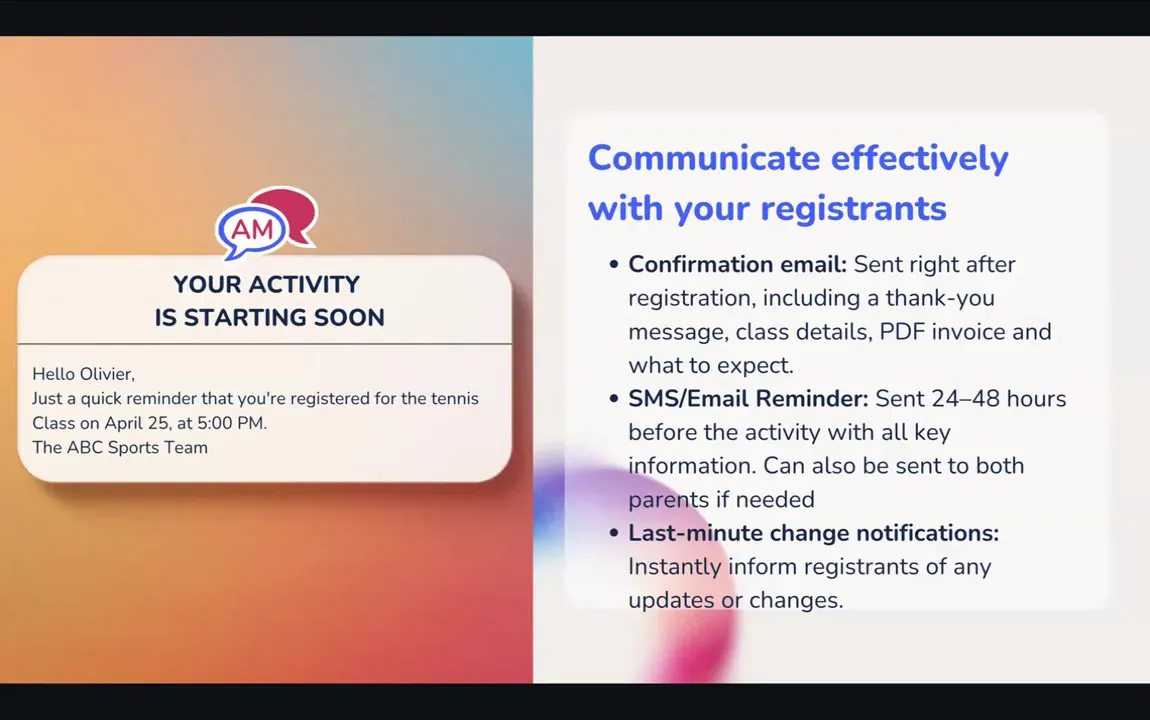
Automated reminders reduce last-minute questions, improve attendance, and reassure anxious first-timers.
Many programs involve children with multiple caregivers. Effective communication requires reaching all relevant parties:
This feature is vital in blended families or situations where parents share responsibilities but may not always communicate directly.
Having a clear overview of your registrations helps you make informed decisions:
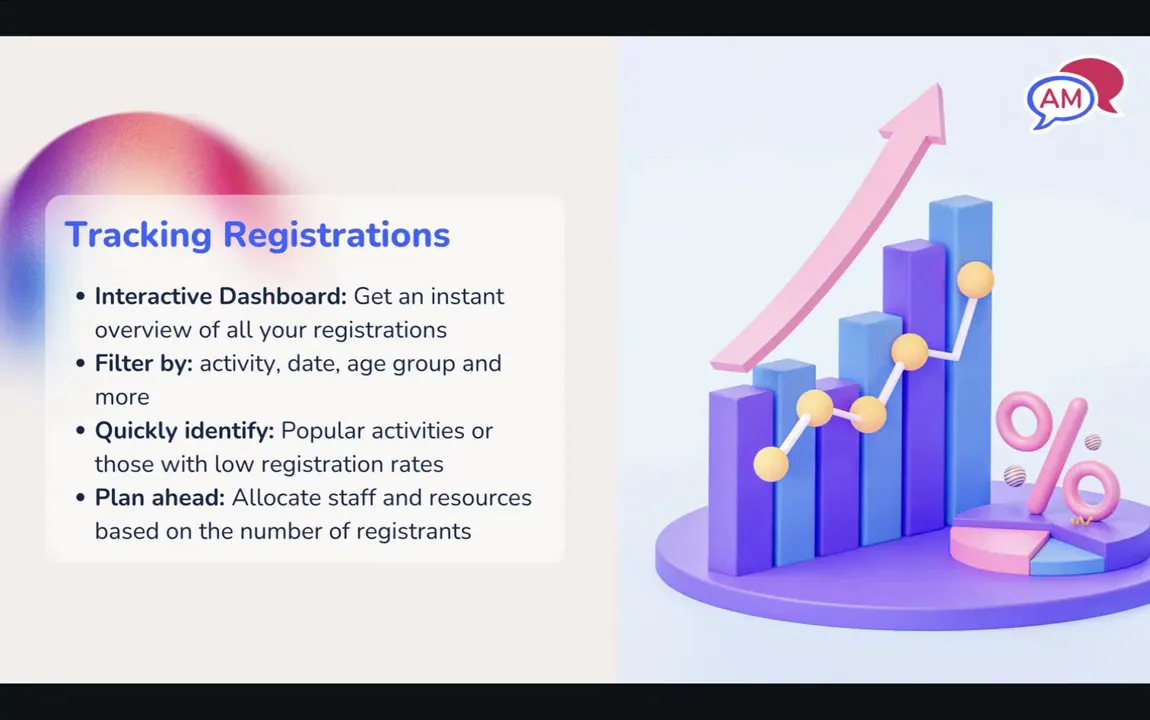
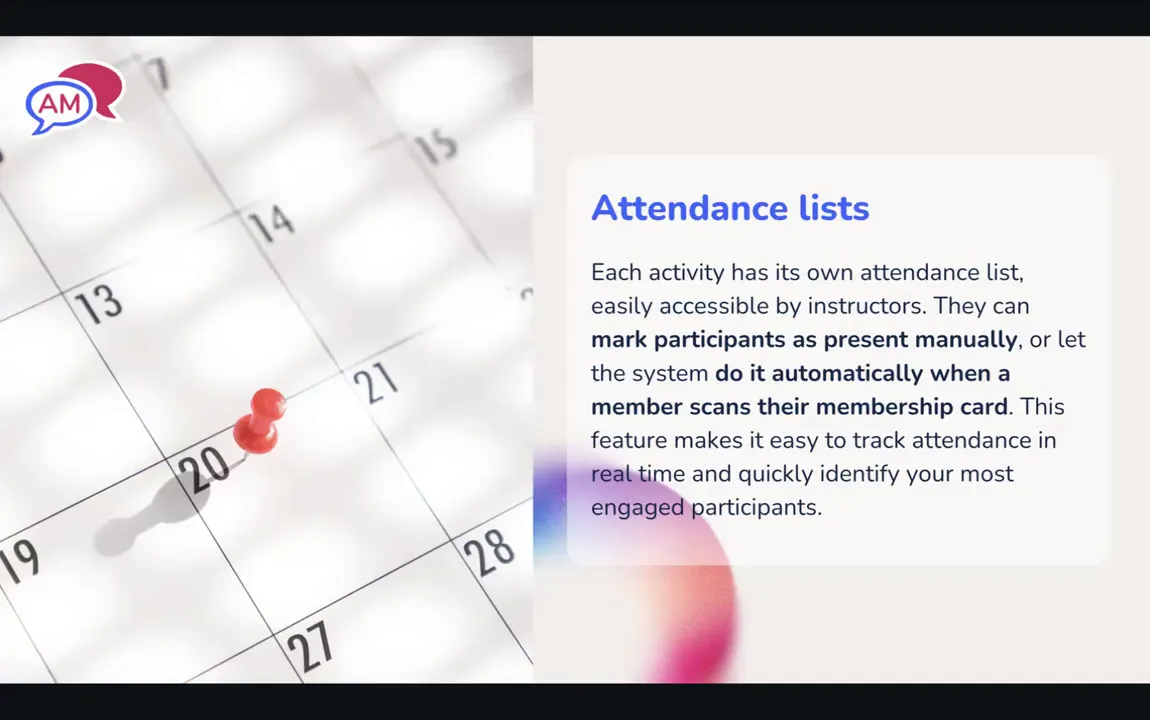
Streamline attendance tracking with automated tools:
Life happens—weather, emergencies, or other disruptions may require rescheduling or cancelling classes. Efficient communication is key:
This approach minimizes frustration and helps maintain good customer relationships.
To illustrate how these principles come together, here are examples from a current client using Activity Messenger:
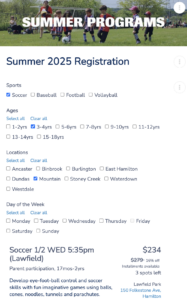
Soccer World offers multiple sports and locations during the summer. Their registration form allows users to filter by:
The form lets participants shop how they want—prioritizing location, sport, or schedule—making for a highly personalized experience.
Registration is a cycle, not a one-time event. Keeping participants engaged through the entire session and encouraging re-registration is critical to retain clients.
Send automated reminders a few days before the last class, informing participants when the session ends. This reduces inquiries and helps parents plan ahead.

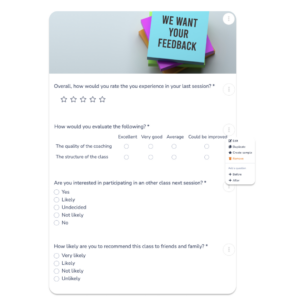
Gather valuable feedback automatically by sending surveys at the end of sessions. This data can help improve programs and client satisfaction.
Offer personalized certificates to participants, which they can share on social media. This boosts your brand visibility and encourages word-of-mouth referrals.
By reminding participants of the session’s end and providing clear next steps, you increase the likelihood of them signing up for the next session. Staff can also use this prompt to recommend appropriate future classes.
💡 Want even more tips and tricks? Subscribe to our YouTube channel to catch the latest episodes as they drop, every Wednesday at 10 AM Eastern Time.
To stay ahead, organizations must adopt a mobile-first mindset and offer a personalized registration experience that caters to today’s busy, tech-savvy customers.
By leveraging conditional logic, customizable forms, automated communications, and effective waitlist management, you can reduce administrative burdens, increase registrations, and enhance customer satisfaction.
Remember, registration is not just a transaction; it’s the beginning of a relationship. The right tools and strategies ensure that the relationship starts on the best possible foot.
If you’re looking to modernize your registration process and engage the next generation of participants, consider integrating these best practices and technologies. Your clients, and your bottom line, will thank you.
If you’re looking for the perfect tool for simple registrations, book a demo call with an Activity Messenger expert.