Parents comparing summer camps are often looking at two or three programs at once before they commit. Registration is usually their first real interaction with your camp, and it sets expectations for the rest of the season.
If they can pick the right weeks, see what’s included, pay, and sign a waiver in one sitting, they show up on day one already confident. If they have to email you twice to ask whether extended care is available or what happens if their kid misses a week, that frustration sticks with them.
This guide walks through what to include in a camp registration form, how to choose the right platform, and how to set up the reminders and follow-ups that carry a family from sign-up through the last day of camp. Plus, scroll down for a free camp registration form template.
Author’s note: Olivier shares tips and tricks he’s learned over the past decade as the owner of a kids’ sports program. Today, as co-founder of Activity Messenger, he helps hundreds of summer camps across North America simplify registration management.
Before building the form, ensure you’re clear on what you actually need to collect from campers and their families:
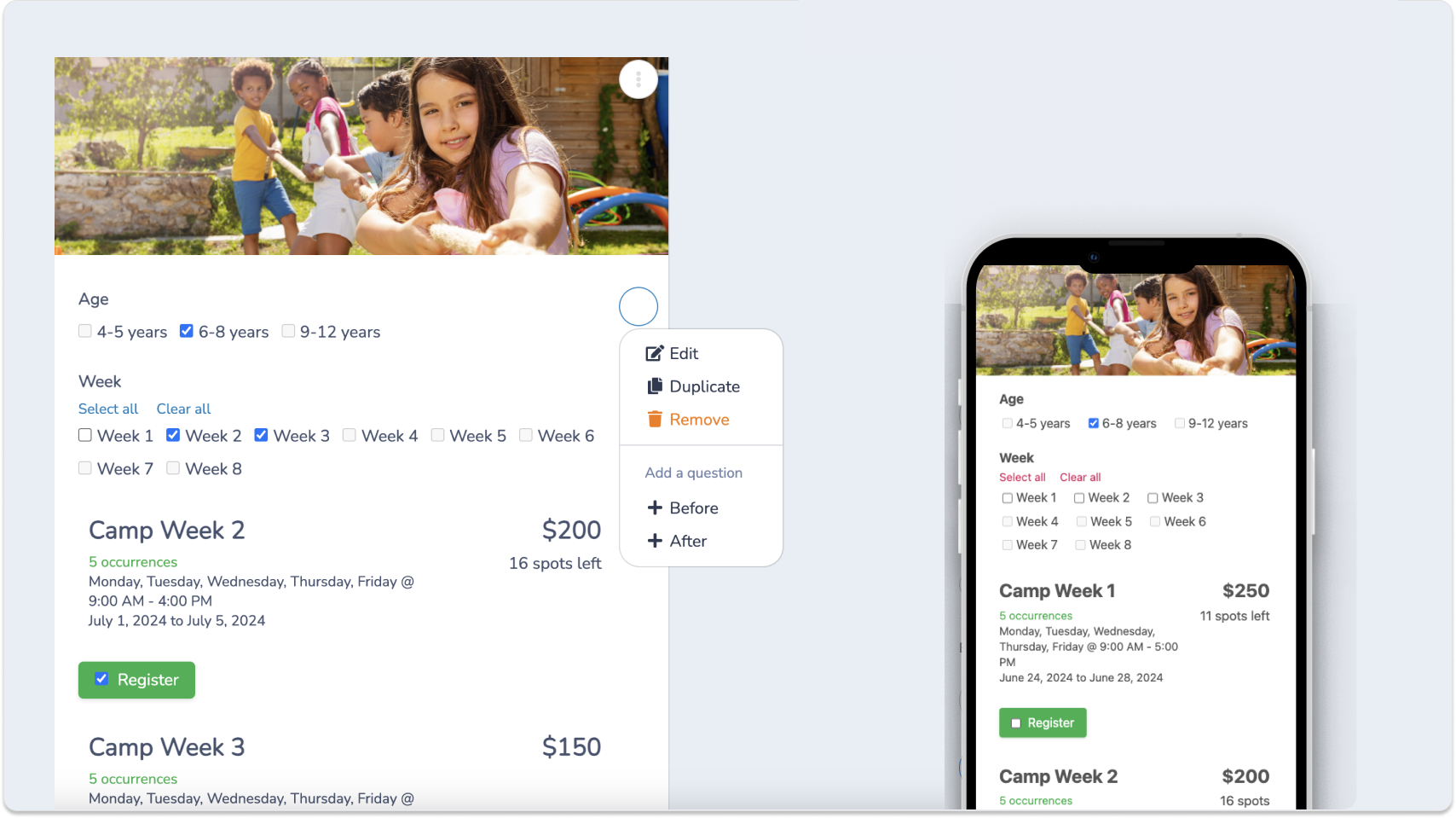
A generic form builder can technically collect this information, but a few things separate a camp-specific tool from something like Google Forms or a basic Jotform setup:
📆 Can it handle multiple weeks per camper on one form? A family registering their kid for four weeks of camp shouldn’t need four separate submissions and four separate charges.
💰 Does it support sibling and multi-week discounts automatically? Manually calculating a discount for a family with three kids across different weeks is where front desks lose the most time every spring.
⏳ Can it manage a waitlist without a spreadsheet? Popular weeks fill up fast. You want campers moved from waitlist to confirmed automatically, not tracked by hand.
🇨🇦 Does it handle Canadian payment methods? For Canadian camps, Interac e-transfer alongside credit card payment is worth looking for in a form builder.
Activity Messenger was built for sports, camps, and recreation programs, and handles multi-week registration, sibling discounts, and waitlists in a single form.
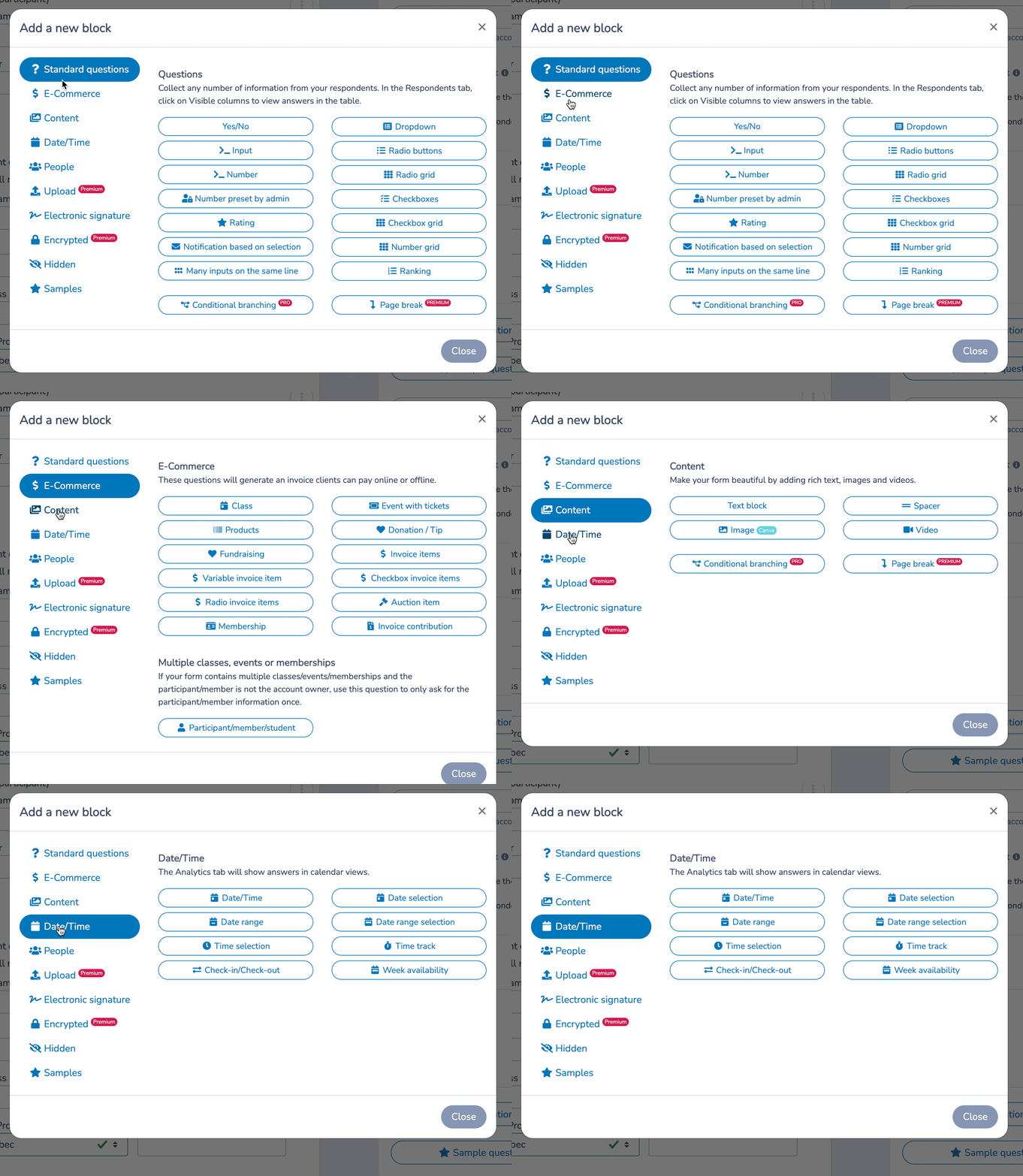
Personalize the aesthetic:
Enhance functionality:
This step is where a camp form looks the most different from a single-session registration form:
📝 List weeks individually, with dates clearly attached. A parent scrolling through a single “select your camp” dropdown without dates attached will give up and email you instead.
📦 Let families select multiple weeks in one registration. A camper attending five non-consecutive weeks over the summer should generate one form submission and one invoice, not five.
💰 Price it the way you actually charge. Some camps charge a flat weekly rate. Others offer a discount for booking multiple weeks upfront, or a different rate for half-days versus full-days. Whatever your structure, the form should calculate it automatically.
💬 Write week descriptions that help parents choose. If a week has a theme, a field trip, or a different schedule than usual, say so directly in the description rather than leaving parents to guess.
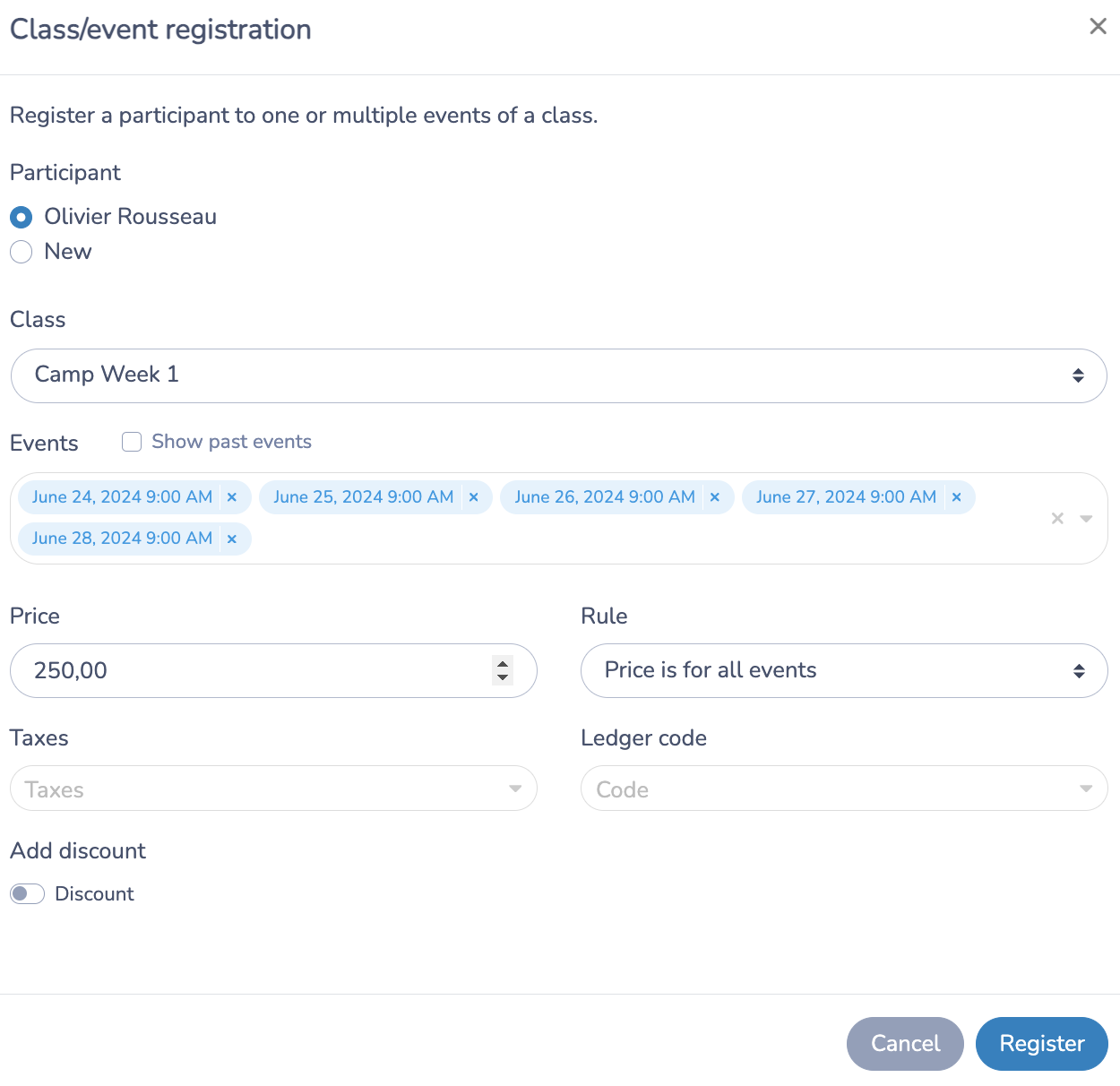
Creating a camp week in Activity Messenger:
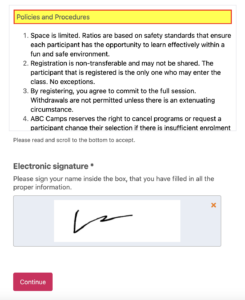
Camps run more outdoor and physical activities than most youth programs, so documented consent matters:
The confirmation email should answer what a camp family needs before drop-off day: what to pack, drop-off and pickup times and locations, what’s provided versus what to bring from home, and how to reach camp staff during the day.
Send it as soon as registration is complete, and personalize it with the camper’s name and registered weeks using mail merge.

Automating this sequence means a family hears from you at exactly the right moments without your front desk sending each message manually every week.
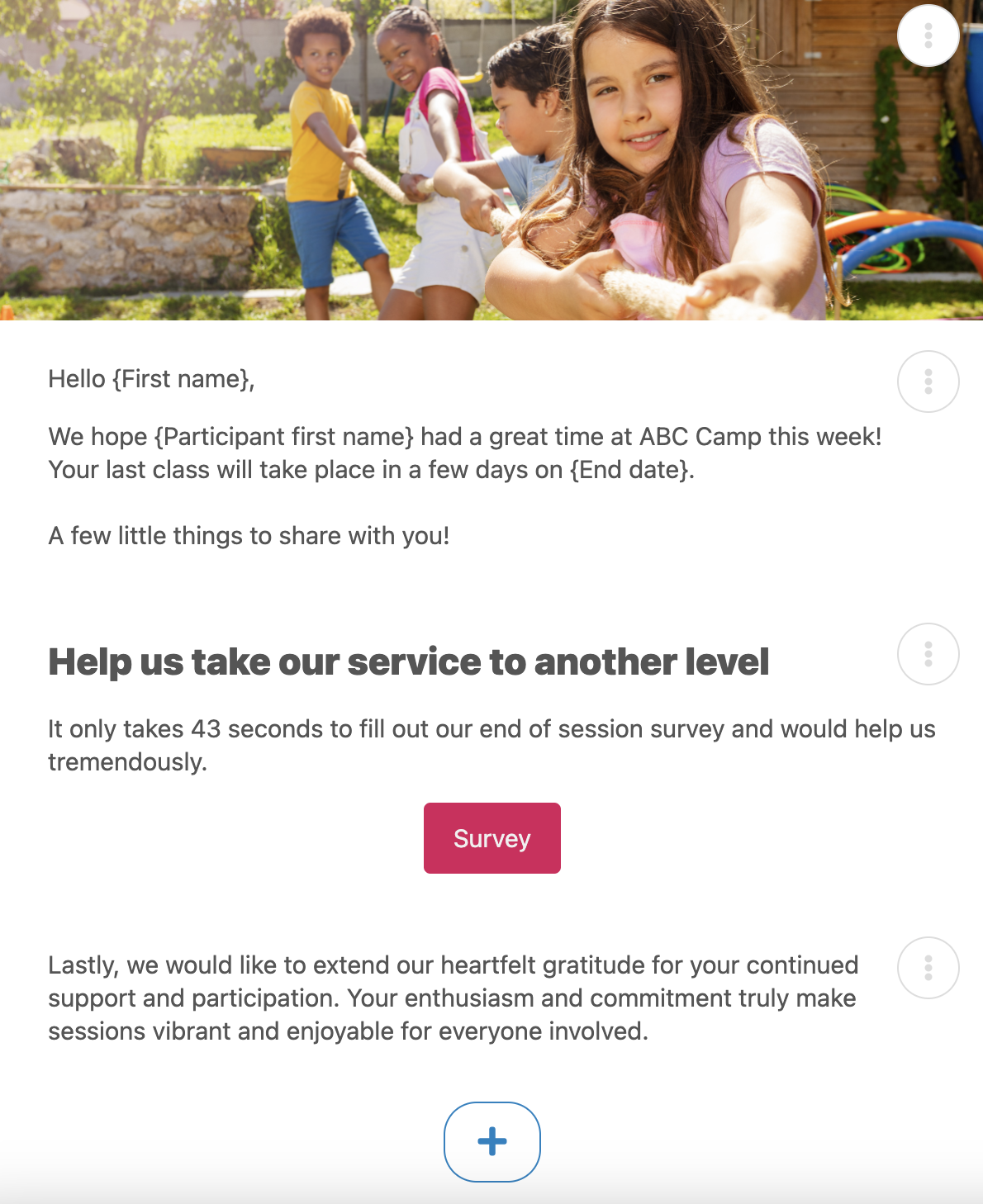
Waiting until the end of summer to ask parents how it went means you’re collecting feedback about a counsellor issue or a scheduling problem weeks after it would have been useful to know. Activity Messenger can automatically send a short survey at the end of each week, so you catch problems while there’s still time to adjust before the next group of campers arrives.
A paper sign-in sheet at the door doesn’t hold up once you’ve got multiple groups, counsellors, and a waitlist moving campers in and out mid-week. Each week gets its own customizable check-in list where you can assign counsellors, split campers into groups, and pull attendance history later if a parent asks when their kid was last on-site.

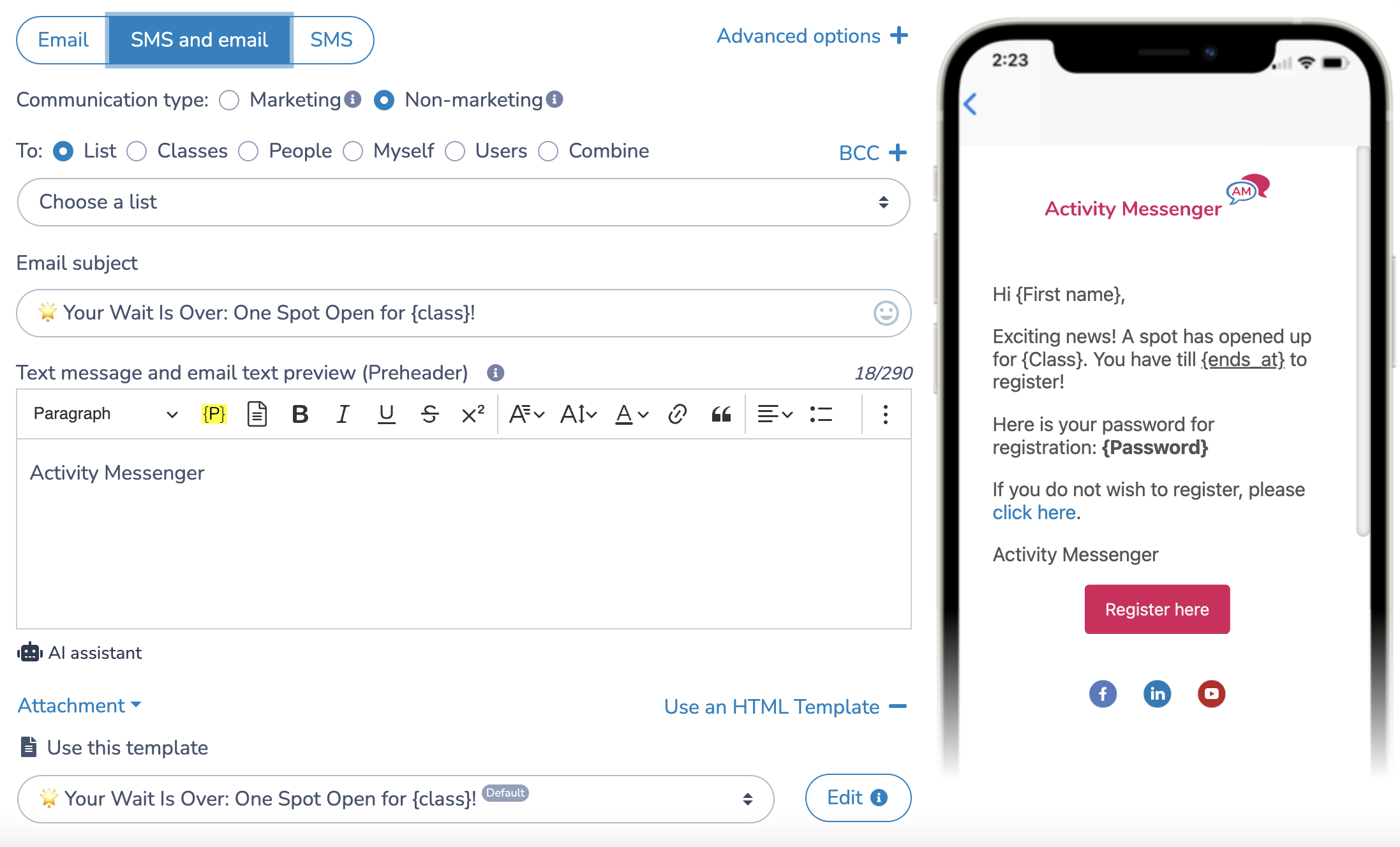
A popular week filling up shouldn’t mean manually emailing your way down a waitlist and hoping someone answers first. When a spot opens, Activity Messenger sends an automatic, personalized text to the next family in line with the camper’s name and week details, so the spot gets filled while it’s still open instead of sitting empty for a week while you track down a response.
Beyond a simple registration count, built-in analytics show you which weeks are filling fastest, where families are dropping off before completing a form, and how registration trends compare to last summer, so next year’s planning is based on what actually happened rather than a guess.
A camp registration form is an online form that collects everything a camp needs before a child’s first day: camper details, week selection, emergency contacts, medical information, authorized pickup, payment, and a signed waiver.
Your form should let a parent select multiple weeks in one registration and generate a single combined invoice, rather than requiring a separate submission and charge per week. Most camp families book more than one week, so this matters for a smooth registration experience.
Authorized pickup is worth calling out specifically, since it’s easy to miss on a generic template and matters for camp in a way it doesn’t for a weekly evening class. Swim ability is another one, if your camp includes any pool or waterfront time.
Collecting it during registration means one less form for parents to track down later, and gives you attendance numbers for before and after care well ahead of the first day. A separate sign-up closer to the date works too, but adds a step for parents.
Not if your registration platform handles it. Platforms like Activity Messenger move campers from waitlist to confirmed automatically and notify parents by text the moment a spot opens, so you’re not tracking it by hand.
Physical liability covers the risk of injury from typical camp activities, sports, outdoor play, and swimming if applicable. It should also cover photo and video consent, since camp photos are used in marketing and social media more than most other activities.
Look for a platform that can apply a discount automatically once a family books beyond a certain number of weeks, rather than requiring your front desk to calculate and apply it manually after the fact.
Beyond a standard pre-camp reminder covering drop-off logistics and what to pack, camps benefit from reminders tied to specific weeks: a heads-up before any field trip or specialty day that needs extra permission or gear, sent automatically to just the families registered for that week.
Registration is the first real interaction a family has with your camp, and for most camps, it’s carrying more than a single sign-up: multiple weeks, medical details, authorized pickup, and a signed waiver, all tracked from the same starting point. Getting that starting point right (one form, one invoice, one record per family) makes the rest of the summer easier to run.
Activity Messenger is built to handle that, from a camper’s first week to the last day of summer. If you’re managing this by hand or across a few disconnected tools, it’s worth a closer look.
💡 Want to see how it works for your camp? Book a demo with Activity Messenger and see how camp owners across North America handle sign-ups, waivers, and weekly attendance.