Happy birthday wishes
Send a birthday greeting using the dates of birth stored for participants or children in your selected list. Keep the greeting separate from a birthday-party promotion so each message has the appropriate purpose and timing.
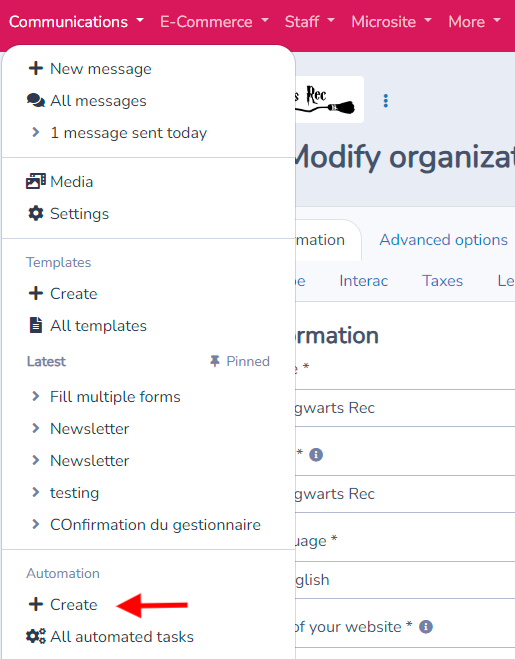
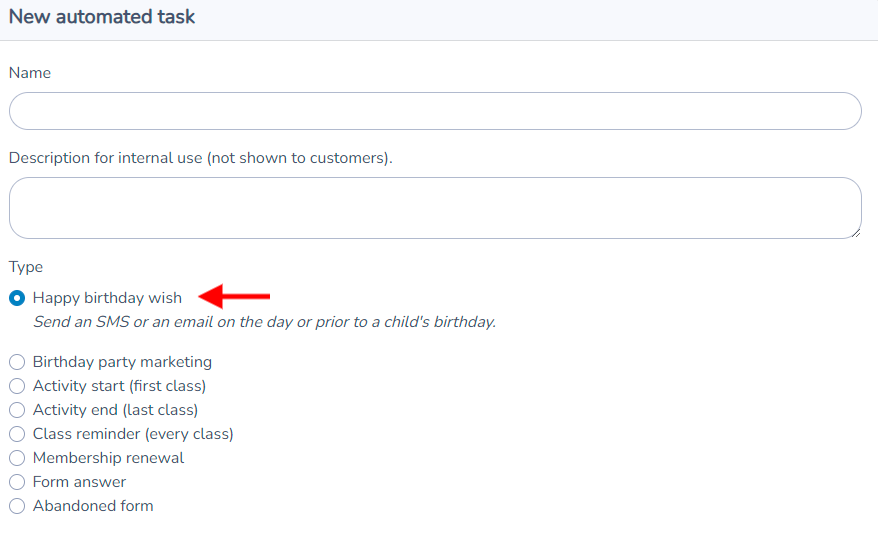
Select birthday wish, name your automation, and click Create.
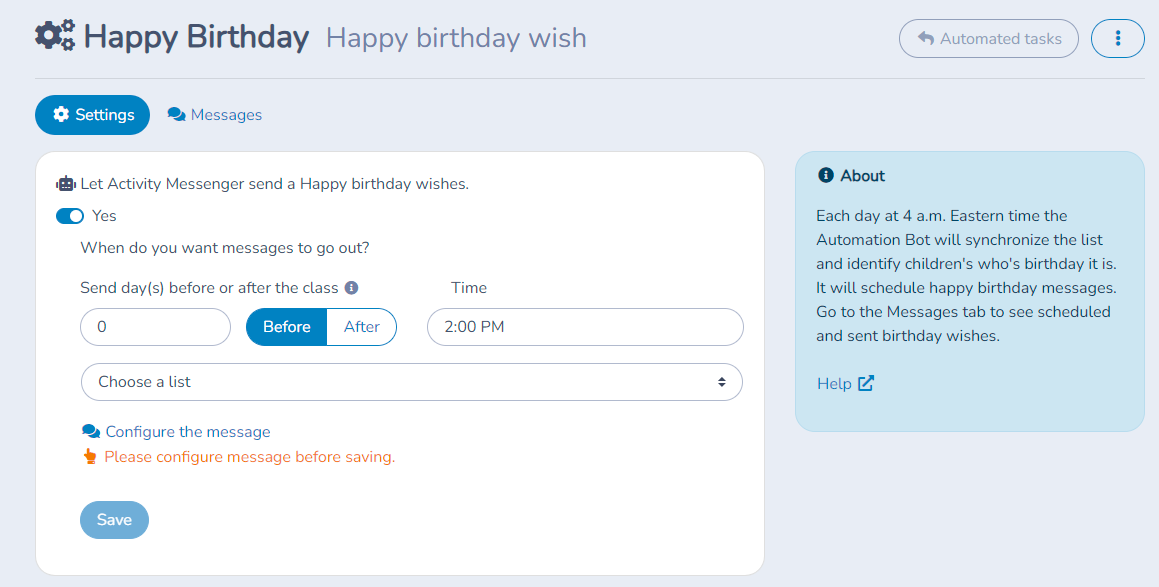
Scheduling and sending
You can schedule the sending for the person's birthday.
Select the recipient list. For example, you can choose to send the message only to the children registered for the day camp.
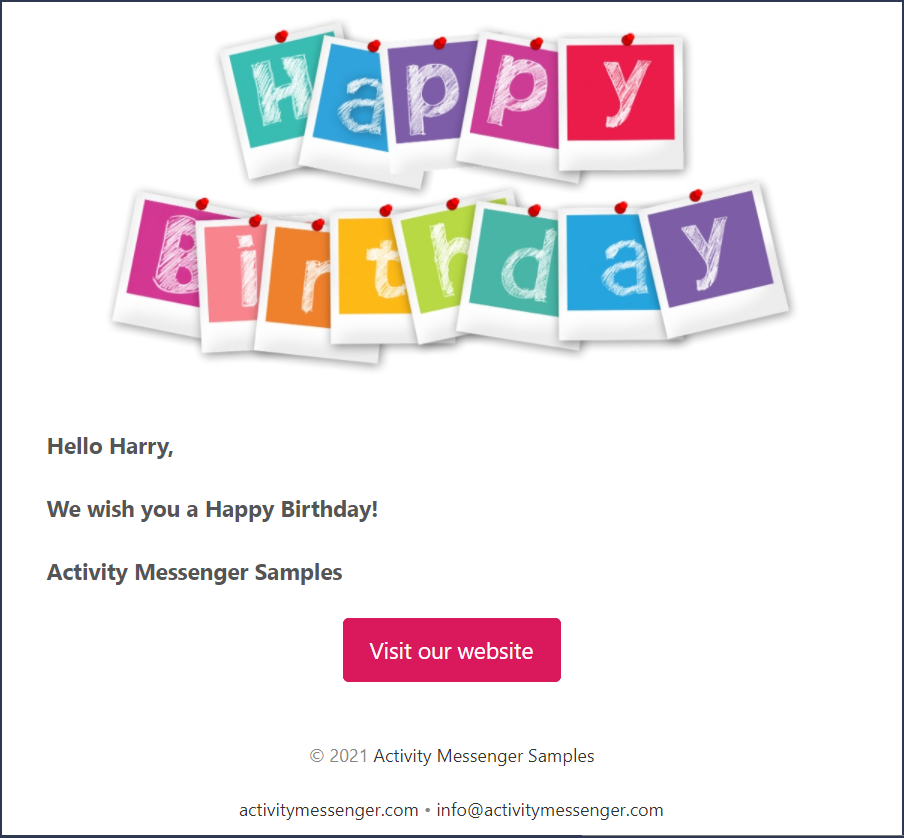
Birthday wish message template
By default Activity Messenger creates a template for you. It contains a Happy Birthday image and a text using the person's first name. You can modify that template or use another. Use the Canva integration to create a beautiful image.
Consulting sent messages
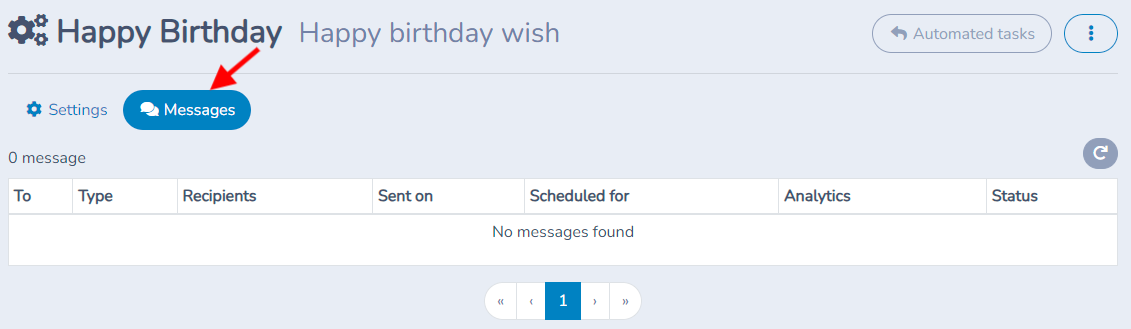
Activity Messenger logs automation messages sent. Click on the Messages tab under the automated task. There will be listed all emails and text messages sent for the task.
Check age and recipient context
Review the date of birth and any exact-age or age-range conditions before enabling. A parent can be the contact while the birthday belongs to the child. Preview both fields so the greeting addresses the right person. A party offer sent weeks ahead is a separate marketing workflow, not simply a greeting with an earlier date.