Membership renewal
Help members prepare for the end of their membership by sending a reminder relative to its expiration date. This message does not itself renew the membership or collect payment.
Activity Messenger allows you to schedule the sending of emails or texts before a subscription expires. This task works for Amilia-type lists and Excel/CSV files, utilizing the imported subscription and expiration date columns.
Create the automation
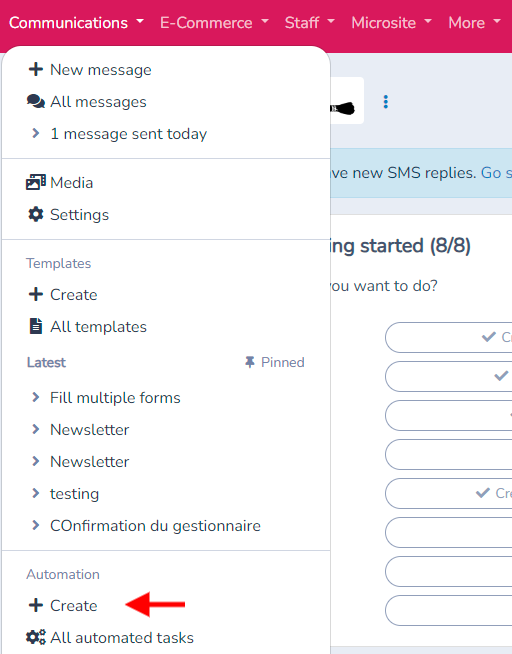
Go to the Communication menu, navigate to the automation section, and click on Create.
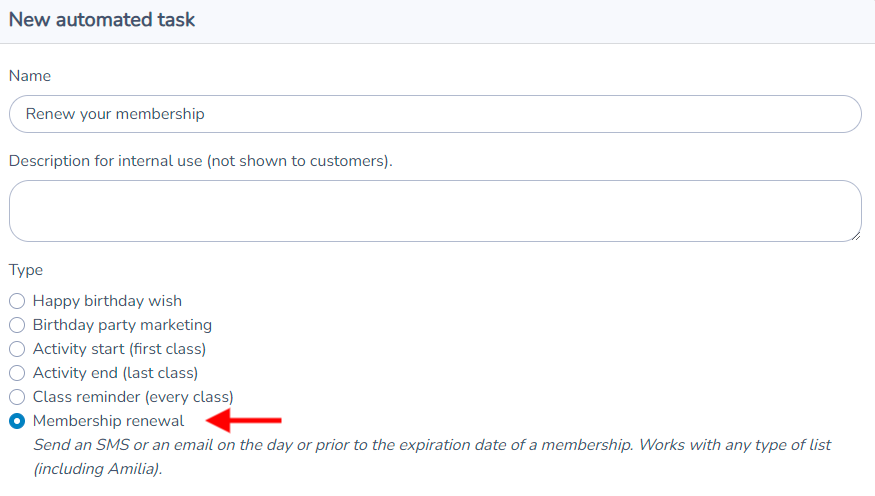
Select "Subscription Renewal," name your automation, and click on Create.
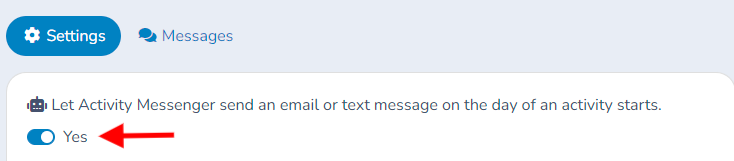
Click on the button to change the response to "Yes" to activate the robot.
Define the Time Before Expiration to Send the Message For example, set it to 30 days before the end of an annual subscription. The system uses the expiration date of each person's membership to send notifications at the right time.
Select the List of Subscribers Choose the relevant list of subscribers, such as all members with an annual affiliation to Natation Québec.
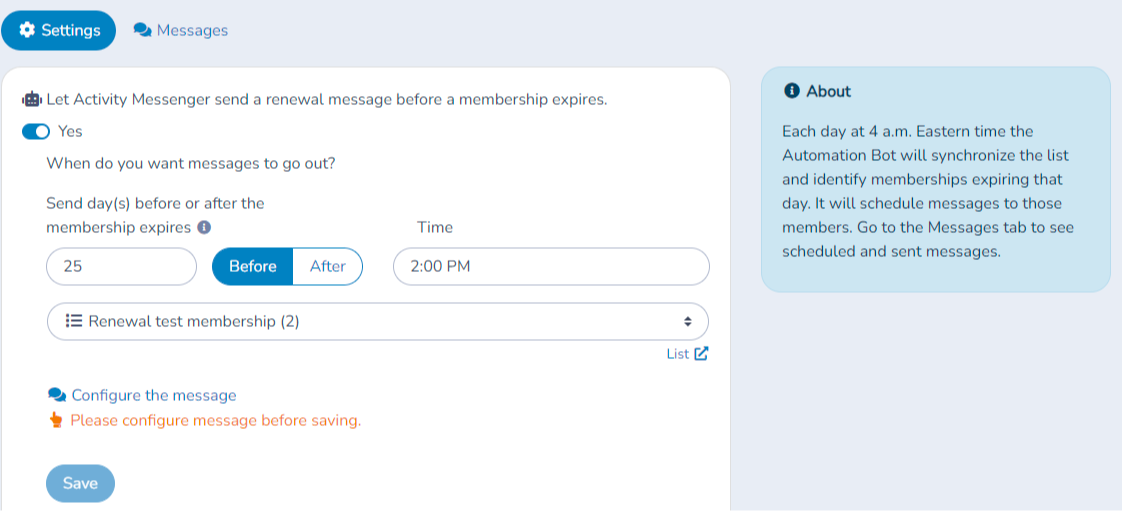
Click on "Configure Message" to modify the default message according to your needs.
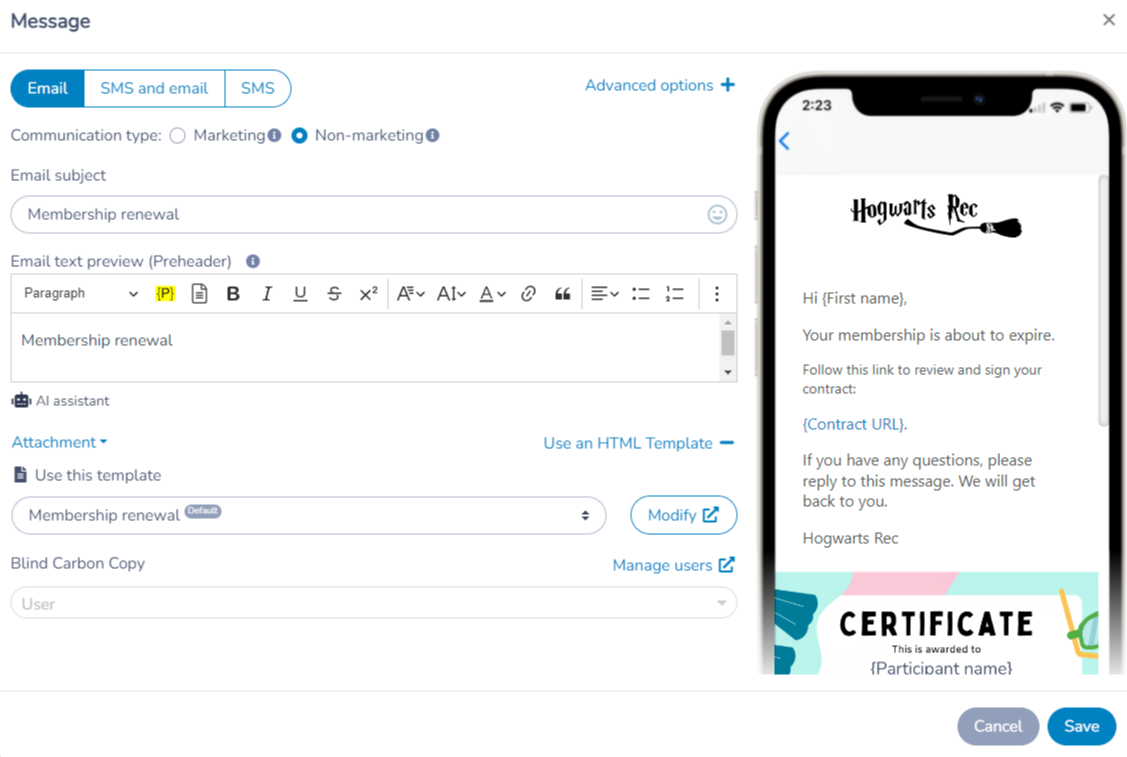
Save the automation
Click on Save.
Once enabled, the automation selects eligible members according to the configured offset, audience and channel settings. In this example the offset is 30 days before expiration.
New members can be included when they appear in the configured source with the required membership data. Keep imported lists current; a spreadsheet on your computer is not automatically synchronized.
Membership renewal tasks can be configured to use any type of list, even Master lists that combine other lists. Activity Messenger will identify recipients that have expiring memberships and ignore the others.
Membership renewal message template
By default Activity Messenger creates a template for you. It contains placeholders for the member's first name, the membership and the expiration date. You can modify that template or use another.
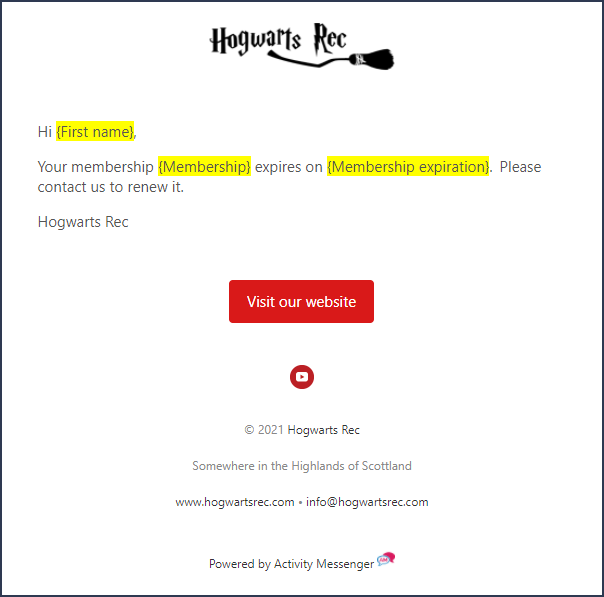
Consulting sent messages
Activity Messenger logs automation messages sent. Click on the Messages tab under the automated task. There will be listed all emails and text messages sent for the task.
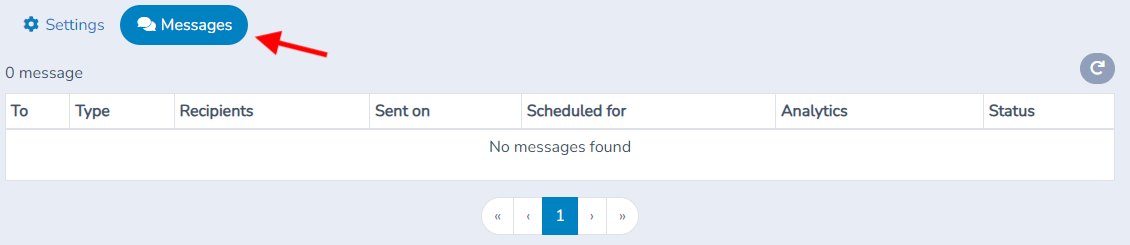
Benefits
This automation allows you to:
- Inform subscribers about the upcoming end of their subscription.
- Facilitate re-subscription by providing a direct link.
- Maintain regular contact with subscribers to improve retention.
Separate welcome and renewal messages
Membership start uses the membership start date for onboarding; renewal uses the expiration date for reminders before or after expiry. Configure them as separate rules with appropriate content. Review any option excluding people who already have another membership, and inspect the simulation rather than assuming every listed contact has an eligible membership.